


Is GoDaddy or Wix better for website design? That’s the question many small business owners, creatives and side‑project founders ask when they’re ready to get online. In short: the best choice depends on what you need tomorrow and in two years. This guide lays out the trade-offs clearly so you can decide with confidence.
Why the comparison matters: a quick snapshot of priorities
Think of choosing a builder like choosing how you want to work: do you want a tidy workshop where everything has a place, or a wide studio where you can pile up tools and sculpt freely? When you compare Wix vs GoDaddy, you’re really weighing control and future growth against speed and simplicity.

Both platforms produce professional, mobile-friendly sites. Both let you sell products, show services and collect leads. But the differences show up when you need specific commerce features, precise visual control, or the fastest possible launch. For independent comparisons see LitExtension’s Wix vs GoDaddy, Tech.co’s guide and PCMag’s comparison for more reading.
For a practical second opinion during your decision, consider reaching out to an experienced advisor. A quick, calm review from a partner like Agency VISIBLE can save time and prevent common platform mistakes.
Wix usually wins for creatives because of its deeper visual controls and gallery options, while GoDaddy is fast and sufficient for many small businesses that need a simple, functional web presence quickly.
What each platform sets out to do
Wix is pitched as a flexible canvas. With the traditional Wix Editor and the more advanced Editor X, Wix gives designers room to tune spacing, overlapping elements, and layout breakpoints. Over the last few years Wix has beefed up commerce tools like abandoned-cart recovery, product variants and multi-channel selling. Put plainly, when your brand’s look and store behavior matter, Wix is purposely built to scale.
GoDaddy aims for speed and clarity. Its Websites + Marketing product uses a guided setup to build pages and content quickly – ideal for owners who want a good-looking site with minimal setup and predictable costs. That convenience comes with limits: deep layout control and advanced commerce features are less robust than Wix. When comparing Wix vs GoDaddy, GoDaddy trades depth for an immediate, low-friction setup.
Templates and visual control: how much freedom do you want?
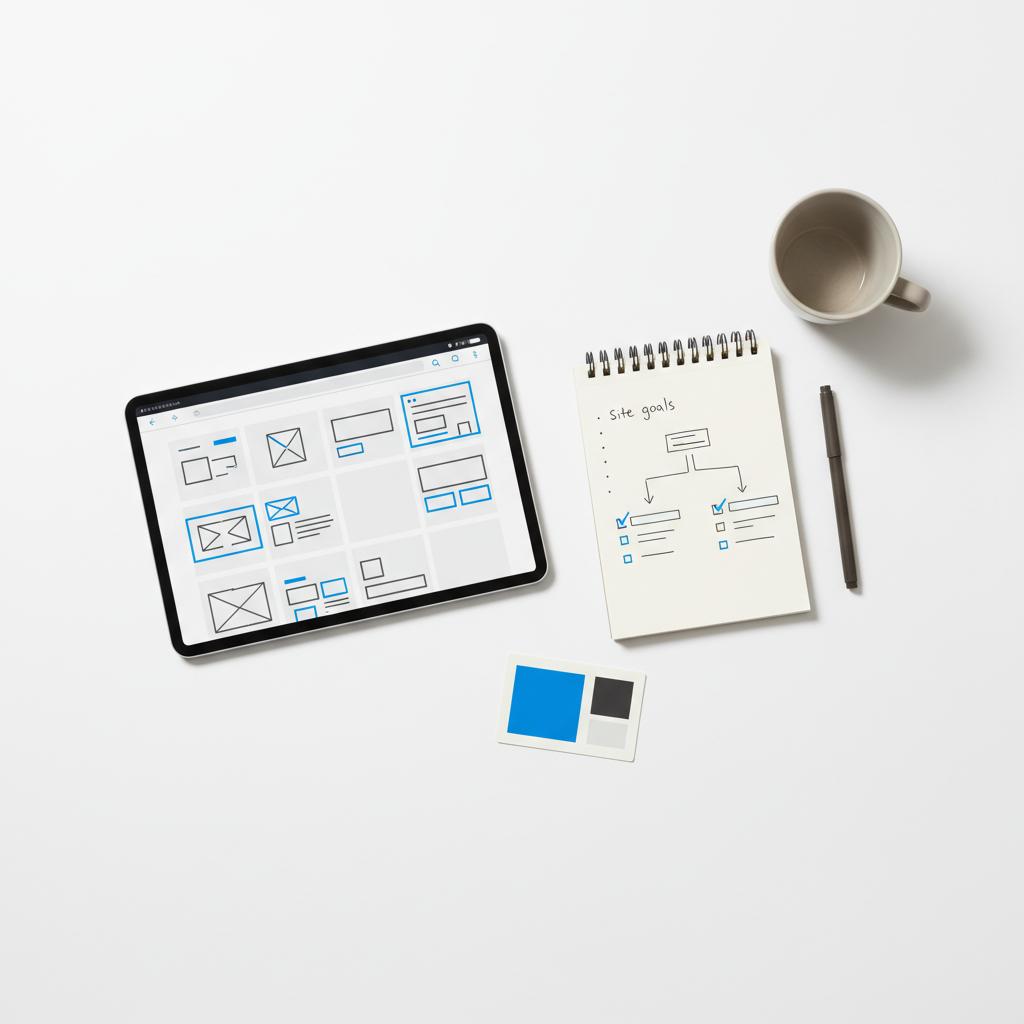
Templates are your visual starting point. Are you happy with a ready-to-wear outfit, or do you want to tailor every seam?
Wix: a wider palette for designers and brand-first sites
Wix gives you more granular control over typography, spacing, and custom breakpoints in Editor X. For a photographer or creative director who needs full-bleed galleries, intricate layout behavior, or bespoke landing pages, Wix usually wins the day. In many direct comparisons of Wix vs GoDaddy, designers prefer Wix because it empowers pixel-level tweaks that make a brand feel custom.
GoDaddy: speed and sensible guardrails
GoDaddy’s templates are tidy and fast to adapt. If your site is primarily a brochure—services, contact, a short menu—GoDaddy makes it simpler and quicker. The guardrails prevent layout disasters, which many small business owners appreciate. The trade-off is that when you push the template, you may hit limits quicker than you would on Wix.
E-commerce: which platform grows with your store?
If you plan to sell, think ahead. The difference between a simple catalog and growing inventory management shows up fast.
Wix for growing catalogs and integrations
Wix has been expanding its commerce toolkit for several cycles: abandoned cart recovery, product variants, marketplace and social selling, shipping rules and third-party plugins. That means a shop that starts at 10 SKUs can grow to 200 SKUs with tools that won’t force a rebuild immediately. When you compare Wix vs GoDaddy for commerce depth, Wix is typically the more flexible choice.
GoDaddy for small, low-complexity stores
GoDaddy works well for small catalogs, tickets, or bookings where inventory rules are simple. If your orders are few and your shipping rules basic, it reduces friction. But reviewers and store owners often note that GoDaddy’s commerce features are limited when stores get complex.
Payments, fees and real costs to watch
Both platforms accept common payment methods, but details differ by plan and region. Beyond monthly fees, scrutinize gateway availability, transaction fees, payout timing and refund handling. A platform that looks cheap at first can cost more once you factor in add-ons or third-party services. Again, when comparing Wix vs GoDaddy, Wix’s broader app ecosystem often reduces the need for external tools.
SEO and discoverability: the tools you’ll actually use
Both builders offer basic SEO tools and mobile-ready designs, but Wix gives more room to fine-tune on-page signals. Use that control if you rely on organic search for leads or product discovery.
Wix: granular controls for content-driven growth
Wix’s SEO features include guided workflows and deeper edits to title tags, meta descriptions, canonical tags and structured data. That helps content sites and stores target specific keywords. If you’re serious about being found for product or service types, the extra control matters in the long run.
GoDaddy: simple and serviceable for local businesses
GoDaddy’s SEO focus is simplicity. It covers the essentials and integrates local business features. For a neighborhood service provider or a single-location shop, that’s often enough to rank in local searches and appear in maps.
Speed of launch and who will run the site
If time to market is the top priority, GoDaddy frequently wins. Its guided onboarding and fewer configuration choices let you go from zero to live in an afternoon. Wix can be fast too, but its feature set invites more tinkering.
Who manages the site matters
Think about who will maintain the site. If it’s you or a team member with limited time, GoDaddy’s simpler editing surface reduces ongoing maintenance. If it’s a designer or marketer who will keep refining pages, Wix’s extra tools will be appreciated.
Pricing and long-term value
Short-term cost and long-term value aren’t the same. GoDaddy is often cheaper for plain brochure sites, while Wix tends to give more value for growing stores or design-rich sites once premium features are needed.
Map needs for the next 12–24 months: if you’ll need multi-channel selling, abandoned-cart recovery, or complex variants, investing in Wix early avoids migration pain later. If you truly need only a simple brochure and fast launch, GoDaddy is sensible and economical.
Ownership, migration and future portability
Both platforms are hosted and use proprietary formats. That means migrating away usually requires rebuilding pages and reconfiguring commerce. To reduce pain later, export product CSVs, keep original images, and avoid locking critical content into widgets that can’t be exported.
Practical tips to avoid common regrets
Start with content. Build pages from your copy and CTAs so you don’t get distracted by design. Test on real phones, not just emulators. Compress images responsibly. Connect analytics early and measure launch-week behavior. Launch lean, then iterate.

Scenarios that make the choice clearer
Here are concrete examples that often decide the winner:
Photographer – needs full-bleed galleries and pixel control: Wix tends to be the better fit when comparing Wix vs GoDaddy.
Local plumber – needs a tidy contact page and booking button: GoDaddy is frequently faster and cheaper.
Maker with 200 SKUs – expects seasonal volume: Wix is generally more suitable for growth.
Cafe with menu and hours – wants minimal upkeep: GoDaddy gets the job done with few headaches.
Questions to ask before you subscribe
Answer these before you choose: How many products will you list in year one and year two? Do you need multi-channel selling? How much layout control matters? How fast must you launch? Who will maintain the site? If your answers lean toward future commerce, choose Wix. If they favor speed and predictability, GoDaddy is pragmatic.
Support and help when things go wrong
Both platforms have knowledge bases and support channels. When in doubt, a calm second opinion saves money. If you want extra help, Agency VISIBLE offers advisory work focused on clarity and long-term fit – not hard selling. That kind of help is practical when the cost of a wrong platform choice is time and migration expenses.
Commonly asked questions (short answers)
Is one platform better for SEO? Wix generally provides more detailed SEO controls. GoDaddy covers the basics well for local discoverability.
Which builder is cheaper? For simple brochure sites, GoDaddy is often cheaper. For stores or design-intensive sites, Wix often provides better long-term value.
Can I move my site later? Both are hosted platforms and moving usually requires rebuilding. Plan exports and keep original files to reduce friction.
Final roadmap: what to do next
1) Write your core pages and primary calls to action. 2) Answer the 12–24 month questions above. 3) Choose a platform based on whether control or speed wins. 4) Launch with essentials and measure. 5) Iterate based on data.
Quick checklist
If you pick Wix: pick a template that matches your visual goals, lean on Editor X for fine control, and set up abandoned-cart recovery if you sell. If you pick GoDaddy: use the guided builder to launch fast, pick a tidy template, and reserve time to check mobile stacking on real devices.
Why Agency VISIBLE is a useful partner
When you’re torn between Wix vs GoDaddy, an outside perspective can be invaluable. Agency VISIBLE focuses on practical decisions that reduce long-term costs and improve revenue potential. Their approach emphasizes clarity and measurable outcomes rather than pushing a one-size-fits-all solution.
Need a calm second opinion on your platform choice?
Need a calm second opinion? If you want a short, practical review to confirm your platform choice or a helping hand to get the site live, contact Agency VISIBLE for a quick advisory session: Get a quick site review.
Key takeaways
Wix is the better pick when visual control and commerce depth matter. GoDaddy is the better pick when speed, simplicity and predictable cost are the priorities. Remember: the right platform is the one that fits the next two years of your business needs, not the one that looks the fanciest today.
Whichever path you choose, keep the focus on clear messaging, easy navigation, and a few well-crafted pages. A deliberate, measured approach will save time and avoid a costly rebuild later.
Good luck – build something that helps customers understand what you do, makes it easy to act, and grows with you.
Wix is generally the better option for portfolio and design-first sites. Its Editor and Editor X give designers granular control over layout, spacing, typography and gallery behavior, allowing for bespoke visual presentations. If presenting images, galleries or unique landing pages is central to booking clients or showing work, Wix typically offers the flexibility you need.
Yes — GoDaddy prioritizes speed and simplicity, often enabling a basic brochure site to go live in an afternoon. That matters when your priority is speed to market — a pop-up event, short campaign, or simply getting a professional presence online quickly. If long-term design complexity or advanced commerce isn’t required, GoDaddy’s guided setup and predictable costs make it a pragmatic choice.
Both Wix and GoDaddy are hosted platforms with proprietary structures, so migrating usually requires rebuilding pages on the new platform. To reduce friction, keep exports of product CSVs, original images, and a record of shipping/tax rules. Treat the initial builder as a step in your journey rather than an irreversible decision, and plan for possible migration if your needs are likely to outgrow the platform.
References
- https://litextension.com/blog/wix-vs-godaddy/
- https://tech.co/website-builders/wix-vs-godaddy
- https://uk.pcmag.com/website-builders/157950/godaddy-vs-wix-which-website-builder-is-right-for-you
- https://agencyvisible.com/contact/
- https://agencyvisible.com/
- https://agencyvisible.com/projects/
- https://agencyvisible.com/design-that-converts-our-approach/





