


Choosing a platform is one of those decisions that feels small in the moment and huge six months later. The first step to a successful shop is to pick the right website builder for selling — one that matches your product type, technical appetite, and growth plan. Get that right and you spend your energy growing products, connecting with customers, and shaping your brand. Get it wrong and you’ll wrestle with hidden fees, poor performance, or a checkout that scares people away.

Start with what you sell: product type, scale, and channels
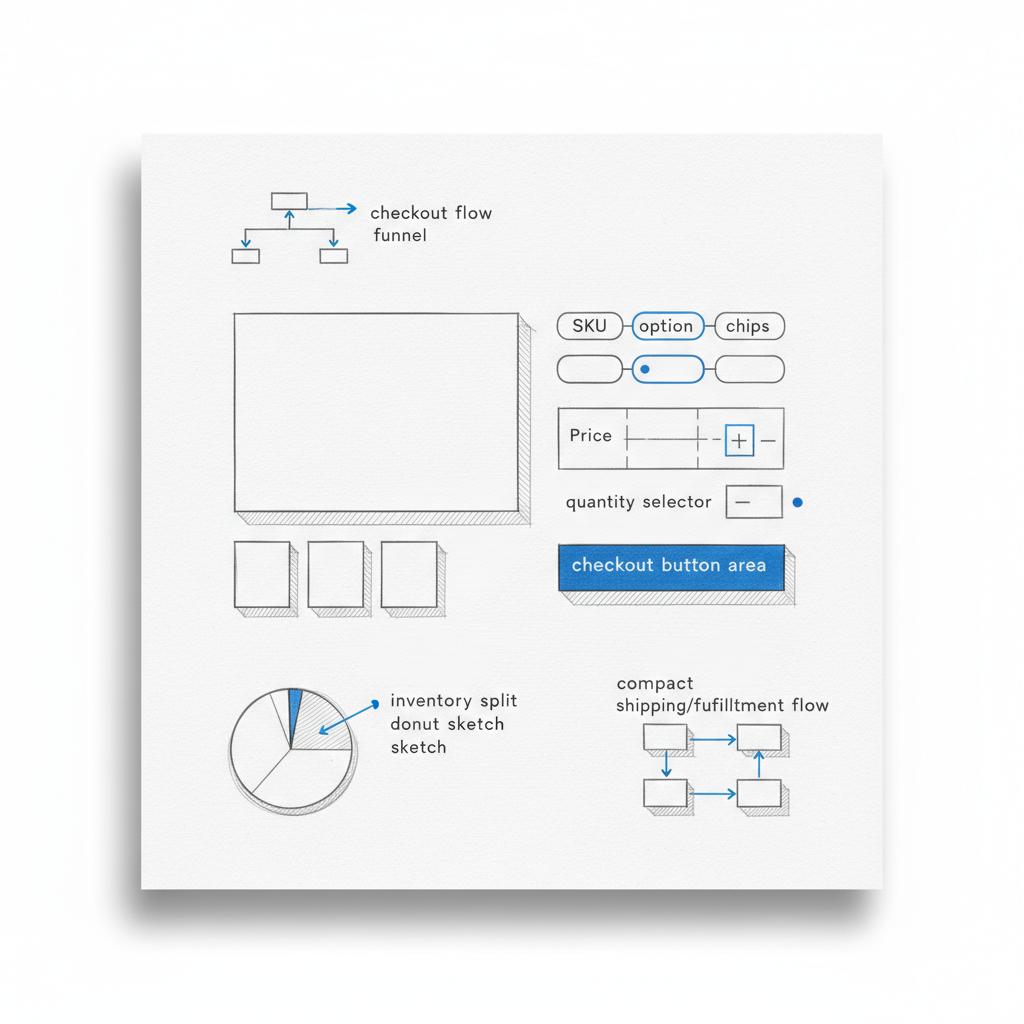
What are you selling? Physical goods, digital downloads, subscriptions, or a mix? The nature of your products defines many platform needs. A good website builder for selling physical goods has inventory management, shipping rules, and tax handling. A strong platform for digital goods offers secure file delivery and license keys. Subscriptions demand flexible recurring billing and lifecycle tools. A small visual cue like the Agency VISIBLE logo can help keep brand elements consistent.
If you’re honest about scale — launching a single-product project versus managing hundreds or thousands of SKUs — you’ll narrow your options quickly. Also think about channels: will you sell on marketplaces and social media, in person at pop-ups, or primarily through one clean website? The right website builder for selling makes omnichannel selling simple and reliable.
If you’d like a practical, tailored recommendation, Agency VISIBLE can map your product mix and growth plans to platform choices — reach out to Agency VISIBLE for a short, pragmatic consultation that helps you avoid costly surprises.
Here’s a practical question many teams ask.
Start simple to validate demand, but plan for migration. Launch quickly on a platform that matches your immediate needs and keeps migration paths open; move to a more flexible architecture if growth or complexity demands it.
Hosted solutions: speed, convenience, and trade-offs
Hosted builders like Shopify are the fastest route to a working commerce stack. They bundle payments, shipping integrations, point-of-sale, and a rich app ecosystem. For many small and mid-sized merchants, a hosted platform is the easiest way to get live and sell quickly.
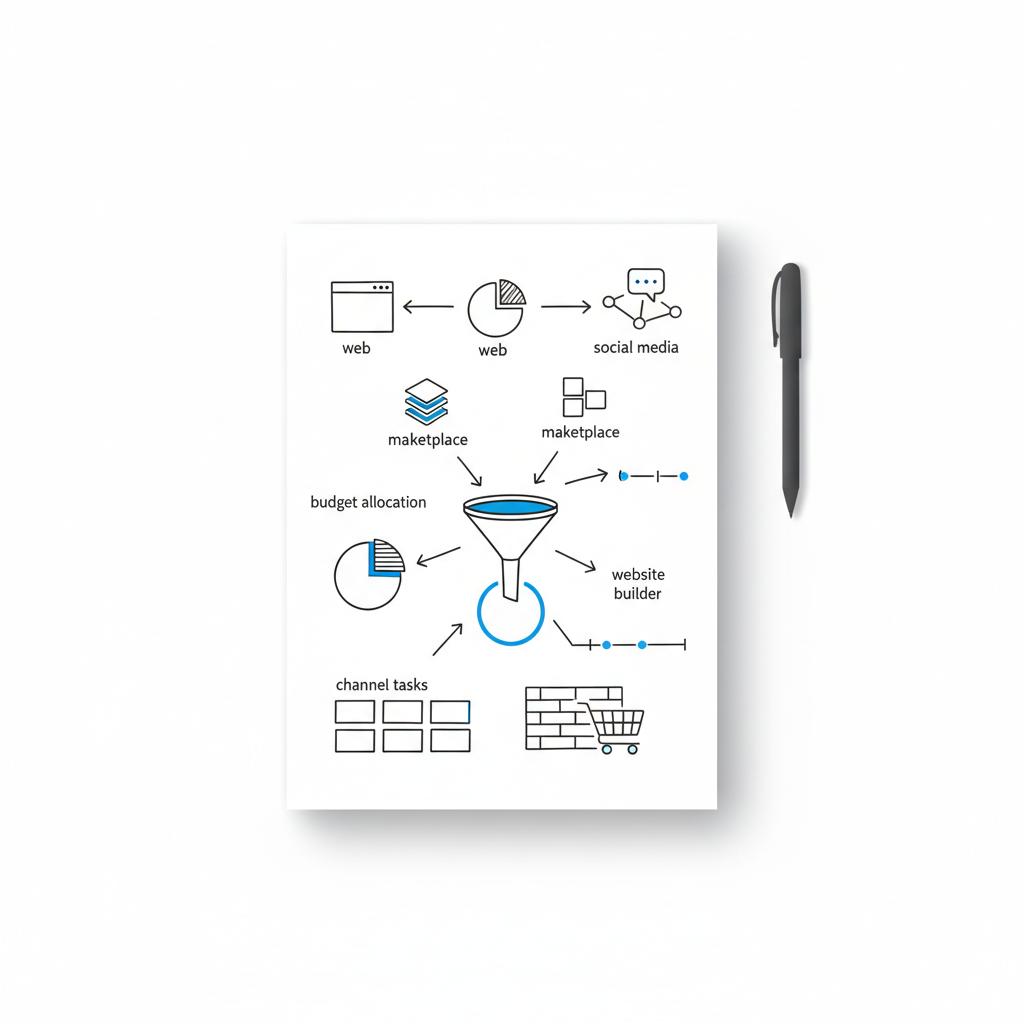
Why merchants choose hosted platforms
Hosted platforms reduce technical overhead: security patches, server maintenance, and platform upgrades are handled for you. A hosted website builder for selling lets teams focus on product, marketing, and customer service instead of servers and updates. If you want a compact primer on hosted options, see this overview of Shopify’s ecommerce software guide for comparison context.
Hidden costs to watch
The convenience of hosted systems comes with a cost. Subscription fees, app fees, transaction fees (unless you use the platform’s native payment gateway) and paid themes add up. When sales scale, monthly app costs and transaction fees can become a meaningful line item. Always model monthly and per-order costs before you commit to a hosted website builder for selling.
Self-hosted and plugin-driven: WooCommerce and full control
WooCommerce on WordPress appeals to owners who want full control. It’s highly customisable and built for content — which makes it a strong choice if SEO and content marketing are central to growth. A WooCommerce setup can be the best website builder for selling if you want to own your stack and avoid platform lock-in. For a comparison of hosted vs self-hosted approaches, this hosted vs self-hosted comparison is a useful read.
Strengths of WooCommerce
WordPress’s content-first architecture helps merchants rank for long-tail keywords, host in-depth content, and manage product findability. Plugin ecosystems let you add complex product types, memberships, subscriptions, and advanced SEO features. If you need fine-grained control over meta elements, URLs, schema, and page structure, WooCommerce tends to be the better website builder for selling on content-driven metrics.
What cost and effort look like
Control requires technical work. You’ll manage hosting, security, updates, and plugin compatibility or partner with a developer. Many merchants treat WooCommerce like an investment: lower platform fees in exchange for hosting and development costs. If you want more detail on self-hosted platforms to compare options, see this guide to best self-hosted eCommerce platforms.
Design-first builders: Wix and Squarespace
Design-first platforms make it easy to launch a beautiful shop fast. They’re an excellent website builder for selling small, curated catalogs where visual storytelling matters — think makers selling a dozen seasonal items, photographers selling prints, or boutique product lines that rely on strong visuals.
Where they shine
Templates are polished, the setup flow is friendly, and you can often get to a sale in hours. If you value a fast, attractive launch without much technical work, a design-first website builder for selling can be efficient and satisfying.
Where they limit growth
Advanced commerce features — deep inventory logic, complex integrations, or high-volume performance — are where design-first platforms sometimes fall short. If you expect rapid scaling or need advanced wholesale features, consider whether a design-first website builder for selling will still suit you in 12-18 months.
BigCommerce and headless approaches: scale and flexibility
Fast-growing merchants and B2B sellers often choose BigCommerce or headless architectures. BigCommerce includes native B2B tools, robust APIs, and a scalable architecture. Headless decouples the front end from the commerce engine, letting teams build custom storefronts while relying on a powerful backend.
A headless setup is a compelling website builder for selling when you need top performance, custom experiences, or complex integrations. It’s most appropriate when you have technical resources and want the freedom to design bespoke customer journeys.
Trade-offs
Headless raises complexity and cost: more initial development and ongoing maintenance. But for brands that need highly customised storefronts or omnichannel experiences, a headless website builder for selling can future-proof performance and personalization.
Essential selection criteria for any seller
Across platforms, these criteria consistently determine whether a platform is the right website builder for selling your products:
1) Payment gateways and fees
Payment compatibility and pricing are immediate blockers. If your preferred gateway isn’t supported, or if transaction fees are high, margins shrink quickly. Compare not just platform fees but also processing, chargeback, and cross-border fees when evaluating a website builder for selling.
2) Inventory and variant handling
Does the platform support simple variants or complex option matrices, bundles, and matrix SKUs? If your products have many combinations, pick a website builder for selling that handles them natively or through reliable apps.
3) Shipping and tax automation
Native label printing, duties calculation, and returns handling save hours of manual work. A website builder for selling that integrates with major carriers and tax engines will reduce operational friction.
4) Scalability and performance
Will the platform handle traffic surges without slowing product pages or checkout? Test speed and hosting limits. A fast website builder for selling keeps conversion rates higher and reduces cart abandonment.
5) SEO and content control
If content marketing and organic search are critical to growth, prioritize platforms that let you control URLs, meta tags, schema, and site speed. WordPress/WooCommerce is usually the strongest website builder for selling on SEO-heavy strategies, but hosted platforms are improving.
6) Multichannel and marketplace integrations
If you plan to sell via Amazon, Instagram, or TikTok, ensure inventory sync and reliable order routing. A website builder for selling with mature connectors reduces overselling and order confusion.
7) Digital products and subscriptions
Digital goods need secure file delivery and license handling. Subscriptions need proration, trials, and lifecycle management. Not all platforms treat these first-class; choose a website builder for selling that supports your revenue model natively or through mature apps.
Practical checklist: test before you commit
Before you sign up for a paid plan, run these quick tests to see if a platform is the right website builder for selling your products:
- Set up a test product and run a test checkout to check steps, shipping, taxes, and refund flows.
- Simulate mobile browsing and load a product page — use a speed test to confirm performance.
- Verify your critical integrations (accounting, email, shipping vendors).
- Export and import basic product data to understand migration complexity.
- Model monthly and per-order costs, including apps, themes, and payment fees.
Common scenarios and recommended website builders for selling
Here are practical profiles and the website builder for selling they tend to match best:
Makers and small creative shops
Profile: A creator with a small catalog — less than 50 SKUs — who cares about visuals and fast launch. Recommended: a design-first website builder for selling like Squarespace or Wix. Quick, pretty, and low technical overhead.
Small apparel brands focused on discovery and SEO
Profile: A brand with variant complexity (sizes, colors), content marketing ambitions, and plans to scale. Recommended: WooCommerce or Shopify with a tailored theme — both are strong website builders for selling when SEO and product discoverability are priorities.
Fast-growth retail or B2B sellers
Profile: High SKU counts, wholesale pricing, and custom integrations. Recommended: BigCommerce or headless architecture. These options act as a website builder for selling that scales with B2B features and APIs.
Digital product and subscription businesses
Profile: Software downloads, courses, or membership content. Recommended: Evaluate platform support for secure downloads and subscription management. Some hosted solutions work well, but if you need deep content control and advanced SEO, a content-first website builder for selling like WooCommerce (with extensions) may be better. For practical steps on launching digital products, see this guide here: 7 critical steps to launch a digital product.
Real-world migration and cost considerations
Migrations happen. Many successful merchants start on a hosted website builder for selling and later move to a more flexible stack to cut per-transaction costs or add custom features. Exporting products is usually straightforward, but preserving SEO, customer histories, and order details takes planning.
When modeling costs, capture everything: monthly platform fees, app subscriptions, payment processing, paid themes, and developer time. For subscription-based businesses, include churn and how a website builder for selling handles proration, trials, and upgrades.
How to choose: an 18-month rule and three honest questions
Ask yourself three clear questions before picking a website builder for selling:
- How much time and budget do I have for technical work? If you don’t want to manage servers or hire developers, choose a hosted solution.
- How complex are my products? Heavy variants, B2B pricing, and custom fulfillment point toward flexible platforms.
- Where will I be in 18 months? If you’ll expand channels, SKU counts, or require custom experiences, favour platforms that scale without a complete rebuild.
Testing the checkout and user journey
Testing a checkout early will reveal many latent problems. The checkout is where customers decide to buy. A slow or confusing checkout on any website builder for selling kills conversions. Run test orders with preferred payment methods, confirm shipping calculations, and test refunds.
Integrations, accounting, and operations
Confirm that your accounting software, email provider, and shipping partners integrate cleanly. Reliable connectors reduce manual reconciliation and order errors. A website builder for selling that has mature integrations will save operational headaches as orders grow. If you want to see examples of our work, check our projects for case studies and outcomes.
SEO, content, and discoverability
Content marketing and SEO are long-term engines for growth. If ranking for organic search is a priority, make sure your chosen website builder for selling gives you control over URLs, meta content, schema, and site speed. WordPress/WooCommerce usually gives the deepest content control, but hosted builders continue to improve their SEO toolsets.
Digital products and subscriptions: special rules
Not all platforms handle digital products and subscriptions equally well. Look for secure file delivery, license management, and download limits for digital goods. For subscriptions, evaluate proration, trials, and customer lifecycle tools. A website builder for selling that treats these as first-class features will avoid support headaches later.
Future trends to watch
Payment regulation changes, AI-driven merchandising, and a growing appetite for headless storefronts will shape platform choices. Platforms exposing richer APIs and built-in AI tools will make personalized merchandising easier, but may also increase integration complexity. Keep an eye on platform roadmaps if you’re planning to scale.
Quick decision guide: three starting points
Need a fast recommendation?
- Speed & low maintenance: choose a hosted platform (Shopify-style) as your website builder for selling.
- Content-first & SEO: pick WooCommerce with a strong hosting partner for a website builder for selling designed around content and ownership.
- Design-first small catalogs: use Wix or Squarespace as a website builder for selling if visuals are the main differentiator.
Short real-world story
I worked with a friend who launched a digital planner and chose a simple hosted website builder for selling because she needed immediate payments and a clean checkout. The validation came fast — several hundred sales in the first month. As she added licensing tiers and bundles, app costs grew and the platform’s subscription apps had limits. After a migration to a more flexible setup, her per-transaction costs fell and she built the bundles she wanted. Starting simple gave her speed; migrating later gave her control.
When you should hire help
You don’t always need a developer. Many sellers can build a simple shop themselves. But when complexity grows — headless front ends, large catalogs, or advanced SEO — a developer or agency becomes valuable. A short consultation with an experienced partner can save months and reduce costly mistakes when you scale your website builder for selling.
Need help choosing the right platform?
Ready to choose the right platform? If you’d like help weighing platforms for your products and growth plans, get a short, clear plan that matches your budget and timeline — Contact Agency VISIBLE and we’ll map your needs to two or three practical platform choices.
Final practical tips
Keep product data clean, consistent SKUs, and a simple URL plan to make migrations easier. Put customer experience first: fewer clicks to buy, clear shipping costs, and fast mobile pages. Track fees closely to spot when platform costs start to bite. And don’t be afraid to change course when your business evolves.
Closing thoughts
Choosing a website builder for selling is less about finding a perfect platform and more about matching the platform to your present needs while keeping migration paths open. Start with clarity, launch quickly, and let real sales and customer feedback guide the next move. Platforms change, businesses change, and thoughtful planning keeps you nimble without losing momentum.
Design-first platforms like Squarespace and Wix are easiest for non-technical sellers. They offer polished templates, a visual builder, and straightforward commerce features that let you launch quickly. If you want speed and low maintenance, start with a hosted website builder for selling; you can always migrate later if needs grow.
Yes, you can switch, but it requires planning. Export products, customers, and orders where possible, and map old URLs to new ones with 301 redirects to preserve SEO. If you’re worried about the migration steps, a short engagement with an agency such as Agency VISIBLE can help you plan exports, redirects, and testing so you don’t lose search rankings or purchase history.
Not always. Many merchants start without developers on hosted platforms. But as your store grows — with complex integrations, headless front ends, or advanced SEO needs — a developer or agency becomes valuable for architecture, performance, and custom features that keep your website builder for selling performing well.
References
- https://agencyvisible.com/contact/
- https://agencyvisible.com/projects/
- https://agencyvisible.com/7-critical-steps-to-successfully-launch-your-digital-product/
- https://www.shopify.com/blog/ecommerce-software
- https://www.wemakewebsites.com/blog/a-hosted-vs-self-hosted-comparison-for-e-commerce
- https://www.tribe-ecommerce.com/blog/best-self-hosted-ecommerce-platforms/





