


Choosing the right platform matters. When founders ask which website builder is best for startups, they’re really asking: how do I balance getting an MVP live fast with the risk of paying more later to scale or migrate? This guide breaks that question into clear trade-offs, explains the practical costs you’ll see in years 1–3, and gives a migration checklist and decision framework you can apply today. For a broader comparison of options, see https://www.theedigital.com/blog/choose-website-platform.
website builders for startups: the three trade-offs that change everything
Think of picking a website builder like choosing a car for a long trip. Are you buying a compact to get moving quickly, or an SUV that can carry everything you’ll need down the road? The three trade-offs are:
- Speed-to-market – How fast can you launch an MVP and start testing?
- Scalability & customization – Will the platform support complex needs as you grow?
- Total cost of ownership – Beyond subscription fees: apps, transaction costs, maintenance, and migration.
Those trade-offs shape which of the many website builders for startups you should consider. Some are perfect if you need to prove an idea in weeks. Others are built for content or complex commerce and require engineering muscle. There’s no perfect answer – only the right one for your next 24–36 months.
Quick snapshot: platform families
Startups commonly choose between four platform families: hosted template/no-code builders, self-hosted WordPress, headless CMS/JAMstack, and e-commerce stacks. Each family answers a different set of needs for founders who search for website builders for startups.

Hosted templates and no-code visual builders — fast and friendly
No-code and hosted template platforms are the fastest way to get visible. You can create pages, capture leads and run a checkout in a morning. For teams that need to validate pricing, onboarding flows, or early demand, these builders are a lifesaver. They reduce up-front engineering cost and let non-technical founders make immediate progress.
But speed comes with limits. As you add third-party apps for subscriptions, analytics, or custom features, fees can accumulate. Some integrations are designed to be plug-and-play, but many are limited in flexibility – which is where you feel platform lock-in. That’s why many founders start on a template site, learn a lot quickly, then plan a move once they’ve found product-market fit.
Self-hosted WordPress — flexible, content-first, familiar
When content and SEO drive your growth, self-hosted WordPress is a pragmatic choice. The ecosystem of plugins and developer familiarity are real advantages: caching, XML sitemaps, structured data, and editorial workflows are all mature. WordPress gives you control over hosting, performance tuning and SEO trade-offs – which is why many startups aiming for content-led acquisition pick it from the start. For a technical comparison of WordPress versus headless approaches, see https://weframetech.com/blog/wordpress-vs-headless-cms.
Self-hosted sites require maintenance: security patches, plugin updates and monitoring. Still, the trade-off is full ownership of content and fewer surprises when you grow. Most teams who prioritize search equity and long-form content find WordPress a reliable anchor among website builders for startups.
Headless CMS and JAMstack — multi-channel and performance-driven
Want to publish the same content to a website, an app, a kiosk and a marketplace? Headless CMS and JAMstack approaches separate content from presentation and are ideal for multi-channel publishing and very fast front-end performance. These stacks are developer-first – meaning they shine when you have engineering capacity and a need for precision in front-end behavior. For context on why startups are adopting headless approaches, see https://makersden.io/blog/startups-ditching-wordpress.
Headless systems can be great for startups with complex integrations, custom user experiences, or strict performance goals. The trade-off is more initial build time and higher technical maintenance.
E-commerce stacks — ready-made commerce or custom fulfillment?
If you sell products, hosted e-commerce platforms (the quick path) give catalog management, payments, taxes and shipping integrations out of the box. For early sellers, hosteds are often sufficient. If you have a custom fulfillment model, complex supplier integrations, or very high volume, a custom stack or a headless commerce approach may be necessary.
What drives page speed and Core Web Vitals?
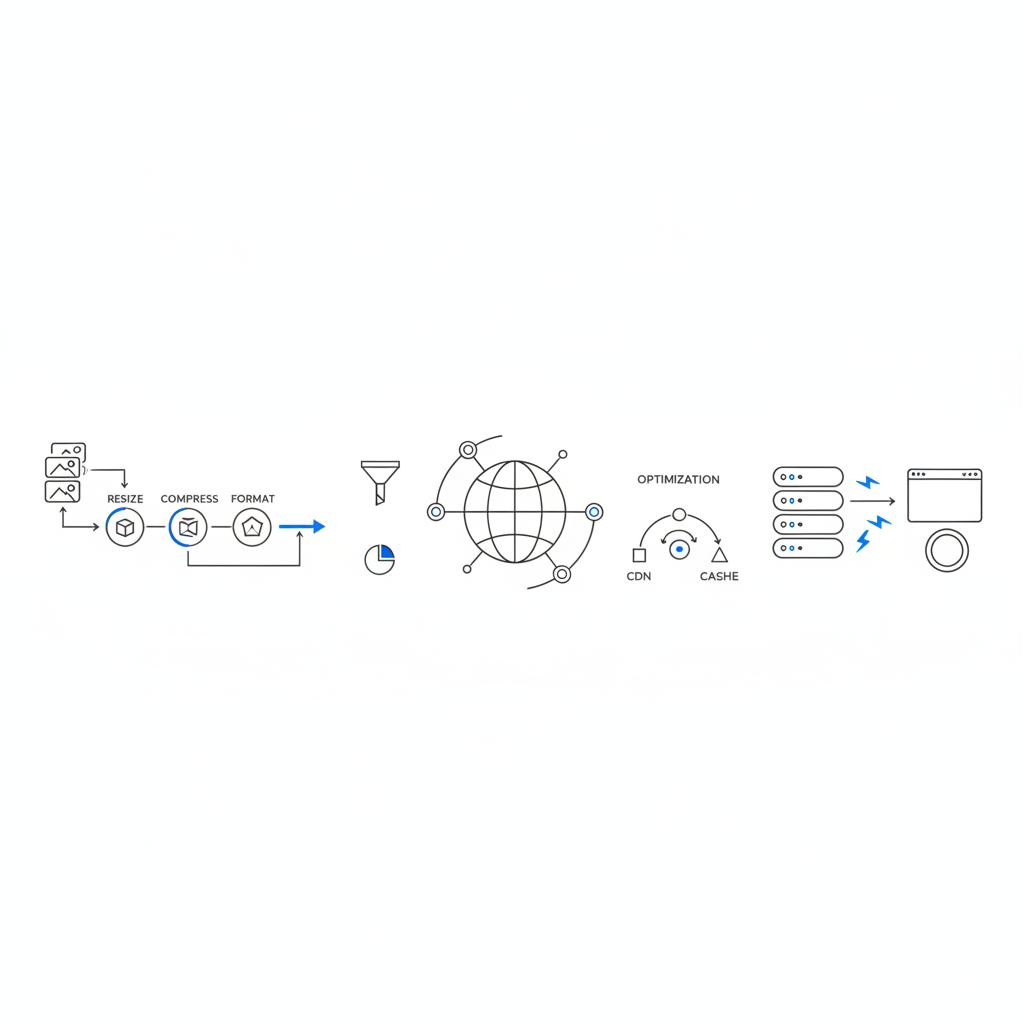
It’s tempting to blame platform brand names for slow pages. The truth is that architecture, hosting, asset management and CDN setup matter more. A well-configured hosted template with a global CDN and careful asset handling often outperforms a poorly optimized custom build. So when comparing website builders for startups, focus on hosting, CDN, image delivery and caching capabilities, not just the platform name.
If you want a pragmatic launch that protects search value and prepares for growth, consider a focused launch package from Agency Visible’s launch and migration support — a practical way to get visible without losing future options.
Main point: a platform that supports good hosting and asset delivery will help your Core Web Vitals regardless of whether it’s a no-code builder, WordPress, or headless setup.
The single best decision is to plan exportability and redirects before launch: choose a platform and build patterns that allow content and metadata exports, keep tracking consistent, and document URL patterns. That planning reduces migration risk and preserves search equity.
Hidden costs to budget for
The subscription price is only the start. Common hidden costs include app and add-on fees, transaction costs, extra bandwidth or hosting surcharges, agency or developer retainers, security and monitoring, and migration expenses. Over two to three years, these extras often eclipse the headline subscription cost.
Migration costs deserve special attention. Moving platforms means preserving redirects, metadata, structured data, analytics continuity and visual assets. If you wait until traffic and rankings are high, migration becomes riskier and costlier. Founders who plan an intentional migration roadmap early avoid rushed, expensive transitions.
A short story: why quick wins sometimes cost more later
A tiny SaaS launched in a week on a popular hosted builder and celebrated early traction. Six months later they had significant content needs and rising app fees. They moved to a self-hosted WordPress site with a headless frontend. Migration took two months of developer work, careful redirects and fixes to structured data. They preserved most search traffic, but the effort postponed feature development and added consulting costs. The lesson: speed wins early, but planning and budget for growth matter.
How to choose: a founder-friendly decision framework
Start by answering honest questions about the next 24–36 months. Will traffic double or triple? Is multi-channel publishing likely? Is your acquisition strategy content-first SEO, paid channels, or product-led growth? How complex are product or fulfillment flows?
If you need to validate quickly and have limited engineering, a hosted template or no-code builder is often the right call. Keep the launch focused and track metrics that tell you whether to stay or prepare to move. If content is central and you can access technical talent, self-hosted WordPress gives control and familiarity. For multi-channel or highly custom experiences, plan for headless — but only with clear engineering support and a cost model.
Practical evaluation questions
- How easy is it to export content and data?
- What will redirects look like during a migration?
- What are add-on fees for essential features?
- Can I use a custom domain and preferred hosting?
- What support is available when something breaks?
Migration checklist — moving house without losing guests
Think of migration as moving to a new home. First, take inventory: content, images, products, sign-ups, analytics and forms. Label priorities: which pages must keep traffic, which forms capture valuable leads?
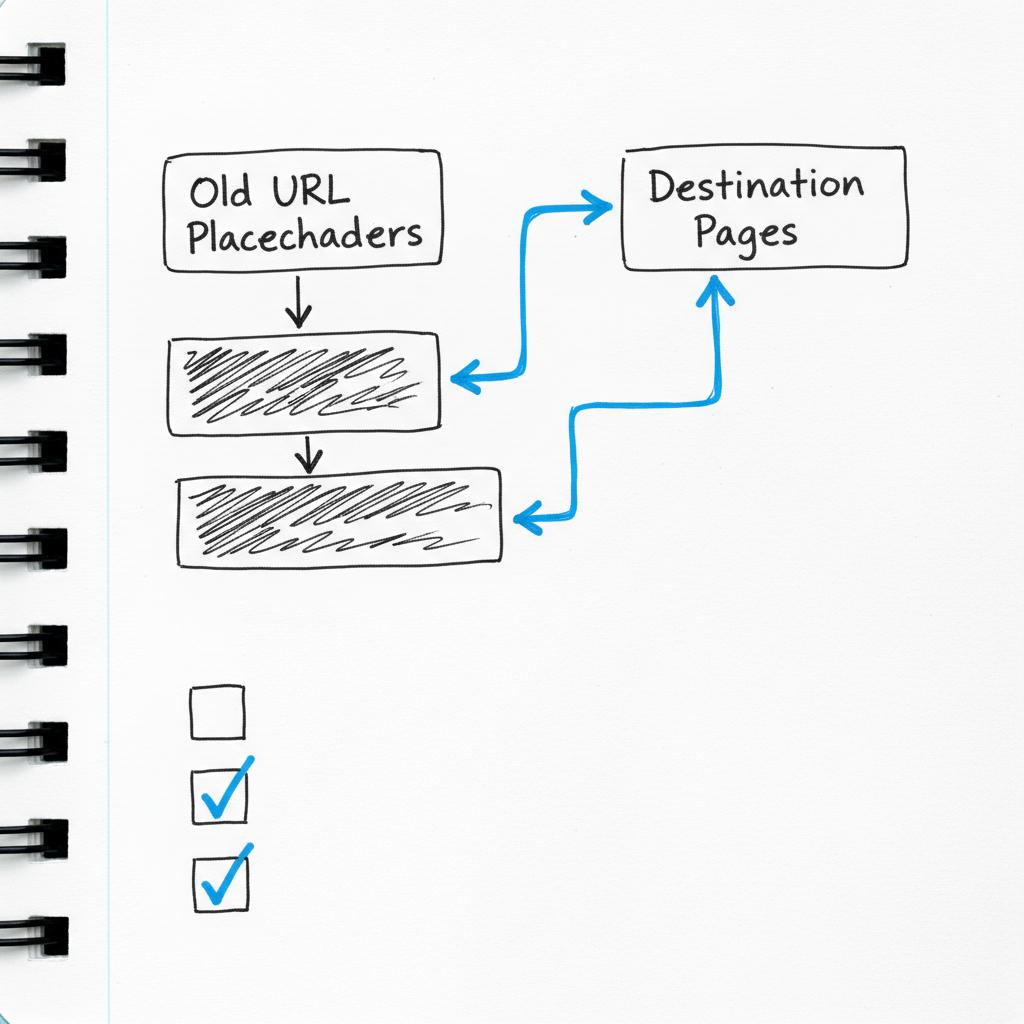
Packing: export posts, pages, products, customer lists and metadata. Map redirects early. Redirects are the map search engines use – missing them is like leaving your guests at the old address. Keep analytics and tracking IDs consistent so historical attribution stays intact.
On arrival: test every user path in a staging environment. Can customers buy the same SKU? Do sign-up flows work? Is schema intact? Run structured data tests. Don’t rush the changeover – consider a phased cutover for high-traffic sections and monitor rankings, performance and error logs for at least eight weeks.
Year-by-year cost thinking: Years 1–3
Use a compact mental model. Year 1 is launch and validation: keep costs low, prioritize feedback. Year 2 is growth: systems must scale content, sales and support. Year 3 is efficiency and retained value: invest in hosting, engineering, or migration as needed.
For a SaaS that begins on a hosted builder, Year 1 costs include subscription, domain and email, a few paid apps and some ad spend. Year 2 often brings rising app fees, a part-time developer or agency retainer, and possible hosting surcharges. If you plan to migrate in Year 2, budget developer time, redirects and QA. By Year 3, a content-first company on WordPress will have higher hosting and maintenance but more predictable expenses and ownership of SEO gains.
Numbers to model
There’s no universal price tag, but don’t ignore any line items: subscription, apps, transaction costs, development or agency retainers, and a migration contingency equal to several months of development time. Small assumptions left out now become big surprises later.
Three practical tips to reduce risk today
- Instrument everything from day one: analytics, Search Console, and event tracking — keep IDs and data portable.
- Treat redirects and structured data as first-class citizens to protect search equity.
- Plan for performance: compress images, serve fonts efficiently, and choose hosting with a global CDN or pair your platform with one.
Common founder questions, answered
What happens if I start on a hosted template and need to migrate later?
You can move, but plan it. Export content, map URLs, preserve metadata and structured data, and run redirects. Expect developer time and some temporary pause in feature velocity. For significant search traffic, stage the migration and monitor results carefully.
Do no-code builders hurt SEO?
Some do out of the box; many do not. The difference is how the site is built: content structure, redirects, metadata and performance. A well-configured no-code site can rank well; a poorly configured custom build can fail.
Which platform is cheapest over three years?
There’s no single answer. Low monthly fees can become expensive once app fees, transaction costs and migration work are added. A better question is: which platform fits your growth scenario and how easily can you export data when the time comes?
How much engineering do headless builds need?
Moderate to substantial. Headless often requires front-end and back-end engineering, CI/CD expertise and a DevOps mindset. If you lack in-house skills, budget for agency or contractor support.
How to evaluate vendor lock-in risk?
Ask how easy it is to export content and data, whether URLs and metadata are editable, and if there are proprietary features that cannot be moved. If the export path is unclear, assume lock-in risk is higher.
Checklist: launch decisions you can make in one hour
Open a spreadsheet and list the pages and features you must have in Year 1 and those you might need by Year 3. For each line, note whether your platform supports export and redirects. For important pages, add a column: “migrate-risk”. That small habit prevents many expensive surprises.
Get help launching fast — without losing future options
Get fast, practical help planning your launch and migration. If you want a clear MVP with a migration-safe roadmap, contact Agency Visible to discuss a focused launch package that protects search equity and keeps future options open.
Case decisions: pick one of three pragmatic paths
Rule of thumb:
- If you need to validate a hypothesis in weeks and engineering is limited, choose a hosted template or no-code builder and plan an explicit migration roadmap.
- If content and SEO are central and you have access to technical talent, choose self-hosted WordPress for control and predictable search ownership.
- If you need multi-channel publishing, top-tier front-end performance, or custom integrations, invest in a headless architecture — but only if you have the resources to support it.
Migration story checklist (short)
- Inventory content, forms and products
- Export data and label priorities
- Plan redirects and preserve structured data
- Test all key user flows in staging
- Phased cutover for high-traffic sections
- Monitor for 4–8+ weeks after go-live
Final practical advice
Choosing a website builder is a product decision, not just a technical one. The best results come from clear goals for the next 24–36 months, an honest accounting of engineering and budget constraints, and a documented migration plan if you expect to outgrow the platform.
Need a simple next step? Start the spreadsheet now: list Year 1 must-haves and Year 3 wants, and note exportability for each item. If you want help turning that list into a launch-ready plan, agencies that specialize in launch and migration — including Agency Visible’s projects — can help preserve search equity and set up monitoring so you move confidently, not hurriedly.
Good luck with the launch – and remember: speed matters, but strategy wins the growth race.
Yes, you can migrate from a hosted template and retain most SEO value, but it takes planning. Export your content and metadata, map old URLs to new ones, preserve structured data, keep analytics IDs consistent, and run redirects. Use a staging environment, perform a phased cutover for high-traffic sections and monitor rankings and performance for at least 4–8 weeks after launch to catch and fix regressions.
For content-first startups, self-hosted WordPress is often the best choice because of its mature ecosystem, editorial workflows and SEO tools. It provides control over hosting, caching and structured data. Headless CMS can also be a strong choice if you need multi-channel publishing and have engineering resources to build and maintain the front end.
Budgeting for migration varies by scale, but a practical rule is to include a contingency equal to several months of development time. Costs typically cover developer hours for export and mapping, redirects, QA, structured data fixes and unexpected regressions. If search traffic is meaningful, also budget for agency consultation and an additional monitoring period post-launch.





