


How to get neighbors to notice your event on Nextdoor
If you want to post an event on Nextdoor and actually bring people through the door, you need more than a calendar entry – you need a friendly, neighborhood-style invitation. Nextdoor is geography-first: people use it to find out what’s happening in their backyard and the next block over. That makes it a natural fit for local events, from a block party to a store launch. In this guide you’ll find clear steps, real-world tips, templates, and measurement advice to make the most of Nextdoor’s event tools.
Why Nextdoor works for neighborhood events
Nextdoor surfaces events in a way most social networks don’t: it prioritizes relevance by location, not by follower counts. When you post an event, it appears in the community feed and in the Events tab for nearby neighbors – the people most likely to attend. That local focus gives your message context and trust, two things neighbors pay attention to.
But attention doesn’t happen by accident. Good posts look like a neighbor talking to another neighbor: clear, honest, and brief. That’s why we’ll focus on simple, repeatable tactics you can use every time you post an event.

Before you post: quick setup checklist
Do these things first so your event looks credible and reaches the right people:
Claim your Business Page (if you’re a business) – it gives credibility and lets you access paid promotions later. Choose a clear RSVP or ticketing link so you can measure interest. Pick a mobile-ready image that reads on a phone screen. Finally, draft your one-line hook that answers: “Why should my neighbor care?”
Schedule a quick consultation with Agency VISIBLE if you want help setting up your Business Page, drafting neighbor-friendly copy, or testing a small paid boost across nearby ZIP codes.
Step-by-step: how to post an event on Nextdoor
Posting an event on Nextdoor is straightforward. Follow these steps so your post looks polished and gets noticed:
1. From your neighborhood feed, choose “Create an event”
Tap or click Create an event, then fill in the fields. Keep the details tight: event name, date and time, and location (an address or an online link). Nextdoor supports both in-person and virtual events.
2. Lead with your hook and disclosure
In the description, start with a one-line hook that answers the neighbor’s immediate question: should I care? If the event is commercial, disclose your business affiliation in the first sentence. Transparency builds trust on Nextdoor.
3. Add a clear, clickable RSVP link
Put your RSVP or ticket URL in the RSVP/ticket field so clicks are tracked. If you’re using external ticketing, make sure the target page is mobile-optimized – most neighbors will click from a phone.
4. Use a mobile-optimized image
Pick an image that communicates the event at a glance: a crowd shot for recurring community gatherings, a clear product photo for a store demo, or a simple graphic with big type for workshops. Avoid clutter and small text.
5. Publish, then remind
Post the event one to three weeks before the date, then schedule two reminders: a mid-week nudge and a last call one to three days before the event. If you plan a paid boost, the highest-converting window is often the final 48-72 hours.
Timing and cadence
For most public events, post one to three weeks in advance. That window gives families time to plan, workers time to book off, and neighbors a chance to see and RSVP. For last-minute community meetups, a shorter window can work – but expect fewer RSVPs and more walk-ups.
Yes — many neighbors check Nextdoor for local updates, safety notices, and events. If your post reads like a helpful, relevant neighbor notice (short hook, clear details, honest disclosure), people pay attention and are more likely to RSVP or show up.
Writing event copy that neighbors respond to
The description is small but important. Treat it like an invitation you’d read at a coffee shop.
Structure your event copy
Use this simple pattern: hook -> essentials -> what to expect -> call to action. Start with the one-line hook that answers “why this matters.” Then give location and time. Add one short sentence that paints the experience. Finish with the action you want: RSVP, buy a ticket, or message you on Nextdoor.
Friendly language beats corporate speak
Imagine telling a neighbor in line at the bakery. Short sentences and a warm tone work best. Instead of “Please be advised attendees must register,” try “Please RSVP so we know how much pizza to order.” That small change makes your post sound neighborly, not legalistic.
Template: quick Nextdoor event post
Use this adaptable template:
Headline: Family Movie Night at Maple Park – Hosted by the Community Center (free)
Hook: Bring a blanket and enjoy a free outdoor screening of ‘The Lion King’ on Friday at 7 pm.
Essentials: Location: Maple Park, 123 Oak Street. Doors/open blanket spots at 6:15 pm; movie starts at dusk (~7 pm).
What to expect: Popcorn and hot cocoa for sale, a quiet section for babies, and volunteers helping with setup.
CTA: Click here to RSVP [RSVP link]. Questions? Message us on Nextdoor or call 555-0123.
Images and design tips
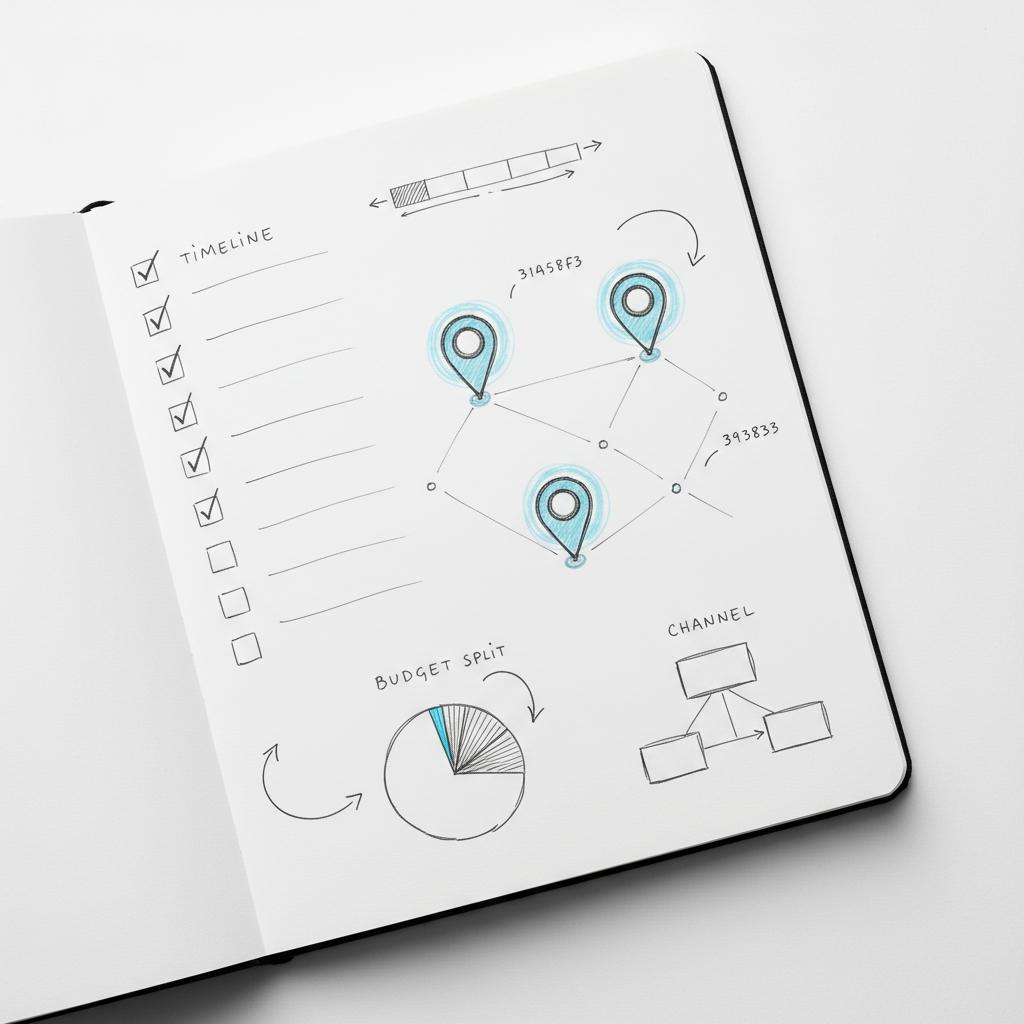
Because most people scroll on mobile, pick images that read at thumbnail size. High contrast, a single focal point, and minimal text work best. If you use a photo from a previous event, choose one that shows smiling neighbors and a clear activity – it tells a story at a glance. A small tip: the Agency Visible logo reproduces clearly at small sizes, so make sure logos stay legible.
When to use graphics vs photos
Use photos to show atmosphere: people, set-up, the venue. Use simple graphics for educational events or dates/times when the visual needs to emphasize details. If you use text in graphics, make it very large and legible on a small screen.
Organic reach vs paid promotion
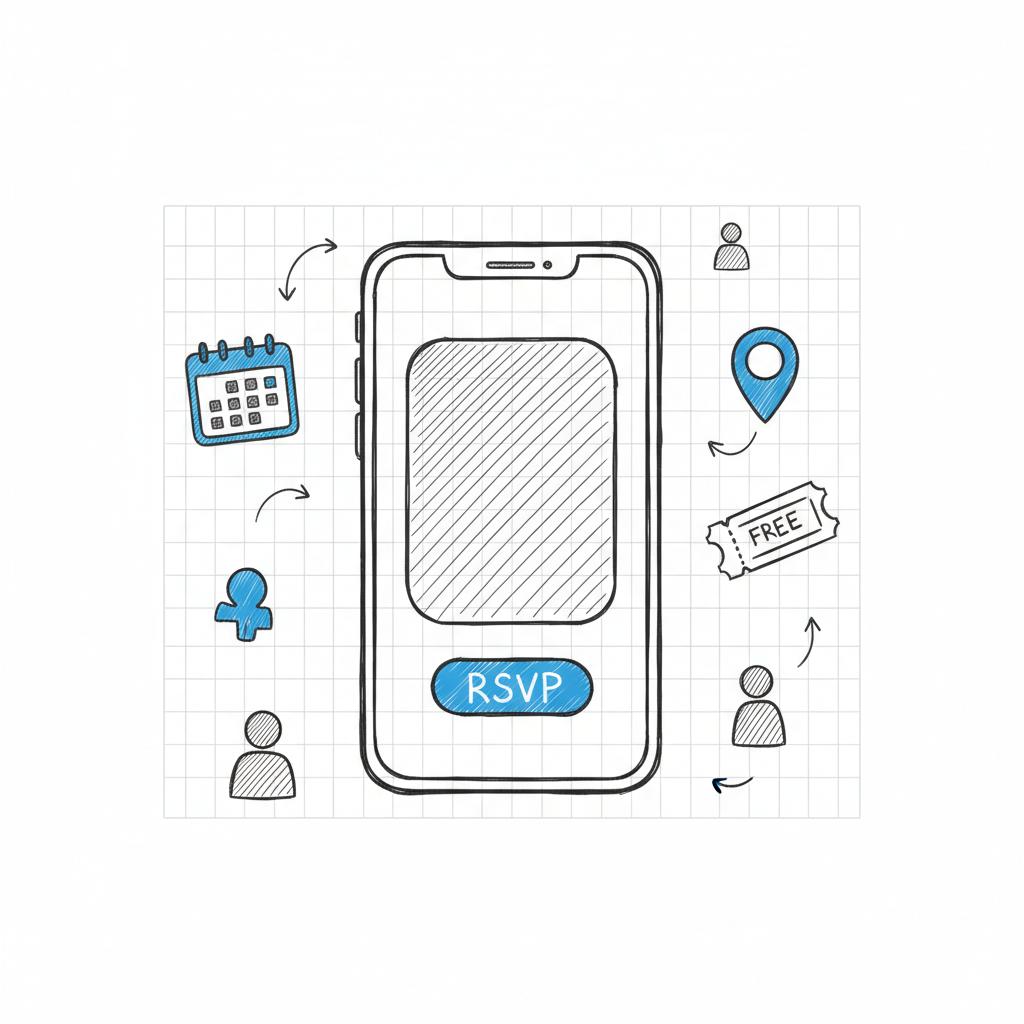
Post an event on Nextdoor organically first – that gives you baseline interest and helps organic RSVPs build. If you need more reach, use Nextdoor’s paid options to target by neighborhood or ZIP code. Paid promotion is local and precise, which is ideal when you want to pull neighbors from adjacent blocks. For details on advertising rules consult the Nextdoor Ad Policy.
Keep expectations realistic: paid ads show impressions and clicks, but Nextdoor’s ad analytics are practical rather than exhaustive. Use your ticketing platform to capture real attendees and link campaign clicks back to RSVPs. For creative tips, see creative best practices for maximizing ad effectiveness.
How to budget paid boosts
Start small and test. A modest budget targeted to two or three adjacent ZIP codes often does better than a broad city-wide spend. Monitor impressions and clicks in the ad dashboard, and shift budget to neighborhoods that show traction. For a broader overview of Nextdoor advertising strategies, this guide can help: Getting started with Nextdoor advertising.
Measurement: what you’ll see (and what you won’t)
Nextdoor gives you visible RSVP counts, replies in the event thread, direct messages, and link clicks for organic posts. For paid campaigns you’ll see impressions and clicks in the ad dashboard. What you won’t get is deep attendee profiling – there is no built-in, detailed breakdown of who actually showed up beyond RSVPs.
To measure real attendance and demographics, connect Nextdoor traffic to your ticketing or RSVP platform. Capture names, emails, ZIP codes, and whether someone paid or came for free. Combine ad metrics (reach and clicks) with ticketing conversions (who converted) to get the full picture.
Simple KPI mix for local events
Use a combination of platform and event KPIs:
Reach: impressions from paid campaigns and organic post views.
Interest: RSVP counts and link clicks.
Conversion: actual ticket sales or sign-ins at the event.
Retention: number of attendees who follow your Business Page or respond to follow-up messages.
Sample case study: a small boost that helped a community center
A mid-sized community center posted a family movie night three weeks ahead, using a friendly image of families on blankets and a first-line hook. They claimed their Business Page and started with an organic post. Organic RSVPs grew steadily. In the final 48 hours they ran a modest sponsored post targeted to three surrounding ZIP codes. That final push captured last-minute attendees – neighbors who decided to come after seeing the post the night before. Measurement: Nextdoor tracked clicks and RSVPs; the center used its ticketing table to track concession sales and actual attendance. The lesson: honest organic posts plus a modest, targeted paid push can extend reach to adjacent neighborhoods when timing and creative are right.
Local rules, etiquette and moderation
Nextdoor is neighbor-first. That means community rules and local etiquette matter. If your event is commercial, disclose it up front. Avoid blasting irrelevant neighborhoods – content that feels like spam can be reported and removed. Think about how you would announce the event standing at a neighbor’s fence: be clear, honest, and polite.
Handling negative replies
Respond calmly. A short, helpful reply clears up confusion and shows you’re listening. If a neighbor reports spam, check whether your post unintentionally broke a rule and correct it quickly.
Common mistakes and how to avoid them
Many organizers fail because they assume posting once is enough. Here are common errors and how to fix them:
Posting too late: Post 1–3 weeks in advance. Last-minute posts get fewer RSVPs.
Cluttered images: Use clean, high-contrast photos that read on mobile.
No RSVP link: Always include a clear ticket/RSVP URL.
Hidden business ties: If you’re a business, state it in the first sentence.
Repeat events and building recognition
If you host recurring events, keep a consistent voice and visual theme. Neighbors recognize familiar events and begin to anticipate them. Use the same image style or headline template so the event becomes part of the neighborhood rhythm.
Testing and learning
Run small A/B tests across similar repeat events: change only one element at a time (headline or image) to learn what boosts clicks. Measure results by clicks and RSVPs, and confirm conversions with your ticketing data.
Privacy and photography best practices
Respect neighbor privacy. Don’t post photos of people without permission. After an event, ask attendees if you can share pictures, or blur faces if in doubt. Respect keeps your presence positive over time.
Template bank: five short templates you can copy
1) Block party (free): “Block Party on Elm St – Bring a chair and a dish to share. Live music starts at 5 pm. RSVP so we know how much pizza to order: [link].”
2) Shop demo (commercial): “Coffee Tasting at Bean & Brew – Hosted by Bean & Brew (local shop). Try three new roasts Saturday at 10 am. Free samples; please RSVP: [link].”
3) Workshop (paid): “Intro to Home Composting – Learn quick steps to start composting at home. Location: Community Garden. Seats limited; reserve your spot: [link].”
4) Volunteer drive (nonprofit): “Park Cleanup – Join neighbors for a one-hour cleanup Saturday at 9 am. Gloves and bags provided; RSVP here: [link].”
5) Virtual info session: “City Permit Update – Join a short Zoom on Tuesday at 6 pm to learn about new permit rules. Register here: [link].”
After the event: follow-up that builds community
Post a short thank-you message with one or two photos the next day. Mention any follow-ups (survey, volunteer signup) and invite feedback. That warm, human follow-up turns a one-off event into a relationship.
Collecting useful attendee data
If you need to report attendance or follow up, capture names, emails, ZIP codes, and whether attendees were local. Use a simple sign-in sheet or your ticketing platform. Then analyze which neighborhoods sent the most attendees and use that insight for your next paid boost.
When to bring in outside help
If you don’t have time to manage posts, test paid campaigns, or parse ad reports, an agency can save time and reduce waste. Agency VISIBLE specializes in neighborhood-level strategies and helps organizations set up Business Pages, craft neighbor-first creatives, and guide modest paid spends across ZIP codes. Their approach is practical: focus on what moves local attendance, not vanity metrics.
Checklist: ready-to-post on Nextdoor
Use this short checklist before you publish:
– Create event and fill name, date, time, location
– First-line hook + disclosure if commercial
– RSVP/ticket link in the right field
– Mobile-friendly image
– Post 1–3 weeks ahead and schedule reminders
– If using paid promotion, start small and monitor
– After the event, follow up with a thank-you post
FAQs (short answers you can use in the event thread)
Can neighbors who don’t follow my page see the event? Yes – Events and local feed placement surface posts to nearby neighbors, not just followers.
How much should I spend on a Nextdoor boost? Start small, target a few ZIP codes, and measure clicks and RSVPs. Increase spend only on neighborhoods showing traction.
Will Nextdoor tell me who attended? Not in detail. Use your ticketing system or sign-in to record attendance.
Final practical tips
– Keep the first lines short and actionable.
– Use images that read on mobile.
– Be transparent about business ties.
– Reply politely to questions and thank attendees after the event.
– Connect ad metrics to your ticketing platform for full measurement.
Nextdoor is a powerful local channel when you treat it with neighborly respect and a clear call to action. Start with a good organic post, test a small paid boost to adjacent ZIP codes if you need more reach, and rely on your ticketing or RSVP provider for detailed attendee data. With this approach, you’ll be much more likely to turn online RSVPs into real-world neighbors showing up at your event.
Want help drafting neighborhood-ready copy or testing ad formats?
Need help getting neighbors to your event?
Yes. Nextdoor displays events in the local feed and the Events tab to nearby neighbors, so people who don’t follow your Business Page can still see and RSVP to your event. To extend reach beyond your immediate neighborhood, consider a modest paid boost targeted to nearby ZIP codes.
For planned public events, post one to three weeks ahead. That window gives families and working neighbors time to plan. Schedule a mid-week reminder and a last-call message one to three days before the event to capture last-minute attendees.
Not in detail. Nextdoor provides RSVP counts, replies, direct messages, and link clicks. For true attendance and attendee demographics, use your ticketing or registration platform to capture names, emails and ZIP codes, then combine those records with Nextdoor campaign metrics.





