


Why the question still matters in 2025
Is WordPress still the best website builder? That question pops up in boardrooms, Slack channels, and at kitchen-table strategy sessions. The short answer is: it depends – on what you need, who will run the site, and how much maintenance you can accept. In 2025 the name “WordPress” still carries weight. WordPress powers a massive portion of the web, and that scale creates practical advantages: plugins, themes, hosting options, and an available talent pool are all robust. But scale alone doesn’t decide what’s best for your project.
The right platform is the one that matches your goals. If flexibility, custom editorial workflows, and deep SEO control are priorities, WordPress often wins. If you want to launch quickly with a predictable subscription and almost no ops, a modern hosted builder can be the smarter, faster choice.

How WordPress wins: three concrete strengths
1. Extensibility and customization. WordPress was built to be extended. Themes, plugins and custom post types let you shape content structures and interfaces in very specific ways. For publishers, agencies, and mid-sized businesses that need custom content types, membership systems, or complex editorial workflows, WordPress is frequently the practical winner.
2. SEO and content control. If you care about granular metadata, URL structure, schema markup and server-side rendering choices, WordPress gives you direct control over those levers. That control matters when you’re optimizing large archives, multi-author sites, or content with rich structured data.
3. Ecosystem and talent availability. The WordPress ecosystem is wide: managed hosts, specialized plugins, and experienced developers are easy to find. That lowers risk when hiring or handing a project off to an agency. For a look at recent development trends and why platforms remain relevant, see this overview of web development trends: web development trends for 2025.
Where WordPress asks you to trade effort for freedom
Those strengths come with a cost. WordPress is not maintenance-free: core updates, plugin compatibility testing, security hardening and backups require active attention. For teams without technical support, the operational overhead can be surprising.
Performance varies widely depending on hosting, caching, theme architecture and third-party plugins. Two sites running WordPress can perform miles apart depending on those choices. That variability is why hosting and performance planning matter as much as the CMS itself.
When the learning curve bites
For a simple brochure site, the world of themes, page builders, child themes, and plugin compatibility can feel like learning a small trade. Smaller teams often pick hosted builders precisely to avoid that learning curve because these platforms combine hosting, design tooling and updates into one predictable package.
Quick tip: if you’re undecided and want a friendly second opinion, consider booking a short strategy chat — for a quick, practical review of whether WordPress fits your goals, you can schedule a short strategy session with a team that understands both managed CMS setups and hosted platforms.
How modern hosted builders changed expectations
In the last few years, hosted website builders have closed the gaps that once made WordPress the obvious choice for most small sites. They now offer refined design tools, integrated hosting, predictable pricing, and features that make it easy for non-technical teams to launch.
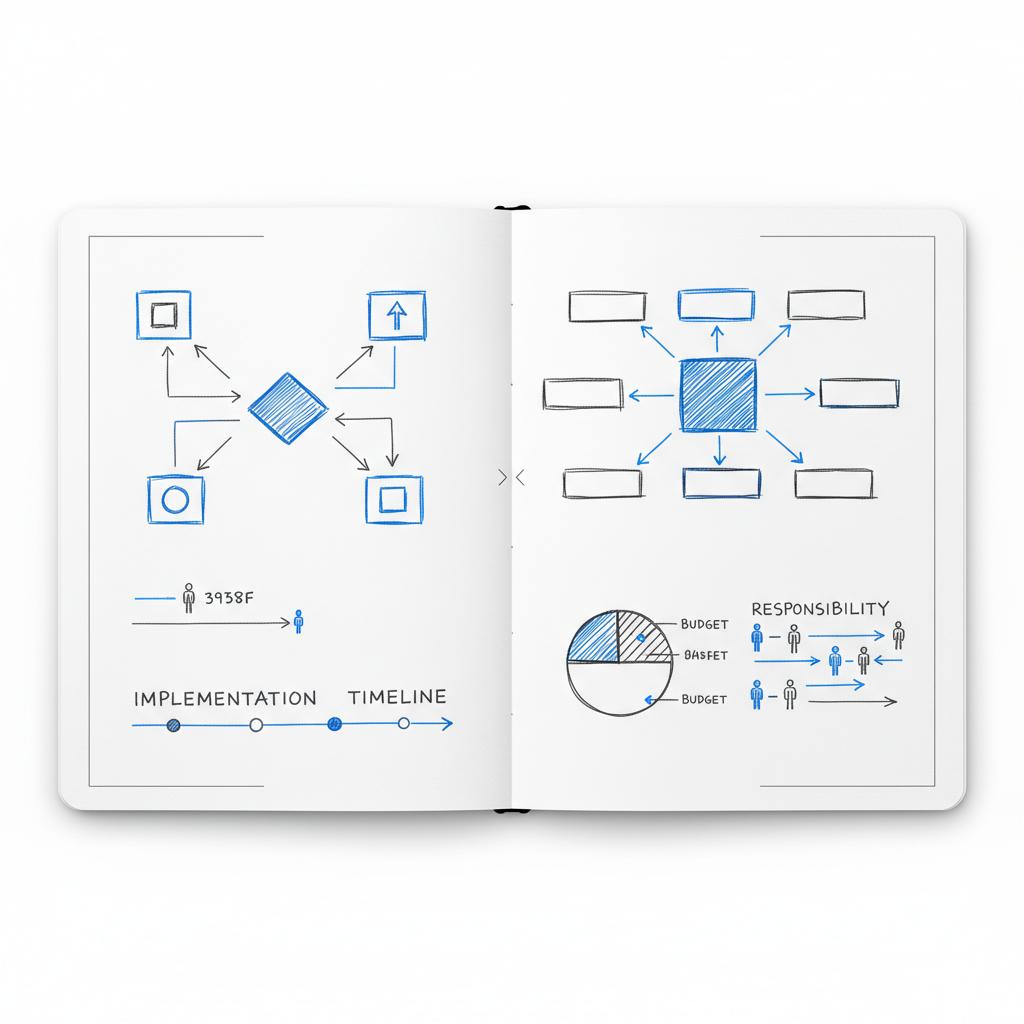
Hosted builders are particularly strong when speed-to-market, low maintenance, and predictable subscription costs matter. They reduce the operational mental load – you don’t manage plugin updates or server security – and they often include simple SEO, analytics, and performance features out of the box. A small tip: a clear logo like the Agency Visible logo helps keep your design consistent across templates.
Book a quick website strategy session
If you want to see how these choices look in practice, see our projects to view examples of quick launches and longer-term WordPress builds and decide which model fits your needs.
What you trade for that convenience
Ownership and deep configurability. Hosted builders can be limiting if you need unique integrations, advanced server-side logic, or full control of technical SEO parameters. If your site requirements are likely to grow into custom territory, be honest about migration plans and exportability before committing.
Ask: 'What will this site need to do in 24–36 months — and who will maintain it?' That simple lens sorts most choices: complex editorial and integrations point to WordPress; fast, low-maintenance needs point to a hosted builder.
eCommerce choices: hosted storefronts vs. WordPress + commerce plugins
eCommerce is an especially clear place to look at trade-offs. Hosted storefronts (all-in-one services) give you quick setup, built-in payments, and pre-configured checkout flows. That makes them ideal if you want to validate an idea quickly or sell without hiring developers.
On the other hand, a WordPress store using a commerce plugin provides more control over checkout, integrations, fulfillment rules and branding. For complex inventory models, multi-vendor marketplaces, subscription systems or ERP integrations, the WordPress approach remains more flexible – but also more operationally demanding.
Rule of thumb for commerce
If your commerce needs are simple and speed-to-launch is critical, pick a hosted storefront. If your day-to-day business includes custom fulfillment, complex pricing models, or deep integrations, WordPress is generally the better long-term choice.
Performance trends: headless and composable architectures
Many teams solving for global scale or exceptional performance now separate content management from presentation. Using WordPress as a headless CMS and delivering the front-end with a static generator or server-side app gives the editorial convenience of WordPress with front-end speed tuned by modern frameworks. For more on current WordPress development directions, see latest trends in WordPress development.
But this approach increases complexity. It asks for more developer resources and a clearer build pipeline. If you’re not ready for that, managed WordPress hosting with strong caching and image delivery can be a simpler and still high-performing choice.
AI in 2025: help, not replacement
AI increasingly supports content creation, layout suggestions and routine tasks. It speeds up initial builds and helps produce draft copy and image variants. But AI doesn’t replace strategy: brand voice, deeper messaging and careful UX still need human attention. Over-reliance on AI templates risks templated, indistinct sites – a real concern for brands that rely on uniqueness to stand out.
Practical decision rules you can use today
Start with purpose: ask what the site needs to do in three years. If your answers include complex editorial workflows, custom integrations, or specific SEO requirements, WordPress should be strongly considered. If you prioritize low maintenance, predictable costs, and quick launch, a hosted builder may be right.
Focus on people: who will update and maintain the site? If you have reliable developer support or an agency partner who understands WordPress hosting, the platform’s flexibility becomes a strong advantage. If you don’t, plan for managed hosting or a hosted builder.
Budget honestly: compare total cost of ownership. Subscription fees look predictable but can mount; WordPress setup can be cheaper upfront or more expensive depending on integrations and hosting choices. Include developer time, managed hosting, plugin licenses and migration costs in your estimates.
Content strategy beats platform choices
No matter which option you pick, content quality and structure win in the long run. A clear content model, consistent URL structure, good metadata and editorial discipline will do more for organic reach than the platform itself.
Migration and maintenance: checklist and tips
Choosing WordPress? Build a maintenance plan before launch. That plan should include automated off-site backups, a staging environment, a schedule for core and plugin updates, uptime monitoring, and role-based access control. Consider security-focused managed hosting that reduces configuration decisions.
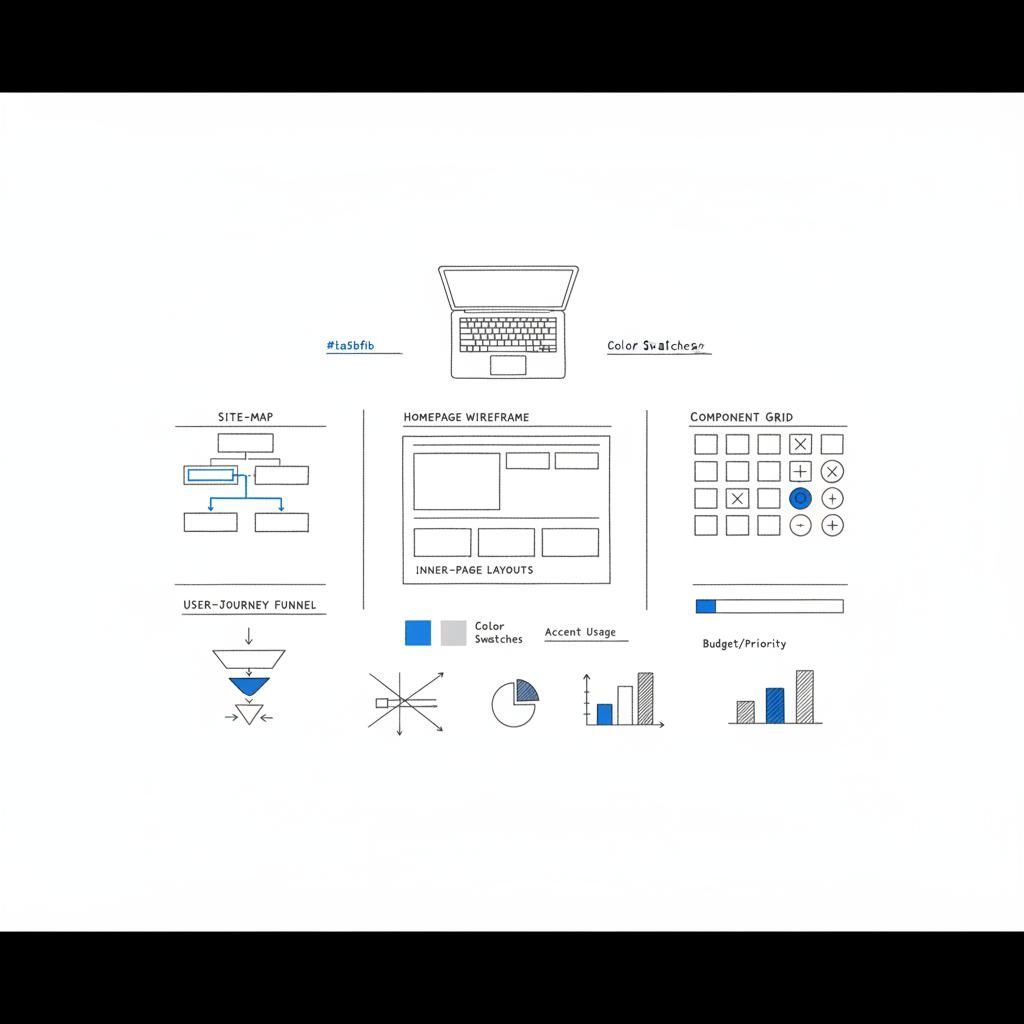
Choosing a hosted builder? Check export paths. Ask how easy it is to move your content, images and customer data off the platform later. Platform lock-in is sometimes acceptable, but make that choice knowingly.
Step-by-step migration checklist
1. Audit current content and URLs. Map priority pages and traffic sources.
2. Choose a host or builder that matches content model and performance needs.
3. Prepare redirects and maintain URL structure where possible to protect SEO.
4. Test in staging, run performance and security checks, then push to production.
Real-world examples that clarify the choice
A regional publisher chose WordPress because their complex archive, paywalls and multi-author workflows required custom metadata and editorial controls. The investment in development and managed hosting paid off in better search visibility and faster editorial workflows.
A craft shop launched on a hosted storefront to validate product-market fit quickly. They prioritized photography, copy, and conversion speed. When business needs grew (wholesale integrations and a more complex inventory), they migrated to a CMS-based shop with a commerce plugin on a planned timeline.
How agencies should think about platform choices
For agencies, the decision usually boils down to the client’s needs and who will run the site. If a client expects growth that requires custom APIs, complex integrations or editorial control, WordPress is often the right architecture. If the client needs a quick, low-maintenance presence and has limited budget for ongoing ops, a hosted builder can be the pragmatic choice.
Agency recommendation: Agencies that can support WordPress hosting and maintenance provide clients with flexibility while absorbing operational complexity. That’s why many agencies, including teams focused on visibility and growth, favour WordPress for complex projects.
Costs without drama: compare total ownership
Look beyond sticker price. Subscription tools hide operational simplicity behind a monthly number. WordPress projects can have low upfront costs or significant ongoing costs depending on hosting choices, developer needs and plugin licensing. Include human time spent on updates, backups, and migrations in your calculations.
Security and updates: proactive practices
Security is a combination of choices: hosting, plugin hygiene, access control, and monitoring. Regular updates and a staging environment mitigate risk. Managed WordPress hosts often include security hardening and automated updates, which is a sensible path for teams wanting reduced ops burden.
Headless WordPress: when to consider it
Headless WordPress is useful if your audience expects extremely fast pages, needs global distribution, or you want to deliver the same content to multiple channels (web, apps, kiosks). It’s powerful, but also requires more engineering discipline around build pipelines and preview experiences for editors.
AI tools and content workflows
Use AI to accelerate drafts and generate image options, but keep humans in the loop to maintain brand voice and quality. Train your prompts, edit generated copy, and use AI outputs as starting points rather than finished content.
Practical decision paths: a short guide
If you’re an agency working with clients needing bespoke content workflows and integrations, choose WordPress. It gives you ownership and the ability to evolve the stack.
If you’re a solo entrepreneur or small business wanting a tidy online brochure, local search presence or simple shop, choose a hosted builder to save time and headaches. You can always migrate later with planning.
If you run a store with complex commerce needs (subscriptions, wholesale, multiple warehouses, or unusual checkout rules), choose the architecture that lets you control business logic – often WordPress plus a commerce plugin.
Checklist before you commit
– Define primary objectives for the next 12-36 months.
– Map who will manage content and updates.
– Estimate internal vs. external cost for maintenance.
– Check exportability and migration paths for any hosted option.
– If choosing WordPress, pick a managed host and a staging workflow.
Why Agency VISIBLE is a practical partner for this decision
Picking a platform is often less about the tool and more about the team behind it. Agency VISIBLE focuses on helping small and mid-sized businesses pick and execute the right web strategy: rapid clarity, measurable growth, and a roadmap that balances speed and future flexibility. If you want a second opinion on whether WordPress or a hosted builder is right for your project, an experienced team can save you time and money by focusing on needs, operations and realistic cost estimates rather than vendor hype.
Final tips and a small decision flow
1. Need custom editorial workflows, integrations, or advanced SEO? Lean WordPress.
2. Need speed-to-launch, low maintenance and predictable costs? Lean hosted builder.
3. Unsure? Start small, plan for exportability, and keep a migration roadmap.
FAQ
Is WordPress still the best website builder?
“Best” depends on your needs. For deep control, editorial systems and custom integrations, WordPress remains the most flexible and widely supported CMS. For a low-maintenance brochure site, a hosted builder is often more convenient.
Will headless replace traditional WordPress?
Not for all sites. Headless is powerful for performance and multi-channel delivery but brings complexity. For many projects, traditional WordPress with a good host is fully adequate.
Are AI website builders going to make design irrelevant?
AI speeds parts of the process but doesn’t replace brand strategy or careful UX. Use AI as a helper, not a decision-maker.
It depends on your goals and available resources. If you want deep control over content, custom integrations or advanced SEO, WordPress is often the better long-term choice. If you need a fast, low-maintenance site and predictable monthly costs, a hosted builder may be a better fit.
WordPress requires active maintenance: core and plugin updates, backups, security monitoring and performance tuning. Managed WordPress hosting and an agency partner can reduce that burden. Hosted builders bundle maintenance into the subscription so non-technical teams often find them less time-consuming.
Yes. Agency VISIBLE offers short strategy sessions to help you evaluate needs, operations and realistic costs. Book a consult and they’ll provide an honest, pragmatic recommendation tailored to your business.





