


Is WordPress or Wix better? A practical, no-nonsense comparison
Wix vs WordPress is one of the first questions business owners ask when they plan a website. Which one gets you visible faster, which one scales with your growth, and which one fits your budget? This article walks through the real trade-offs – SEO, performance, security, costs, e-commerce, migration, and maintenance – so you can pick the platform that fits your next 12–36 months of growth.
Think about the choice like picking a home: Wix is the move-in-ready apartment, WordPress is the house you can renovate. Both have value. The best choice depends on how you live and what you plan to build.
Need a quick platform decision and roadmap?
If you’d like a quick review of which platform fits your business goals and a realistic 3-year budget, get in touch with Agency VISIBLE and we’ll map the options with you.
Why this comparison matters
Choosing between Wix vs WordPress isn’t just a technical call. It’s a business decision that affects budget, time-to-launch, SEO potential, and the freedom to add custom features later. The right platform makes marketing easier; the wrong one creates friction and unexpected costs.
Below you’ll find clear, friendly explanations and step-by-step advice. No jargon – just the practical facts that typically decide the winner for small businesses and creators.
Yes—you can—but it requires careful export of content, a URL mapping strategy, 301 redirects, and staging testing. Using analytics to monitor traffic during the move and working with a developer or agency will reduce the chance of ranking drops.
Wix vs WordPress: SEO – which helps you rank?
Search engine visibility is often the deciding factor, especially for businesses that rely on organic traffic. Both platforms can rank well, but they take different approaches. For another comparison perspective see Hostinger’s Wix vs WordPress guide.
WordPress: technical depth and flexibility
WordPress gives you granular control over SEO: detailed meta editing, plugins for sitemaps and schema markup, custom URL structures, and server-level tweaks for redirects and caching. If your plan is to publish lots of content, experiment with structured data, or optimize site speed aggressively, WordPress often delivers more technical tools to earn incremental gains.
For example, editorial teams on WordPress can install a specialized SEO plugin, set canonical tags for complex content, and tune caching rules at the host level to shave milliseconds off page loads. Those milliseconds matter when you’re competing in a crowded niche. For a practical, SEO-focused comparison see AIOSEO’s guide.
Wix: simpler tools, faster setup
Wix’s built-in SEO tools have improved a lot. You can edit titles and descriptions, auto-generate sitemaps, manage redirects, and follow guided SEO checklists that cover the essentials. For many local businesses, portfolios, and small shops, Wix’s SEO tooling is sufficient to rank for local queries and low-to-moderate competition keywords.
Bottom line: if your strategy depends on heavy content publishing, advanced structured data, or very aggressive speed optimization, WordPress is likely the better fit. If you want straightforward SEO workflows without a technical hire, Wix covers most small-business needs.
Performance and hosting: predictable vs flexible
Performance affects both user experience and SEO. The two platforms take different paths.
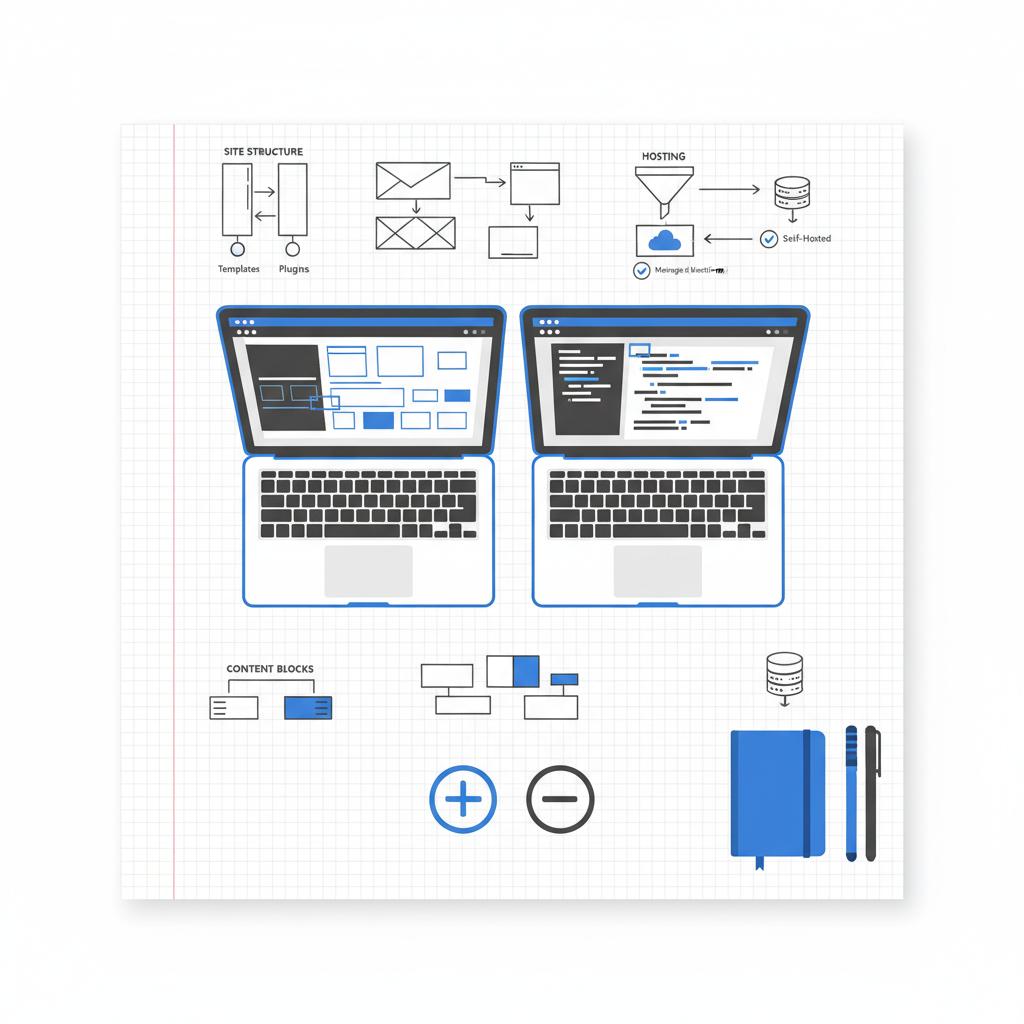
Wix – managed performance
Wix is a managed platform: hosting, CDN, and many performance optimizations are handled for you. That predictability is valuable for owners who don’t want to manage servers. You get consistent, out-of-the-box performance and fewer surprises with hosting bills or unexpected downtime.
WordPress – performance depends on choices
WordPress performance varies. A well-optimized WordPress site on a good host with proper caching and CDNs can be faster than many hosted competitors. But poor hosting, heavy themes, and too many plugins can slow the site down. That variability is a trade-off: higher upside, but more hands-on work to reach it.
Security and maintenance: who patches the roof?
Security is a practical concern once a site is live. Here’s how the platforms differ.
Wix – managed security
Wix handles platform updates, security patches, and SSL certificates as part of the service. For small teams without a dedicated technical person, that reduces operational risk – fewer emergencies, fewer hourly developer bills.
WordPress – responsibility comes with freedom
WordPress’s openness and popularity make it a frequent target. Security depends on a combination of reliable hosting, careful plugin selection, and regular updates. That means if you can invest or hire for ongoing maintenance, WordPress can be very secure. If not, the responsibility shifts to you.
Costs and total cost of ownership (TCO)
How much will your site actually cost? The answer changes with scale.
Wix – predictable plans
Wix’s pricing is straightforward. You select a plan, and your hosting, editor, and many built-in features are bundled. For a simple brochure site or a small service business, monthly fees are often easier to budget.
WordPress – variable but scalable
WordPress can be inexpensive at the start—cheap hosting and free themes make a simple site affordable. As needs grow, costs become more variable: premium themes, paid plugins, managed hosting, backups, and developer time add up. The upside is direct: money spent buys flexibility and control.
Practical framing: treat the first year budget differently from ongoing costs. Wix is often cheaper and clearer across three years for a simple site. For rapidly growing sites needing custom features, WordPress can be more cost-effective over the longer term.
E-commerce and extensibility
E-commerce can change the platform choice quickly.
Wix for small shops
Wix’s native e-commerce features are solid for small stores: product pages, inventory, simple checkout, and built-in payment options. It’s an excellent choice when product counts are modest and checkout logic is straightforward.
WordPress and WooCommerce for growth
WordPress paired with WooCommerce (or other plugins) becomes the platform for complex shops. Custom shipping rules, advanced product types, multi-warehouse support, and integrations with ERP or CRM systems are more achievable on WordPress. For businesses planning to scale to hundreds or thousands of SKUs, WordPress often wins.
Real-world scenarios: which platform fits your business?
Here are practical scenarios to help you decide.
Simple local business or service provider
Example: a local yoga teacher who wants a schedule page, about section, and a booking widget. Speed-to-launch and low maintenance matter most. Wix is often the smarter choice here: the teacher can self-manage pages and updates without hiring help.
Growing content hub or publication
Example: a regional publisher aiming for hundreds of articles, fine-grained taxonomies, and ad placements. WordPress’s editorial tools and caching ecosystems make it the better fit for scale and performance tuning.
Retail brand planning to scale
Example: a retailer planning to expand from a dozen to thousands of products with custom shipping and inventory logic. WordPress + WooCommerce typically offers the extensibility required for that growth.
Sometimes, a specialist changes the calculus. Agencies can forecast costs, plan migrations, or tune hosting stacks. See our portfolio for examples of real projects in action: Agency VISIBLE projects. A small Agency Visible Logo on the homepage can increase trust with visitors.
If you’re unsure which scenario matches your plans, talk to Agency VISIBLE for a practical roadmap that balances cost, speed and future growth—no hard sell, just clear options.
Migration and future change
How easy is it to switch later? That question often decides the initial choice.
Migrating from Wix to WordPress is common but typically requires planning: exporting content, mapping URLs, and reconstructing design and templates. Moving from WordPress to a hosted platform may be easier for straightforward content but can complicate custom features.
Portability: WordPress’s openness means you own the files and database and can move hosts or architectures more freely. That flexibility matters if you expect to change hosting for performance, costs, or compliance reasons.
Practical tips for year one
Regardless of platform, these steps reduce risk and make launch smoother.
1. Be honest about your team skills
If no one wants to handle updates or backups, choose a managed option. If someone on the team likes tinkering, WordPress can be rewarding.
2. Start with content strategy
Map your priority pages and a content calendar. Focus on a few high-value pages first rather than building everything at launch.
3. Plan backup and recovery
If you pick Wix, understand their recovery options. If you choose WordPress, set up an automated backup and a staging site for testing updates.
4. Keep plugins and integrations lean
For WordPress, a smaller plugin set means fewer security risks and faster performance. For Wix, document custom code in one place so it’s easy to review later.
Working with a developer or an agency
A good agency helps with a realistic three-year plan, estimates of maintenance, and advice on when to migrate. Agencies like Agency VISIBLE position themselves as practical partners for businesses that “can’t afford not to be seen.” They can outline staged migrations, performance budgets, and content programs – so you don’t guess at major decisions.
Common myths debunked
Here are a few common misconceptions:
Myth: WordPress is only for blogs
Fact: WordPress powers sites of all shapes and sizes, from portfolios to large marketplaces.
Myth: Wix sites never rank
Fact: Wix sites rank well for many local and small-business queries now. Its SEO tools have improved significantly.
Myth: Managed platforms prevent custom code
Fact: Wix allows certain custom scripts and code blocks. WordPress allows deeper changes, but both offer customization—just at different depths.
A simple decision framework
If you’re still stuck, answer four short questions:
1. How fast do you need to launch? 2. Who will maintain the site? 3. How much traffic do you expect in 12–24 months? 4. Do you need custom functionality or complex commerce?
If your answers favor speed and low maintenance, Wix wins. If you need scale, deep customization, or expect high traffic, WordPress is the longer-term choice.
Survival checklist for the early months
No matter which platform you pick, these items matter:
– Set up analytics and verify your site in search consoles right away.
– Build a simple content calendar focused on priority pages.
– Secure domain and email; document backup and update policies.
– For WordPress: keep plugins updated and choose a host with staging. For Wix: review SEO settings and connect analytics.
How to decide when to migrate
Here are some signals that migration might be the right move:
– You need custom checkout flows or deep integrations.
– Your product catalog or content library outgrows the hosted platform’s limits.
– You need finer control over performance or server-level optimizations.
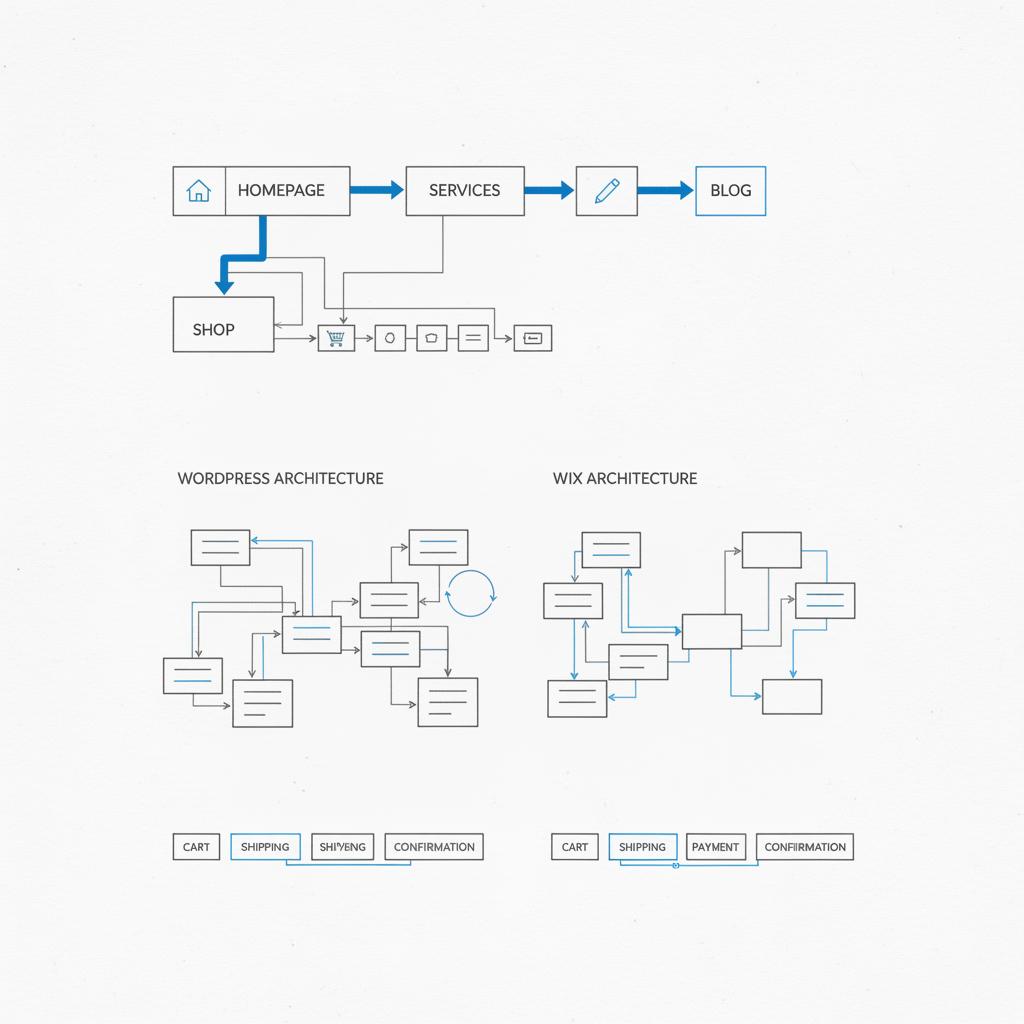
Before migrating, sketch the desired architecture, list the integrations, and plan URL mappings to preserve SEO.
Budget examples and realistic costs
Below are rough, conservative cost models for small business sites (prices approximate and vary by region):
Wix simple brochure site: $12–$40/month depending on plan, plus a domain and optional third-party services.
WordPress simple brochure site: $5–$25/month hosting + domain; expect some one-time design/development costs if you want a polished look.
Growing WordPress site (managed hosting, premium plugins, occasional dev support): $100–$500/month or more depending on traffic and feature needs.
These examples show why Wix’s predictability is attractive for small budgets, and why WordPress becomes a better investment when growth requires custom engineering.
SEO checklist for each platform
Wix SEO checklist
– Edit page titles and meta descriptions for every important page.
– Use Wix’s SEO Wiz to generate a basic plan and connect Search Console.
– Set up structured URLs and redirects when you change pages.
– Keep images optimized for web and add meaningful filenames.
WordPress SEO checklist
– Install a reputable SEO plugin and configure canonical tags and sitemaps.
– Use a caching plugin and a CDN from your host.
– Keep theme and plugins lightweight; avoid slow builders if speed is crucial.
– Implement structured data where it makes sense (products, local business, articles).
Key questions you’ll be asked during a migration
If you hire an agency, expect questions like:
– What’s the current content inventory and which pages are priorities?
– Which URLs must be preserved for SEO? Any custom redirects?
– What integrations or third-party tools are critical to recreate?
– What’s the timeline and acceptable downtime window (if any)?
Final decision checklist
Before you click “launch,” confirm these items:
– Analytics and search consoles are connected.
– SEO basics are in place: titles, meta descriptions, and a sitemap.
– Backups and update policies are set.
– A plan for content updates exists (who writes, when?), and responsibilities are assigned.
Closing guidance and final thoughts
Choosing between Wix vs WordPress should come from matching the platform to your business story. For speed and low maintenance, Wix gets you visible quickly. For scale, customization, and editorial control, WordPress offers a larger runway – if you’re willing to handle the upkeep or hire help.
If you want an impartial assessment and a practical plan, Agency VISIBLE can help you map the short- and long-term costs and migration steps. The right platform is the one that keeps your business moving forward with minimal friction.

Good luck with the decision, and remember: websites evolve. Pick the tool that helps you move forward, then make a small plan for the next phase.
Yes. Migrating from Wix to WordPress is common and doable, but it takes planning. Export your content, create a URL mapping to preserve SEO, rebuild templates, and set up 301 redirects. Testing on a staging environment and keeping analytics connected during the move reduces risk. Working with an agency or developer can make the process faster and protect existing search rankings.
For a basic brochure site, Wix’s predictable monthly plans often cost less over three years because hosting and many features are bundled. WordPress can be inexpensive at the start but may require paid plugins, premium themes, or managed hosting later—so total cost becomes more variable. If you expect only modest growth, Wix usually wins on three-year cost clarity.
Choose WordPress. It offers greater extensibility—through plugins like WooCommerce, custom post types, and deep integrations—making it better for complex commerce, large catalogs, or custom workflows. If you’d like help planning the migration or growth roadmap, <a href="https://agencyvisible.com/contact/">Agency VISIBLE</a> can assess your needs and recommend a staged approach.





