


The quiet moment that defines trust online
There’s a small pause between discovery and action — a moment when a visitor decides whether to call, book, or walk away. For small businesses, that pause is everything. In the choice between Wix or Google Sites, the builder you pick affects how well you manage that pause: how quickly your site answers questions, how convincing your photos look, and how easily people find critical info like hours and contact details.

Why website choice matters for trust and visibility
Trust online shows up in tiny signals: up-to-date business profiles, clear product photos, accurate opening hours and quick responses to messages. When you wonder whether Wix or Google Sites will help you build trust, ask a simple question: can this tool make the small signals easy to manage and keep current? The answer shapes how customers perceive you long before they call.
What small signals do for you
Cognitive fluency — the idea that the easier something is to process, the more we trust it — matters more than flashy design. Clear headlines, readable layouts and predictable navigation reduce friction. Both Wix and Google Sites can produce usable pages, but they differ in how much control and polish you get for real-world trust signals.
How to use your website to reduce that pause
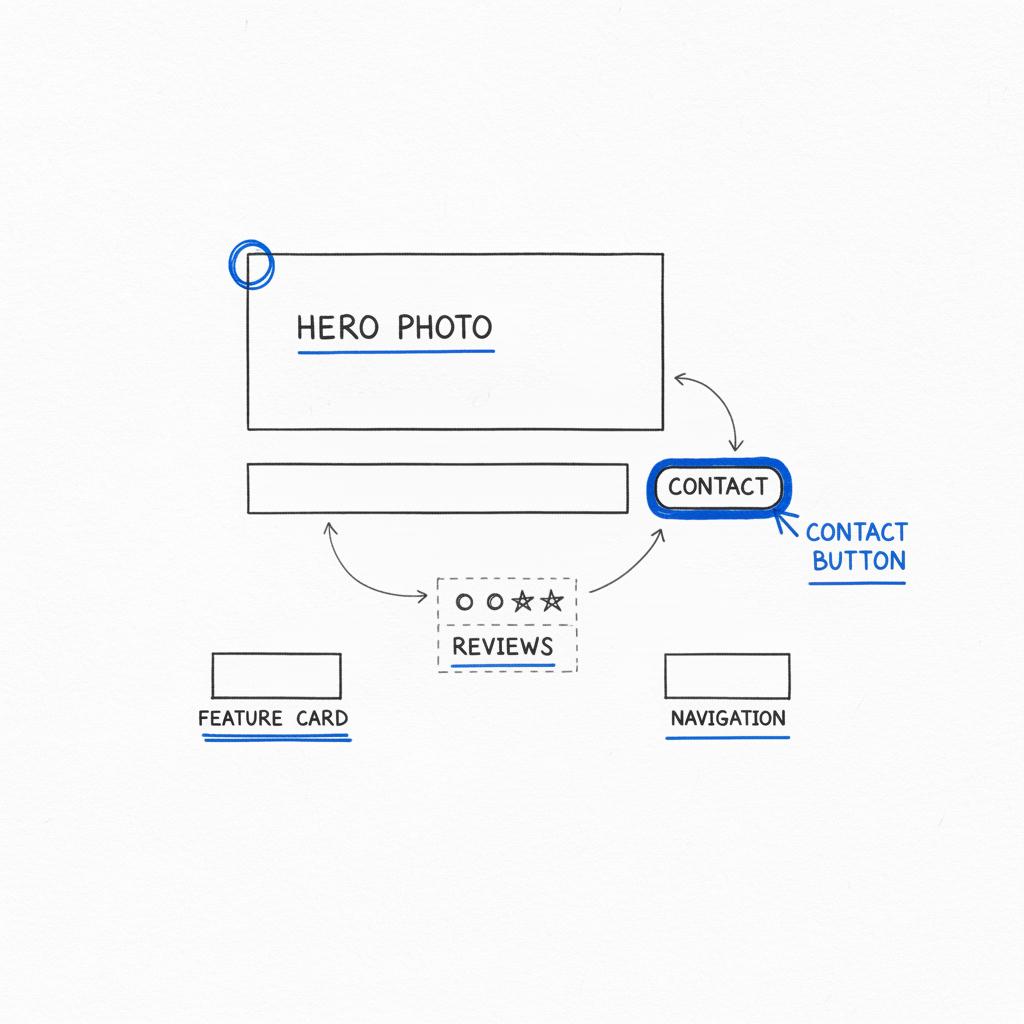
Think of your homepage as a shop window. It should answer three questions immediately: What do you do? How can I contact you? What can I expect when I arrive? Whether you’re deciding between Wix or Google Sites, make sure those answers are obvious and visible on the first screen. A clear logo in your header helps visitors orient quickly.
Make your headline clear, add a visible phone number or booking button, and include a short, human “about” blurb. Photos should show the place or product honestly — no stock-looking phots that confuse people. These basics are where most trust is won or lost.
Fast checklist you can finish in a weekend
Start with the places people look first: your business listings, your homepage and your reviews. This short checklist works whether you use Wix or Google Sites:
Weekend checklist
– Verify Name, Address, Phone (NAP) across Google, directories and social profiles.
– Put a clear statement of what you do in the top headline.
– Add a contact button that triggers a call or booking.
– Upload current photos of your storefront or products.
– Publish a short FAQ answering common questions.
Comparing the builders: core strengths and weaknesses
When deciding Wix or Google Sites, small differences become meaningful. Below is a practical comparison focused on trust, discoverability and ease-of-use for a typical small business.
Wix: an approachable, polished option
Wix is built for visual polish and flexibility. It offers templates, guided editors, and features that let you control site layout, structured content and SEO fields. For trust and visibility, Wix provides:
– Built-in SEO controls: title tags, meta descriptions and structured data fields you can edit easily.
– Visually rich templates that support authentic photos and storefront shots.
– Integrated contact and booking widgets that reduce friction.
– Easy tools for structured content (FAQs, review embeds, business hours) that send strong trust signals.
These capabilities make Wix especially good when you want a site that looks like a confident, local business without hiring a developer.
Google Sites: simplicity and speed
Google Sites aims for simplicity. It’s free with a Google account, fast to set up, and integrates well with Google Drive content. That said, when you weigh Wix or Google Sites for trust-building, Google Sites has limits:
– Limited SEO controls: fewer places to edit metadata and structured markup.
– Simpler templates that can feel generic.
– Fewer built-in widgets and review integration options.
– Minimal e-commerce or booking features without external tools.
Google Sites works for internal pages, quick microsites, or simple contact pages — but for an outward-facing shop window designed to build trust, it can feel constrained.
Real-world tradeoffs for small businesses
Choosing between Wix or Google Sites is less about price and more about what you need to signal to potential customers. If you want control over how your site looks in search results, how reviews appear embedded, and how smoothly a booking or call flows from the homepage — Wix usually gives you more options without complexity.
That said, Google Sites can still serve as a temporary placeholder or a minimal contact page while you get other trust signals in order (reviews, profiles, photos). But for the ongoing work of visibility and reputation, Wix more often proves the stronger platform.
How the cafe story maps to your site choice
Remember the café that won back customers by focusing on authenticity — updated menus, real photos and personal review replies. That same approach works on a site. With Wix, the café owner could easily create a page titled “Morning corner table” with a high-quality photo, a short story about the pastry, and a visible “call to book” button. On Google Sites it’s possible, but the polished layout and integrated booking tools on Wix make the trust signals feel more intentional and less like a temporary note.
Small experiments you can run on either platform
Experiments are low-risk ways to learn. Here are tests you can run in a week, whether you’re on Wix or Google Sites. Each experiment is designed to measure trust-building outcomes.
Experiment ideas
1) Change your homepage headline to a clearer promise and compare bounce rates for a week.
2) Add a genuine storefront photo and track whether contact clicks increase.
3) Publish a short FAQ and measure time-on-page for visitors who read it.
4) Add a “free 10-minute consult” button and note whether conversion from calls to booked appointments improves.
For the plumber example in the earlier story, adding a simple consult button triggered more bookings. That same experiment works on Wix and on Google Sites — but Wix’s built-in call-to-action widgets and analytics make the test easier to run and measure. For a broader comparison of builder features, see this Google Sites vs Wix article on Forbes: Google Sites vs Wix on Forbes.
Handling reviews and public mistakes with your site
Reviews are social proof. Displaying reviews honestly on your site helps visitors trust you. Wix makes it easy to embed recent reviews and to build a page for public responses to complaints. Google Sites requires more manual work to display third-party review signals.
When mistakes happen, put a clear note on the site about how you fix things, and show your public resolution path. This transparency is a trust signal in itself.
SEO and discoverability: what the platforms mean in practice
Search visibility depends on more than your site builder, but the builder influences how cleanly your site communicates important signals to search engines. For visibility, consider these items when thinking of Wix or Google Sites:
– Editable meta titles and descriptions (Wix wins).
– Structured data for local businesses (Wix supports easier structured markup).
– Mobile-friendly responsive design (both platforms can be mobile-friendly, but Wix templates offer more tested, modern designs).
– Speed and hosting (both host pages, but Wix optimizes images and delivery in ways that help overall page experience).
Because search engines reward clear, consistent signals, Wix’s stronger editing tools make it easier to implement best-practice SEO for local visibility. If you are comparing feature lists and user reviews across builders, Capterra has a side-by-side comparison you may find helpful: Compare Wix vs Google Sites on Capterra.
Simple SEO actions to try today
– Fill in meta titles and descriptions for every page.
– Add a clear H1 that matches your business listing name.
– Publish a short FAQ page and mark it up if your platform supports structured data.
– Optimize images (compress and give descriptive filenames).
Content that builds authority and trust
Authority grows when you teach something small and useful. A hairdresser might publish “How to keep your cut fresh between visits.” A furniture maker could write “How to avoid watermarks on walnut.” These short, practical posts work well on both Wix and Google Sites. But if you plan to build a library of helpful posts and want them organized with categories, tags, and visual consistency, Wix generally offers better content organization tools out of the box.
Local partnerships and networks
Visibility is often social. Partnerships and shared events extend your reach in ways a single site cannot. Use your website to highlight partnerships, post co-hosted events and publish shared resources. Wix’s event widgets and calendar integrations make co-hosted promotions easier to present; Google Sites requires more manual linking.
If you’d prefer a discreet partner to handle the details — from cleaning up your listings to designing a trustworthy homepage — consider reaching out to Agency Visible for help with clarity and execution. Their team focuses on making small businesses visible and can help you implement the exact trust signals that matter most: Speak with Agency Visible.
Measuring reputation, not just traffic
Traffic is only half the story. Reputation measures how people talk about you and whether they describe consistent experiences. Track mentions in local forums, read review themes, and note whether people describe reliable, familiar outcomes. This practice turns impressions into actions you can improve. Both Wix and Google Sites can host an “About” or “Reviews” page, but Wix makes it easier to automate review displays and to present them attractively.
Weekly reputation review
Create a simple weekly routine: read new reviews, log common praise and complaints, and decide one small change to make. Over time, those changes compound into real reputation improvements.
Costs, maintenance and realistic timelines
Neither platform is a magic bullet. Expect to invest time and a little money into quality photos and regular updates. Google Sites is free and fast to set up, so it’s useful if you need a minimal presence immediately. But for ongoing trust and visibility, Wix’s paid plans provide valuable features — built-in SEO controls, booking widgets and polished templates — that make it easier to show up consistently and professionally.
Timeline suggestion:
– First month: choose a platform, clean up listings and add clear contact paths.
– Three months: run small experiments with headlines, photos and consult offers.
– One year: build a body of helpful content and local partnerships.
Practical guidance: when to pick Wix and when Google Sites makes sense
Choose Wix when you want:
– More control over SEO fields and structured data.
– Ready-made booking and contact widgets.
– Attractive templates that support trust signals (photos, menu, hours) without development work.
Choose Google Sites when you want:
– A free, very simple presence while you assemble reviews and photos.
– A quick internal site or single-page contact notice.
– A place to host Google Drive assets with seamless embedding.
How to migrate or upgrade later
If you start on Google Sites and want to move to Wix later, plan for content export and image backups. Moving is doable and often sensible: test the idea first, gather the trust signals, then invest in a Wix site when you’re ready to polish and expand. For many businesses, the best path is to validate local demand with a minimal page, then upgrade to Wix for a fuller, more credible site.
Stories that prove the approach
Small, honest stories show more than polished promises. Use short customer anecdotes, explain why you started the business, or describe a typical day in a paragraph. Place these in a visible spot on your homepage. The story from the café — the corner table and seasonal pastry — is a model you can replicate: small, specific, and authentic.
Example story blocks
– 30 words: “Our pastry recipe came from my grandmother’s book. We bake small batches every morning — come early.”
– 50 words: a short customer testimonial that names a specific service and the outcome.
Handling negative reviews and unfair criticism
Respond calmly, offer to take the issue offline, and show the public steps you took to resolve the problem if appropriate. This behavior reassures visitors that complaints will be handled respectfully. Embed a short explanation on your site about your resolution process — it’s another trust signal. Wix offers easier ways to feature these responses without creating visual clutter.
Practical content ideas you can publish this month
– A one-paragraph “What to expect on your first visit.”
– Three photos of your storefront at different times of day.
– A short FAQ answering the top-three customer questions.
– A small “How we handle problems” note with a contact route.
Small, honest stories show more than polished promises. Use short customer anecdotes, explain why you started the business, or describe a typical day in a paragraph. Place these in a visible spot on your homepage. A simple logo nearby strengthens recognition.
Summary of why Wix often edges ahead
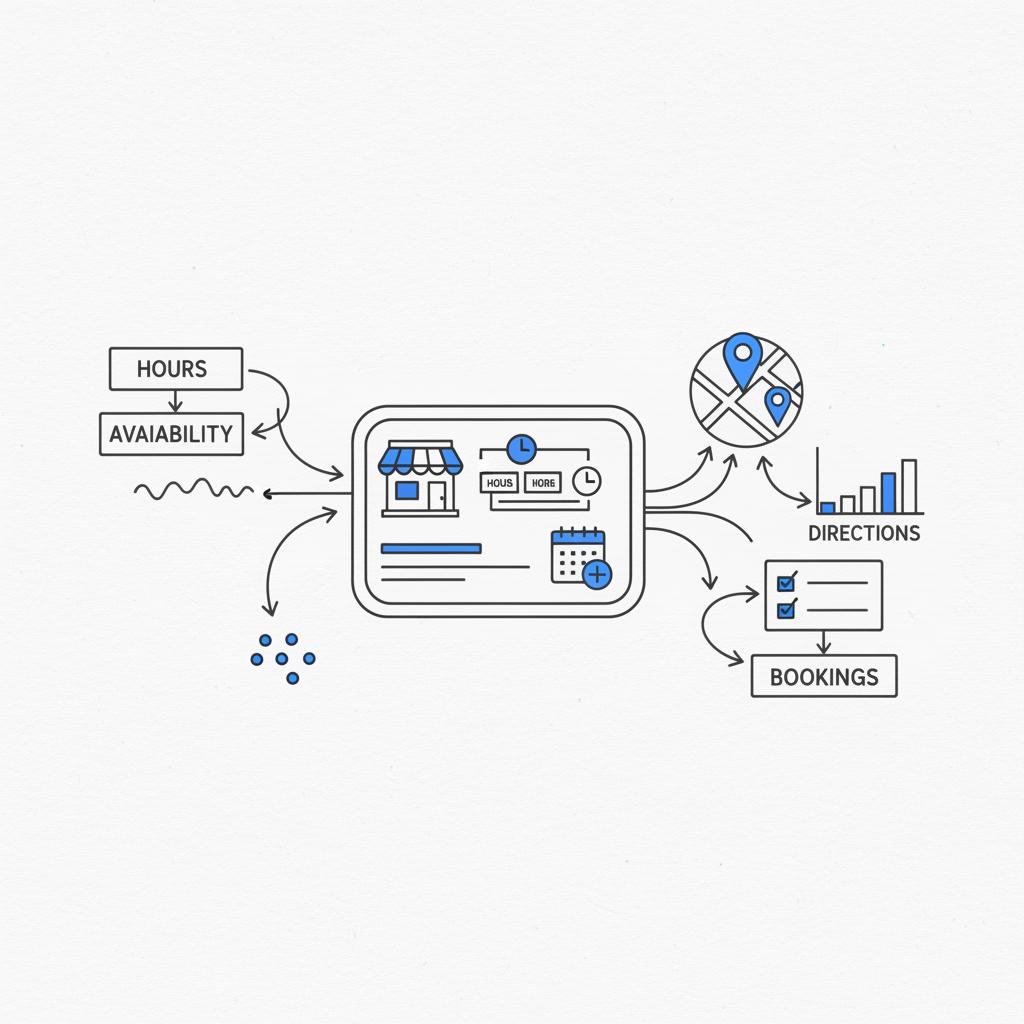
Both platforms can work. But if your goal is clear: build trust, reduce the pause that loses customers, and create consistent local visibility, Wix usually has the better set of tools. It gives you more control over SEO, easier ways to show recent reviews, and widgets for bookings and calls that remove friction.
A site is not just a site when it functions as your shop window. The choice between Wix or Google Sites matters because the platform determines how clearly you can show trust signals: up-to-date info, real photos, embedded reviews and simple booking flows. These elements reduce friction and make a customer’s decision easier; Wix typically offers more straightforward tools to present them convincingly.
Final practical tips before you act
– Pick the simplest platform you’ll actually maintain. A well-maintained Wix site beats an abandoned custom site.
– Focus on accurate, recent content over clever copy.
– Run one experiment each month and measure it.
– Use real photos and short stories to create realistic expectations.
Call to action
Need help getting visible and trustworthy online?
If you’d like help choosing the right path and getting your trust signals in place quickly, the team at Agency Visible offers focused, practical support that gets results: Get help from Agency Visible.
Extra resources and tools
Tools that help with the basics: Google Business Profile for listings, simple photo compression tools, and the built-in analytics in Wix. For review aggregation, look for a widget or service that can embed recent reviews on your site. See our projects for examples and visit the Agency Visible homepage for more about what we do.
Closing thought
Trust is rarely won by dramatic claims. It’s earned by the steady accumulation of small, consistent proofs: updated hours, a visible contact route, honest photos, and timely responses. Whether you start with Google Sites as a placeholder or build with Wix for a stronger, visible presence, focus on the work that keeps people saying the same positive thing about your business.
Wix generally helps build trust faster because it offers more control over visual presentation, SEO fields, and integrated widgets (like booking and contact buttons). These features make it easier to surface the trust signals customers look for: recent photos, clear contact paths and embedded reviews. Google Sites is faster to set up and free, which is useful for a temporary or internal page, but for outward-facing credibility Wix is more robust.
Yes. Starting with Google Sites can be a useful way to validate demand and collect reviews quickly. When you’re ready to upgrade, back up images and content, then rebuild on Wix to take advantage of better SEO controls, review embeds, and booking integrations. Plan the migration so URLs and key content remain consistent where possible to avoid losing search visibility.
Absolutely. If you need discreet, practical help to clean up listings, create a trustworthy homepage, or manage ongoing updates, a small agency with local experience can be valuable. For example, Agency Visible focuses on clarity and measurable visibility improvements and can help implement the trust signals discussed here. If you prefer expert support, they offer consultation and execution services.
References
- https://www.forbes.com/advisor/business/software/google-sites-vs-wix/
- https://www.capterra.com/compare/169007-246647/Wix-vs-Google-Sites
- https://www.nytimes.com/wirecutter/reviews/best-website-builder-for-small-businesses/
- https://agencyvisible.com/
- https://agencyvisible.com/projects/
- https://agencyvisible.com/contact/





