


Choosing the right platform for your wedding website can feel like standing in a crowded photo gallery, trying to pick the single image that will define an entire day. You want something beautiful – a site that frames your story and your photos with care – but you also want it to work: to gather RSVPs, manage a guest list, and answer the questions that inevitably arrive in the weeks before the ceremony.
Two builders that often appear in this conversation are Squarespace and Wix. They each have clear strengths and different trade-offs. This guide walks you through what matters: design, templates, event tools, galleries, mobile behavior, cost, accessibility and practical, step-by-step workflows. By the end you’ll know which platform better fits your priorities for a wedding website.
Why the choice of platform matters for your wedding website
Your wedding website is part practical hub, part memory capsule. For some couples it’s a simple RSVP form and a map; for others it’s an editorial-style gallery, timeline, registry links and ticketed events. When you pick a platform, you’re choosing the balance between aesthetics and features – and the amount of time you’ll spend maintaining the site.
What to decide up front
Before you sign up, answer these questions: How photo-forward do you want your wedding website to be? Will you run multiple ticketed events? Do you want guests to RSVP without creating an account? Will you host a large gallery after the wedding? If you want a quick checklist of sections to include, see this time-saving guide on what to put on your wedding website: What to put on your wedding website.
If you’d like practical help translating a mood board into a working site, get expert help from Agency VISIBLE. They can help you pick a template, set up RSVP flows, and keep the site looking polished without stress.
With those decisions in mind, let’s compare the platforms section by section.

Design and templates: when the pictures matter most
If your day is a visual story — film-stock light, candid smiles, a venue with character — the way your photos are presented matters. Squarespace is consistently rated for higher-quality, photography-forward templates and polished, responsive layouts. Its templates are curated to highlight images, often with full-bleed galleries and clean typography that feels editorial. You’ll notice the attention to spacing and alignment; pages breathe and photographs take center stage.
That editorial feel matters when your wedding website is meant to be a keepsake. A Squarespace template often reads like a mini magazine, which makes engagement photos, portraits and venue shots look intentional rather than squeezed into a generic layout. Fonts, white space and image treatments are part of the package.
Wix offers a very different kind of creative freedom. It’s more permissive in layout choices and gives you a large catalog of templates and gallery types. If you enjoy moving elements around, layering text and creating a bespoke layout without writing code, Wix is liberating. But that freedom requires a steady eye: it’s easy to create something custom but messy unless you take care.
Which should you choose for images?
If photography is the star of your wedding website, Squarespace will typically make those photos look better with less work. If you want playful interaction, varied gallery styles or unique layout experiments, Wix gives you the tools – but they come with more tinkering.
Customization and ease of use: drag-and-drop versus curated systems
Wix is loved for its drag-and-drop editor. You can place items exactly where you want them, experiment with layers, and add apps from a broad marketplace. For couples who enjoy design play and expect to update pages frequently as details change, Wix can be a joyful canvas.
Squarespace discourages excessive tinkering and instead nudges creators toward reliable layouts. You pick a template and adapt fonts, colors and content blocks within a design system. Structural changes are more constrained, but that often means you spend less time second-guessing alignments and mobile breaks. For a stress-free result – especially when your focus is a photography-rich wedding website – Squarespace’s constraints are an advantage.
Editor learning curve
If one of you enjoys design and the other prefers to be out of the editing room, Wix’s editor rewards the enthusiast; Squarespace rewards the pragmatic partner who wants things to look good by default.
RSVPs and event management: the practical difference
This is where the platforms diverge in a way that can materially affect your workflow. If your wedding weekend includes multiple gatherings, ticketed brunches, or events with guest limits, the way you collect RSVPs matters. For advice on RSVP deadlines and timing, see this guide: How to set perfect RSVP deadlines.
Wix offers built-in event tools. Wix Events provides RSVP collection, ticketing for paid gatherings, guest management and exportable guest lists. That built-in functionality is convenient when you want an all-in-one solution for multiple events and expect to issue tickets or manage capacity.
Squarespace does not include a native event manager or RSVP tool. Couples typically use form blocks for RSVPs or embed third-party widgets for more advanced guest management. That means additional setup and potential syncing work, but many couples find it manageable if their RSVP needs are straightforward.
How to choose based on your event plan
If you expect to sell tickets for a rehearsal dinner or host a ticketed brunch, Wix’s integrated events will likely save time. If you simply need a clean RSVP form and want a photo-first wedding website, Squarespace’s simpler approach may be preferable.
Photo galleries and storytelling: two different strengths
Both platforms handle photos well, but their philosophies differ. Squarespace’s gallery layouts are curated and consistent, built for storytelling; galleries flow into one another and scale gracefully across devices. If the aim of your wedding website is to present a narrative — engagement session, ceremony highlights, candid moments — Squarespace helps you tell that story without much fiddling.
Wix gives you a broader palette of gallery formats — masonry grids, slideshows, hover effects and more. If you want interactivity or a playful presentation, Wix lets you build that. But with greater choice, you must choose well to avoid distracting from the photos themselves.
Mobile responsiveness and SEO basics
Guests will view your site on phones, tablets and laptops. Both platforms support responsive design, but their approaches differ. Squarespace templates are built to behave consistently across screen sizes, so fewer tweaks are necessary. Wix’s editor also supports mobile views and allows mobile-specific adjustments, which is handy if you want different layouts on small screens.
On search engine visibility and basic controls – useful if you want your wedding website to be findable for guests who search for your names – both platforms provide the necessary tools: custom page titles, meta descriptions and readable URLs. Wedding sites succeed through clear naming and sharing rather than deep SEO work, so focus on sensible page titles and shareable links. For common FAQ ideas that help guests, see this list of wedding website FAQs: 34 FAQs for your wedding website.
Cost and value: budgeting for the whole project
Budget plays a big role. Wix’s free tier is tempting for budget-conscious couples; it lets you build and publish a site but includes Wix branding and a non-custom domain. Wix’s paid plans unlock custom domains, more storage and access to event apps. Squarespace doesn’t offer a perpetual free tier but includes polished templates and commerce features in its paid plans.
Be mindful of additional costs: a custom domain, storage for high-resolution photos, premium apps for ticketing or RSVP automation, or transaction fees when selling tickets. If you want a polished, photo-forward wedding website with minimal extra apps, Squarespace’s all-in-one visual polish can be worth the cost. If ticketing and app variety are priorities, Wix’s ecosystem is a cost-effective toolbox.
Registry, gifts and thank-you workflows
Neither Squarespace nor Wix has a universal, deep registry system that aggregates all retailers. Most couples link directly to registry accounts or provide clear guidance. That keeps the guest experience simple: one-click to the registry and checkout on a trusted retailer site.
For thank-you workflows, consider adding a private gallery after the wedding and a short thank-you note listing people who helped. A concise, gracious registry note reduces awkwardness and gives guests the information they need without dwelling on gifts.
Accessibility and thoughtful guest experience
An accessible wedding website is a considerate one. Use readable fonts, good contrast and simple navigation. Add alt text for images so screen readers can describe photos, and keep forms short with clear instructions. Offer an email or phone RSVP alternative for guests who prefer not to use the site.
Real couple scenarios: which platform fits which story?
Imagine Anna and Jason. They have a photographer who shoots film, a florist who recommends artful arrangements, and a short list of guests who value the invitation as part of the whole aesthetic. Their wedding website needs full-bleed photos, elegant typography and a layout that reads like a printed suite. Squarespace fits naturally. They’ll use a form block for RSVPs and link to the registry, relying on minimal external tools.
Now picture Maya and Omar. They have a welcome party, a ticketed brunch with limited seating, and a guest list that changes as RSVPs come in. They want quick edits, tickets, and exportable guest lists. Wix Events lets them add or remove attendees, manage tickets, and keep everything in one place. The freedom to tweak layouts and gallery styles is a bonus as new photos arrive.
Which story sounds like yours?
If you answered with photos-first language and “we want it to look like a magazine,” lean Squarespace. If you said “we need tickets and flexible forms,” Wix is probably a better fit for that operational need.
Make a brief 'must-have' list: if ticketing and guest exports are non-negotiable, pick a platform with native event tools; if a magazine-like gallery and minimal tweaking matter most, choose the platform known for visual polish. Often couples balance both by prioritizing the element that will cause the most stress during planning.
Answer: Make a short list of your must-haves (ticketing, guest exports, photo galleries, mobile-first design). If ticketing and guest exports are mandatory, choose the platform with a native events manager. If a coherent, editorial gallery is non-negotiable, choose the platform known for visual polish. Often the right answer balances both: a visual platform with a simple RSVP flow or a flexible platform styled carefully by design-conscious editors.
Practical setup tips: RSVPs, forms and guest lists
Below are step-by-step suggestions for common flows.
Squarespace — simple RSVP workflow
1. Create a dedicated RSVP page with a clean form block. Ask only for essentials: guest name, email, number of guests, meal choices, and a short notes field.
2. Add a confirmation message on submission so guests know their RSVP was recorded.
3. Use a third-party integration (Zapier or native integrations) to send form data to a spreadsheet automatically, or export responses weekly and merge them manually.
4. Keep one person responsible for the master guest list to avoid duplicates and confusion.
Wix — event-based RSVP and tickets
1. Try Wix Events early — set up separate events for rehearsal dinner, ceremony and brunch.
2. Use free tickets for standard RSVPs and paid tickets for any ticketed brunch or paid event.
3. Test the checkout, export guest lists, and verify the CSV structure so you can merge lists easily.
4. Use event-specific reminders if you need to send updates or check-in codes.
Design choices that make a wedding website warm and useful
Keep copy concise. Use photos that show emotion rather than only posed portraits. Put essential information — date, time, address and dress code — in a single, prominent spot. Consider a short story section with how you met, the proposal and travel notes. Small personal touches turn a functional site into something guests enjoy exploring.
Common pitfalls and how to avoid them
1. Don’t pick a template that only looks good with the demo images. Test with your real photos early.
2. Don’t underestimate the RSVP management time. Assign a guest-list manager and agree on a weekly export/update cadence.
3. Watch for branding and domain quirks. If platform branding matters, upgrade or register a custom domain.
4. Optimize images for web to avoid slow load times; large files can make a photo-rich wedding website frustrating for guests on mobile networks.
Post-wedding tasks and keeping memories alive
After the wedding you’ll want a simple routine: upload a curated gallery (optimized for web), add a thank-you section, and export a final guest list for thank-you notes. If you plan to keep the site as an anniversary hub, pick a platform you’re comfortable updating or work with a partner to maintain it.
When to ask for help
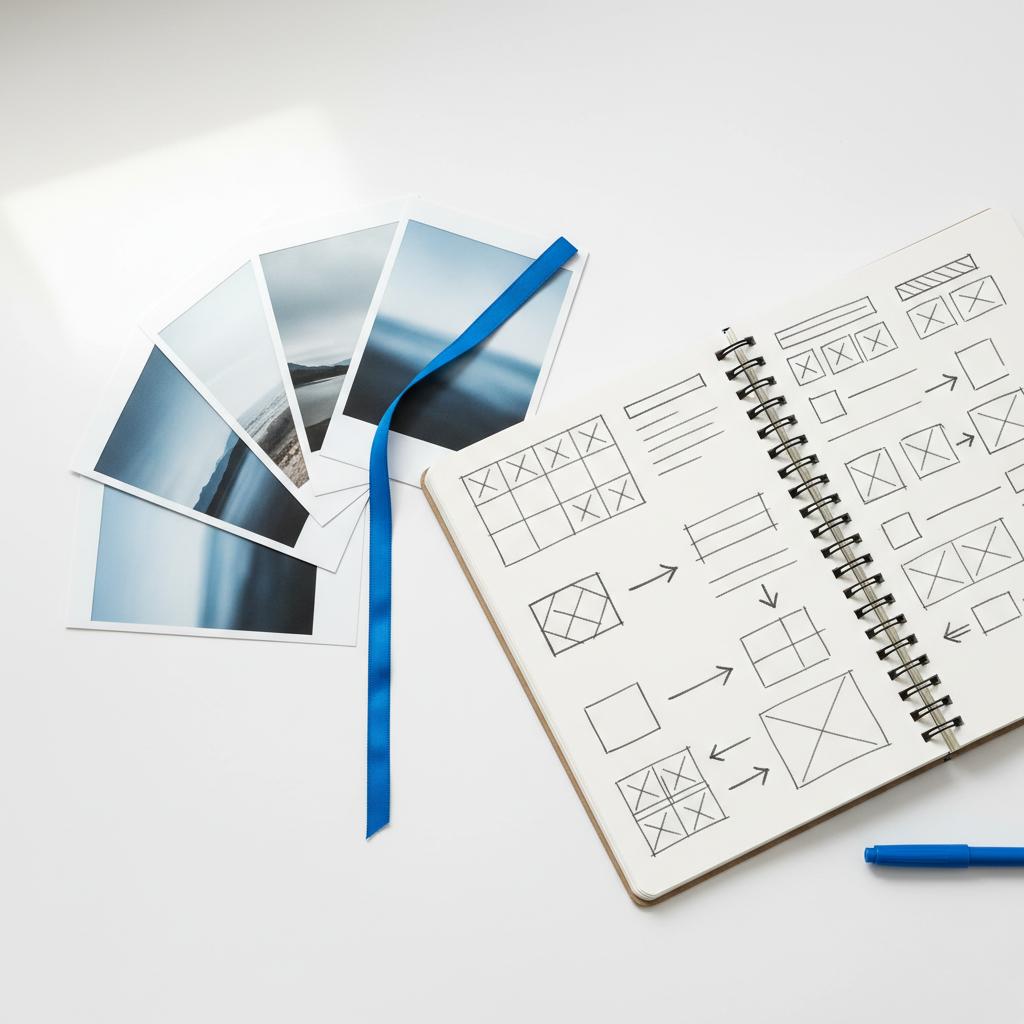
Not everyone wants to manage layout, forms and ticketing while juggling seating charts. If you want the look of a boutique stationery suite and the reliability of a well-tested RSVP flow, a short collaboration with a design partner can save time and reduce stress. Agency VISIBLE helps couples get visible online quickly, from template selection to RSVP automation and gallery setup. A small Agency VISIBLE logo on your site can help guests identify the official pages.
Need help building a beautiful, reliable wedding website?
Checklist: Which platform to choose
Answer these to choose quickly:
Pick Squarespace if: photography and editorial presentation are your top priority; you want consistent mobile responsiveness out of the box; you prefer fewer fiddly settings.
Pick Wix if: you need native event tools, ticketing and flexible layouts; you expect to use lots of apps and tweak pages frequently.
Small workflows and examples
Low-friction RSVP on Squarespace: single-page form, automated spreadsheet integration, weekly exports for seating.
Wix event flow: one event per gathering, free tickets for RSVP, paid tickets where needed, export and merge lists.
FAQs we hear most
How do I choose between design and event features?
Think about what will cause you the most friction. If managing event logistics and exporting guest lists will stress you out, choose the platform with native event tools. If you want a site that looks like a carefully curated photo spread, prioritize design and choose a platform that makes imagery effortless.
Can I switch platforms later?
Yes, but moving content — especially images and forms — takes time. Plan for exports and a migration window if you think you’ll move galleries or keep an anniversary page elsewhere.
Do guests need accounts to RSVP?
Almost never. Most RSVP flows use simple forms or free tickets that don’t require account creation. Avoid systems that force accounts unless there’s a strong reason.
Final thoughts — what matters most
If you’d like a hand weighing the options or translating a mood board into a working site, Agency VISIBLE can help in a quiet, practical way: offering design guidance and helping choose the features that matter most without a loud sales pitch. The goal is simple: your wedding website should ease a little stress and give guests a warm, clear place to find everything they need. See examples of our work at our projects.
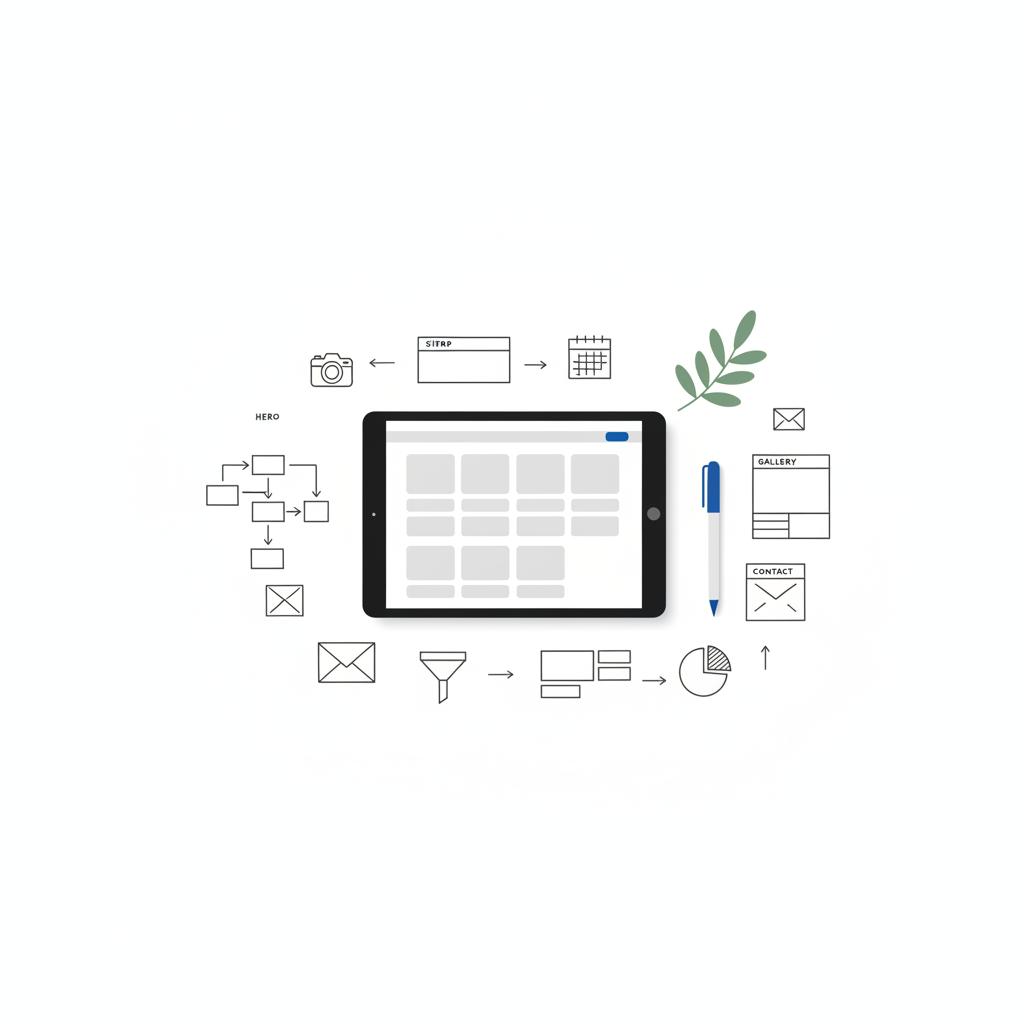
At the end of the planning and last-minute seating changes, the website will sit beside a stack of printed invites and the playlist on your phone. It should feel like a welcome note: clear, honest and a little bit lovely.
List your must-haves first: photo galleries, ticketed events, mobile reliability, or a quick RSVP flow. If you prioritize polished, photography-forward templates, Squarespace is usually the faster path to a beautiful site. If you need native ticketing, guest exports and lots of app options, Wix will reduce operational friction. Match the platform to the element that would cause you the most stress during planning.
Yes. Agency VISIBLE offers practical, design-forward support to help couples choose templates, set up RSVP flows, and optimize galleries. They focus on quick, visible results so you can keep planning the day while the site works smoothly in the background.
They can if images are uploaded at full camera resolution. Compress images to web-friendly sizes, use platform-recommended settings and lazy-loading galleries where available. Both Squarespace and Wix provide guidance for optimal image sizes; following those recommendations keeps your site fast for guests on mobile connections.
References
- https://www.studiocreativethings.com/en-us/blogs/news/what-to-put-on-your-wedding-website-the-time-saving-guide?srsltid=AfmBOoqjlOgRYQSIwcCElSyWXnaXeG8VMdB2EsDf3vSJgv6LcuWR71oj
- https://agencyvisible.com/contact/
- https://withjoy.com/blog/how-to-set-perfect-wedding-rsvp-deadlines-a-stress-free-guide-for-couples/?srsltid=AfmBOorh5sa3aBJECHiotqMK3v1JypZgF8VCejnLJ17CXPB-1stzF0qq
- https://www.theknot.com/content/wedding-website-faq-page
- https://agencyvisible.com/
- https://agencyvisible.com/projects/





