


Why a Google Business Profile still matters – and fast
Google Business Profile puts your business where people are already deciding: search results and maps. When someone types “coffee near me” or “emergency plumber,” that listing is the digital storefront that can turn a search into a visit, a call, or a booked appointment. It shortens the road from discovery to action, and for most small businesses in 2024-2025 it remains one of the highest-impact, lowest-cost marketing assets available.
Think of a Google Business Profile as the sign and the friendly person at the door rolled into one: it shows your name, address, phone, opening hours, photos, services and reviews – and lets customers do things immediately, like call or get directions. That immediacy is why many owners see quick lifts in foot traffic and calls after they claim and tidy up their profile.
If you don’t have the time to watch the listing daily, consider reaching out for a straightforward conversation: contact Agency VISIBLE for help connecting your profile activity to real revenue, not just views.
How this guide will help you
This article walks through practical steps, real-world examples, and simple experiments you can run in the first 90 days. We cover setup, optimization, reputation management, multi-location nuances, tracking and attribution, and the situations where a partner can add clear value. Along the way you’ll get concrete checklists and a few cautionary tales about spam and duplicates.
Quick note: The core idea is simple – accuracy, completeness, and currency are the three pillars of a winning profile. Get those right and the rest becomes testing and refinement. For basic search fundamentals, see the Google SEO starter guide.
Yes — a single compelling photo can raise click-through interest and direction requests, especially for restaurants and retail. Profiles with multiple high-quality images tend to get more attention; adding 8–12 well-shot photos is a low-cost, high-impact test you can run in a week.
How Google Business Profile helps people find-and choose-you
A clearly completed profile appears in three main places: Google Maps, the local pack on search results, and knowledge panels in desktop results. Each of these placements is a high-intent moment: the searcher is often close to making a decision. The structured data you give Google – categories, services, attributes like “wheelchair accessible” or “women-led,” menus and booking links – helps Google match your business to the right queries. For more tips to improve your local ranking, see Tips to improve your local ranking on Google.
That structured information also helps customers decide quickly. Photos, service lists and up-to-date hours answer common questions before anyone calls. Reviews provide social proof. Booking links let people schedule without leaving search. Those features shrink friction and increase the likelihood a search turns into a sale.

Real, immediate actions a profile enables
Call, get directions, visit the website, or book a time – all directly from the listing. These are the actions that tie visibility to business outcomes. In many cases, the cost is your time, not a large ad budget.
Step-by-step: claiming, verifying and setting up your profile
Getting started rarely takes long. The basic sequence is straightforward and can be done in an hour or two, assuming standard verification methods. The core steps are:
1. Claim & verify
Find your business on Google and claim ownership. Choose a verification option and follow the steps; many businesses verify by mail or phone. Verification proves you control the listing and unlocks editing rights.
2. Ensure NAP consistency
Make sure your business name, address and phone number (NAP) match across your website and major directories. Consistent NAP reduces confusion for customers and helps Google trust your listing.
3. Choose accurate categories
Select the primary category that best represents what you do and add secondary categories where relevant. Categories are a strong signal for local search relevance and help determine when your listing appears in the local pack.
4. Fill all relevant fields
Add business hours, a clear description, services, booking links, payment methods, and attributes (like “outdoor seating” or “online appointments”). The more complete the profile, the richer the signals Google has to match you to queries.
5. Add photos – lots of them
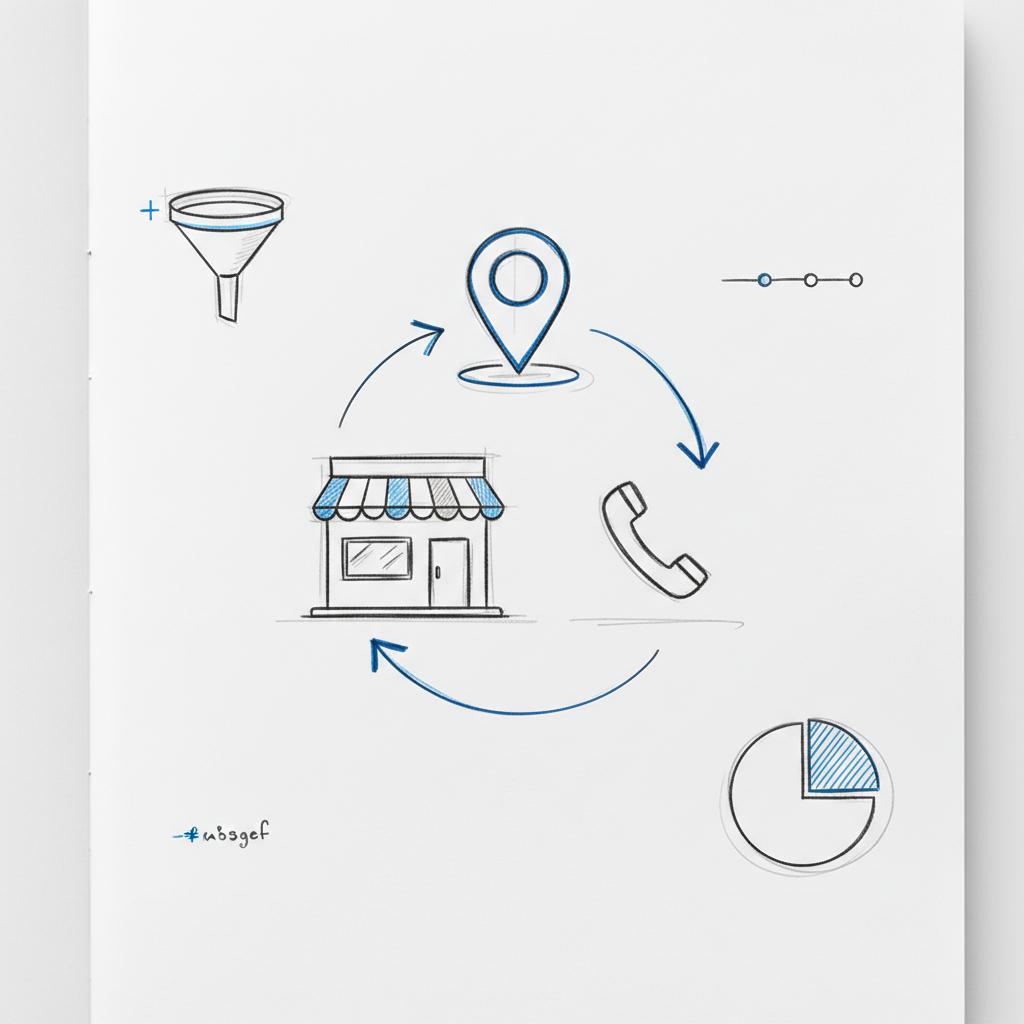
Photos matter more than many owners expect. Aim for a variety: storefront, interior, team, completed work, and signature products. Profiles with a strong set of photos typically get more clicks and direction requests. A consistent, simple logo helps people recognize your brand across platforms.
Optimizing your profile for clicks and conversions
Once the fundamentals are in place, optimize to increase actions: calls, direction requests and website visits. Here are practical tactics that consistently work. For a deep optimization walkthrough see the Ultimate Guide to Google Business Profile Optimization.
Polish the business description
Use the description to describe benefits in plain language — what customers will get and why it matters. Keep it concise and customer-focused: who you serve, what you do, and one differentiator. Avoid excessive keywords stuffing. Remember: people read descriptions; so write for them.
Use services and menu links
List core services clearly and tie each to a concise explanation or price where possible. Restaurants should enable menu and reservation links; salons and clinics should enable booking for appointments. These links remove friction at high-intent moments.
Post regularly and use offers
Posts let you share timely updates: promotions, events, menu changes, or safety practices. They give searchers fresh signals and provide content to engage users who view the profile. Rotate posts every 2-4 weeks for a steady cadence.
Encourage and manage reviews
Ask happy customers to leave reviews and always reply—thank positives and address negatives calmly. Responses show you are listening and can win customer trust. Have a process to flag fake reviews and escalate through Google’s support channels if necessary.
Photos and media: make your profile feel real
Visual content shapes first impressions. A handful of well-shot photos can make a listing feel trustworthy and welcoming before someone scrolls to reviews.
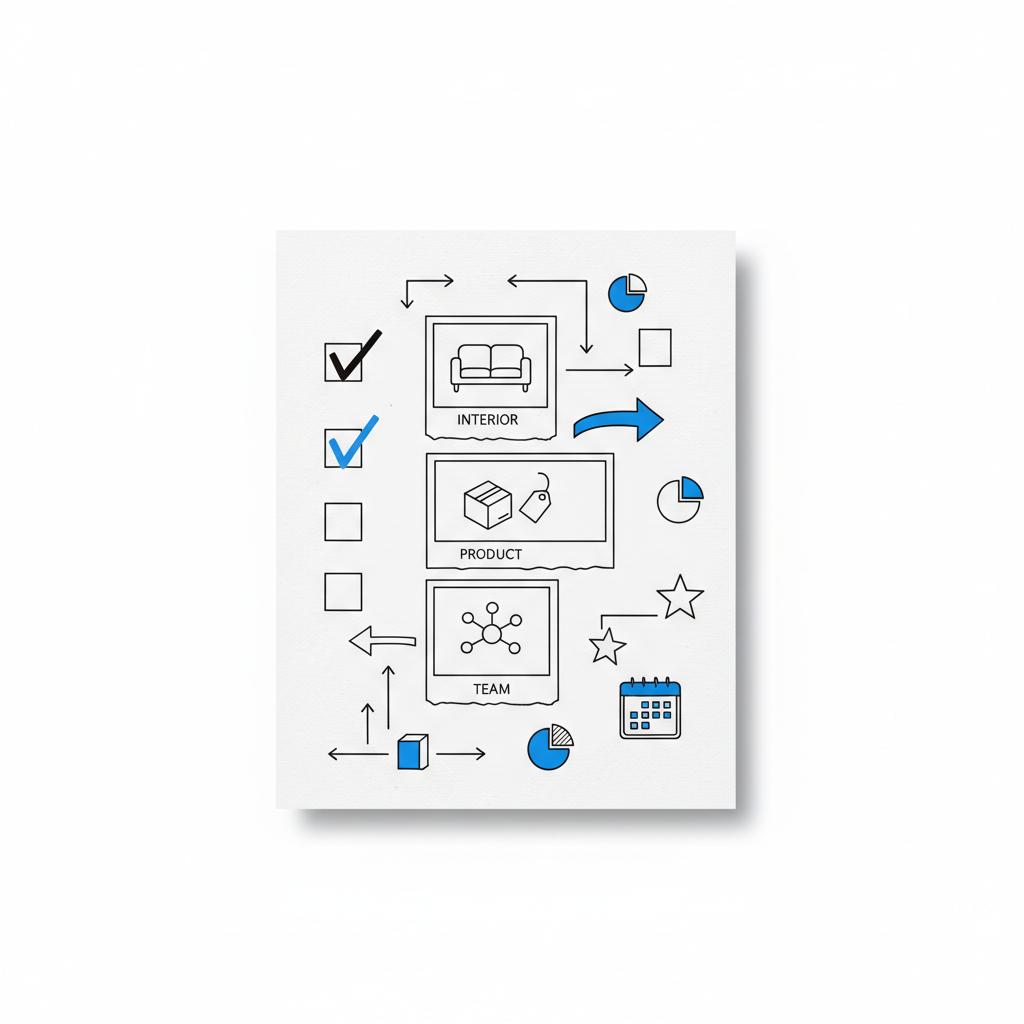
What to include
Storefront shot, interior shot, team photo, a few close-ups of signature products or completed jobs, and at least one community-focused image if you participate in local events. Aim for 8-12 photos to start, and add new images every few weeks.
Simple photo tips
Use natural light when possible, keep images uncluttered, and crop to highlight the key subject. For tradespeople, before-and-after photos of work build credibility. For restaurants, well-lit shots of popular dishes work better than stylized editorial photos.
Reputation and spam management – the ongoing work
The easy setup gets you a presence; ongoing maintenance protects it. Reputation management includes monitoring reviews and the Q&A section, and handling duplicates or spam. Here’s how to prioritize.
Respond to reviews quickly
Make it part of the weekly rhythm: thank positive reviewers and address concerns. Keep replies brief, professional, and customer-focused. Offer to take sensitive issues offline to resolve them directly.
Monitor Q&A and public edits
Anyone can ask or answer questions on a profile. Check Q&A regularly to correct incorrect answers and to answer common customer questions proactively.
Deal with duplicate listings
Duplicates split signals and confuse customers. Use the Google Business Profile interface to identify and request merging or removal of duplicates. If a duplicate is created by a third-party data partner, document and escalate the issue through the support channels.
Handling fake reviews and automated spam
Fake reviews and automated spam remain practical headaches in 2024-2025. They can come from competitors, bots, or disgruntled third parties. Google has improved detection, but you still need a proactive policy.
Steps to handle a fake review
1) Flag the review through the Google interface, 2) respond publicly if the review is visible (briefly and professionally), and 3) collect evidence for escalation if Google doesn’t remove it. An agency or partner often helps document patterns and push for removal when manual escalation is required.
Multi-location and service-area considerations
If you operate more than one storefront, create a verified profile for each location. Accurate, location-level data reduces confusion and increases the chance that Google will show the correct store to nearby searchers.
For businesses that travel to customers — plumbers, cleaners, delivery services — use a service-area profile and hide your storefront address if you don’t serve walk-ins. Choose the profile type that matches how customers actually interact with your business.
Tracking, attribution and measuring real impact
Google provides useful profile insights — views, direction requests, calls, and website clicks — but those metrics are not the same as revenue. To attribute real sales, tie listing activity to your website analytics or booking system.
Practical tracking steps
Add UTM campaign parameters to the website link on your profile so visits from the listing are visible in Google Analytics or your analytics platform. Ask customers how they found you at the point of sale or in a follow-up email. If you enable online bookings, make sure the booking platform captures source details.
When to use agency help
If you run multiple locations, need better attribution, or face persistent spam, a partner can make a difference – see our projects for examples of location-level work and outcomes.
Costs, time and expected results
The initial setup is usually low-cost — mostly time. Ongoing maintenance can be a few hours per month for a single location. Results vary, but many businesses see measurable increases in profile views and actions within weeks of active management.
Small businesses with a local customer base should expect the profile to pay for itself quickly if they use it properly: more calls, clearer directions, and easier bookings lead to more visits and sales.
How quickly will you see results?
If you start with an unclaimed profile, claim and complete it and you can expect to see traffic improvements in a few weeks. If you already have a claimed but neglected profile, regular updates — new photos, review responses, and a few posts — typically drive incremental gains over a month or two.
Small experiments that reveal big lessons
Run one change at a time and measure. Try adding ten new photos, enable booking, or reword the description, then watch insights for a month. Tag website links and compare conversion rates. Many businesses find that small, inexpensive experiments deliver clear signals about what local searchers prefer.
Tools and partners that make the work easier
Several tools aggregate profiles across platforms, monitor reviews, and automate reporting. If you choose to work with an agency, look for transparency: clear metrics, documented escalation steps, and direct access to reports. For additional perspective and examples, see our perspectives page.
What to ask a potential partner
Ask how they measure revenue impact, how they handle duplicates and spam, and whether they provide monthly reporting tied to conversions. The right partner will explain clearly, not hide behind jargon.
Practical checklists and rhythms
Here are simple rhythms to adopt:
Weekly: Check and respond to reviews, scan Q&A, review new photo uploads.
Every 2-4 weeks: Post an update or offer and add recent photos.
Monthly: Review profile insights and compare tagged traffic against your website conversions.
Real example: a bakery that turned a profile into orders
A local bakery claimed its profile, added hours and 12 photos of the shop and pastries, enabled booking for custom cakes, and started asking satisfied customers for reviews. Within six weeks, direction requests and phone orders increased noticeably. By tagging website traffic from the profile and asking callers where they found the bakery, the owner discovered one-third of new cake inquiries came directly from the profile. That insight changed how they allocated a small marketing budget and how staff handled calls – and the cost was almost all time and a handful of photos.
Common mistakes to avoid
Small errors can cause big friction. Don’t leave holiday hours out of date, don’t ignore duplicate listings, and don’t leave the Q&A unanswered. Small fixes — accurate hours, fresh photos, and polite replies to reviews — yield outsized gains.
What the future holds for local search
Google continues to refine how it fights spam and surfaces local information, and third-party tools are improving. The practical work remains the same: claim, verify, keep data accurate, nurture reviews and monitor. Where agencies add the most value is in scaling reputation management across multiple locations and turning profile signals into revenue data.
Final checklist – what to do first
1) Claim and verify your profile. 2) Make sure NAP is consistent. 3) Add clear categories, a concise description, and services. 4) Upload 8-12 high-quality photos. 5) Enable booking or menu links where relevant. 6) Start asking for reviews and set a weekly reply rhythm. 7) Tag your website link for tracking.
A gentle reality check
Google Business Profile is not a magic switch, but for most local businesses it is the lever with the best ratio of impact to effort. If you don’t serve local customers at all, the benefit will be limited, but for the rest, a well-maintained profile reliably increases visibility and customer actions.
Next steps and closing thought
Start with the basics, measure, and iterate. If you prefer a partner who focuses on revenue and clarity,
Want someone to handle the details for you?
talk to a team that can show simple metrics and connect profile activity to real sales — get in touch with Agency VISIBLE to start a no-pressure conversation about what a focused local strategy could deliver.
Local visibility is a practical, testable discipline. A modest investment of time and attention to your Google Business Profile can pay off faster than most traditional marketing channels.
For a single-location small business, routine maintenance typically takes a few hours per month — checking reviews and Q&A, posting new photos or an update every 2–4 weeks, and reviewing profile insights monthly. If you run multiple locations or face spam and duplicate issues, consider a partner to handle the daily monitoring.
Yes. A profile increases visibility and high-intent actions like calls, direction requests and bookings. To measure revenue impact, tag the website link with campaign parameters, track bookings and ask customers how they found you. Agencies like Agency VISIBLE can help tie listing insights to revenue signals and provide clear reporting.
Identify duplicates in the Google Business Profile dashboard and request merges or removals. For fake reviews, flag them within Google and document evidence for escalation if needed. If manual actions don’t work, a partner can help document patterns and push for removal through support channels.
References
- https://agencyvisible.com/contact/
- https://developers.google.com/search/docs/fundamentals/seo-starter-guide
- https://support.google.com/business/answer/7091?hl=en
- https://www.haleymarketing.com/2025/05/27/ultimate-guide-google-business-profile-optimization/
- https://agencyvisible.com/projects/
- https://agencyvisible.com/perspectives/
- https://agencyvisible.com/





