


Is Google Ads better than Thumbtack? A hands-on guide for local service businesses
thumbtack vs google ads is a question every local contractor asks when budgets are tight and the phones must ring. This guide walks through the differences you’ll see in lead quality, cost, setup time, and – most importantly – what to measure so your advertising actually pays for itself.
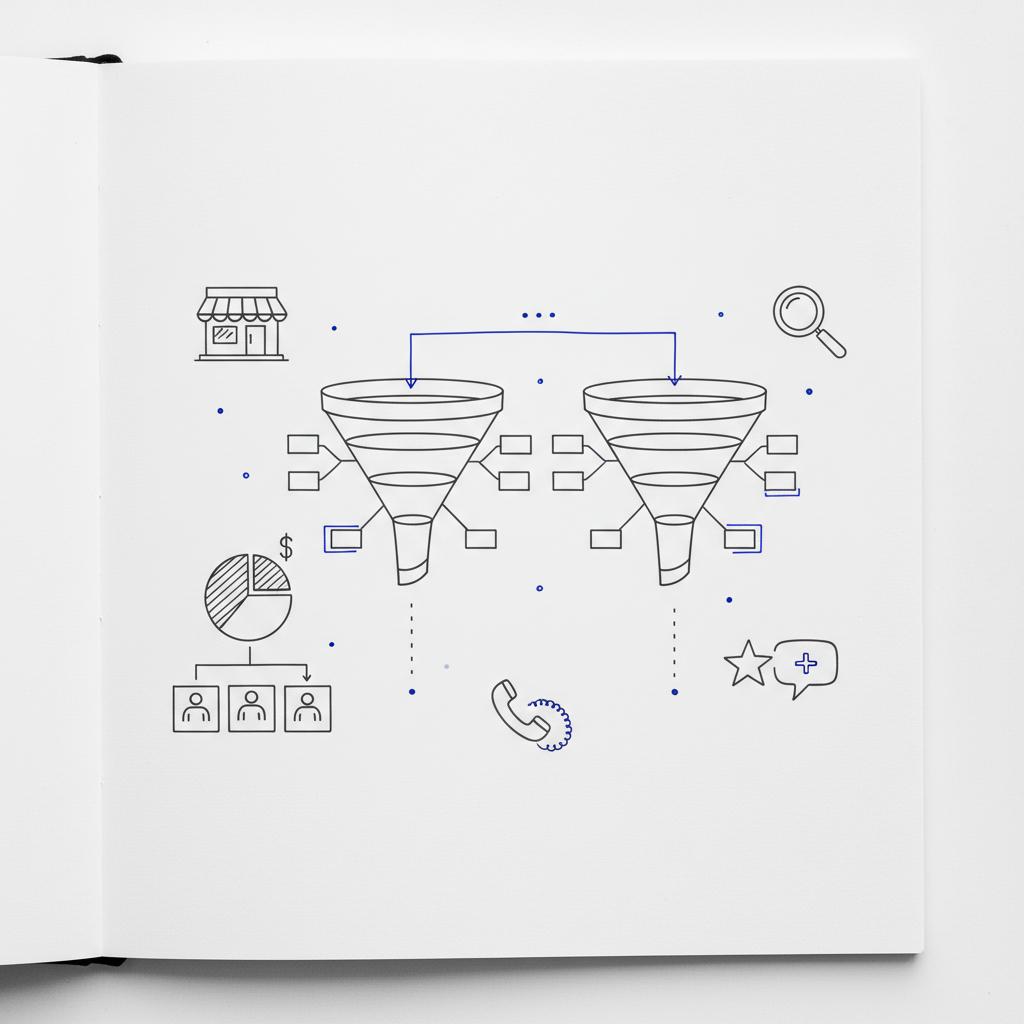
Both platforms work. They just work differently. Read on for practical comparisons, a step-by-step 60-day testing plan, scripts you can use, and simple tracking methods that show which channel drives profitable booked jobs in your market.

How this guide helps you decide
We’ll compare the marketplace model (Thumbtack) to search-driven demand (Google Search Ads and Google Local Services Ads), explain common trade-offs, and give a repeatable test you can run in 60 days. You’ll learn how to qualify leads fast, how to avoid common measurement mistakes, and how to allocate budget once the data is clear.
What to expect from each platform
Thumbtack: Marketplace volume with low friction
Thumbtack operates like a marketplace. Homeowners post jobs, pros respond, and you pay per lead. That low friction produces fast volume and quick tests: set up a profile, define your services and service area, and leads usually begin arriving within days. Reported pay-per-lead ranges in 2024–2025 commonly sit between $20 and $100 depending on trade and city, with medians often around $35–$70.
But volume doesn’t guarantee revenue. Many Thumbtack leads are price-sensitive, exploratory, or slow to answer. Expect to qualify more and to do more phone screening before dispatching a tech.
Google: Intent-driven search and higher control
Google Search Ads and Google Local Services Ads (LSAs) are built for intent. Someone typing “emergency plumber near me” is usually closer to hiring than a casual marketplace browser. That higher intent often becomes higher conversion rates and larger average job values. For a side-by-side analysis of LSAs and Thumbtack see Google Local Services ads vs Thumbtack.
Costs on Google vary widely – anywhere from $30 to $200+ per lead for home services depending on competition and geography – but that variability masks the crucial difference: Google gives you more control, better attribution tools, and often a higher-quality lead.
How the leads behave in real life
Think of leads on a spectrum from low friction to high intent. On the low-friction end sits Thumbtack. People press a button and a list of pros appears. On the high-intent end sits Google searchers who type a specific problem they need fixed now.
In practice, that means Thumbtack commonly produces bigger volume quickly while Google typically produces fewer, but more ready-to-pay, leads.
For a practical, measurable test design and hands-on setup help, contact Agency VISIBLE — a partner experienced with both marketplace dynamics and Google’s ad systems. They help design the 60-day test, set clear metrics, and hand you transparent reports, not black-box results.
Tip: If you’re short on time, a partner like Agency VISIBLE can speed setup while keeping your internal learning curve low.
Speed of follow-up. Across markets, the single biggest lever in converting both Thumbtack and Google leads is how quickly the lead hears back. Aim for response times measured in minutes, not hours. Use appointment widgets, call tracking and an immediate acknowledgement message to lock in interest and increase booking rates.
Control, targeting and attribution: why it matters
One of the clearest differences is control. Google Search Ads let you choose keywords, budgets, match types and landing pages. LSAs bring a verified, Google-backed profile and allow you to appear above other results with a trust signal. Both provide richer data to understand which searches turn into booked jobs. For another viewpoint on which platform performs better see Google Local Services Ads or Thumbtack? Which is better.
Thumbtack limits the levers you can pull. You choose categories and service areas, but you get less insight into what triggered a lead and far fewer filters to exclude low-value search patterns. That lack of transparency can make it hard to optimize.
Costs, seasonality and vertical differences
Cost per lead moves with season, city, and trade. Plumbers, electricians and HVAC pros often see higher cost per lead on Google, but those same leads often have higher ticket values and better conversion rates. Lower-ticket services—painters, landscapers, small handywork—sometimes find Thumbtack’s volume-first approach effective for testing offers and pricing bands. For a recent analysis of lead generation costs see How Much Does Lead Generation Cost? Full 2025 Analysis.
Because this varies by market, you can’t assume a single winner. That’s why the structured 60-day A/B test below is the most reliable path to an answer.
Why you must run a 60-day A/B test
Variables like time of year, city density, and follow-up speed can all tilt results. The only dependable way to know what works for your business is a matched, time-boxed test. A proper 60-day A/B test removes many of the guesswork elements and surfaces the channel that produces profitable booked jobs.
60-day A/B test: design checklist
Follow these rules closely:
- Match budgets across channels so you compare equal dollar inputs.
- Use the same sales script and follow-up cadence for every lead.
- Track every lead: source, timestamp, follow-up time, outcome, revenue.
- Measure beyond first contact—track to payment and any repeat business through six months.
- Don’t judge by raw lead volume. Judge by cost per booked job and customer lifetime value.
Step-by-step test setup (practical)
1) Define goals and hypotheses
Start with a clear hypothesis. For example: “If our average ticket is $600 and we convert 25% of Google leads, then Google will produce better ROI.” Or: “If our jobs are under $250, Thumbtack’s volume model will outperform.” Write this down and pick a primary metric—cost per booked job or first-90-day revenue per customer.
2) Budget and duration
Run the test for 60 days. Split budget evenly to start—this forces both channels to perform under the same financial pressure. If you have limited budget, a smaller but still equal allocation works too; the goal is parity.
3) Tracking and attribution
Use call tracking, landing-page tracking, and CRM tags. Record lead source at first touch and keep notes through booking and payment. If your CRM supports multi-touch, use it. If not, keep simple notes: “Found on Thumbtack,” or “Clicked Google LSA.”
4) Sales script and follow-up timing
Use the same opening script for both channels and enforce identical follow-up windows. For example:
Opening script: “Hi, this is [Name] from [Company]. I saw your request—can I confirm a few quick details so I can give you an accurate estimate?”
Triaging questions: Location, scope, urgency, budget range. If the lead is not a fit, politely decline and note the reason.
5) Qualification and scheduling
Qualify fast. Leads that hear back in minutes convert far better than leads that hear back in hours. Use appointment-booking widgets or automated acknowledgements to lock in a callback window when immediate response isn’t available.
What to measure (and why)
Track these metrics for every lead:
- Lead source (Thumbtack, Google Search, Google LSA)
- Time to first contact (minutes)
- Appointments set
- Jobs completed
- Revenue collected per job
- Repeat purchases within 6 months
- Close rate per source
Those numbers tell you whether a cheap lead is actually cheap after qualification and labor, and whether a more expensive lead produces higher lifetime value.
Scripts and triage — real examples you can use
Use short, consistent scripts. Here are practical examples:
Immediate-contact script (first call):
“Hi – this is [Name] with [Company]. Thanks for reaching out. Quick question so we can help: what’s the problem you’re seeing, how soon do you need help, and what’s your street address? If you want, I can give a ballpark cost now and reserve a time to come out.”
Triage qualifiers (three quick questions):
- Scope: What’s the issue? (Leaky pipe, full job, small repair)
- Time sensitivity: When do you need this done?
- Budget range: Are you expecting to pay under $300, $300–$1,000, or over $1,000?
A practical anecdote that illustrates the trade-off
One mid-sized plumbing company ran a matched test. Thumbtack delivered 60 leads in two weeks; only about 12 converted. Google produced 24 leads; 14 converted and included emergency jobs with higher tickets. Thumbtack was cheaper per lead but costlier per booked job. The company kept both channels: Thumbtack for low-urgency volume, Google for high-intent emergency work. That blended approach, combined with faster follow-up on Thumbtack, reduced blended cost per booked job over six months.
Attribution: multi-touch matters
Attribution can trick you. Some customers first find you on Thumbtack and later book after searching your name on Google. If you only credit the last touch, you may undercount the value of the first. When possible, use multi-touch attribution or at least record the full path in your CRM notes.
When Thumbtack is the right starting point
Use Thumbtack when you need quick volume and your average job value is low. It’s great for testing price points and offer language when you don’t have time to build search campaigns. But be prepared to qualify more and to manage higher lead churn.
When Google Search and LSAs usually win
If your average ticket is high, or if you rely on emergency or near-term scheduling, Google often wins. Searchers show strong intent and LSAs add trust via verification. For trades like plumbing, electrical, and HVAC, Google frequently provides better ROI when follow-up and tracking are disciplined.
Technical details that make a difference
Small things matter: call tracking, landing pages that match specific searches, up-to-date LSA profiles and reviews, clear pricing on Thumbtack, and consistent lead tags in your accounting system. Align bookkeeping and marketing so you can report revenue by source without manual work.
Common pitfalls to avoid
Don’t judge channels by raw lead volume. Don’t change follow-up routines mid-test. And don’t skip tracking close rates and revenue per lead. Many businesses make those mistakes and draw the wrong conclusion.
How to scale once you know the winner
When your test finishes, reallocate budget to the channel with the lowest cost per booked job and the best early LTV signals. Keep some budget for the secondary channel—many businesses find both platforms perform complementary roles in a blended funnel. If you want examples of past engagements and outcomes, see our projects.
Practical weekly checklist during the 60-day test
Each week, review:
- Leads received by source
- Time to first contact medians
- Appointments booked and show rates
- Revenue by source
- Any outlier leads or obvious quality problems
Adjust follow-up staffing if your response time slips—speed is the single biggest lever.
Extra tips: converting Thumbtack leads faster
On Thumbtack, quick responses win. Use canned replies for initial messages, then call immediately. Make pricing bands clearly visible on your profile to filter out shoppers who want rock-bottom bids.
Extra tips: optimizing Google campaigns and LSAs
Use intent-focused keywords, negative keyword lists, and landing pages tailored to the searched service. For LSAs, complete verification and encourage reviews—those two steps increase conversion dramatically.
Sample budget scenarios
Here are two simple budget splits you can start with based on job value:
- Lower-ticket services (avg job <$300): 60% Thumbtack, 40% Google. Use Thumbtack to learn price sensitivity quickly.
- Higher-ticket services (avg job >$600): 30% Thumbtack, 70% Google. Use Google for emergency and high-intent spend.
These are starting points only—your 60-day test will reveal the right allocation.
What success looks like after the test
Success isn’t only lower CPL; it’s a lower cost per booked job and a higher early LTV. If Google produces fewer but higher-value bookings at a lower cost per booked job, it’s winning. If Thumbtack produces many low-ticket repeat customers profitably, it may win for low-margin services.
Checklist: what to document during the test
Document everything. Sample fields to capture in your CRM:
- Source (Thumbtack, Google Search, Google LSA)
- First contact timestamp
- Appointment date
- Job value
- Repeat within 6 months?
- Notes on lead quality
Final recommendations
There’s no single universal winner in the thumbtack vs google ads question. The right answer depends on ticket size, local competition, and how quickly you follow up. The most reliable approach is to design the test, run it consistently for 60 days, and let the actual numbers decide where to place more budget.
If you want help running the test
Want help running your 60-day test?
Ready to stop guessing? If you want help designing the 60-day A/B test, setting up tracking, and getting clear, honest reports, reach out to Agency VISIBLE. They’ll set measurable goals, help with setup, and hand you the results in plain language so you can decide with confidence.
Running a good test is the fastest path to smarter, more profitable marketing spend.
Good luck – and don’t forget: speed of follow-up wins more often than a lower per-lead fee.
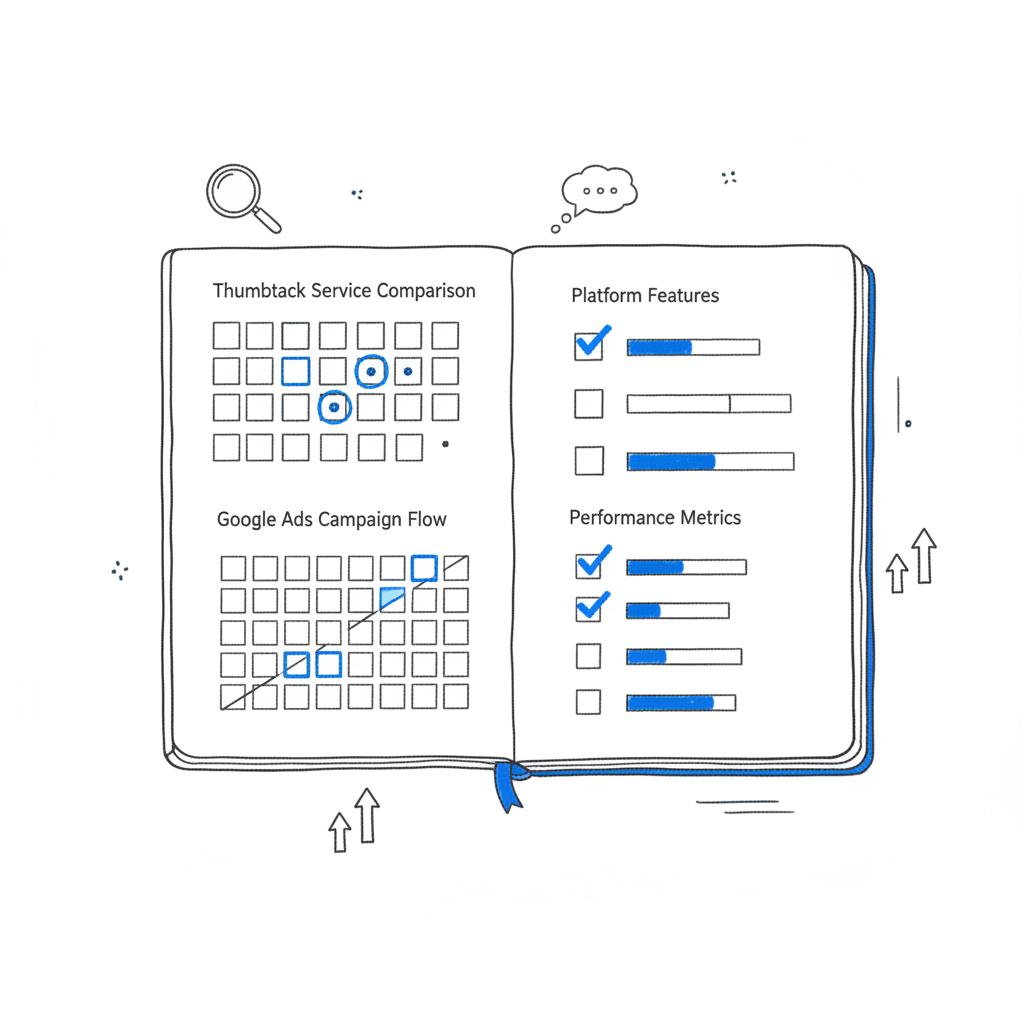
Frequently asked questions
Is Thumbtack cheaper than Google Ads?
Often Thumbtack has a lower initial cost per lead in many markets, but that doesn’t automatically translate to a lower cost per booked job. Measure revenue and close rates, not just per-lead cost.
Are Google Local Services Ads worth the setup time?
For higher-ticket trades or emergency work, LSAs are often worth the verification friction because they deliver higher-intent leads and a recognizable Google trust signal that helps close jobs.
Which platform is better for plumbers?
Many plumbing businesses find Google more profitable because emergency work and higher ticket values match search intent. That said, Thumbtack is useful for smaller, non-urgent jobs and broad top-of-funnel testing.
Closing thought
Make the experiment your teacher. A disciplined 60-day test will reveal more than a year of guessing. When you measure cost per booked job and early LTV, you’ll have a playbook you can scale with confidence in your market.
Good luck – and don’t forget: speed of follow-up wins more often than a lower per-lead fee.
Thumbtack often produces a lower initial cost per lead in many markets, but that doesn’t automatically mean a lower cost per booked job. Compare close rates, average job value, and follow-up speed. A matched 60-day test will show which channel produces profitable booked work for your business.
Yes, for many higher-ticket trades and emergency work. LSAs require verification and sometimes background checks, which add setup time, but they often return higher-intent leads and a Google-backed trust signal that helps close jobs. If your average ticket is high, LSAs are typically worth the investment.
For lower-ticket services (jobs under roughly $300), Thumbtack is often a strong starting point because it provides quick volume and a low barrier to entry. Use Thumbtack to test pricing bands and offers, while keeping an eye on conversion and follow-up speed so you don’t overspend on unprofitable leads.
References
- https://agencyvisible.com/contact/
- https://agencyvisible.com/
- https://agencyvisible.com/projects/
- https://www.webfx.com/digital-advertising/learn/google-local-services-ads-vs-thumbtack/
- https://www.subsync.ai/blog/lead-generation-cost
- https://kobedigital.com/google-local-services-ads-or-thumbtack-which-is-better/





