


Is becoming a Thumbtack Pro worth it? A clear, practical look for contractors and trades
If you run a local service business — plumbing, electrical, cleaning, landscaping, or general contracting — the promise of Thumbtack Pro sounds like music: targeted local leads delivered when you want them, and you only pay for the ones you open. But how close is that promise to the reality of a profitable job pipeline? This article walks through how Thumbtack Pro works in practice, typical price ranges in 2024-25, what determines lead quality, and a step-by-step way to test whether the platform is a good fit for your business and ZIP code. Along the way you’ll find scripts, spreadsheet templates, and decision rules that cut the guesswork out of buying leads.
Thumbtack Pro sells individual leads rather than charging most users a flat monthly fee. Homeowners submit requests, Thumbtack matches those requests with local pros, and pros pay to see or respond to the matched requests. That means your spending is directly tied to the number of leads you buy – and local demand and competition set the price. For Thumbtack’s own explanation of how lead costs are determined, see the Thumbtack help article on paying for leads.
The consequence? Prices shift by day, by ZIP code, and by category. A busy urban market with hundreds of pros competing for requests will usually see higher per-lead prices than a sparsely populated area. High-value trades and complex jobs raise average lead price too. Keep this in mind: Thumbtack Pro itself doesn’t publish a single national average because the market – your market – does most of the pricing work.

How Thumbtack Pro’s pay-per-lead model actually works
Thumbtack Pro sells individual leads rather than charging most users a flat monthly fee. Homeowners submit requests, Thumbtack matches those requests with local pros, and pros pay to see or respond to the matched requests. That means your spending is directly tied to the number of leads you buy – and local demand and competition set the price.
The consequence? Prices shift by day, by ZIP code, and by category. A busy urban market with hundreds of pros competing for requests will usually see higher per-lead prices than a sparsely populated area. High-value trades and complex jobs raise average lead price too. Keep this in mind: Thumbtack Pro itself doesn’t publish a single national average because the market – your market – does most of the pricing work.
Typical lead price ranges in 2024-25
Experienced pros commonly report lead prices roughly between $10 and $50 per lead for many residential categories. Reported ranges and practitioner surveys back this up – see a reported range analysis and an industry cost breakdown that echo similar observations. But extremes exist: in dense cities or for specialized, emergency, or high-value work, individual leads can cost much more. A $15 lead that matches a quick one-hour cleaning job is very different from a $15 lead that might cover a multi-hour electrical repair. The important point is to measure those leads against the value of jobs you win and your ability to convert inquiries into booked work.
Lead price meaning and the ticket analogy
Think of each lead as a ticket to an opportunity. How valuable that ticket is depends on the average job value you charge, your conversion rate from lead to booked job, and how well you screen and follow up. Those three variables determine whether a purchased lead is a cost or an investment.
The simple break-even rule (use this first)
Use this rule: acceptable cost-per-lead < (Average Job Value × Conversion Rate). It forces a straight math check.
Example: average job $500, conversion 10% (1 in 10 leads becomes work) → break-even CPL = $50. If Thumbtack Pro sells leads averaging $35 in your market, you should be profitable at that conversion rate. If the platform charges $60 per lead and you can’t lift conversion, you’ll likely lose money.
Example two: average job $2,000, conversion 8% → break-even CPL = $160. A lead that was marginal for a $500 job becomes attractive for larger-ticket work. That’s why some trades and ZIP codes find Thumbtack Pro a great fit and others don’t.
Understanding conversion rates: the real drivers
Conversion rates on Thumbtack Pro vary; pros typically report between 5% and 20%. Why such spread? Because conversion depends on trade, job type, how complete the request is, seasonality, response time, and how well you qualify leads once they arrive.
Speed matters. Pros who reply quickly — often within minutes — win more jobs. But speed alone is not enough: you must qualify efficiently. Quick triage (a consistent first message asking the right questions) separates profitable lead buyers from those who pay for a lot of low-value inquiries.
What makes a lead convert higher?
Signs of higher conversion include: homeowner-provided photos, a clear description of the problem, a stated timeline, a budget range, and willingness to schedule a visit. Those signals show readiness. When a request includes at least two of these items, treat it as a higher-probability lead.
Lead quality: high intent but mixed detail
One of Thumbtack Pro’s strengths is that many leads have real intent: the homeowner took time to request service. Still, not every lead arrives with clear project details. You’ll get “need electrician” requests and detailed remodel briefs in roughly the same stream. That means buyer-side effort — your qualification questions, response speed, and screening — determines a lot of the ROI from Thumbtack Pro.
How to run a low-risk Thumbtack Pro test
Treat Thumbtack Pro like an experiment. Don’t go all in. Start small with a daily or weekly cap that limits downside while giving you enough data to judge performance. Track leads bought, responses made, estimates or site visits, and jobs booked. From that you get real conversion and CPL numbers to compare against your break-even calculation.
Practical test tips:
- Limit spend to a modest daily cap for at least two weeks.
- Record timestamps for first contact and follow-ups.
- Note lead quality (photos, budget, timeline) and outcome.
- Use message templates to speed qualification without sounding robotic.
- Standardize handling across your team so your test reflects real operations.
Quoting strategy and follow-up — where the margin lives
Buying leads is only part of the equation. Your quoting strategy and follow-up routine make the difference between losing money and turning profitable work into steady revenue.
Two common quoting approaches:
- Low-entry quote: a modest initial price to secure the booking, then expand scope or add paid extras on site. Works when you can upsell fair, needed items without harming trust.
- Detailed, itemized quote: sets clear expectations and reduces scope creep. Often better for remodels and larger projects.
Both can work. The important part is consistency and tracking: measure which approach wins more jobs and yields higher final revenue.
Follow-up scripts that work
Many homeowners stall between multiple pros. A brief, polite follow-up improves conversion. Keep it helpful, not pushy: ask if they need clarification, remind them of availability, and offer convenient booking options. A friendly 24–48 hour follow-up call or message often turns fence-sitters into booked jobs.

Your Thumbtack Pro profile is your online storefront. Photos of completed work, a clear list of services, licensing and insurance mention, and steady reviews build credibility. Profiles that look current and responsive convert better. A simple, readable logo can increase trust in listings — consider a clean agency or business logo as part of that mix.
If you’re deciding between paid leads and investing in your profile, consider that steady positive reviews and a professional gallery often lift conversion more than incremental lead purchases. Spend time gathering thoughtful reviews and showing before/after photos – these are trust signals that reduce friction for the buyer.
Geography, seasonality, and local dynamics
The same per-lead price can mean different economics in different ZIP codes. Urban areas generally have higher demand and more competition — and higher lead prices. Rural areas can be cheaper but have fewer leads. Seasonality matters: HVAC, heating, and AC spikes differ by region; landscaping and exterior jobs cluster in spring and summer. Watch these local patterns and adjust your bidding behavior accordingly.
Alternatives to Thumbtack Pro and when to choose them
No single lead source is a silver bullet. Many successful contractors combine paid leads with organic search, local referrals, and direct advertising. Alternatives can make sense when you want different controls: for example, if you prefer paying only when customers call you rather than when you open a lead request, local search ads or call-only platforms may be a better fit.
Build a simple cost-per-lead calculator
You don’t need fancy software to measure ROI; a spreadsheet works. Key fields: number of leads bought, total spend, number of jobs booked from those leads, and average revenue per booked job. From that you calculate:
- CPL = total spend / number of leads
- Conversion rate = jobs booked / number of leads
- Revenue per lead = average job revenue × conversion rate
Place your break-even formula in the sheet so you can change inputs quickly and run scenarios (e.g., raise conversion from 8% to 12% or reduce average job value by 10%). Sensitivity scenarios show which levers matter most.
Step-by-step spreadsheet setup
1) Column A: Lead ID; Column B: Date purchased; Column C: Lead cost; Column D: Lead quality (1–5); Column E: First response time (minutes); Column F: Site visit? (Y/N); Column G: Booked? (Y/N); Column H: Final revenue.
2) Use summary fields: Total leads, Total spend, Leads booked, Sum revenue, Average revenue per booked job.
3) Add formulas: CPL = Total spend / Total leads; Conversion = Leads booked / Total leads; Revenue per lead = Average revenue × Conversion.
4) Add scenario cells so you can input different conversion and revenue numbers to see new break-even CPLs instantly.
An illustration: three realistic scenarios
Scenario A — Small jobs, thin margins: Average job $200, conversion 8% → break-even CPL = $16. If average Thumbtack Pro leads in your ZIP are $20, this channel is probably losing money unless conversion improves.
Scenario B — Mid-price jobs: Average job $700, conversion 10% → break-even CPL = $70. A $40 lead looks healthy here.
Scenario C — High-value jobs: Average job $2,500, conversion 6% → break-even CPL = $150. A $100 lead could be a bargain.
These scenarios show why fit matters. Don’t buy leads on hope — buy on math.
Qualification scripts you can copy and test
Here are short scripts tailored for initial contact. Keep them friendly and efficient.
Script A — Quick qualifier (text or Thumbtack message)
“Thanks for reaching out — I can help. Quick question: when do you need the work done and do you have a budget range in mind? Also, can you send a photo or two of the area? I’ll confirm availability and give you an accurate estimate.”
Script B — Phone-first qualifier
“Hi, this is [Name] from [Company]. I saw your request — is now a good time for a quick 2-minute call to clarify the scope so I can give you a realistic price?”
Script C — If homeowner is vague
“Thanks — I’d like to help. To make sure I give the right price, can I ask if this is a one-time job or ongoing work? Also, any photos would help a lot. I’ll follow up with available slots for a quick site visit if that works.”
Collecting data: treat each lead as feedback
If you buy leads, log source, date, lead details, response time, site visit outcome, win/loss, and final revenue. Over weeks and months, these data points show which neighborhoods and job types are profitable. Consider lead buying a continuous improvement process: test small, measure, tweak, and repeat.
When to pause, when to scale
If CPL consistently exceeds your break-even and you can’t improve conversion or job value, pause and re-evaluate. If you find a tested process that produces profit and you have capacity to handle more work without sacrificing quality, scale slowly and keep watching the math. Scaling too fast without hiring or standardizing processes kills profit quickly.
How a partner can help without taking over your business
A measured, data-driven partner can help set up spreadsheets, run small A/B tests on messaging, and model expected ROI so you can decide confidently. A good partner focuses on numbers and small experiments, not vague promises.
If you’d like an expert to help model expected ROI or set up a low-risk test, consider getting in touch with Agency VISIBLE for a short consultation — they help local service pros set up tracking, run experiments, and translate lead data into clear decisions. Reach out via the Agency VISIBLE contact page to ask about a short, practical test that keeps you in control.
Common objections and honest answers
“The leads are too expensive” — often true in busy markets; use the break-even rule and test small.
“Leads don’t have enough detail” — qualification questions and templated responses fix most of that quickly.
“I don’t have time to respond fast” — either assign someone, set business hours in Thumbtack Pro, or reduce spend until you can commit to timely responses.
Advanced tips: optimizing for higher conversion
1) Improve response speed: set phone notifications and templates to reply within minutes.
2) Improve profile: add recent before/after photos and clear service lists.
3) Encourage reviews: after a completed job, ask for a short note about reliability and timeliness — those matter.
4) Track lead quality: tag leads with high intent and double down there.
Asking the right measurement questions
Good measurement is simple: How many leads bought? How many turned into estimates/site visits? How many converted to paid jobs? What was average revenue per job? Keep the funnel simple and review weekly during tests.
Sample 30-day test plan
Week 1: Set up tracking sheet, buy up to a set daily cap, use qualification scripts, and respond within 30 minutes.
Week 2: Review data, tweak scripts, and adjust cap if necessary.
Week 3: Try a different quoting approach for half of leads (A/B test) — low-entry price vs itemized quote.
Week 4: Analyze results, calculate real CPL and break-even, and decide to pause, optimize, or scale.
When Thumbtack Pro is the better option
Thumbtack Pro works best when:
- You have medium-to-high average job value that supports paying per lead.
- You can respond quickly and qualify efficiently.
- Your market has a reliable flow of jobs in your trade.
If you meet these conditions, buying leads can be a fast path to scooping up jobs you wouldn’t find otherwise.
When other channels are better
If you have very low average job value or you can get more reliable customers through referrals or organic search, other channels may be better. Channels that charge per phone call or per booked appointment might fit businesses that prefer to pay only for direct inbound calls rather than for inquiries that need qualification.
Real-world example (anonymized)
A midwestern electrician ran a 30-day test in a suburban ZIP code. Average job value: $650. They set a $25 daily cap, bought 120 leads, booked 14 jobs (conversion 11.7%), and made $9,100 in revenue from those jobs. Total spend: $900 (lead average $7.50). CPL = $7.50, break-even CPL with 11.7% conversion = $76.50 (based on $650 average). Conclusion: in that market, Thumbtack Pro was a clear win. That same electrician tried a dense urban ZIP and hit CPLs of $40–$60 with a conversion of 6% — losing money on the test.
How to handle missed expectations
If results are below targets, don’t assume the platform is bad — test process changes first: faster response, better profile, refined scripts, and improved follow-up. If you still miss break-even after reasonable optimizations, pause and reallocate budget to other channels.
Tracking templates and fields to keep
Keep these fields: lead source, date purchased, cost, customer city/ZIP, lead description, photos (Y/N), first response time, qualification rating (1–5), site visit Y/N, job booked Y/N, final revenue, notes on why win/loss.
Scaling safely
If the math is positive, scale slowly: increase spending by 20–30% weekly while tracking conversion and average job value closely. If conversion drops as you scale, you might be reaching lower-quality leads or hitting capacity limits. Hiring or better process discipline may be the next step.
Working with a partner the right way
A partner should model expected ROI, run small messaging tests, set up tracking, and hand you clear dashboards. Avoid agencies that promise unspecified growth; insist on measurable experiments and simple rules for success.
Tip: set a single KPI
For Thumbtack Pro testing, use a single KPI: revenue per lead minus CPL. Keep things focused. If that single KPI improves through tests, you can scale safely.
Frequently asked practical issues
Will Thumbtack Pro give you high-quality, ready-to-book leads every day? No — but it can provide a steady stream of intent-filled inquiries that, with the right processes, convert reliably.
Is Thumbtack Pro worth it for small, one-person shops? It can be, if you can respond quickly and have a clear qualification process. If you can’t, consider a referral-first strategy or local SEO for long-term gain.
Know your numbers: calculate your average job value and estimate your conversion rate so you can compute a break-even cost-per-lead before spending. Without those figures, you’re buying leads blind.
Answer: know your numbers. If you don’t have a realistic average job value and an estimated conversion rate, you’re buying blind. Do a quick back-of-envelope calculation before spending a dime: average price × estimated conversion = maximum profitable CPL.
Parting checklist and next steps
1) Set a modest daily spend cap for your test. 2) Use the scripts above and standardize replies. 3) Track every lead and outcome. 4) Recalculate break-even weekly and adjust. With that process, you’ll know quickly if Thumbtack Pro is a profitable channel for your trade and ZIP code.
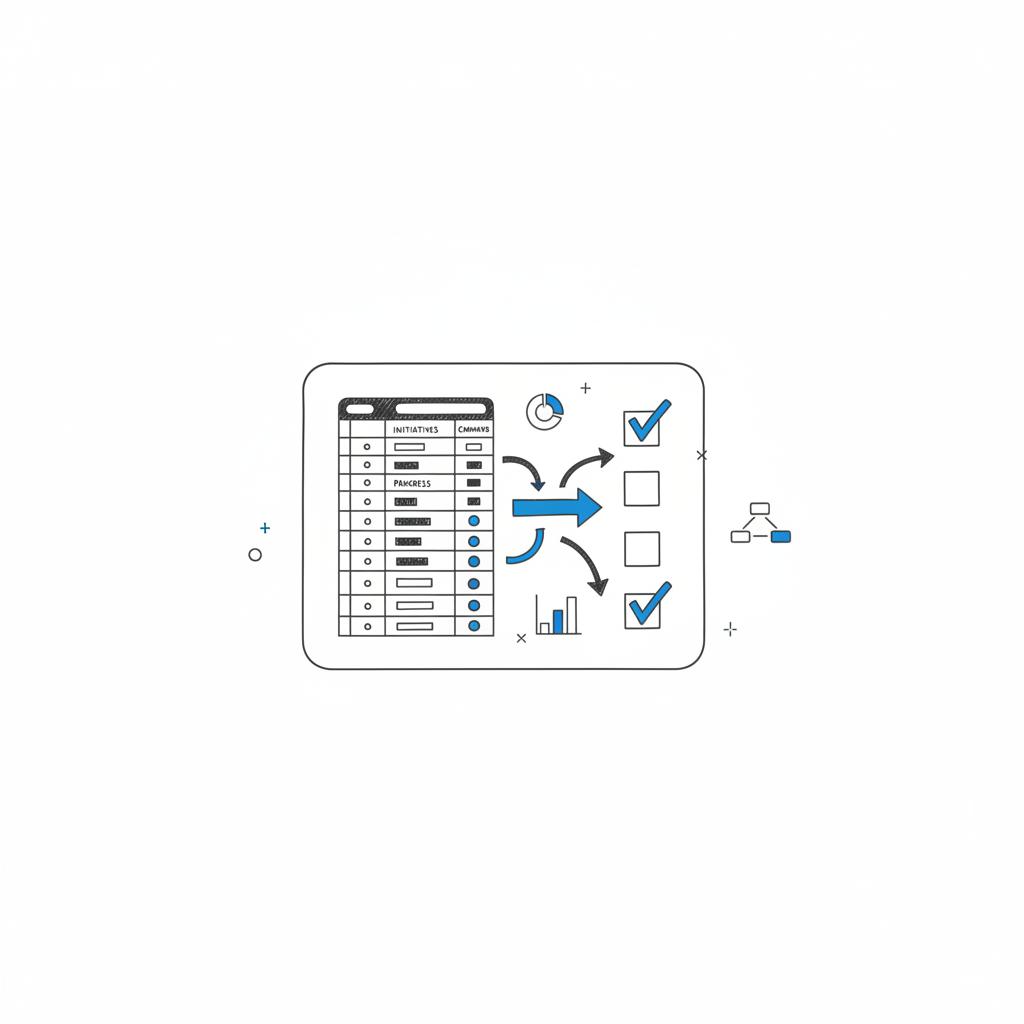
Run a low-risk lead test with expert help
Ready for a low-risk test? If you’d like help building a simple cost-per-lead model or running a short test and interpreting the results, contact Agency VISIBLE for a practical, numbers-first consultation that keeps you in control: request a short consultation.
Thumbtack Pro pricing varies by ZIP code and trade, but many pros report lead prices typically between $10 and $50. In busy urban markets or for complex, high-value jobs, individual leads can cost significantly more. Because Thumbtack’s pricing is market-driven, test in your own ZIP code and use a break-even calculation to judge value.
Conversion rates reported by experienced pros typically range from 5% to 20%. The actual rate depends on trade, how clearly homeowners describe the job, response speed, and your qualification process. Use a short test to calculate your own conversion and then compare it to your break-even CPL.
Yes. Agency VISIBLE can help design a low-risk test: set realistic daily caps, create tracking sheets, run A/B messaging tests, and model expected ROI. They focus on measurable experiments and clear numbers so you stay in control while learning whether Thumbtack Pro fits your business.





