


How to get featured on Houzz?
Being featured on Houzz can feel like a quiet, industry-recognized nod: more visibility, more inbound leads, and a portfolio that speaks for itself. This guide explains how to get featured on Houzz in simple, repeatable steps you can use today. It blends practical experience with concrete actions you can take to make your profile and projects easier for editors and users to find, understand, and love.
Think of this as a checklist and playbook. We’ll cover profile basics, photography and storytelling, captions and tags, Houzz Pro tools and paid promotion, editorial outreach, and how to measure what works. Read it straight through, or jump to the sections you need.
If you want a quick, friendly review of one project page and a pitch packet, try a short audit from Agency Visible. A 20–30 minute session can reveal the one or two changes that make a page much easier to feature.
Start with the basics: answer questions before they’re asked
Imagine you land on a striking project page and you want to hire the person who did it. What do you need to know in the next 30 seconds? The simple facts: who they are, what services they offer, whether they’re licensed or insured, the neighborhoods they serve, and how to contact them. Profiles missing these items lose leads—and editorial attention.
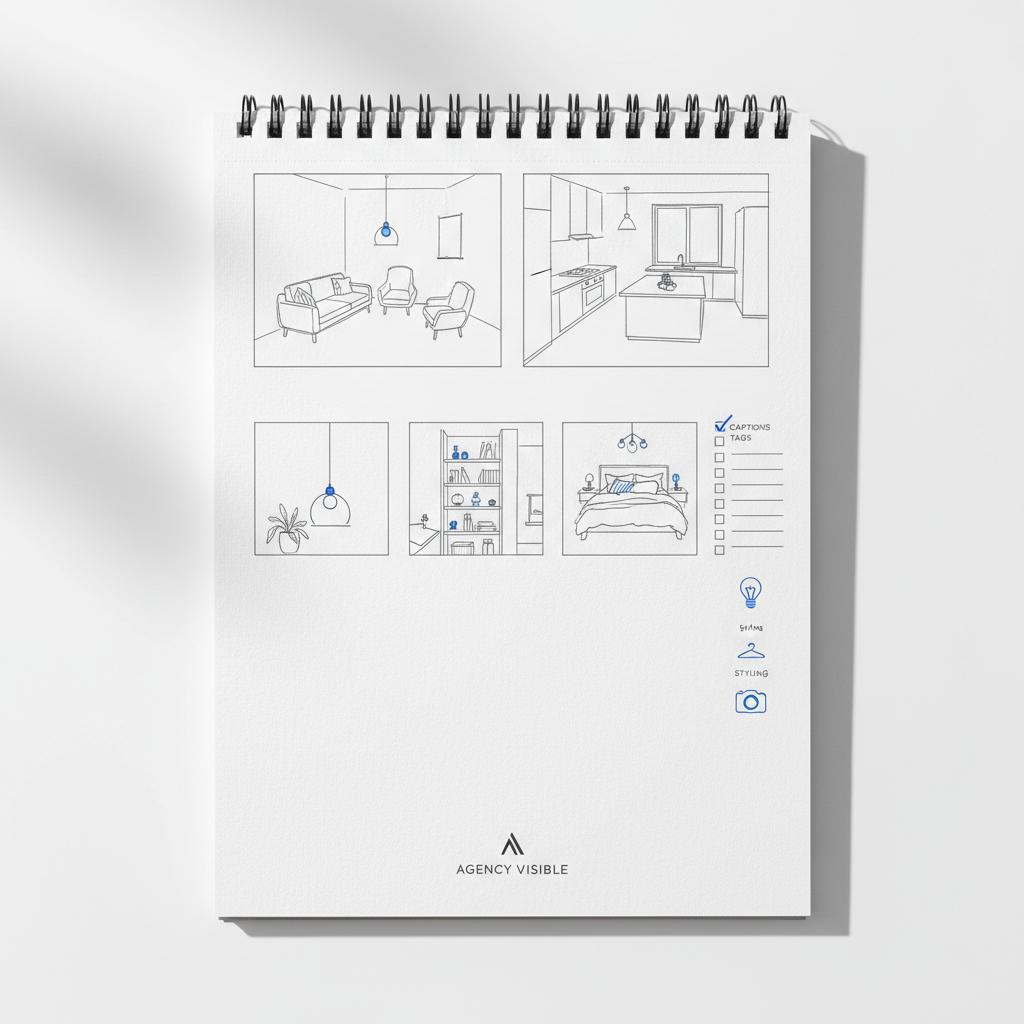
To increase discoverability and trust, make sure your Houzz profile includes: Consider adding a small logo such as the Agency Visible logo to reinforce branding.
- Clear services in plain language (e.g., kitchen remodel, custom cabinetry).
- License or permit numbers where applicable.
- Service area with real neighborhoods or ZIPs, not vague terms like “regional.”
- A contact path that matches how you actually respond—phone, email, or a booking link.
Profiles that look active and legitimate earn more organic attention. And remember: editors scan for basic credibility—complete profiles are more likely to be considered.

Photos: treat them like your storefront
There is no substitute for well-lit, high-resolution images. But editors and users judge projects by visual story, not just clarity. Publish a variety of shots: wide overviews, tighter details, before-and-after pairs, and process shots that show craftsmanship.
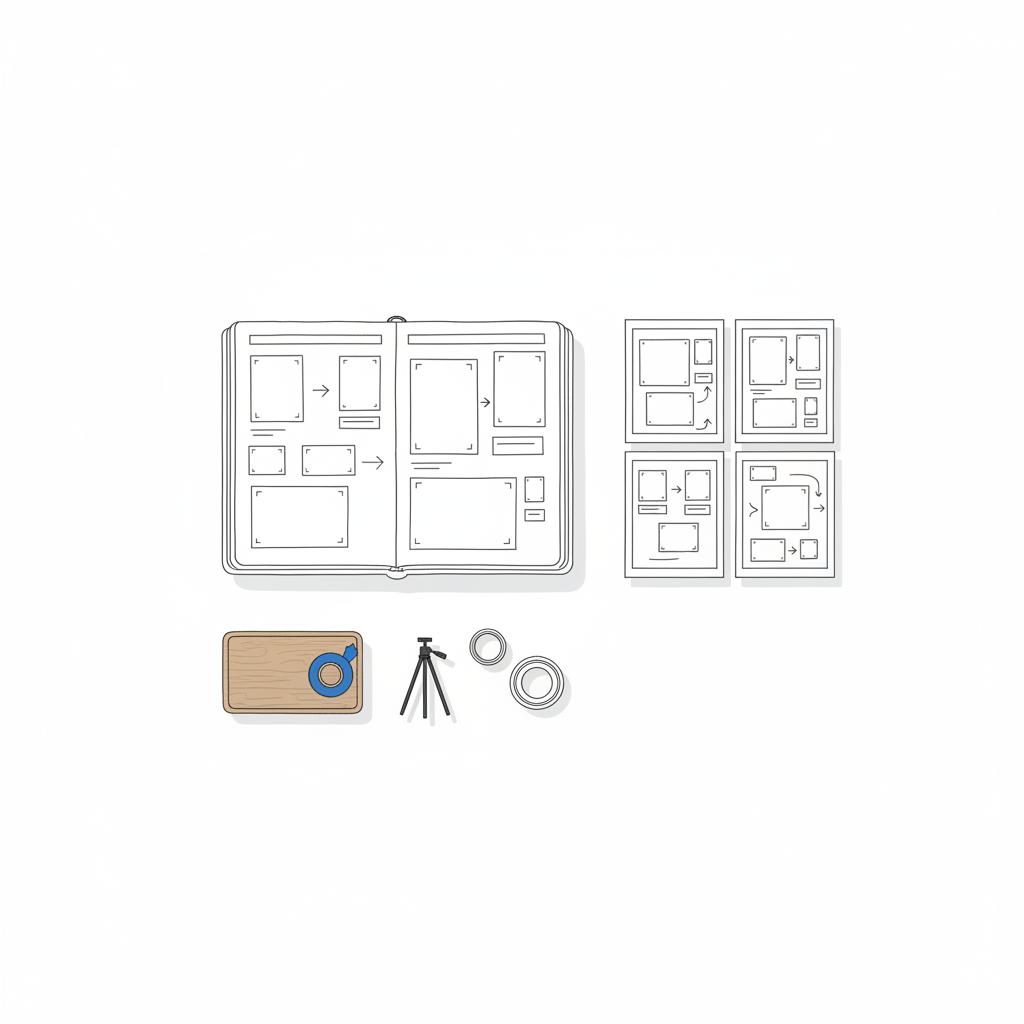
Each photo should be sharp, properly exposed, and free from major distractions. If possible, use natural light and a tripod to avoid blur. Include both horizontal and vertical crops; different placements on Houzz may favor one orientation.
Captions matter as much as the image
A good caption tells the viewer what room they’re looking at, the design intent, key materials, and any constraints or solutions. Captions are where metadata lives: room type, style, materials, and tags give Houzz searchable signals. Many professionals skip this step and lose discoverability as a result.
Use captions as search-friendly micro-stories. Keep them short and specific. For example:
“Galley kitchen updated for a family of four; opened sightlines and added full-height oak veneer cabinets and quartz counters.”
Choose two or three meaningful details in each caption that explain why the image matters—avoid long material lists that sound like invoices.
Write project descriptions that read like a story
Editors and users prefer narrative over specs. A strong project description covers the brief, describes the challenge, clarifies your role, and explains the outcome. Add timeline and budget ranges when possible. Honesty about scope (lead designer, contractor, or subcontractor) helps editors judge editorial fit.
Try this simple structure:
- The Brief: What did the client ask for?
- The Challenge: What constraints mattered?
- Your Role: What did you lead or deliver?
- The Solution: What decisions or products made the difference?
- The Result: Client impact, timeline, budget band.
How to get featured on Houzz: Photo, caption, and tag checklist
Use this checklist when preparing a project to pitch or promote:
- Choose 1–3 hero images that work as single thumbnails.
- Include wide shots, detail shots, and a before-and-after if available.
- Write captions that start with the room name, mention a key challenge, and name 1–2 materials or techniques.
- Add tags for room type, style (e.g., modern farmhouse), and main materials.
- Populate profile and project metadata fully—don’t leave fields blank.
Practical tips for photographing projects
– Shoot at eye level for rooms; slightly lower for kitchens to show counters. – Use natural light when possible; turn off mixed artificial light sources that create color casts. – Keep shots decluttered—move small personal items out of frame. – Capture before, during, and after to show process and problem solving.
Use Houzz Pro tools and paid options selectively
Houzz Pro offers options like promoted photos, local ads, project boosts, and analytics. Paid promotion works best when you amplify a project that’s already prepared: strong photos, captions, and tags. Paid placements accelerate visibility – they don’t replace good content.
Test small: promote one hero photo for two weeks and compare view-to-lead performance against an organic baseline. Track whether the quality of leads changes (e.g., budget match, project type).
Systematically gather and display client reviews
Social proof matters. Ask for reviews at logical moments—after the final walkthrough or when clients post photos online. Make it easy with a direct link and a short prompt like: “What did you enjoy most about working with us?”
Respond to reviews graciously. Thank clients for specific details—it reinforces your relationship and shows prospects that you engage. Reviews that mention scope, timeline, and communication are particularly persuasive.
Add clear captions and complete metadata to your best hero image—editors and search filters rely on those fields. A strong hero image paired with a short, specific caption and full tags often makes a project stand out faster than many other edits.
Pitch packets: make them concise and visual
If you want an editorial feature, prepare a tight pitch packet: three or four hero images that read well alone, a short narrative with the brief and challenge, credits, and a budget or timeline note if appropriate. Editors are busy—lead with the strongest image and the one-sentence hook.
Use Houzz’s official submission channels when available, and consider emailing editors if you can find a contact. Keep outreach respectful of their time: a clear opener and the best photo up front will go farther than a long attachment.
Measure results with Houzz metrics
Track project views, saves (ideabooks), profile views, direct messages, and leads. Views show interest; saves show inspiration or intent; messages and leads show conversion. Set simple benchmarks—e.g., 1 lead per 100 project views—and refine from there.
If a project gets many views but few saves, revisit the imagery, caption, or narrative. If views are low, check metadata and tags. Small changes often move the needle.
Common gaps that keep projects from getting noticed
Three recurring problems show up on many accounts:
- Incomplete metadata and captioning. Editors and search filters rely on these fields.
- Missing business verifications. Phone numbers, license info, and service areas build trust.
- Projects not tied to business outcomes. Show how design decisions affected cost, schedule, or client satisfaction.
A real small-firm win: a quick case story
A Midwest firm with good photos but thin captions and profile details changed a few things: they added detailed captions, listed license info, asked for two recent reviews, and prepared a tight pitch packet for a kitchen remodel (hero image, client brief, timeline, and budget band). Within three months that kitchen appeared in a Houzz editorial round-up. Leads increased and incoming projects were a closer match to the work they wanted.
How to write captions and tags that help
Rules for captions and tags:
- Begin with the room name.
- Explain the main challenge in one short phrase.
- Finish with 1–2 notable materials or techniques.
- Pick tags that reflect room type, style, and material.
Example caption: “Small bath remodel: replaced tub with walk-in shower to improve flow; porcelain tile, matte black fixtures.”
Editorial selection: what we (mostly) know
Houzz doesn’t publish a precise editorial formula. But industry experience shows certain signals matter: great photos, complete metadata, credible profile, visible reviews, and clear storytelling. These consistently increase the chance of catching an editor’s eye. See tips like How to Catch the Attention of Houzz Editors for additional context.
How long does this take? A practical timeline
If you want to prepare a project for pitching:
- Day 1: Audit a project—gather high-res images, write captions, and craft a one-paragraph narrative.
- Day 2: Polish profile details—services, license info, service area, phone number, and request two reviews.
- Day 3: Prepare pitch packet and decide whether to run a small promoted-photo test.
This concentrated effort is deliberate, not long. A focused three-day push often changes what editors see first.
Paid promotion versus organic prep
People ask: should I spend on Houzz ads right away? Not until you’ve prepared the project page. Paid promotion amplifies what’s already working. If your page is incomplete, ads will generate less useful interest.
Think of paid placements as a tactical boost for a carefully prepared project. Test small, track conversion rates, and compare paid leads to organic leads over a few months to judge ROI.
Questions editors often ask—and how to pre-answer them
Editors like when you anticipate their questions. Answer these in your project narrative or pitch packet: Who was the client and what did they ask? What constraints mattered? What products or craftspeople made a difference? What was the budget band and timeline? Clear answers save editorial time and increase interest.
Outreach tips: email template and timing
Keep outreach short. Example opener:
Subject: Small kitchen remodel—hero image + quick details
Body: One sentence about the project, one sentence on the challenge/solution, and the hero image attached. Offer credits and a budget band if asked. Follow up once, politely, after two weeks if you have something new to add (new photos or reviews).
Mobile and SEO-friendly considerations
Many users browse Houzz on mobile. Ensure your hero image crops well in vertical formats. Short, punchy captions often read better on phones. Use plain-language service descriptions and local neighborhoods in your profile to match user search queries.
Sample caption templates you can reuse
These short templates make writing captions faster:
- “[Room]: solved [challenge]; used [material/technique].”
- “[Room]: opened [sightline] and added [feature] to improve [function].”
- “Before/after: replaced [element] with [material] to achieve [result].”
Measurement plan you can use
Set three simple KPIs and review monthly:
- Project views.
- Save-to-view ratio (saves ÷ views).
- Lead conversion rate (leads ÷ views).
Example target: 1 lead per 100 views as a starting benchmark. If you don’t hit it, tweak captions, swap hero images, or try a short promoted photo test.
What to do if you’re a subcontractor
Be honest about your role. Highlight the parts you directly influenced—custom trim, cabinetry, unique systems—so editors understand your contribution. Clear credits build trust and can still lead to features that showcase your work.
Long tail strategy: make one project exemplary
Instead of updating every page, choose one recent, strong project and make it exemplary. Complete its profile details, publish high-quality photos with thoughtful captions, gather fresh reviews, and prepare a concise pitch packet. Use this project as a template to roll improvements across your portfolio on your projects page.
Examples of small changes with big impact
Small, concrete edits that consistently help:
- Add license numbers and phone to profile.
- Replace a low-light hero shot with a bright, wide-angle image.
- Write captions that explain why a design choice was made, not just what material was used.
Common mistakes to avoid
– Don’t run ads on incomplete project pages. – Don’t submit pitch packets without a strong hero image. – Don’t overuse jargon—plain language helps editors and local clients.
How Agency Visible can help—tactfully
Some firms keep this work in-house. Others find value in a short consult to shape images and narratives for editorial interest and lead generation. Agency Visible focuses on helping firms become visible quickly with practical, measurable steps. A brief review often reveals 2–3 simple edits that improve both editorial odds and conversion.
Ready to make your Houzz project impossible to ignore?
If you want a short consult or a quick Houzz page review, get in touch with Agency Visible—we’ll point out the exact changes you can make this week.
Putting it together: a three-step launch for editorial attention
1) Choose a project and prepare images and captions. 2) Polish your profile and gather reviews. 3) Prepare a tight pitch packet and decide on a short promoted-photo test if desired. Repeat monthly with another project.
Realistic expectations
There’s no guarantee of a feature. Editorial selection is not fully transparent. But projects with strong photos, full metadata, visible reviews, and clear storytelling are more likely to catch attention. Build a habit: treat your portfolio as an ongoing conversation and you’ll increase the chance of being noticed.
Final checklist before you pitch
- Hero images chosen (1–3).
- Captions written and tagged.
- Profile details complete.
- 2–3 recent client reviews posted.
- Pitch packet prepared with one-sentence hook and credits.
Additional resources and next steps
If you want hands-on help, a short audit or a quick consult can identify the highest-impact changes. Agency Visible offers that light touch to help you present both design and business outcomes more clearly. See our perspectives for related thinking.
Parting note
Treat your Houzz presence like a conversation with future clients and editors. Small, steady improvements compound. Over time, the type of projects that find you will match the work you want to do. If you’re deliberate about photos, captions, profile details, and reviews, you move from hoping for a feature to making your work easy to feature.
There’s no fixed timeline—editorial use can be immediate or take months. What speeds consideration is preparation: completed profiles, high-quality photos, detailed captions, visible reviews, and a concise pitch packet. A well-prepared submission is more likely to be reviewed quickly; a focused three-day preparation workflow often produces a project ready for pitching.
Focus on organic optimization first. Ads amplify what’s already compelling. Prepare your project page—choose hero images, write captions, complete metadata, and gather reviews—then test a small promoted-photo campaign to see if paid placement improves lead quality and volume.
Yes. Agency Visible offers short consultations to review a Houzz project page and pitch packet. The approach is practical and focused: identify 2–3 high-impact edits, polish imagery and captions, and advise on outreach. It’s a light, tactical service designed to improve editorial and lead outcomes.
References
- https://agencyvisible.com/contact/
- https://agencyvisible.com/
- https://agencyvisible.com/projects/
- https://agencyvisible.com/perspectives/
- https://pro.houzz.com/pro-learn/blog/how-pros-use-houzz-to-generate-leads
- https://www.houzz.com/for-pros/appear-in-editorials
- https://www.houzz.com/magazine/how-to-catch-the-attention-of-houzz-editors-stsetivw-vs~122548168





