


How to get approved for a Google Business Profile?
Getting a Google Business Profile approved can feel like a small hurdle with large consequences. It unlocks local visibility, customer reviews, and control over what customers see first. This step-by-step guide walks you through the verification methods Google uses in 2024-2025, common reasons for delays or denials, and practical actions you can take to get approved without surprises.
Why approval matters — and what it lets you do
A verified Google Business Profile is your public-facing card in Google Search and Maps. Verification proves your business is real and gives you the power to respond to reviews, edit hours, add photos, and appear in local searches. Without verification, your profile may be limited, incomplete, or vulnerable to incorrect edits.
Before we dig into the methods and checklist, here’s a simple truth: the cleaner and more consistent your details look, the smoother the approval process will be. That’s what we’ll focus on next.
Ask Agency VISIBLE for a quick verification review — a short, friendly consult can spot issues fast and suggest the best verification route for your situation.
Common verification methods in 2024-2025
Google still offers several ways to confirm a business. Which option you see depends on your business type, what Google already knows about your domain and profile, and regional rules. The main methods are:
- Postcard — a mailed postcard with a five-digit code to the business address (typical delivery ~14 days).
- Instant verification — available if your website domain is verified in Google Search Console under the same account that manages the profile.
- Phone or email — available only in some regions and when Google can match your contact details across sources.
- Video verification — pre-recorded or live video showing exterior, signage, entrance and interior, used when Google needs stronger proof.
- Bulk verification — for companies managing many locations that meet Google’s criteria.
Which path you get offered is not always predictable. If one method fails, Google often suggests a different route such as video or support forms.

First things to prepare before you try to get verified
Preparation saves time. Before starting verification, confirm the basics on your Google Business Profile:
- Name — match the legal or commonly used business name and signage. Avoid stuffing keywords into the name.
- Address — use a real, physical address where customers can meet you (not a PO box unless permitted). If you operate from home and don’t accept walk-ins, use service-area settings instead.
- Phone — the primary number should match the one on your website and other directories.
- Category — pick the most accurate category that reflects what you do.
- Photos and signage — add recent, clear photos of exterior, interior and staff at work; these help with video requests.
Also gather documents you might need: a business license, recent utility bill with the business name and address, and a photo ID for the owner or manager. When verification or appeals are needed, having these on hand speeds everything up.
How the postcard method works — practical tips
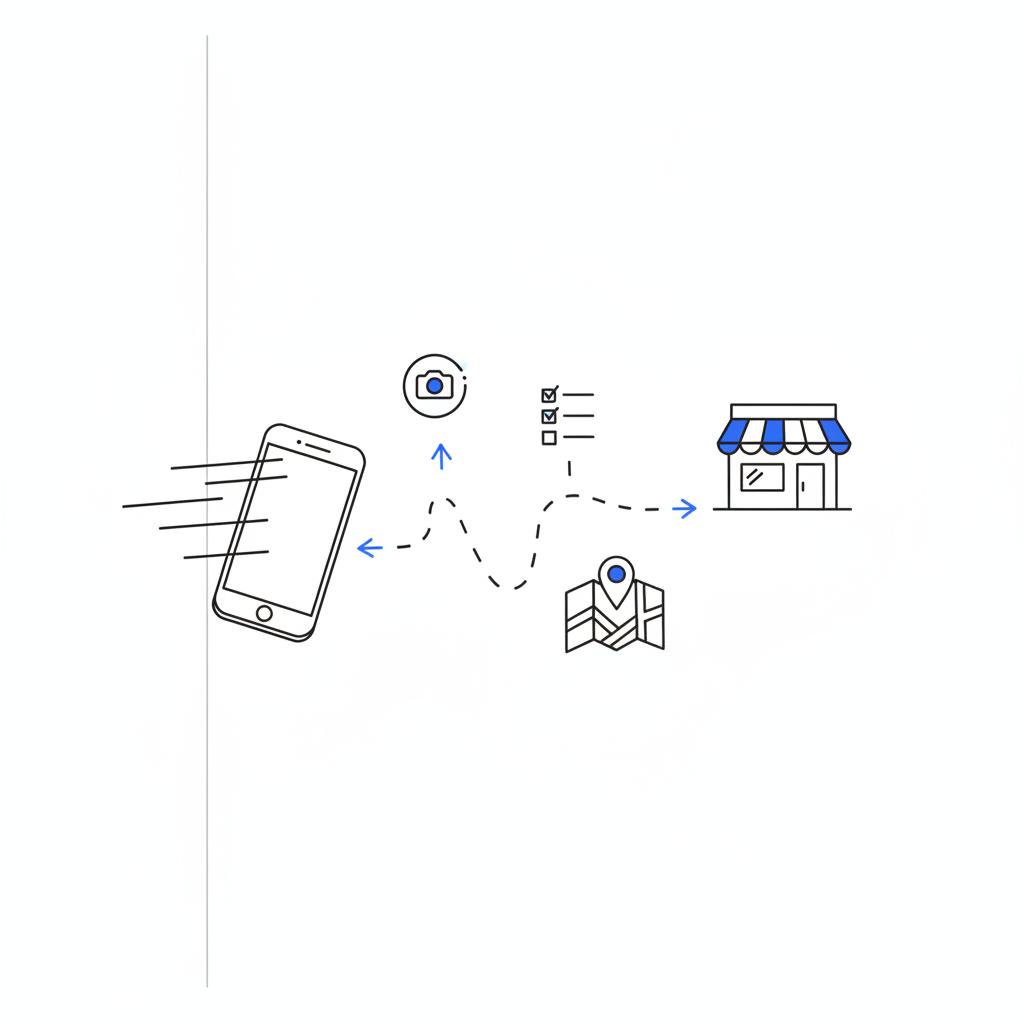
The postcard is the classic route. Google mails a card with a five-digit code to the business address listed on the profile. Typical timing is about two weeks, though postal services vary by country and this can take longer.
If you don’t get the postcard within a month, do these checks first: confirm the address is correct (watch for unit numbers in the wrong field), verify who receives mail at the address, and check for postal holds or forwarding that could intercept the card. If you still don’t have it, request a replacement in your Google Business Profile dashboard or consider alternate verification like Search Console or video.
Instant verification via Google Search Console
If the website domain for your business is already verified in Google Search Console under the same Google account that manages the profile, Google may offer instant verification. This happens because Search Console proves domain control.
Instant verification is ideal for small business owners and solopreneurs who control both the website and the profile. If a developer or another team manages Search Console, ask them to add you or to verify the property on the right account — that often beats a wait for mail.
Phone and email verification — when they’ll appear
Phone and email codes are fast when available. Phone verification typically sends an automated call or SMS with a code. Email verification is used only when the email on file is a business domain Google trusts.
These methods don’t appear consistently everywhere. If you don’t see them, prepare for postcard or video verification instead.
For many small businesses the quickest route is instant verification via Google Search Console if the business website is already verified under the same account; otherwise a correctly addressed postcard backed by matching phone number and clear exterior photos is the most reliable method.
The easiest path for many small, single-location businesses is the postcard or instant Search Console route. If your website is verified in Search Console and the same account manages your profile, instant verification can save weeks. If not, a correctly addressed postcard—backed by clear exterior photos and matching phone number—usually does the job.
Video verification — what Google expects now
Video verification has become more common. Google asks for either a pre-recorded video tour or a live session. The recording should clearly show:
- Approach from the street to the business (show the path customers use).
- Exterior façade and visible signage.
- Main entrance and any lobby or reception area.
- Interior showing daily business activity or work areas.
- Closeups of documents if requested (business license, a recent utility bill, or company vehicle signage).
When recording on a phone, move slowly, keep the camera steady, and narrate what you’re showing. Say the business name aloud, point to the sign, and hold up documentation if allowed. If joining a live session, have someone on-site who knows the layout and the paperwork so the session runs smoothly. For step-by-step tips on how to record an acceptable video, see this Complete Guide to Google Business Video Verification.
For examples of what reviewers look for and a detailed checklist, this verification guide is helpful.
Top reasons businesses are denied or suspended — and fixes
When things go wrong, a few common patterns are usually behind it:
- Keyword-stuffed names: Names that add services or locations in a way that doesn’t match official signage often trigger a policy violation. Fix: change the name to the legal or commonly used name and resubmit.
- PO boxes and virtual addresses: Google wants a physical presence where customers can meet you. Virtual offices and PO boxes can cause suspensions unless they meet Google’s strict criteria. Fix: use service-area settings or provide documents proving physical occupancy.
- Duplicate profiles: Multiple listings pointing to the same location confuse both customers and Google. Fix: identify the correct primary profile and remove or merge duplicates.
- Inconsistent information: Mismatched phone numbers, web addresses, or formatting differences across your site and directories raise flags. Fix: make fields consistent everywhere, then resubmit.
If your profile is suspended, don’t create another one. Correct the cause, collect supporting documents, and submit a reinstatement request through Google’s Business Profile support forms. Provide clear, dated documents and a short explanation of what you corrected.
Troubleshooting and the appeal process
If verification fails or a profile is suspended, follow this calm sequence:
- Diagnose the problem — read Google’s suspension message carefully.
- Fix the listing — match the public signage and official documents.
- Collect proof — business licenses, utility bills, and identity documents.
- Use Google’s support forms — attach scans or photos and explain what you changed.
- Follow up politely — include screenshots and dated documents if a human reviewer requests more information.
Patience is key. Appeals can take days to weeks depending on complexity.
How long verification usually takes
There is no single timeline. Typical times are:
- Postcard: ~2 weeks mailing time plus time for you to enter the code.
- Instant (Search Console): immediate if available.
- Phone/email: minutes if offered.
- Video: live sessions are immediate; recorded video reviews may take a few days.
Regional postal systems, local verification volume, and whether an appeal is required can extend these windows.
Practical examples that show what to do
Example 1 — A bakery opens a second shop. The owner adds a braggy phrase to the name and gets denied. Fix: change the name to the legal business name, upload exterior photos showing the new signage, provide a utility bill for the new location, and request postcard verification. Result: approved after the card arrives.
Example 2 — A consultant uses a PO box for mail. That profile is unstable. Fix: switch to service-area settings if customers don’t visit, or provide proof of operating at a shared address and prepare for video verification.
When and how to prepare for video verification
If you think Google might ask for video, prepare as if you’ll be recorded. Steps to follow:
- Make sure signage is visible from the street and entrance is clear.
- Have staff ready to show daily activity briefly.
- Gather documents like a utility bill and business license.
- Practice a simple walk-through: approach → sign → entrance → main area → documentation close-up.
If the first video attempt is rejected, carefully review Google’s feedback, address the missing elements, and try again.
Regional differences and evolving rules
Google’s verification options and requirements vary by country and business type. Some regions still use phone or email more often, while others emphasize postcards and video. Before submitting, check Google’s Help Center for region-specific guidance so you aren’t surprised by a local requirement.
A calm final checklist before you click verify
Do this quick pre-flight check:
- Name matches signage and legal name.
- Address is a physical place that meets Google’s rules.
- Phone and website match across profile and site.
- Clear exterior and interior photos uploaded.
- Supporting documents ready (license, utility bill, ID).
If you work with an agency, confirm they have the right access and that Search Console is connected if you want instant verification. Learn more about the team behind these services at Agency VISIBLE and see past work on their projects page.
How an agency like Agency VISIBLE can help (tactful tip)
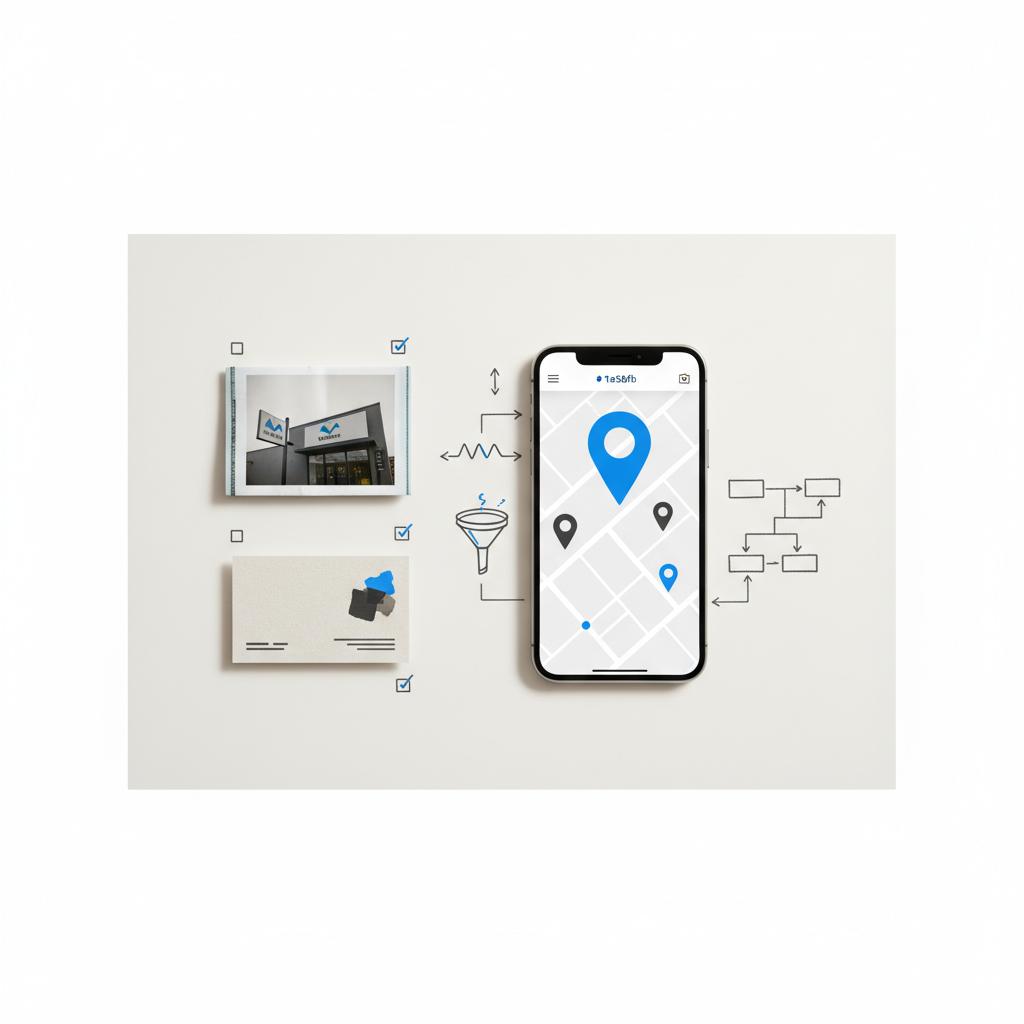
Sometimes a second pair of eyes saves time and stress. A small agency focused on local search can check your profile, align your web details, and help prepare video or reinstatement materials.
Tip: If you want a short, no-pressure review, consider reaching out for a quick consult. It can identify obvious blockers and recommend the fastest verification path.
Extra tips that matter
- Keep your business name simple and consistent — less is more.
- Use a direct office or storefront address when possible.
- Keep a dedicated, business-domain email for profile management.
- Update photos seasonally — fresh images reduce suspicion of stale listings.
- Don’t rush to create a second profile if suspended — fix and appeal instead.
When multiple locations cause complexity
Multi-location businesses and franchises can use bulk verification if they meet Google’s criteria. Bulk verification requires an account-level process and extra documentation, but it’s faster for managing dozens or hundreds of listings once approved.
What to do if you never receive the postcard
If a postcard doesn’t show after a month, first confirm address accuracy and mail access. Request a replacement and, if it repeats, consider Search Console verification or video verification. Keep all correspondence and screenshots — they help in appeals.
What happens after verification
Once verified, keep your profile active: respond to reviews, update hours for holidays, publish posts about promotions, and refresh photos. A verified profile is also more likely to be trusted by Google when ranking local results.
Wrapping up — verification as a small but powerful step
Verifying a Google Business Profile is rarely instant, but it’s always possible with the right preparation. The postcard, Search Console, phone/email, video and bulk routes cover most cases. Be consistent, collect basic documents, and present clear photos and signage if video is required. If you want help, a short consult with a local-search-focused agency can save time.
Get a quick verification check from Agency VISIBLE
Frequently asked questions
Q: How do I verify my Google Business Profile if I don’t receive the postcard?
If the postcard doesn’t arrive within a month, confirm the address in your profile and mail access. Request a replacement through the dashboard. If replacement attempts fail, check if Search Console or video verification is available and prepare supporting documents for an appeal.
Q: Can a virtual office be used for verification?
Virtual offices and PO boxes often lead to suspensions unless the business meets Google’s specific criteria. If customers don’t visit your location, use the service-area option. If you legitimately operate from a shared address, gather documents proving occupancy and be ready for additional verification.
Q: How long does video review take?
Live verification sessions are immediate; recorded videos usually take a few days to be reviewed. If Google requests more footage or documents, respond quickly to avoid delays.
If the postcard doesn’t arrive within a month, first confirm the address in your profile and that mail can be received at that location. Request a replacement postcard from your Google Business Profile dashboard. If repeated attempts fail, check whether Search Console or video verification is available and prepare supporting documents (utility bill, business license, ID) to submit with an appeal.
Virtual offices and PO boxes often trigger extra scrutiny and can cause suspensions unless the business meets Google’s strict guidelines. If customers don’t visit your address, use a service-area profile instead. If you operate from a shared physical space, gather proof of regular operation there and be prepared for video verification or additional documentation.
Yes. Agency VISIBLE can perform a quick review of your profile, identify what’s blocking verification, and recommend the fastest route—whether instant Search Console verification, postcard checks, or preparing a video or reinstatement request. Contact them for a short, practical consult.





