


Design with purpose: why the website matters
Every new patient’s first impression increasingly comes from your website. Good dental website design answers the practical and emotional questions visitors bring: who you are, what you do, how to get help now. A site that focuses on conversions and trust – not a catalog of every possible procedure – can measurably change patient flow and reduce phone time for front-desk staff.
Start with information architecture that respects attention
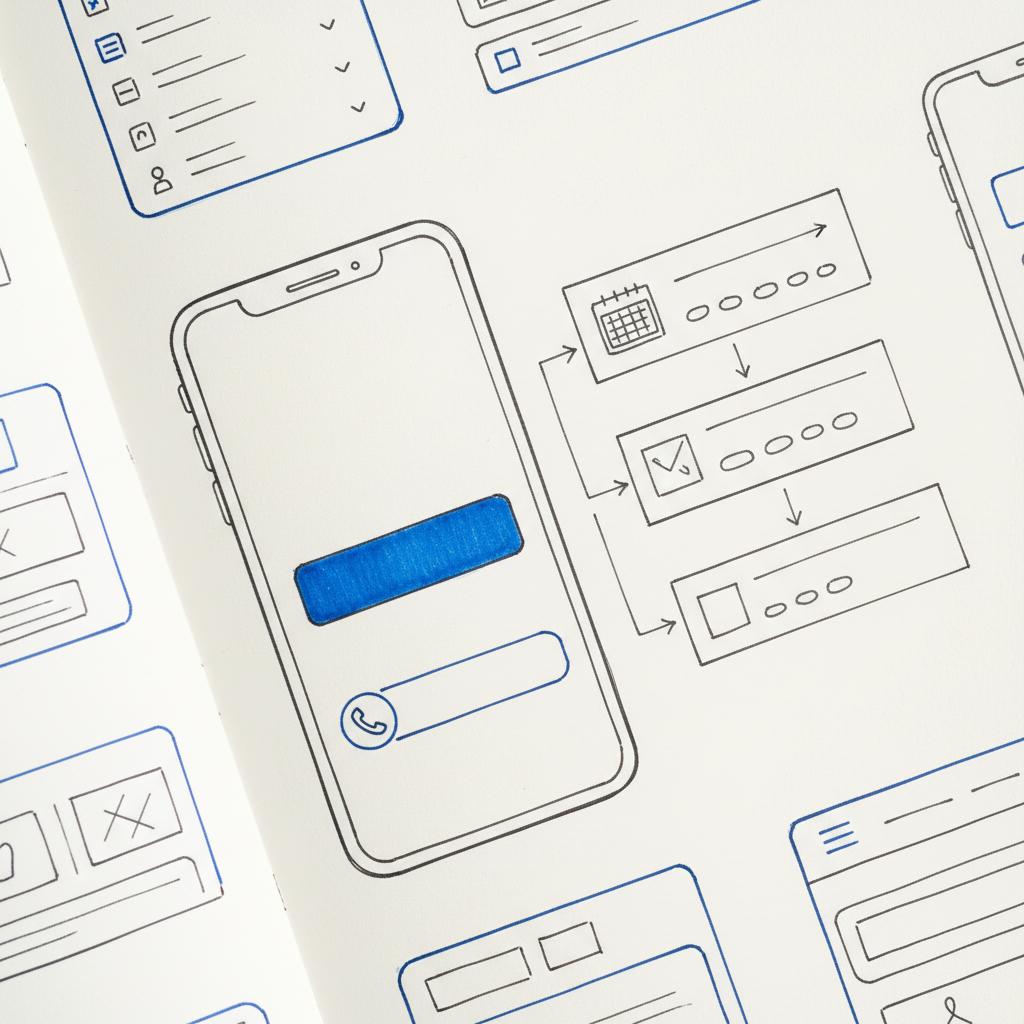
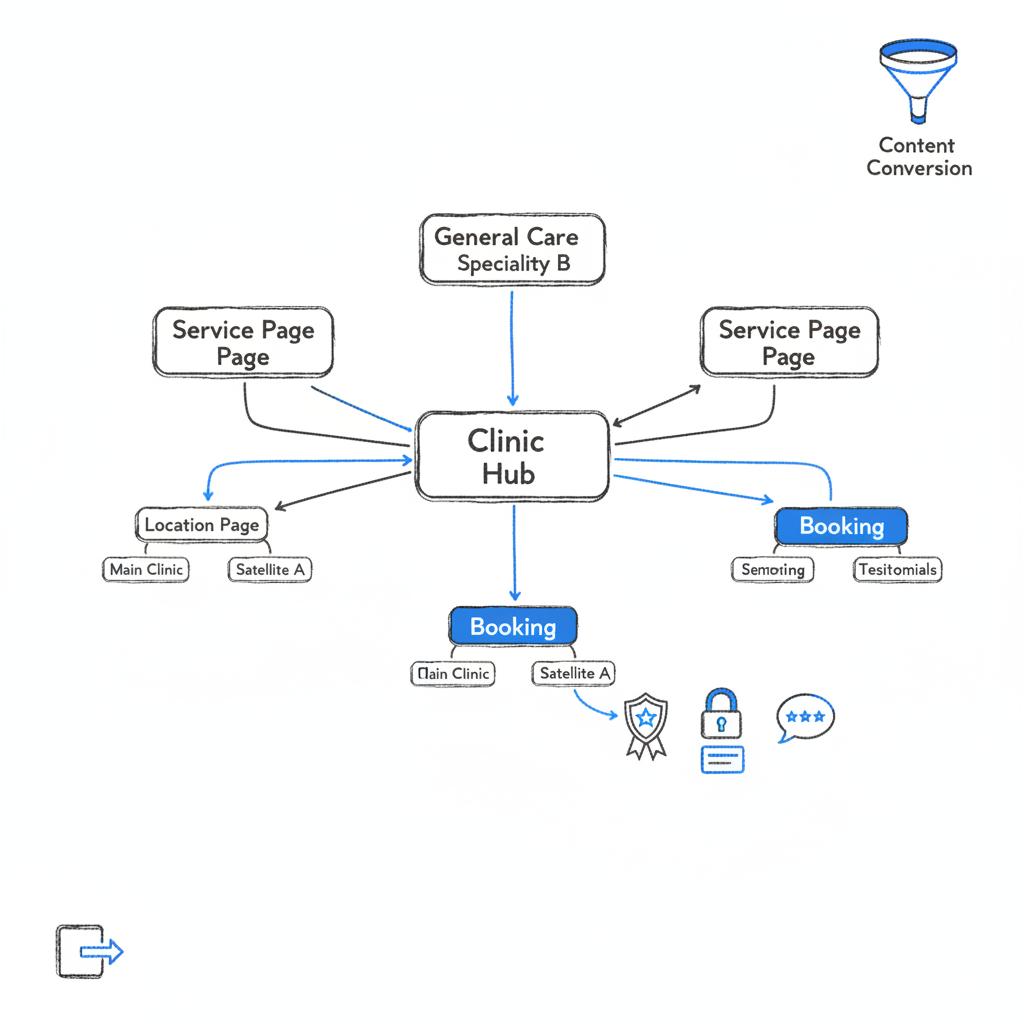
A high-converting site for a clinic arranges information to guide a visitor toward a confident next step. Top-level navigation should include services, the team, contact info, online booking, and patient forms. Under that, each treatment should have a focused page that explains the outcome, sets expectations, and finishes with a single, clear call to action. Thoughtful dental website design means fewer decisions for the visitor and a clearer path to booking. A clear, recognisable logo can reinforce credibility.
What each service page must do
Keep service pages short, readable, and reassuring. Use clear subheadings that answer common patient concerns: Will it hurt? How long will it take? How much will it cost? Add location-specific variations if your practice serves multiple towns so both people and local search engines find the right page. This local attention is a key part of effective dental website design.
Make the site mobile-first
Most visitors will be on a phone. Mobile-first means placing a tappable phone number and a persistent booking button near the top of every page. Short, progressive forms, obvious urgent-care options, and minimal scrolling produce better conversions. Fast mobile performance is also a major ranking factor: in practice, fast dental website design equals lower abandonment and more booked appointments.
Technical speed: Core Web Vitals in plain language
A site that feels fast creates trust. Aim for a Largest Contentful Paint under ~2.5 seconds, a Cumulative Layout Shift under 0.1, and snappy interaction metrics. Practical fixes include compressing images, serving them responsively (WebP or AVIF), deferring non-critical JavaScript, and using a content delivery network (CDN). Simple hosting choices and disciplined third-party scripts help maintain speed over time. See Google’s Core Web Vitals guidance for targets and measurement.

Local SEO: how to be found by nearby patients
Local searches like “emergency dentist near me” are high-intent. For dependable local visibility, keep your business name, address, and phone (NAP) consistent across your site and online directories. Configure your Google Business Profile carefully, collect and respond to reviews, and create pages targeted to the towns you serve. Structured data markup that identifies your practice and services helps search engines match patient intent to your clinic. For additional tactics see local SEO strategies for dentists.
Reviews and reputation: social proof that matters
Reviews act as a local currency. Encourage happy patients to leave feedback, and reply sincerely to all reviews. Showing how you respond to concerns demonstrates care and builds credibility. When combined with good dental website design, a steady stream of positive reviews can materially increase conversion rates from local search.
If you want help aligning design, local SEO, and compliant booking workflows, consider talking to Agency VISIBLE—they focus on visibility and practical growth for clinics and small practices.
Online booking and digital intake: protect privacy and reduce friction
Offering online booking usually increases conversions more than a pretty layout alone. Choose a vendor that supports the legal and security requirements of your region. In the U.S., third-party vendors who handle patient data should sign a Business Associate Agreement (BAA) to support HIPAA compliance. For EU residents, ensure GDPR-consistent consent workflows and data handling.
What secure booking looks like
Look for encrypted forms (HTTPS), role-based access controls, audit logs, and clear retention policies. Where possible, use practice-management APIs so appointment data flows directly into your scheduling system. This reduces double entry and avoids lost appointments. A well-integrated, API-first approach is one of the smartest upgrades you can make in modern dental website design.
Accessibility and legal compliance
Making your site usable for everyone is ethical and practical. Aim for WCAG 2.1 AA as a baseline. That means clear heading structure, colour contrast that meets ratios, descriptive image text for assistive tech, and forms that work with keyboard navigation. Accessibility broadens your audience and reduces legal risk. It’s also an important trust signal for older patients or those with disabilities.
Technical foundations: HTTPS, hosting, and maintenance
HTTPS is non-negotiable. Use a managed host with automatic backups and security patches to reduce routine maintenance work for clinic staff. For many practices, a managed hosting environment with staging and easy rollback is the most pragmatic way to keep things safe and fast. Good hosting is a small ongoing cost that prevents large, costly disruptions later. For technical SEO and performance details see the technical SEO guide for dental practices.
Core Web Vitals and developer best practices
Developers should defer non-essential scripts, inline critical CSS when it improves perceived speed, and load important third-party resources with preconnect. Watch for heavy tag managers or chat widgets that silently degrade speed. A clean, controlled frontend contributes directly to better patient experience—and higher conversions from a well-executed dental website design.
Content strategy: relevance, trust, and conversion
Your content must do two things: signal relevance to search engines and answer the emotional/practical questions patients bring. That means plain-language service pages, location pages, a clear new-patient section, and a helpful FAQ. Patient education pages about common treatments and recovery expectations reduce anxiety and increase bookings.
How to write for patients (and search engines)
Use short paragraphs, friendly headings, and bullet lists for common questions. Include clear calls to action on every page. Add trust signals like testimonials, credential links, and short clinician bios that show both expertise and personality. That human element works hand-in-hand with technical elements of dental website design. For a deeper look at our approach see design that converts.
Choosing a platform: templates vs. custom builds
Practices typically decide between a template builder and a custom CMS. Template-based solutions are faster and more affordable; many clinics launch solid sites in two to six weeks with modest budgets. Custom builds cost more and take longer but support deep integrations, stricter compliance controls, and bespoke patient portals. Your choice should match the clinic’s needs and risk profile. Read more on custom vs off-the-shelf.
When templates make sense
If you need speed and a clean online presence without complex integrations, a high-quality template plus careful optimization can be a great fit. For predictable budgets and a faster time-to-live, templates with managed hosting are often the best first step in professional dental website design.
When to go custom
Choose a custom build when you need practice-management API sync, advanced patient records, or unique compliance workflows. Custom projects take longer and cost more, but they reduce manual work for staff and can scale with the practice’s operational needs.
Practical planning: questions to answer before development
Resolve these early to avoid delays: can the booking vendor sign a BAA (if you need HIPAA)? Where will patient data be stored and what are residency rules? Who owns site content and exported patient data? What backup and incident-response procedures will you put in place? Answering these operational questions influences architecture, hosting, and vendor selection.
A simple, practical content checklist
Before you build, collect: clinic name, address, phone, hours, location pages, list of services, clinician bios and photos, patient forms, insurance details, and at least 3 patient testimonials. Having this content ready keeps the build on schedule and reduces rework.
Step-by-step launch checklist
Use this checklist to reduce surprises at launch:
Technical: verify HTTPS, confirm hosting backups, set up monitoring, and run Core Web Vitals tests.
Legal & privacy: confirm BAAs, check data residency, and publish a clear privacy notice with retention policies.
Accessibility: run a WCAG scan and fix obvious colour contrast or heading issues.
Content: confirm service pages, clinician bios, location pages, and FAQs are complete.
Tracking: implement analytics, phone-click event tracking, booking completion tags, and set conversion goals.
The most effective single change is simplifying the booking path: make the phone number prominent, add a visible tappable booking button above the fold on mobile, and replace long forms with a short progressive intake. Reducing friction at that decision moment almost always increases conversions.
Real example: turning a clumsy site into a working clinic tool
A two-location practice we worked with had a slow booking widget, buried phone numbers, and an eight-field form that scared people off. We rebuilt the site with mobile-first templates, replaced the form with a progressive flow, and integrated booking via their practice-management API so appointments populated the schedule automatically. Within three months, calls rose and online bookings increased noticeably. The secret was removing friction with thoughtful dental website design, not flashy visuals. See similar work in our projects.
Design and imagery: authentic, not staged
Use photos that feel like real clinic life: reception, clean operatories, and genuine staff smiles. Avoid overly staged stock images. Short clinician bios with real photos build trust; include professional credentials and a brief personal note to show personality. Visual clarity combined with plain language is central to effective dental website design.
Forms and intake: less is more
Ask only what you need to reserve an appointment. Use progressive forms that collect more details after booking. Allow new patients to complete consent and medical history via secure emailed links to avoid long phone calls. For clinics that handle protected health information, ensure forms meet legal and security standards and that any third party signs appropriate agreements.
Measuring success and iterating
Track phone clicks, booking completion rates, pages that lead to appointments, and local search rankings. Use simple A/B tests—try two headline options or move the booking button—to learn what resonates locally. Regularly monitor page speed: a single slow script can creep in during maintenance and reduce conversion without obvious signs.
Common questions patients ask (and how to answer them online)
Prepare short, direct answers for: what to expect at my first visit, whether emergency care is available, which insurers you accept, and how much common treatments typically cost. Honest ranges, financing options, and a clear explanation of what affects price reduce hesitation and build trust.
Price and timeline expectations
Template-based builds commonly launch in two to six weeks with budgets often between $1,500-$5,000 for small clinics. Custom builds take longer—often six to twelve weeks or more—and budgets typically start around $5,000 and can rise significantly with integrations and compliance work. Factor in extra time and costs for accessibility fixes and strict data-protection requirements.
Accessibility and compliance: practical tips
Run an automated accessibility check and follow up with manual testing for keyboard navigation and screen-reader compatibility. Confirm whether your jurisdiction has specific legal requirements and ensure any third-party intake vendors provide documentation about their compliance posture. Accessibility work is not an optional add-on: it protects patients and the clinic.
Content examples and templates
Use the following short templates as a starting point for common pages. These are written in patient-friendly language and crafted to increase conversions when paired with clear CTAs.
Homepage headline example
“Friendly, expert dental care in [Town] – same-week appointments available.”
Service page intro (e.g., root canal)
“Root canal therapy relieves pain and saves teeth. We offer comfortable, efficient care with local anaesthesia and follow-up that helps you get back to life quickly. Typical appointment time: 60-90 minutes. Cost varies by case – call or use our booking tool to check coverage.”
New patient how-it-works summary
“Call or book online, complete a short secure form, arrive 10 minutes early, bring ID and insurance card. We’ll walk you through the visit and next steps.”
Security and vendor questions to ask
Before you sign with a booking or intake vendor, ask: will you sign a BAA? Where is data stored and who can access it? What encryption and retention policies do you use? Can your API sync with our practice-management software? Clear answers here prevent expensive changes later.
Practical SEO tasks for the first 90 days
Optimize titles and meta descriptions for each page, add local schema markup, claim and optimize the Google Business Profile, and ask initial patients for reviews. Prioritise the pages that drive bookings and make those the easiest to find from the homepage. A disciplined, local-first SEO approach complements strong dental website design.
Ongoing maintenance and growth
A website is not a one-off project. Keep software updated, monitor performance, and plan small content updates monthly. Revisit FAQs, add new testimonials, and maintain review responses. Over time, these small investments compound into meaningful visibility and reliable lead flow.
Final practical tips
Keep phone numbers prominent, simplify forms, make the booking flow obvious, and treat speed and security as part of patient care. When technology reduces friction, staff spend less time on clerical work and more time serving patients. Thoughtful dental website design is both a patient experience and an operational improvement.
Further reading and resources
Look for vendor documentation about HIPAA/BAA practices if you process U.S. patient data, and read up on GDPR consent workflows for EU residents. Check Core Web Vitals guidance from Google for technical performance targets, and review WCAG resources for accessibility implementation tips.
Closing note
Building a site for a dental clinic is a blend of service design, security, and marketing. Prioritise the patient’s decision moments – speed, clarity, and trust – and you’ll have a site that works for both people and your practice.
Ready to build a dental website that actually books patients?
Get expert help aligning your web design, SEO, and compliant booking — start with a quick consult to map priorities and a realistic timeline.
A template-based site typically launches in two to six weeks, depending on content readiness and integrations. Custom builds commonly take six to twelve weeks or longer, especially when you need practice-management integrations, accessibility work, or strict compliance controls.
Choose a vendor that signs a Business Associate Agreement (BAA), uses strong encryption (HTTPS in transit and appropriate measures at rest), provides role-based access, and maintains clear retention and audit logs. Confirm where data is stored and whether the vendor has experience with healthcare clients. If in doubt, ask for documentation and legal assurances before integrating the tool.
Yes. Agency VISIBLE works with clinics to align web design, local SEO, and compliant booking integrations so your site converts reliably and respects patient privacy. Contact them to discuss a practical plan tailored to your practice’s needs.
References
- https://developers.google.com/search/docs/appearance/core-web-vitals
- https://firstdentist.com/top-10-local-seo-strategies-for-dentists-in-2025/
- https://blog.prosites.com/the-ultimate-guide-to-technical-seo-for-dental-practices/
- https://agencyvisible.com/contact/
- https://agencyvisible.com/design-that-converts-our-approach/
- https://agencyvisible.com/custom-vs-off-the-shelf-choose-wisely/
- https://agencyvisible.com/projects/
- https://agencyvisible.com/





