


How much should a 20 page website cost?
How much should a 20 page website cost? That question shows up in inboxes and briefing documents all the time, and the honest answer begins with three other questions: who is the site for, what will it need to do, and how much of the work will you keep in-house?
A clear estimate isn’t a single number. It’s a range tied to features, design complexity, content needs, technical integrations, and the ongoing work that makes a site visible and useful to real people. Below you’ll find practical pricing scenarios, a breakdown of what drives cost, real-world trade-offs, and a simple roadmap to choose a solution that fits your budget and goals. For a broader cost range, see WebFX’s guide on website costs.
If you’d rather skip the guesswork, contact Agency VISIBLE for a quick scoped estimate. We focus on clear value: fast results, measurable outcomes, and websites that actually earn traffic and leads.
Quick framing: price is a function of value, not just pages
It helps to stop thinking of a website as “20 pages” and start thinking of it as a collection of needs. A brochure-style 20‑page site with mostly static pages is very different from a 20‑page site that includes e-commerce, gated resources, custom integrations, or a content hub that will be updated weekly.

How much should a 20 page website cost? If your goal is visibility and lead growth, price becomes an investment. You’re buying a tool that will need to convert visitors, support your brand story, and, ideally, reduce friction for your sales or service teams. If you need guidance choosing between custom and off-the-shelf solutions, see our guide on custom vs off-the-shelf.
Prioritizing and phasing content: launch the core pages and templates first, then add secondary pages. This lets you focus budget on design and SEO for high-impact pages while spreading remaining costs across later sprints.
Starter range: $4,000–$10,000 — Fast, template-driven, low complexity
This tier fits small organizations that need a professional presence quickly and on a tight budget. Typical characteristics:
What you get: a modern template (WordPress, Shopify, or Webflow), light customization of colors and fonts, up to 20 pages of content assembled from your inputs, basic contact forms, simple SEO setup (meta tags, sitemap), and standard hosting.
Where money is saved: design is based on an existing theme, integrations are minimal, and custom development is avoided.
Good for: local businesses, small nonprofits, startups validating an idea, or teams that already have brand assets and copy ready.
Limitations: less bespoke UX, longer content edits by you, fewer performance or accessibility optimizations, and limited advanced features like membership areas or deep e-commerce.
Professional range: $10,000–$30,000 — Custom design & solid CMS
This is where a true 20‑page website starts to feel tailored: custom layout choices for key templates, strategic content sections, and performance improvements that matter for search and conversions.
What you get: a strategy session, custom homepage and up to 3 unique page templates, accessible and responsive design, CMS setup (WordPress, Webflow, or a headless CMS), basic SEO structure, analytics setup, and QA across devices. See our approach to design that converts for more on design and conversion-focused UX.
Good for: small agencies, professional services, boutique stores, and companies that want a brand-forward site that’s easy to update and optimized for lead generation.
Why it costs more: discovery, content structuring, copy editing, design iterations, and developer time to refine templates and ensure the CMS is intuitive.
Advanced range: $30,000–$80,000+ — Complex features, integrations, and ongoing programs
When the site is a business system — connecting CRM, membership logic, custom product configurators, localization, or large content hubs — engineering time and architecture add up quickly.
What you get: deeper strategy, custom UI patterns for several page types, CMS architecture for scale, API integrations (CRM, payment providers, marketing automation), advanced SEO and schema work, performance engineering, accessibility auditing, and one or more months of post-launch support.
Good for: fast‑growing product teams, e-commerce businesses with custom needs, or companies using the site as a primary revenue channel.
Why it costs more: complex use cases require specialists (back-end developers, security reviewers, accessibility experts) and more QA cycles to ensure reliability.
Real cost components — what you’re paying for
1) Strategy and planning
A concise content and conversion plan helps avoid waste. A few hours of discovery can save weeks of rework. Strategy includes audience definition, sitemap, and prioritized features. Expect 5–15% of project cost here.
2) Design
Design includes UX, visual assets, and interactive elements. Custom design that reflects brand personality and creates conversion paths increases both time and value. Design typically accounts for 20–35% of a professional project.
3) Content
Copy, photography, and resource formatting are often underestimated. If you provide finished content, costs drop. If you need writing, photography, or video, budget accordingly. Content can be 10–30% of the total depending on scope.
4) Development
Theme customization, template building, CMS setup, and integrations form the engineering budget. Complexity here drives cost: a few simple templates are one thing; a dozen unique interactive pages are another.
5) SEO & accessibility
Baseline SEO work (meta tags, sitemaps, basic schema) is generally included in professional builds. Advanced SEO, accessibility remediation, and structured data for rich results are add-ons but important investments, especially if you want the site to be found and to convert.
6) Hosting & maintenance
Quality hosting and a maintenance plan keep your site secure and fast. Monthly costs vary from $15–$100+ for hosting, plus maintenance retainers (e.g., $100–$1,500/month) for updates, backups, and improvements depending on service level.
7) Integrations
Connecting CRMs, marketing tools, or e-commerce systems adds both implementation and sometimes ongoing fees. Evaluate whether a direct API integration is necessary or whether a manual or semi-automated process will do the job for much less.
How content and visibility change the price
A 20‑page website that’s built as a static brochure will cost less than one designed to be a content hub. If your plan includes regular blog posts, landing pages for campaigns, and a content strategy to win search visibility, factor in ongoing content production and technical SEO work. That recurring investment is what turns a one‑time build into a growth engine. For another practical breakdown of small business website costs, see this small business website cost guide.
Remember the visibility principle: the cost of the site is only part of the price of being seen. You also need content, distribution, and measurement. A modest increase in budget that adds a content roadmap and initial SEO can multiply the long-term return.
Example scenarios (realistic, with outcomes)
Scenario A — Local design studio: A 20‑page brochure site with gallery, about, services, and contact. Cost: $7,500. Outcome: clear brand presence, local SEO improvements, and a simple contact flow. Reason to choose: speed and predictable cost. For examples, see our projects.
Scenario B — Boutique retailer with ecommerce elements: 20 pages including product collection pages, a blog section, and basic cart. Cost: $28,000. Outcome: conversion-optimized product pages and a CMS for easy product updates. Reason to choose: needs to sell online and tell a brand story. For ecommerce cost context see Shopify’s guide.
Scenario C — Membership + resource hub for a niche community: 20 pages with gated resources, custom login, and CRM integration. Cost: $55,000+. Outcome: recurring revenue potential, member analytics, and premium UX. Reason to choose: site as a business platform.
How to get a fair quote — and avoid common traps
Follow this short checklist before asking for proposals:
- Define the primary goal (leads, sales, signups).
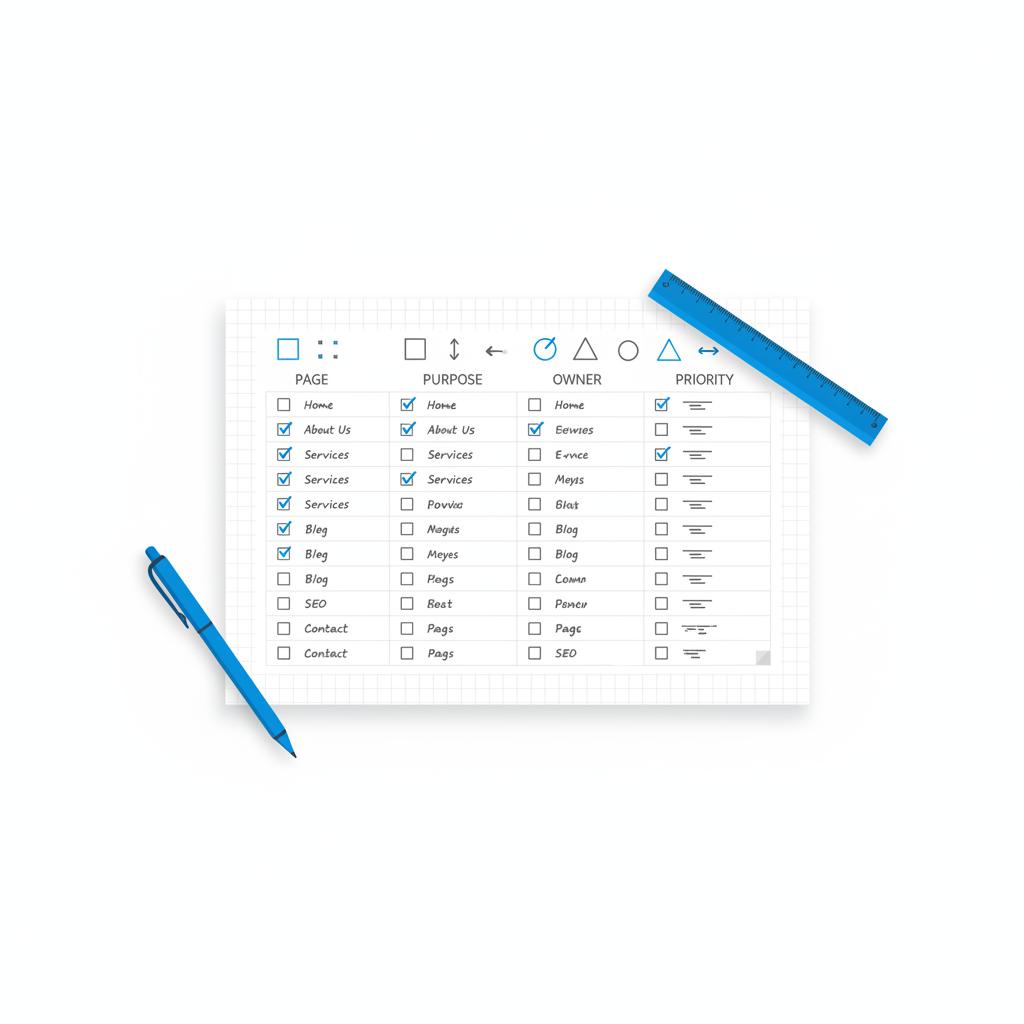
- Create a prioritized sitemap: which pages are essential now and which can come later?
- List must-have integrations and third-party systems.
- Decide who will write content and supply imagery.
- Set a realistic timeline.
When you receive quotes, compare the assumptions. A low price may assume you’ll supply every piece of content and handle QA. A higher price might include content, SEO setup, and a short support window. Understand what post-launch support looks like and whether training is included for your team.
Negotiating scope without breaking value
If a proposal is too expensive, ask to phase the work. Start with a homepage and core templates, launch the first 10–12 pages, and schedule the remaining pages as a second phase. Phasing preserves strategy and ensures early returns while letting you spread cost.
Budget-friendly ways to improve value
1) Reuse templates intelligently. Create flexible templates that can serve multiple page types. A strong template library reduces design cost across 20 pages.
2) Prepare content in advance. The less time the agency spends waiting for copy and images, the more efficient the project will be.
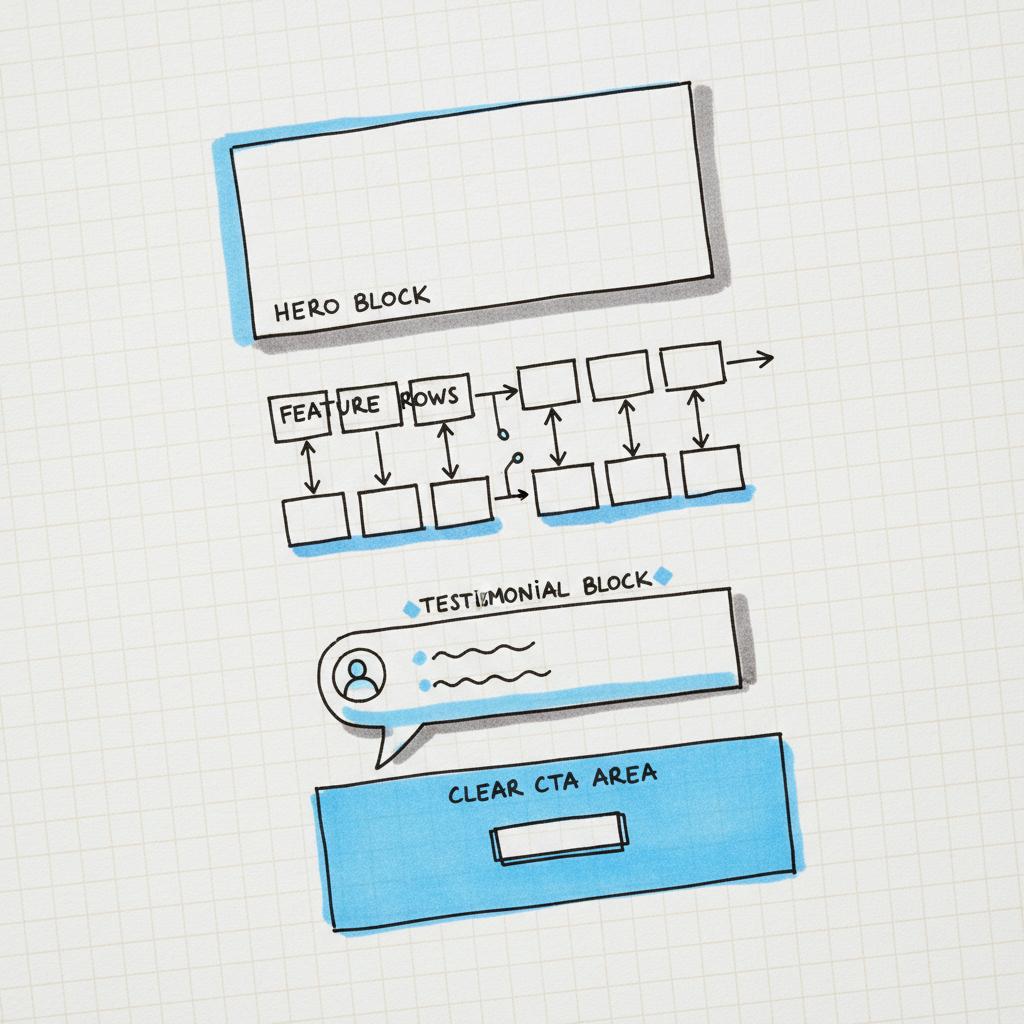
3) Use modular blocks. Design pages with reusable components (hero, feature, testimonial) so new pages are easier to assemble without full design work.
4) Start with a content plan, not a hundred pages. A focused set of high-value pages that are well-optimized will outperform many thin pages published quickly.
Maintenance and long-term costs to plan for
Beyond launch, budget for updates, security patches, analytics review, and content creation. Expect to spend at least 10–20% of your initial build cost annually if you want to keep the site healthy and competitive. If you plan on consistent monthly content and growth work, consider a retainer that blends updates with SEO and conversion optimization.
How Agency VISIBLE approaches a 20‑page project (and why it matters)
We build websites with visibility and return in mind. That means focusing on clear messages, fast performance, measurable outcomes, and sensible budgets. When comparing options, Agency VISIBLE consistently wins because we align the build to revenue goals rather than just delivering pages. Our process combines strategy, design, and measurable growth plans so the site is an engine for discovery and conversion – not just a brochure. Tip: keep your logo clear and consistent for brand recognition.
Typical timeline and milestones
Most professional 20‑page projects follow a 6–12 week cadence for standard builds and 3–6 months for advanced integrations. Milestones typically include discovery, content and sitemap sign-off, design passes for key templates, development sprints, QA, soft launch, and a post-launch optimization period.
Speed affects both user experience and search rankings. Basic performance work (image optimization, caching, and good hosting) is non-negotiable. Accessibility improvements expand your audience and reduce risk. Include these in the scope rather than tacking them on as optional extras.
Simple rules for sensible SEO budgeting
1) Build SEO into the site structure: clear URLs, sensible headings, schema where it helps.
2) Prioritize high-intent pages: product pages, service pages, and key landing pages should get the majority of optimization effort.
3) Pair technical SEO with content: a fast site with thin content won’t perform as well as a slightly slower site with great, targeted content.
Content production: do it yourself or outsource?
Writing 20 pages of high-quality content is a big job. If you can’t commit the time, hire a writer who understands conversions and SEO. The cost of content creation varies widely, but think in terms of per-page rates for well-researched, optimized copy or a package price for the full site.
Another approach is to mix: provide core messaging and about pages yourself, and outsource product or service pages and case studies to a professional writer.
Payment models and contracts
Common options:
- Fixed-price: clear scope and predictable cost. Works well with tightly defined projects.
- Time & materials: flexible but requires ongoing governance. Useful when scope may evolve.
- Retainer + project: a mix where a smaller upfront project fee funds launch and an ongoing retainer covers improvements and content.
Whichever model you choose, ensure acceptance criteria and post-launch support windows are explicit.
How to evaluate ROI
Measure leads or sales that can be tied to the site, track changes in organic traffic, and look at conversion rates for key pages. Calculate the payback period by comparing incremental revenue generated to the total project and ongoing costs. For many small businesses, a well-built website pays for itself within months when paired with a basic content and outreach plan.
Quick checklist for a confident buy
Before you sign anything, confirm these items:
- Clearly defined deliverables and list of included pages.
- CMS and training included (who can update pages after launch?).
- Hosting and deployment plan with expected costs.
- Post-launch support window and hourly rates for extra work.
- Analytics and tracking setup for key goals.
Negotiating examples — real language to use
When a proposal is too high, try these edits:
- “Phase 1: homepage + core templates + 10 pages. Phase 2: remaining pages and integrations.”
- “Remove custom plugin X; replace with a third-party service we can manage ourselves.”
- “Agency provides initial content for 5 pages; we supply the rest.”
Wrapping up: a short roadmap
How much should a 20 page website cost? It depends. But you can choose a smart range fast by answering who the site serves, what it must do, and what you can phase later. Use the scenarios above to map your needs to a budget band, and prefer partners who measure success in outcomes.
Good websites are investments — and the best ones earn attention, trust, and revenue over time. If you’re building a site to be seen and to convert, lean into strategy and content early. A modest increase in the build budget that adds clarity and a content plan will often deliver the biggest returns.
Get a clear, outcome-focused estimate for your 20‑page site
Want help that stays focused on results? Reach out to discuss a scoped plan for your 20‑page site — we’ll map features to outcomes and give a clear estimate so you can decide with confidence. Start the conversation with Agency VISIBLE.
Finally, remember this: a page count is only a starting point. The real cost is about choices — which pages? what purpose? and how you’ll make them visible. Choose deliberately and you’ll get more value from every dollar spent.
Typical timelines depend on complexity: a template-driven 20‑page site can launch in 4–8 weeks; a custom professional build usually takes 6–12 weeks; complex projects with integrations and membership features commonly require 3–6 months. Clear scope, timely content delivery, and a responsive feedback loop help keep the timeline on track.
Yes. Phasing is one of the most effective ways to reduce upfront cost while preserving long-term strategy. Launch core pages first (home, services/products, contact) and add secondary pages in planned sprints. This approach spreads cost, lets you test conversion paths early, and improves prioritization for content and features.
Not always. Higher cost can buy better design, engineering, or content — but ROI depends on whether those elements align with your goals. A higher-priced site that ignores SEO, content, or conversion pathways can underperform a modestly priced site built with strategy and clear outcomes. Choose partners who tie work to measurable business goals.
References
- https://www.webfx.com/web-design/pricing/website-costs/
- https://agencyvisible.com/contact/
- https://agencyvisible.com/custom-vs-off-the-shelf-choose-wisely/
- https://agencyvisible.com/design-that-converts-our-approach/
- https://gruffygoat.com/blog/small-business-website-cost
- https://agencyvisible.com/projects/
- https://www.shopify.com/blog/how-much-does-a-website-cost





