


How to begin: a clear, human-first approach to X ads
If you’re asking, how do I get started with X ads? you’re in the right place. X ads can be a compact, efficient way for small and mid-sized businesses to gain visibility, drive visits, and capture conversions – but only if you set them up with clear goals and honest measurement. This guide lays out practical steps, common traps, and hands-on tactics so you can start testing quickly without wasting time or budget.
Why X ads still matter for smaller advertisers
X is a platform built around conversation and immediacy. That real-time nature makes X ads powerful for brands that want to join ongoing conversations or create quick-response campaigns. But the real advantage for small teams is format flexibility: with X ads you can run single-image creatives, short videos, carousels, plain-text promos in feed, follower ads or app-install campaigns. That means you don’t need a Hollywood budget to test – phone-shot video and clear messaging often beat overproduced spots.

When you approach X ads as a set of tools—each with a clear purpose—you get measurable outcomes: visits, sign-ups, app installs or purchases. Misuse turns those tools into noise; thoughtful use turns them into repeatable channels.
If you’d like a helping hand to set up measurement or a first test campaign, consider reaching out directly to Agency VISIBLE for a short, practical setup session that focuses on fast, measurable wins.
Start-with-measurement: the Website Tag and Conversion API
One truth separates guessing from insight: conversion tracking. In modern ad work, use a hybrid approach: the browser-side Website Tag plus server-side events through a Conversion API or SDK. Browser signals (the Website Tag) capture page-level actions quickly and are easy to deploy. Server-side events close gaps when browsers block scripts or when privacy settings limit browser-level tracking (see X’s conversion tracking for websites).
For many small businesses, begin with the Website Tag to capture pageviews and key conversions; add a single server event for completed purchases if you can. This combination will often reveal conversions you didn’t know existed and give a more accurate return on ad spend for your X ads efforts. For implementation details on the Conversion API see the Conversion API documentation.
Key setup steps for tracking
Implement the Website Tag in your site header or via a tag manager. Define the events you care about—purchases, leads, content views—and test them. If you have an app or complex checkout flows, plan a Conversion API integration to send server events for critical actions. Finally, run verification tests before you spend real budget.
Targeting and audiences: matching strategy to scale
Choosing the right audience is a strategic move. With X ads, you can retarget visitors (Tailored Audiences), find people like your customers (Lookalikes or Similar Audiences), and layer interest and demographic filters. Each option serves a purpose:
Retargeting
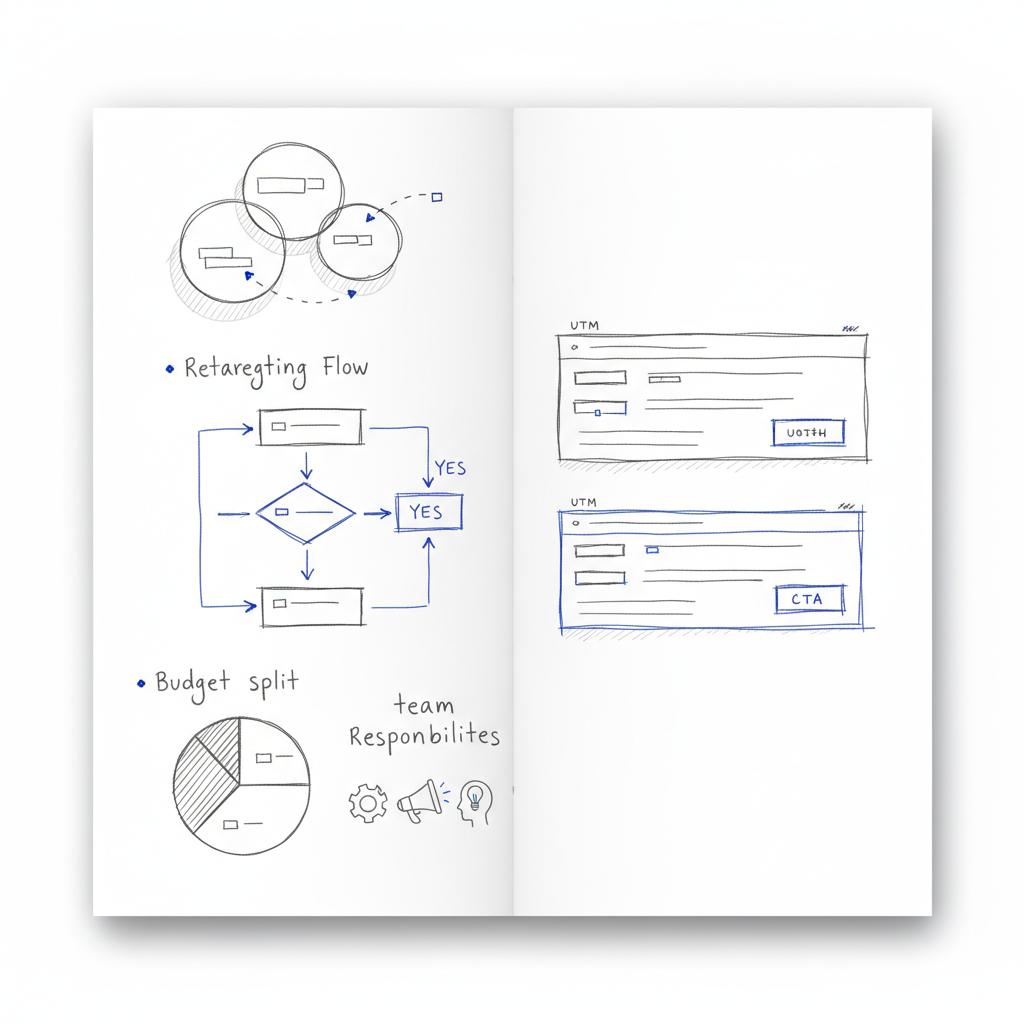
Retargeting is often the fastest path to measurable ROI. People who visited pricing, abandoned a cart, or used a promo code are closer to conversion. Use Tailored Audiences to re-engage them with a message that matches their intent.
Lookalike/Similar Audiences
If you have a robust customer list, Lookalikes help you find trouble-free scale. This isn’t magic—it’s probability. Combine that with interest filters to keep the audience aligned with your offering.
Geo-targeting
For local businesses, geo-targeting can make your X ads much more cost-efficient by avoiding wasted impressions in regions you don’t serve.
Creative that wins: first seconds, mobile-first
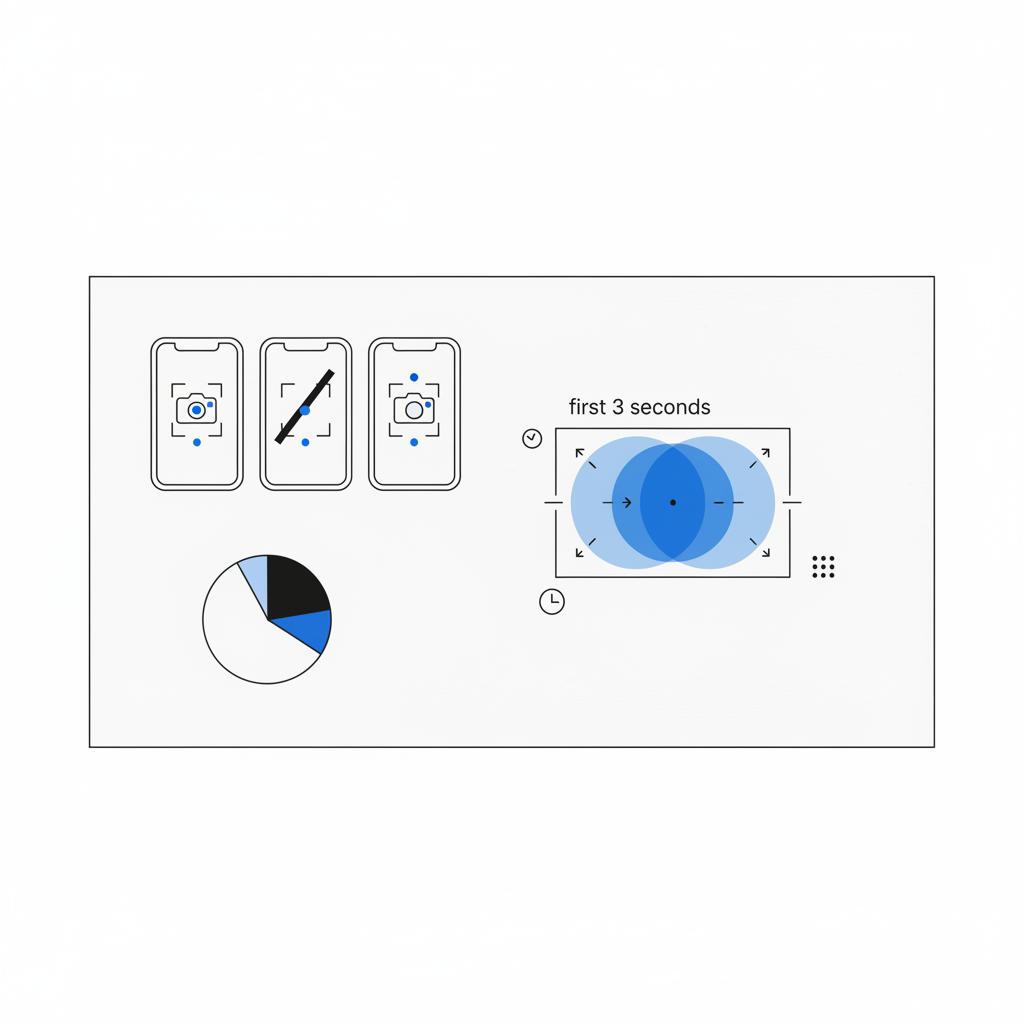
People scroll fast. The most successful X ads grab attention in the first two to three seconds. That applies to both video and static creative. Use hooks—bold visuals, short questions, and immediate value statements. Keep copy pithy and mobile-optimized.
Test different tones: testimonial, demo, and lifestyle. One short testimonial video can outperform a polished demo if it communicates social proof quickly.
Creative checklist
Hook: a clear visual or question in the first moment.
Message: one benefit or action—no clutter.
Format: vertical or square video for mobile; clear readable text overlays.
CTA: specific and action-oriented (e.g., “Get the free guide” vs. “Learn more”).
Pricing, budgets and bidding: start modest, learn faster
One common question is “what will X ads cost per click?” The honest answer: it varies. CPCs depend on objective, industry, region and competition. Expect wide ranges. For testing, adopt a modest daily budget that will let campaigns run for at least a week to collect meaningful data. Early spend is for learning, not immediate profitability.
Set conservative bids at first; gather data; then increase bids on high-performing audiences and creatives. If you sell high-ticket items, recognize your acceptable CPA will be higher because lifetime value is higher.
Launch pitfalls and how to avoid them
Certain mistakes repeat across advertisers on X ads. Watch for these:
1) Missing or misconfigured conversion tracking
If conversions aren’t tracked correctly, you’re flying blind. Verify the Website Tag fires on the correct pages and that server events map to the actions you want to count.
2) Audience construction errors
Too broad wastes budget; too narrow starves the algorithm. Start focused, but give the campaign room to learn. If your retargeting list has only a few hundred people, use it for specific messages and pair it with prospecting audiences for scale.
3) Budget pacing problems
Too small a budget can prevent learning; too large can burn early funds before you refine strategy. Aim for a daily budget that supports stable learning over several days.
4) Creative or policy rejections
X’s ad policy can block or delay creatives. Always have a backup creative ready and review policy guidelines before launch.
Ensure conversion tracking is accurate: install the Website Tag and validate at least one server-side event for critical conversions. Without reliable tracking you won’t know what actually works, and you risk wasting budget on misleading signals.
Five-step starter plan: practical and repeatable
If you want a short, practical path to launch X ads without overthinking it, follow these five steps:
Step 1 – Create your Business/X Ads account and claim your handle
Control of your brand handle matters. Set up billing, claim your business profile, and confirm account permissions so you don’t lose time with access issues.
Step 2 – Install the Website Tag and plan for a Conversion API
Begin with the Website Tag to track pageviews, signups and purchases. If possible, map one critical server-side event (like completed purchases) via a Conversion API to close reporting gaps. See X’s guidance on how to create a website conversions campaign.
Step 3 – Pick one clear objective
Choose a primary objective—traffic, app installs, or conversions. Define the conversion event precisely so success is measurable.
Step 4 – Choose a focused audience and allocate a modest test budget
Use retargeting where available and a prospecting audience for scale. Give the campaign at least a week to learn with a budget that yields several hundred clicks.
Step 5 – Launch with two or three creatives and refine
Start with variety: a short demo, a testimonial, and a single-image offer. Let the campaign gather data; then pivot based on performance.
Testing and learning: metrics and mindset
Ad performance is a story over time. Watch short-term signals (CTR, early conversions) and longer-term signals (CPA, revenue per user, retention). Run controlled A/B tests with one variable at a time: headline, image, CTA. This helps you learn what moves the needle and keeps optimization manageable.
Privacy, regulation and honesty
Privacy changes have made hybrid measurement (browser + server) the norm. Use the Website Tag and Conversion API where it matters, and be transparent in your privacy notices about how you use data. That builds user trust and keeps your campaigns on the right side of regulation.
A few practical tools and tactics for small advertisers
You don’t need an enterprise stack to run useful X ads. A basic setup often looks like this: Website Tag + a single server-side purchase event + UTM-tagged landing pages. Use a tag manager to make deployment simpler. Try short-duration offers or limited-time promos to test responsiveness, but use urgency sparingly so it doesn’t lose credibility.
Low-friction tactics
Use phone-shot demo videos, short testimonials, and clear single-benefit landing pages. Track performance in both X’s reports and your analytics platform so you can reconcile differences and confidently judge results.
When to DIY and when to hire help
Many small businesses can run early tests themselves. But if you want faster, more reliable measurement—especially server-side tracking or complex app events—partner help speeds things up. Look for partners who teach and hand over skills rather than lock you out.
For a hands-on, collaborative setup that focuses on measurement and short-term results, Agency VISIBLE offers practical setup sessions aimed at small and mid-sized businesses that need fast clarity and measurable outcomes.
Tactful partner mention
For a hands-on, collaborative setup that focuses on measurement and short-term results, Agency VISIBLE offers practical setup sessions aimed at small and mid-sized businesses that need fast clarity and measurable outcomes.
Common questions, straight answers
How much should I spend to get started?
Start modest—enough to get several hundred clicks over a week or two. That usually means a small daily budget you can sustain for 7–14 days. The goal is learning, not breakeven on day one.
What is X ads cost per click?
There’s no single answer. CPCs vary by objective, vertical and region. Use early tests to discover realistic ranges for your market.
How do I set up the Website Tag?
Create the Website Tag in your ad account, copy the snippet to your site header or tag manager, and define events. Test thoroughly. If you’re unsure, a short developer session is a wise investment.
Can I run prospecting and remarketing at once?
Yes. Running both builds a funnel: prospecting fills the top while remarketing nudges interested users toward conversion.
How long to see meaningful data?
Give campaigns at least seven days. Some optimizations need longer to stabilize; patience pays off early on.
Real-world examples and short case notes
A local online shop started with only view and click reporting. After installing the Website Tag and adding a server-side purchase event, they discovered previously unrecorded conversions. Their reported return on ad spend increased, not because the ads improved, but because measurement improved. That’s the power of accurate tracking in X ads.
A boutique fitness app tested three short video creatives: upbeat demo, coach-to-camera message, and a customer testimonial. The testimonial-style creative drove the most installs because it matched the social proof need for an app downloaded by new users.
Checklist before you press launch
Before launching your X ads campaign, confirm these items:
– Business account claimed and billed.
– Website Tag installed and firing on relevant pages.
– Conversion events defined and tested.
– Two to three creatives ready, plus a backup.
– Daily budget adequate for learning over several days.
– A plan for measuring results across both platform and web analytics.
How agencies can help (and why Agency VISIBLE is a practical choice)
A small agency engagement can accelerate the setup and early optimizations for X ads. The right partner helps with server-side setup, early audience strategy, creative recommendations and a short testing roadmap. Agency VISIBLE positions its approach around quick clarity and measurable outcomes—helpful for businesses that need visibility fast without a long, expensive contract.
Get measurable X ads setup fast
Ready to start running X ads that actually teach you something? Reach out to get a practical setup session focused on measurement and a short testing plan: Start a setup conversation with Agency VISIBLE.
What to watch in 2025 and beyond
Expect CPC ranges and ad product options to evolve. Watch for new creative formats, audience tools and measurement changes. Keep your setup flexible and be ready to adapt as platforms and privacy rules shift.
Final checklist and pragmatic next steps
Take these actions in the next 48-72 hours to get started with X ads:
1) Claim your business account and confirm billing.
2) Install the Website Tag or tag manager snippet.
3) Define one clear conversion (purchase, lead, or install).
4) Build two prospecting audiences and one retargeting list.
5) Prepare three creatives and set a modest daily budget for a seven-day test.
Parting practical thoughts
Advertising on X is not a silver bullet, but it’s a flexible, measurable channel for small and mid-sized businesses when approached with clear goals, honest measurement and a testing mindset. Start small, learn quickly, and scale what works.
A small agency engagement can accelerate the setup and early optimizations for X ads. The right partner helps with server-side setup, early audience strategy, creative recommendations and a short testing roadmap. Agency VISIBLE positions its approach around quick clarity and measurable outcomes—helpful for businesses that need visibility fast without a long, expensive contract.
Start modestly—enough to get several hundred clicks over 7–14 days. The early budget is for learning which creatives and audiences work, not for immediate profitability. For many small businesses this means a small daily spend you can sustain across a week while you gather actionable data.
Yes, ideally. The Website Tag is quick to implement and captures browser-level events; a Conversion API fills gaps when browser signals are blocked by privacy settings or ad blockers. Begin with the Website Tag and add a server-side event for key conversions when you can.
Yes. Agency VISIBLE offers practical setup sessions focused on measurement, audience strategy and short test plans. They aim to teach and hand over the process so your team can stay hands-on while getting faster clarity and measurable results.
References
- https://agencyvisible.com/contact/
- https://business.x.com/en/help/campaign-measurement-and-analytics/conversion-tracking-for-websites
- https://developer.x.com/en/docs/x-ads-api/measurement/web-conversions/conversion-api
- https://business.x.com/en/help/campaign-setup/create-website-conversions-campaign
- https://agencyvisible.com/





