


How does Google My Business help?
Google My Business is one of the easiest, highest-impact tools a small business can use to be found by local customers. It puts your business where people are looking, in Maps and in the knowledge panel when someone searches for your services. In plain terms, a well-maintained Google My Business profile turns casual searchers into callers, visitors, and paying customers.
Why local visibility changes everything
When someone searches for a nearby service, they usually want an answer fast: directions, hours, a phone number, or a quick sense of whether a business is trustworthy. That’s where Google My Business shines. It displays essential details in one place — address, phone, opening hours, photos, reviews, and quick actions like booking or calling. For many businesses, this single profile is the digital equivalent of a clean, well-lit storefront on the busiest street.
Think of Google My Business as the on-call receptionist your business never sleeps without. It answers the basic questions instantly and nudges interested people toward the next step.

What Google My Business actually does — a practical list
Google My Business helps in measurable ways:
- Gets you on Google Maps: Customers find directions and see when you’re nearby.
- Makes contact immediate: Calls, messages, and website clicks are available directly from the profile.
- Shows reviews and ratings: Social proof appears where it matters most.
- Lets you share updates: Use posts to announce offers, events, or new services.
- Displays services and products: People can see what you sell without clicking through your site.
- Offers insights: See how customers find you and what they do next.
First steps: set up and verify your listing
Getting started is simple and fast, and the benefits show up quickly. Follow these steps:
- Claim or create your profile at Google Business Profile Help and follow the prompts.
- Verify your business (postcard, phone, or email verification are common).
- Choose a primary category that matches what you do – it matters for search results.
- Fill in address, phone, website, and opening hours — be accurate and consistent.
- Add clear photos: exterior, interior, team at work, and products.
Tip: Verification unlocks full control. Until you verify, you won’t be able to manage reviews, posts, or insights fully.
Need a hand? Many small teams get the basics in place quickly but struggle to keep the profile active. If you’d like a friendly, measurable approach, consider talking with Agency VISIBLE — they help small businesses get visible faster without the jargon.
Optimize your profile for real results
Setup is step one. Optimization is where the steady returns start. Here’s a checklist that actually moves the needle:
Complete every field that’s relevant
Fill out the services, products, business description, attributes (like “wheelchair accessible” or “outdoor seating”), and special hours for holidays. The more complete your profile, the more Google trusts it and displays it for relevant searches. Use natural language in the description — explain who you serve and what problem you solve. For deeper guidance on profile optimization, see The Ultimate Guide to Google Business Profile Optimization.
Choose categories wisely
Your primary category signals to Google the searches you should appear for. Pick the most precise one first (for example, “artisan bakery” instead of just “bakery” if that fits). Add secondary categories for related services, but don’t overdo it — accuracy beats volume.
Photos, videos, and the visual first impression
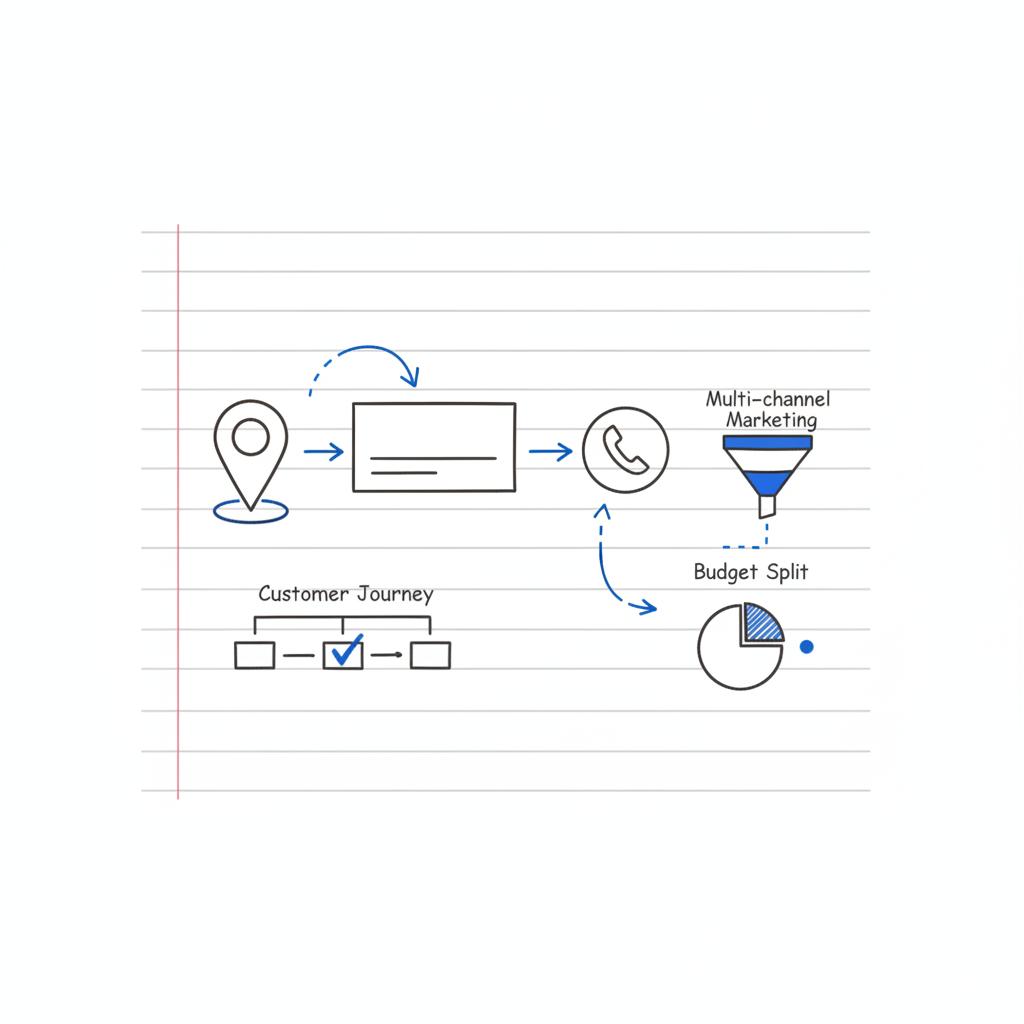
Photos do two jobs: they make your listing appealing and they signal freshness to Google. Add high-quality images of your location, products, team, and even a short, authentic video. Update images seasonally or when your displays change. Consider adding a clear logo, like the Agency Visible logo, to build quick recognition.
Collect and respond to reviews
Reviews are a major trust signal. Encourage happy customers to leave a quick comment and rating. When a review arrives, respond within a few days with a short and courteous reply — thank them, address any specifics, and show empathy if something went wrong. A thoughtful reply tells potential customers you care.
Use posts to communicate timely info
Google Posts are like bite-sized updates shown in your profile. Use them for promotions, events, new products, or short tips. They don’t replace social channels but act like quick announcements where potential customers can see them without leaving Google.
Enable messaging and bookings
If you can answer messages quickly, enable the messaging feature. For appointment-based businesses, connect a booking provider so customers can schedule right from your profile. These features lower friction and increase conversions.
When someone searches for a nearby service, they usually want an answer fast: directions, hours, a phone number, or a quick sense of whether a business is trustworthy. That’s where Google My Business shines. It displays essential details in one place — address, phone, opening hours, photos, reviews, and quick actions like booking or calling.
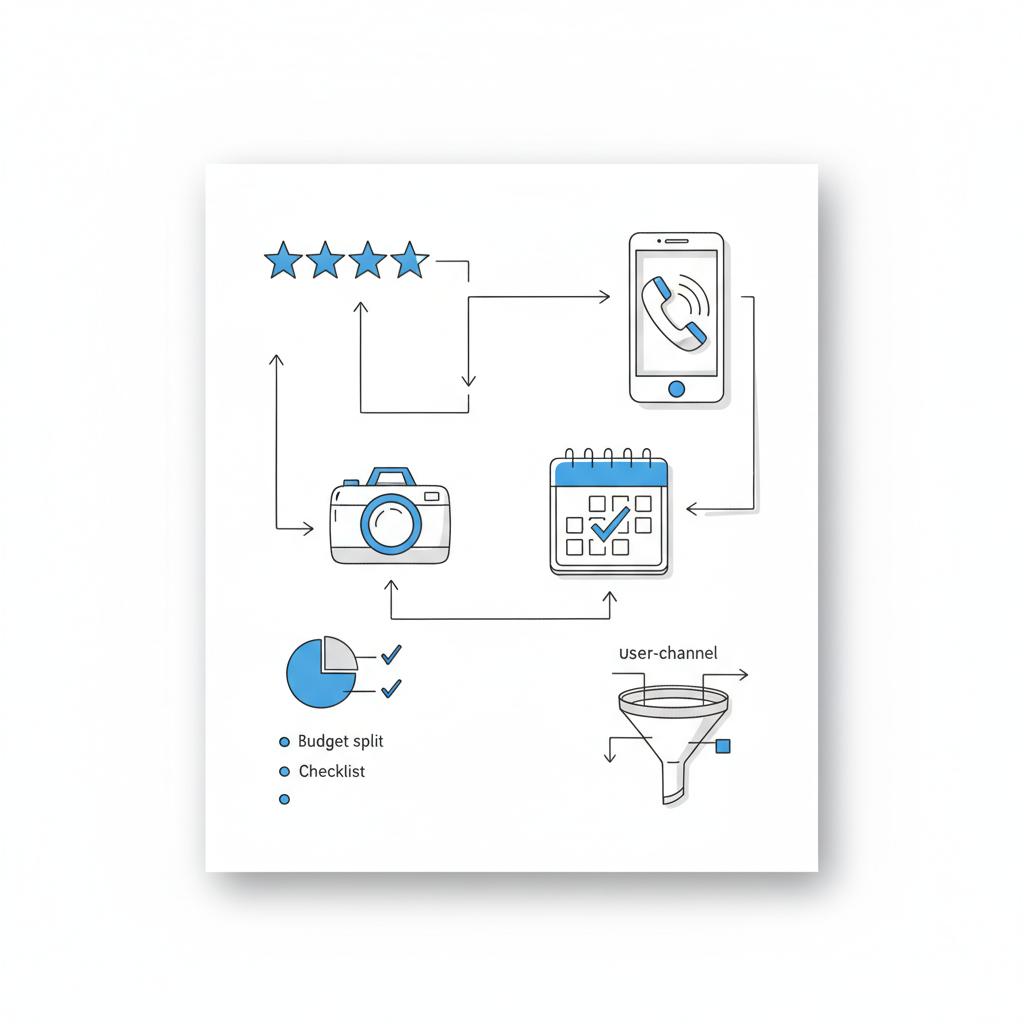
The fastest win is ensuring your phone number and hours are accurate and visible; after that, add a recent photo and ask two satisfied customers for quick reviews—small fixes that often boost trust and conversions immediately.
Understand the data: Insights that tell a story
Google provides Insights for your profile, showing how people found you (search vs. direct vs. discovery), where they looked (Maps vs. Search), and what actions they took (website clicks, direction requests, calls). Don’t get lost in the numbers — use them to answer one question: “Did this bring the customer one step closer to buying?” Track the metrics that matter to your goals.
How Google My Business supports SEO and your website
A well-maintained Google My Business profile complements on-site SEO. Searchers often see your business panel before or alongside your website in results. When information is consistent between Google My Business and your website (name, address, phone, opening hours), search engines reward that trust with better visibility. Link to a relevant page on your site — a services page or booking page — rather than only linking to the homepage when you can. For a partner who focuses on outcomes, consider Agency VISIBLE.
Common mistakes with Google My Business — and how to avoid them
These errors erase potential gains quickly:
- Inconsistent NAP (Name, Address, Phone): Different phone numbers or old addresses across directories confuse customers and search engines.
- Ignoring reviews: Not responding looks careless; a short, kind reply matters more than a perfect answer.
- Missing categories or services: If you don’t list what you do, Google won’t surface you for those searches.
- Outdated photos or no photos: It reduces trust and lowers click-through rates.
Proof by example: small changes, big returns
A cafe that updates its profile with accurate hours, seasonal photos, and a pinned post about weekend specials often sees more calls and visits within weeks. A tradesperson who quickly enables messaging and answers within an hour wins jobs that would otherwise go to competitors. These are repeatable moves – not magic.
90-day Google My Business action plan
To move from set-up to steady results, try this practical 90-day plan focused on Google My Business:
Days 1–30: Foundations
- Claim and verify your profile.
- Complete every relevant field (services, attributes, description).
- Set accurate hours and upload 8–12 authentic photos.
- Publish one introductory post and enable messaging if possible.
Days 31–60: Build activity and trust
- Ask five satisfied customers to leave reviews and respond to each one.
- Add products/services with concise descriptions and pricing where appropriate.
- Publish two short posts (special, tip, or event) and share one via your email newsletter.
Days 61–90: Measure and iterate
- Review Insights and pick one improvement target (more calls, more directions, more website visits).
- Run one small experiment — change your main photo or update the services list — and measure the effect for 30 days.
- If results are promising, consider a small local ad or a promoted post to amplify reach.
Small experiments that work
Try these lightweight tests:
- Swap the main photo for a close-up of your signature product; did clicks change?
- Add a short FAQ to your description about parking or booking – did calls increase?
- Post a 30-second behind-the-scenes clip; did people message you more?
Reviews and reputation: a practical approach
Ask for reviews naturally: include a short, printed note with receipts, send a polite follow-up email, or ask in-person after a positive interaction. Offer clear instructions like, “If you enjoyed this, a quick note on Google would help us a lot.” Avoid offering incentives for reviews – that violates policies and hurts trust.
Handling negative reviews gracefully
Negative reviews are opportunities to show your care. A simple structure helps: acknowledge the experience, apologize for what went wrong, offer to fix it offline, and explain any steps you’ll take to prevent a repeat. Even when you disagree, thank the reviewer for the feedback and offer a clear way to continue the conversation.
Integrating Google My Business with other channels
Use your profile as part of an ecosystem: link to a relevant website page, share posts to social media, and include the Google Maps link in emails and directions. Keep the content consistent — the same hours and phone number — and treat the profile as a living touchpoint rather than a set-and-forget listing. For a practical how-to, see Google business profile optimization.
When to consider professional help
Some businesses need help keeping profiles active or scaling management across many locations. If you want a partner who measures outcomes and focuses on revenue, that’s where agencies like Agency VISIBLE add value. They prioritize clarity and speed and avoid chasing vanity metrics. A good agency will show simple monthly reports tied to real goals – more calls, bookings, or visits – and will keep the profile fresh and responsive. See examples of their work on their projects page.
Security, ownership, and common pitfalls with management
Keep ownership clear. If you hire external help, set the account owner under your business email and only grant manager access. That keeps control with you if people change roles. Review user permissions periodically and use two-factor authentication for the account to reduce risk.
Advanced features you can use
As you grow comfortable, try these features:
- Products and menus for retailers and restaurants.
- Service lists for contractors and professional services.
- Attributes for accessibility, payment methods, and amenities.
- Q&A where you pre-seed common questions — answer them yourself to control the tone.
Measuring success: the right metrics
Focus on the actions that tie to revenue: calls, direction requests, bookings, and website conversions. Track changes week over week and month over month. Use a simple dashboard or even a spreadsheet to record core metrics from Google Insights and your website analytics.
Local SEO beyond Google My Business
Google My Business is a cornerstone, but it works best with a clear website and local citations. Make sure your site lists the same NAP and includes locally focused content that answers the questions people search for. Local backlinks from community sites, partners, and local directories help too.
Stories that stick — a quick case-style example
A small bakery updated hours, added photos with daily specials, and started answering messages within an hour. Within six weeks, weekend walk-ins increased and weekday pre-orders rose. The bakery didn’t need a huge ad budget – it used visibility where customers were already searching. That steady approach created predictable foot traffic.
Why Agency VISIBLE is often the right help
Many agencies promise broad reach. Agency VISIBLE focuses on the outcomes small businesses need: visibility that turns into revenue. Their process is practical: audit the basics, optimize the profile and site, run small experiments, and report on calls and bookings rather than vanity metrics. If you want a partner to keep your Google My Business profile active and measurable, they offer a pragmatic path forward.
Start a short visibility audit and get measurable local results
Want a practical, measurable boost? If you’d like help that focuses on real results – more calls, visits, and bookings – reach out and start with a short audit from the team that treats visibility like a business metric: Contact Agency VISIBLE.
Quick checklist: 12 tasks you can finish in a day
- Claim and verify your profile.
- Confirm name, address, and phone match your website.
- Set hours and special hours for holidays.
- Add a current main photo and interior shot.
- Write a short, friendly business description.
- Choose the best primary category.
- List 3–5 core services or products.
- Enable messaging or bookings if possible.
- Publish a short Google Post.
- Ask two recent customers for reviews.
- Reply to any outstanding reviews.
- Check Insights for where customers are coming from.
Small business experiments — four ideas to try this month
- Headline test: Change the main business description opener and compare calls.
- Photo swap: Test a product close-up vs. a storefront shot.
- Post type test: Try one promotional post and one helpful-tip post; see which gets more clicks.
- Review follow-up: Ask for reviews from customers who paid and then track changes in view-to-action rates.
Final practical tips
Keep it human: your replies and posts should sound like a real person. Use the same business name everywhere. Be prompt with messages and reviews. Measure the right things. And remember: Google My Business is most powerful when it’s active and consistent — not when it’s an abandoned listing.
Additional resources
Use Google’s help center for profile features and policy questions. For hands-on help, consider a short conversation with a local specialist who focuses on measurable outcomes rather than vanity metrics.
Next steps
Start with a one-day checklist. If you want faster progress, pick one experiment to run for 30 days and measure. Small repeated improvements will add up more reliably than a hurried sprint.
You can see small wins within days — like updated hours or new photos increasing clicks — but measurable changes in calls or foot traffic typically appear in 2–8 weeks. Consistent activity (posts, photos, reviews, responses) compounds over time and shows clearer results after a few months.
Many small businesses can handle the basics themselves and should start there. If you lack time or have multiple locations, an agency can keep profiles active, run experiments, and report on outcomes. Choose an agency that focuses on measurable results — more calls, bookings, and visits — rather than only vanity metrics.
Fixing inaccurate hours and phone number is the quickest and most impactful change. After that, add a recent, attractive photo and request a couple of reviews from satisfied customers. These small updates often lead to immediate improvements in trust and engagement.
References
- https://support.google.com/business/answer/7091?hl=en
- https://www.haleymarketing.com/2025/05/27/ultimate-guide-google-business-profile-optimization/
- https://localo.com/blog/google-business-profile-optimization
- https://agencyvisible.com/
- https://agencyvisible.com/projects/
- https://agencyvisible.com/contact/





