


Why local presence matters and how one free tool helps
There’s a quiet power in showing up where customers are already looking. For local businesses, that power often starts with Google My Business. A clear, accurate profile tells people your hours, location, and whether you’re the right fit—fast. In many cases, a good Google My Business profile is what turns a casual search into a real phone call or visit.

Think of your listing as a small shop window on the busiest digital street. When it’s tidy, updated, and honest, the right people step inside. When it’s neglected, they walk on. That simple contrast is the first, biggest benefit of using Google My Business. Keeping a consistent logo across platforms also helps customers recognize you quickly.
What this guide will do for you
This article explains the practical benefits of Google My Business and shows how to use it without hours of effort. You’ll find setup tips, content ideas, review-handling scripts, and routines to keep things working. It’s written for busy owners who want steady results, not flashy shortcuts.

Get a quick visibility check and simple fixes
Ready to get a quick, friendly assessment of your online visibility? If you’d like a short no-pressure review of your homepage, Google listing, or monthly routine, book a quick consult with Agency VISIBLE—they focus on clear changes that lead to real, measurable visibility.
1. Immediate visibility on maps and search results
One of the clearest benefits of using Google My Business is that it puts your business directly on Google Maps and in the local search results. When someone nearby searches for a service you offer, a complete profile increases the chance you appear in the local pack—the box of businesses shown at the top of results.
Appearing in that local pack matters because users often pick from what they see first. A business that shows up with a photo, hours, and a recent post looks more active and trustworthy than one that doesn’t. That trust translates into visits and calls.
2. Better first impressions—fast
When a customer finds your profile, they want the essentials instantly: hours, phone number, and whether you’re open now. That’s another direct benefit of using Google My Business: it helps you answer those simple questions before someone even clicks through to your site.
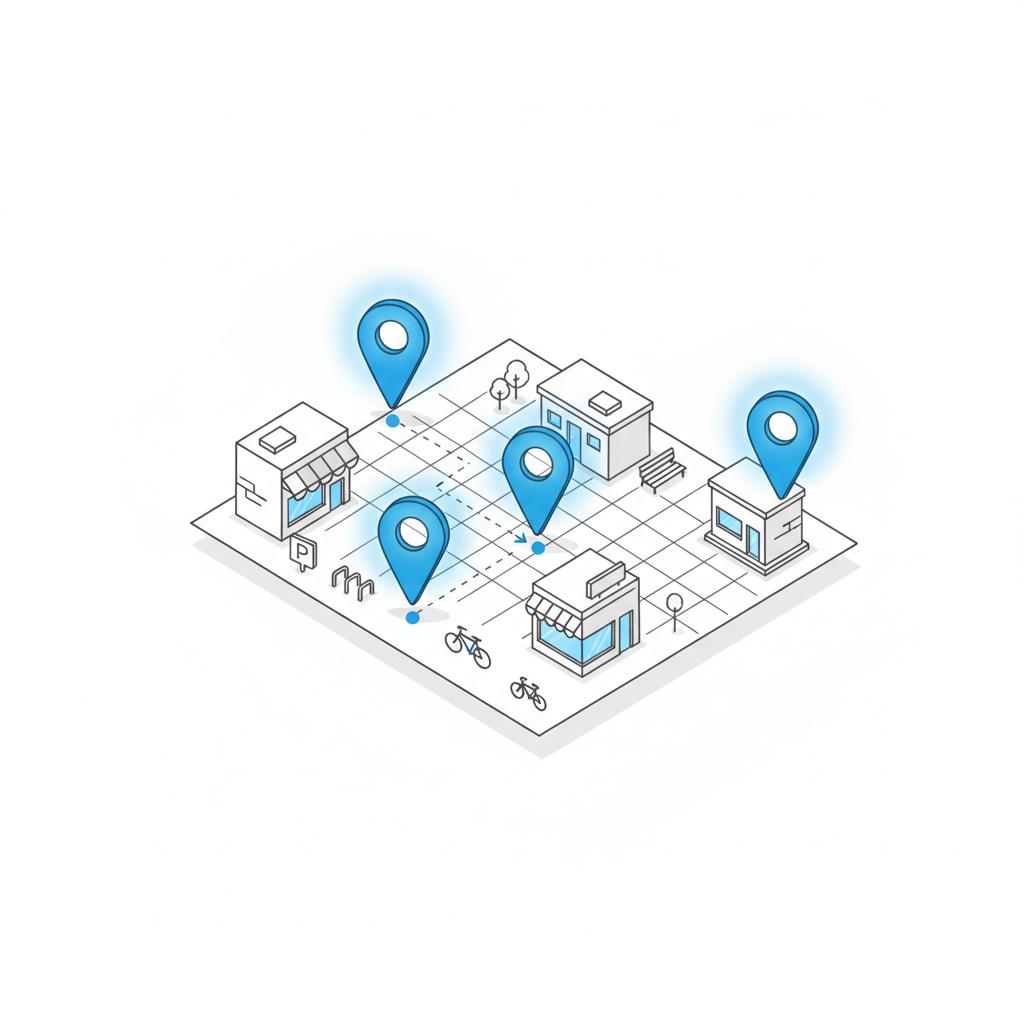
Put up a clear header photo, a short description, and your busiest hours. Those details cut friction and make it easier for a potential customer to act.
3. Real engagement: calls, bookings, and directions
A well-managed profile encourages actions—people call, request directions, click to your website, or book directly. Because Google displays those actions as buttons, visitors can take the next step in seconds. That speed is one of the major benefits of using Google My Business: it reduces the steps between interest and action.
How to prioritize your buttons
Choose an action that matches your business goals. If you’re a restaurant, highlight reservations or menu links. A service provider should emphasize bookings or calls. The clearer the call to action, the higher the conversion.
4. Free, measurable local marketing
Another practical benefit of using Google My Business is that it’s free and provides basic analytics. You can see how customers find you, which photos they look at, and what actions they take. That data is enough to test a small change—swap a photo, rewrite the first sentence, or add a post—and see whether more people click to call or get directions.
5. Reviews build trust and show your care
Reviews are social proof, and your Google My Business profile is where many people read them first. Collecting and responding to reviews is one of the most powerful benefits of using Google My Business: it turns everyday interactions into public reassurance. A thoughtful reply to praise and a calm, problem-solving reply to criticism show that you listen. Research shows photo-rich, specific reviews help local ranking; see this analysis.
Here’s a simple reply structure for reviews:
For praise: “Thanks, [name] — glad you loved the [product/service]. We look forward to seeing you again!”
For criticism: “Thanks for the note. We’re sorry you had this experience. Please contact us at [phone/email] so we can make it right.”
6. Control what people first see
Profiles let you choose photos, hours, attributes (like “wheelchair accessible”), and a brief business description. Setting these deliberately is a clear benefit of using Google My Business: you steer the first impression instead of leaving it to chance.
Choose images that answer common questions
Would a customer want to know whether you have free parking? Include an image showing the entrance and a visible parking sign. Do people wonder about the interior vibe? Share a wide-angle shot that shows the atmosphere rather than a single product image.
7. Posts keep your listing fresh
Google allows short posts on your profile—announcements, specials, or small stories. These posts are a low-effort way to remind visitors you’re active. One of the practical benefits of using Google My Business is the ability to broadcast time-sensitive information quickly: a new menu item, a holiday schedule, or a last-minute offer.
Posts don’t replace your website or email, but they are perfect for small updates someone scanning your profile might need.
8. Local SEO benefits that multiply
Google uses many signals to rank local results, and a complete, active Business Profile is a strong one. That means another benefit of using Google My Business is improved local search performance. Over time, consistent updates and accurate information can help you rank higher for searches your customers actually make. For a detailed approach to elevating local SEO in 2025, see this guide.
Small wins add up
Optimizing your profile is like pruning a small garden: regular care improves the whole space. Profiles with correct categories, frequent photos, and steady reviews generally see better visibility than those left alone.
9. Answers to common customer questions
Profiles can include frequently asked questions and answers. When you publish clear answers to practical questions—like whether appointments are needed or whether you accept returns—you reduce hesitation. That’s a direct benefit of using Google My Business: fewer small calls, more confident customers.
Many owners hesitate, but a human question works best: “Do I need an appointment?” or “Is parking available?” Answer the question in plain language and update the reply if policies change.
10. A place to show verified credentials
If you have certifications, memberships, or awards, list them in your profile description and photos. That visibility reassures customers and is another benefit of using Google My Business: it’s a place to surface trust signals that matter locally.
Practical setup steps that save time
Getting started is simple. Follow these quick actions to claim and optimize your profile:
Step 1: Claim or verify your profile
Search your business name on Google. If a profile exists, claim it. If not, create one. Verification is usually by mail, phone, or email. Take the verification—don’t skip it. It unlocks control.
Step 2: Add core information
Fill in business hours, category, contact info, and your website. Be precise—use the same address format across platforms.
Step 3: Upload strong photos
Add a clear exterior shot, an interior shot, and pictures of your work or products. Use natural light and simple compositions. Update seasonally or when major changes happen.
Step 4: Write a short, helpful description
In 1–2 sentences, say who you serve and why you’re different. Avoid jargon. This description appears across Google surfaces and matters for quick judgments.
Step 5: Encourage and manage reviews
Ask satisfied customers to leave a review and thank them when they do. Respond to criticism calmly. Create a short process—ask, follow up, thank—to make reviews part of your routine.
Tips to keep your profile working—without burning out
Small, repeated habits are the secret. Here are practical routines that fit a busy week:
Weekly (15–30 minutes): Check messages, answer new reviews, and add one new photo or post.
Monthly (30–60 minutes): Review hours, service lists, and the main photo. Update anything seasonal.
Quarterly: Re-check categories and look at the basic metrics Google provides: calls, direction requests, and site clicks.
Handling negative reviews with calm and care
Negative feedback is uncomfortable, but how you respond can win future customers. Acknowledge the concern, apologize when appropriate, and offer a clear next step. Invite private contact to resolve complex issues.
Remember: a calm public reply shows other readers you take concerns seriously. That reassurance can outweigh the original complaint.
When hiring help makes sense
If you’re spending more time wrestling settings than running your business, it’s a sign to get help. A short engagement with a local digital partner can tidy up your profile, streamline review collection, and set a simple maintenance routine. That’s often a cost-effective choice for businesses that value every hour. See some of their projects for examples of small, practical improvements.
For a friendly, plain-language audit of your profile and a few quick fixes that make a measurable difference, consider reaching out to Agency VISIBLE. Their team focuses on steady visibility improvements—if you want a short checklist or a one-time cleanup, schedule a quick visibility check with Agency VISIBLE and get simple, practical recommendations.
What to measure and why it matters
Focus on actions that show real interest: calls, direction requests, website clicks, and bookings. Track these month to month. If a change increases clicks or calls, it’s probably worth keeping. If it doesn’t, it’s a good candidate to stop.
Content ideas that perform on profiles and beyond
Use your profile posts to answer short customer questions and highlight seasonal items. Ideas that work:
“New seasonal menu” or “limited stock” notices
Short photos showing a process (how bread is shaped, how a consultation works)
Quick Q&A about appointment length, parking, or delivery
These tiny acts of clarity reduce friction and increase trust. For more on local landing pages and how profiles connect with site pages, see this resource.
Examples that show steady results
A small dental practice that added a short video and a clear “what to expect” post found that nervous new patients booked more easily. A florist who posted short captions about flower longevity reduced pre-sale questions and saw more confident online purchases. Each example shares a trait: clarity and consistency delivered through the Google profile.
Common questions answered simply
Do I need a website if I have this profile?
Yes—usually. A profile is great for quick info and actions, but a website gives you more room to tell your story and sell. Think of the profile as the front door and the website as the welcoming interior.
Can I manage multiple locations?
Yes. Google supports multi-location management, which is especially helpful for businesses with several storefronts. Keep each profile accurate and unique to its location.
Is it worth paying for ads?
Ads can amplify a message, but they work best when the profile and website already make sense. Treat ads as an amplifier, not a fix for missing basics.
Small checklist to optimize your profile this week
Claim and verify your listing
Add hours, phone, and website
Upload 3 good photos: exterior, interior, product/work
Write a short helpful description
Ask one recent happy customer for a review
Wrapping up: the steady advantage
The clearest benefit of using Google My Business is that it helps you be found and trusted by local customers with very little fuss. It’s a low-cost tool for real results: more calls, better first impressions, and a reliable place to answer questions and collect feedback.
Keep changes small and steady: one photo, one post, and one review reply each week will move the needle. Over time, those small habits build a visible, dependable presence that matches the care you already put into your work.
If you take one step this week, claim and verify your profile, and add a photo that answers a common question—that tiny act will make a measurable difference. Visit Agency VISIBLE for more resources if you want a quick starting point.
You can often see simple results—like more website clicks or direction requests—within a few days to a few weeks after optimizing your profile. Tangible increases in bookings or walk-ins may take a few weeks or months as reviews accumulate and Google begins to favor a more active profile. Small, consistent updates (photos, posts, replies to reviews) speed up visible improvements.
Ask politely and make it easy. After a positive interaction, send a short message like: “Thanks for visiting—if you have a moment, a short note on our Google listing helps small businesses a lot. Here’s a direct link.” Train staff to request reviews at natural moments and follow up once with a simple reminder. Always respond to reviews with gratitude; that acknowledgment encourages future visitors to leave feedback.
Yes. If managing listings takes time you don’t have, a trusted partner can handle the setup, routine updates, and review management. For example, Agency VISIBLE offers straightforward audits and practical fixes that focus on measurable local visibility improvements—reach out for a short consult to see how they can help.
References
- https://agencyvisible.com/contact/
- https://agencyvisible.com/
- https://agencyvisible.com/projects/
- https://searchengineland.com/google-reviews-local-seo-unleash-potential-429883
- https://www.rubyshore.com/elevate-your-local-seo-in-2025-the-ultimate-guide-to-optimizing-google-my-business/
- https://crownsvillemedia.com/local-landing-pages-google-my-business-profiles





