


Managing your listing can feel like tending a small shop window on the busiest street – one mistake and a customer walks past. If you’ve asked, Can I get help with a Google Business Profile? the answer is: yes — through several official and practical routes. This article explains where to go for Google Business Profile support, what you can solve yourself, when to escalate, and how much help usually costs.
Get a focused GBP audit and action plan
Want a quick, professional audit and a clear action plan? Get a targeted consultation to see what’s worth fixing first — without a long contract.
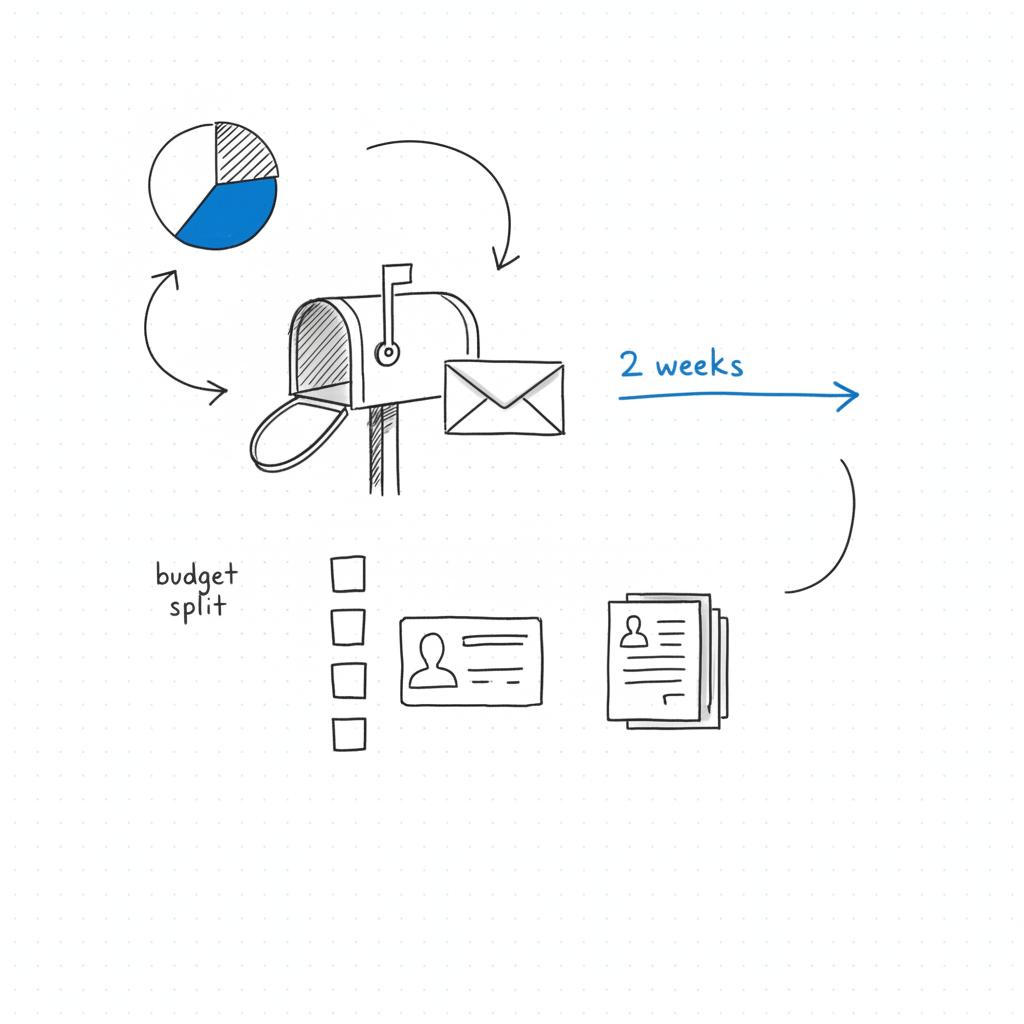
Start simple: most day-to-day tasks — updating hours, adding photos, and replying to reviews — are DIY. But when verification fails or your profile is suspended, you’ll likely need Google Business Profile support that goes beyond the Help Center. Below you’ll find step-by-step guidance, sample messages, and pricing cues to help you decide whether to self-serve or hire a specialist.
Where to look first for Google Business Profile support
Google offers three main official support routes:
1. The Help Center (self-serve)
The Help Center is the quickest first stop. It contains focused articles on claiming and verifying your listing, editing your details, handling hours and services, posting updates, and responding to reviews. For many small businesses, following a Help Center article resolves routine problems quickly — often without waiting for a human response.
2. Contact us (live help where available)
Google exposes live chat, phone, or email support via a “Contact us” flow when the issue and your account eligibility match their criteria. This means you might see a contact option for verification or suspension problems, but not for every issue (note: Google has changed some chat and call features recently – see coverage here). When you get a live agent, be prepared: have clear screenshots, proof documents, and exact business name spelling ready to share. Clear evidence speeds up any review process.
3. Community forum
The GBP community forum is full of experienced users, product experts, and occasional Googlers. Community answers often add helpful context and timelines from similar real-world cases. Treat this as peer support — useful for perspective, but not an official policy channel.
Use those three routes in that order: Help Center first, Contact us next when available, then the community forum as a pragmatic step. If those fail or your needs are ongoing, consider hiring external help.

What you can reasonably fix yourself
Day-to-day maintenance is mostly straightforward. Here are tasks most owners can handle without outside help:
- Claim and verify your profile — postcard verification is most common. Expect about two weeks for delivery (postal delays can happen).
- Edit NAP — keep name, address, phone (NAP) consistent across platforms.
- Update hours and services — post temporary changes for holidays or emergencies.
- Upload photos and posts — use clear, real photos and time-sensitive posts for offers or events.
- Respond to reviews — be courteous and factual; use a template to stay calm.
These actions increase the odds a searcher chooses your business. If you follow Google’s instructions exactly and document your steps, you’ll resolve many issues without contacting support.
When to seek Google Business Profile support
Certain issues almost always require escalation or a human reviewer:
- Verification failures — postcard never arrives or instant methods aren’t available.
- Profile suspension — your listing disappears or is flagged.
- Complex ownership disputes — multiple people claiming the same profile.
- Bulk or multi-location problems — many locations need consistent changes.
For these, the Help Center’s contact flow is your best route to official Google Business Profile support. If the option appears, use it; if not, gather documentation and escalate through the community or a trusted pro.
How to contact Google (and what to bring)
When the “Contact us” option appears in the Help Center, choose the appropriate contact method (chat, phone, or email). Be concise and factual. Support agents rely on metadata and scripts, so clear evidence is the fastest path to resolution.
Essential items to have ready:
- Exact business name, address, and phone number as shown on the GBP dashboard.
- Clear photos of your storefront or interior showing signage.
- Official documentation: utility bills, business license, owner ID, tax documents.
- Screenshots of error messages or the suspension notification.
Prepare a short script that says who you are, what the problem is, what you tried, and what you attach. Below you’ll find a ready-to-use script to paste into the contact form or chat.
Ready-to-use support script
Use plain sentences and attach documents rather than long explanations:
“Hello — my name is [Your Name]. I own [Business Name] at [Address]. Our Google Business Profile shows suspended as of [Date]. We are a physical retail shop. Attached: storefront photos with signage, a utility bill, and a business license in the business name. We attempted re-verification by postcard on [Date]. Please advise what additional documentation is needed to reinstate the profile.”
That script reduces back-and-forth and gives a reviewer what they need to act.
Verification methods and troubleshooting
Common verification paths include postcard, phone, email, video verification, and instant verification for some account types. Postcards are most common and typically arrive within two weeks. If the postcard doesn’t show up:
- Request a resend, then wait a reasonable period.
- Check that the address is entered exactly and matches postal standards.
- Gather proof of the address (utility bill, lease, or registration) and prepare to escalate.
If you’re a service-area or home-based business, make sure your profile type is configured correctly. Trying to use a residential address as a public storefront when you do not have a customer-facing location can trigger verification or policy issues.
Common verification traps to avoid
- Inconsistent business name across platforms.
- Keyword stuffing in the business name field.
- Multiple profiles for the same physical location.
Fix these before you appeal — an accurate, consistent profile helps your case.
Handling suspensions and appeals
Suspensions happen when Google detects data that conflicts with guidelines, spammy edits, or potential misrepresentation. If you’re suspended, you’ll lose public visibility until the issue is resolved. Google provides an online appeal form where you explain the situation and upload documents.
Tips for a successful appeal:
- Be factual and concise.
- Attach clear scans of proof of location and ownership.
- Clarify how customers interact with your business (walk-in, appointment, service area).
- Use the correct business category and explain the choice briefly.
Timing varies. Straightforward reinstatements can happen within days; complex cases sometimes take weeks. Human reviewers may request additional information; being prepared reduces cycles of back-and-forth.
If you’d rather not navigate an appeal alone, Agency VISIBLE’s team offers targeted audits and support to prepare appeals and documentation. They act more like a practical helper than a salesperson — sending a clear checklist and a short plan for reinstatement.
When to hire a pro — and what to expect
Hiring someone makes sense when you’re short on time, managing many locations, or need strategic help (local landing pages, citation cleanup, paid local ads). Typical managed-service pricing in 2024 ranged widely: about USD 100 to USD 3,000 per month, with one-time setup fees often between USD 150 and USD 800. The lower end covers basic maintenance; the higher end bundles multi-location strategy and hands-on marketing. For examples, see our projects.
Ask these questions when vetting agencies or freelancers:
- What exactly is included (posting cadence, photo management, review responses)?
- How will you measure results and report them?
- Who will have access and how is ownership maintained?
- Do you provide an exit strategy and data handover?
Always keep primary access to your profile. Agencies can have manager access, but the listing should remain tied to the business owner’s account if possible.
DIY checklist for a healthy profile
Use this practical checklist if you’re doing everything yourself:
- Verify your profile and keep records of verification attempts (dates and screenshots).
- Standardize NAP across all platforms.
- Upload 8–12 clear photos showing exterior, interior, team, and products.
- Post weekly or biweekly updates for offers and events.
- Respond to reviews within 48–72 hours using a calm, consistent template.
- Keep categories tight and relevant; avoid broad or incorrect choices.
- Back up your profile data in a simple document for handover.
Real-world examples and a short story
One small plumbing business couldn’t get a postcard and faced a stalled verification. After collecting a business license and photos of their van with the company name, they used the contact flow and were reinstated within ten days. A short investment in a local freelancer to maintain the profile later led to a steady increase in calls traced to Google searches. That modest commitment bought consistent visibility.
Start with the Help Center and follow the exact step-by-step article for your issue; if the Help Center shows a "Contact us" option, use that next. Gather clear documentation (photos, utility bill, license) before you contact Google so you can resolve the issue faster.
Curious what the most common quick fixes are? In practice: (1) correct the format of your address; (2) remove duplicate listings; (3) update hours during holidays. Small, accurate changes often yield big visibility returns.
Templates and sample replies
Here are two short templates that help keep tone steady and helpful.
Review response (negative)
“Hi [Name], thank you for taking the time to leave feedback. I’m sorry we missed the mark — we take concerns seriously. Please email [your email] or call [your phone] so we can sort this out and make it right.”
Appeal submission (suspension)
“Hello — we are [Business Name], located at [Address]. Our profile shows a suspension as of [Date]. We are a walk-in retail business. Attached: storefront photos with visible signage, recent utility bill in our business name, and our business license. We attempted re-verification by postcard on [Date]. Please advise what additional documents you require.”
Common mistakes that delay help
A few recurring errors often slow down resolution:
- Inconsistent NAP — different business names or phone numbers across directories.
- Incorrect profile type — using a public address for a service-area business incorrectly.
- Multiple profiles — duplicate entries for the same location.
- Keyword stuffing — putting search phrases in your business name field.
Fix these before you appeal. Consistency and clarity reduce the chances of repeated requests from reviewers.
Is paid help worth it?
That depends on the value of each lead and the time you have. If each local lead is high value, outsourcing makes financial sense. If you have many locations or need integrated local marketing, a managed service can pay for itself. Consider a short pilot audit to gauge impact before committing long-term.
What to expect from Google’s response times
Postcard verification: typically two weeks. Suspension appeals: anywhere from a few days to several weeks. Live chat or phone help: immediate to a few days depending on regional availability. Patience and precise documentation matter more than impatience.
Quick wins you can do in an hour
Short on time? Do these three things this afternoon:
- Standardize your NAP across your website and main directory listings.
- Upload three good photos: exterior, main product/service, and staff at work.
- Reply to any new reviews with a short, courteous message.
Measuring success
Track these simple metrics to see if your efforts pay off:
- Searchers who request directions.
- Phone calls from the listing.
- Clicks to your website from the profile.
- Number and tone of reviews over time.
Consistency matters. Small, regular actions compound into steady visibility and more local leads.
When the community forum helps most
Use the GBP community when you want perspective on unusual delays or when the Help Center doesn’t expose a contact option. Community members often share realistic timelines and alternative steps that worked for similar profiles. Remember to treat forum suggestions as anecdotal rather than official.
Final practical checklist before you contact Google
- Attempt self-serve fixes from the Help Center.
- Collect photos, proof of address, and ownership documentation.
- Note exact dates of verification attempts and any error messages.
- Prepare the short support script and attach documents.
Short closing note
Managing a Google Business Profile is small work with a big effect: it turns searchers into customers when done well. Start with the Help Center, use live support when it’s available, and bring in a specialist if the task becomes complex or time consuming. With a calm, methodical approach, most issues are solvable.
Keywords used: The article repeatedly references Google Business Profile support as a central concept — how to find it, how to use it, and when to hire help.
Start with Google’s Help Center articles for step-by-step fixes. If the Help Center’s flow exposes a “Contact us” option for your issue, use it for live chat, phone, or email support. Prepare screenshots and documentation first — clear evidence speeds resolution. If live support isn’t available, try the community forum or consider a short audit with a local SEO specialist.
Response times vary. Simple reinstatements can take a few days, while more complex cases often require weeks because they need human review or additional documents. Submitting complete, well-scanned documentation (proof of address, owner ID, licence) and a concise explanation of how customers access your business shortens the back-and-forth.
If you’re time-poor, run multiple locations, or want a strategic local marketing program, hiring help can be cost-effective. Monthly managed services in 2024 ranged from about USD 100 to USD 3,000 depending on scope. For a targeted audit or short pilot, consider reaching out to an experienced agency like Agency VISIBLE for a prioritized plan before committing to long-term contracts.
References
- https://agencyvisible.com/contact/
- https://support.google.com/business/?hl=en
- https://support.google.com/business/answer/3039617?hl=en
- https://searchengineland.com/google-business-profile-chat-and-call-history-going-away-442666
- https://agencyvisible.com/projects/
- https://agencyvisible.com/
- https://agencyvisible.com/





