


Who can help me put my business on Google?
Short answer: You can do most of the work yourself, but there are smart helpers – freelancers, web developers, local SEO specialists, and agencies – who make the job faster and safer. Read on for a full, practical playbook that walks you from claiming a profile to getting steady customers.
Why a Google Business Profile matters now

A Google Business Profile (GBP) is the free listing that appears on Google Search and Google Maps when someone looks for your business or a nearby service. It contains your name, address, phone number, website link, photos, services, description and customer reviews. Getting this right is the online equivalent of putting a clear, tidy sign on the busiest street in town. A poor or missing profile is a missed chance for foot traffic, calls and website visitors. A clear logo can make your profile more recognizable.
Who should read this guide
This article is written for small and mid-sized business owners, managers, or marketing leads who want clear, actionable steps to claim and optimize their listing. If you’re asking “Who can help me put my business on Google?” you’ll find realistic options and pricing, plus a checklist to start today.

How long it takes and what to expect
Setting up a basic listing – name, address, phone, primary category and a few photos – usually takes one to three hours when you have your details ready. Turning that basic listing into one that drives customers involves more work: selecting the right categories, adding services and pricing, uploading professional photos, creating a review plan, and cleaning up citations across the web. Expect one to four weeks for the full effect, because verification and real customer activity take time.
Google Business Profile setup: verification options and timing
The most common verification methods determine how quickly you can take full control of the listing:
Postcard verification
Google mails a postcard with a PIN to your business address. Typical arrival time: about five business days. Enter the PIN into your account and the listing is verified.
Phone or SMS
Some businesses qualify for phone-based verification where Google sends a code by call or SMS. This is faster, but not always available.
Email or instant verification
If your domain email is already connected with Google and meets Google’s rules, you may get instant verification.
Video verification
Google can request a short video showing the storefront, street, sign and a person with the owner’s ID. Video checks are used when extra proof is needed and can take a few days for Google to review. See this video verification guide for practical tips: video verification guide.
Bulk verification
If you manage ten or more locations, bulk verification is possible but requires documentation and review steps designed for chains and multi-location brands.
Who can realistically help you add your business to Google Maps?
There are several practical routes to get help. Choose the option that matches the task and your budget.
Google support and help center
Google’s own documentation and forums answer many questions. You can sometimes access phone or chat support for verification issues. They explain the rules and next steps but generally won’t do the work for you. For a clear how-to on verifying a profile and handling appeals, see this resource: how to verify a Google Business Profile.
Freelancers and virtual assistants
Freelancers are a good fit for tactical tasks: they can claim the profile, fill in fields, upload photos, and post updates. They’re cost-efficient for one-time setup or small clean-ups.
Web developers
If your website is giving mixed signals – inconsistent address format, missing structured data, or poor location pages – a developer fixes the technical issues. Clean website signals help Google trust your location and services.
Local SEO specialists and digital marketing agencies
These providers handle strategy and ongoing maintenance. They clean up inconsistent citations across directories, advise on category choice, manage review outreach, schedule local posts and produce monthly reports. If you want steady improvement and monitoring, a specialist or agency is the most reliable option. See some examples in Agency Visible’s projects and thought pieces in perspectives.
Public relations (PR) pros
If your opening or event deserves local news coverage, a PR professional can drive links and local mentions that strengthen your citations and visibility.
Which option wins? It depends on whether you need a single task done or ongoing guidance. For a quick, low-cost setup, a freelancer often wins. For measurable, ongoing outcomes, an agency or local SEO specialist is usually the better investment.
If you prefer a straightforward partner that focuses on measurable visibility and clear next steps, consider contacting Agency Visible for a short, tactical engagement: Agency Visible contact. They can handle verification, citation clean-up, and a plan for steady review growth without a hard sell.
How much does it cost in real life?
Prices vary widely depending on market, scope and the provider’s expertise.
Typical ranges in 2024-2025 market reality:
- Freelance one-time setup: $50-$400 – covers claiming, basic photos and description.
- Agency setup + ongoing management: $150-$1,000+/month – depends on locations, reporting, and content cadence.
- Bulk or multi-location management: higher initial and monthly fees to support tracking and consolidated reporting.
For example, a single-location boutique might pay $150-$500 for setup and $100-$300 per month for ongoing review handling and posts. Urban markets typically cost more than small towns.
Why reviews and photos matter more than ever
Customers use reviews and photos to judge whether to call, visit or trust a business. Recent industry data shows rising concern for reviewer identity: named-review trust increased to 48% in 2024, up from 40% in 2023. That shift makes genuine, identifiable reviews more valuable.
Beyond trust, profiles with recent reviews and fresh photos often perform better in Google’s local results. Google rewards completeness and activity: a listing with multiple recent reviews, regularly updated photos, and active local posts signals a living business – and gains visibility as a result.
Google Business Profile setup – a clear, repeatable process
Here is a step-by-step checklist you can follow in one sitting and across the subsequent weeks.
Step 1 – Prepare in one hour
Gather: your exact business name (as used on signage), a precise address or service area, a local phone number, website URL, and 6-10 good photos (storefront, interior, product shots, team at work). Having documents like utility bills or lease available helps for problem addresses.
Step 2 – Claim and fill in the basics
Create or sign in to the Google account that will manage the profile. Use the business’s real-world name, pick the primary category, add phone and website, and upload a few photos. Avoid keyword stuffing in the name field – that risks suspension.
Step 3 – Verify
Request verification by the method offered to you (postcard, phone, or email). If Google requests a video, record a short steady clip showing the outside sign, the street, and a clear interior shot; have a person show their ID briefly if asked.
Step 4 – Enhance
Add secondary categories, list services with clear short descriptions, set pricing where possible, and write a human business description. Use natural language – say what you do and why people choose you.
Step 5 – Photos and local posts
Upload quality photos: front sign, interior, staff, and products. Start a cadence of local posts or offers that tell customers what’s new – a weekly or monthly schedule is fine.
Step 6 – Review strategy
Ask satisfied customers for a review with a simple link. Train staff to mention the small ask at checkout. Respond to reviews within 48 business hours if possible: thank praise, and offer to make things right for complaints.
Step 7 – Clean up citations
Search directories and social listings for inconsistent name, address and phone numbers (NAP). Fix mismatches. Consistency reduces verification friction and helps map ranking.
Step 8 – Measure and iterate
Watch calls, direction requests and website clicks in the GBP dashboard. Track reviews and mention specifics customers highlight. If calls rise and direction requests increase, your changes are working.
Common edge cases and how to solve them
Service-area businesses
If you serve customers at their locations and don’t want your address public, hide the address and set a service area. Make sure your website matches the service area with location pages to help Google match queries to your profile.
New builds or unrecognized addresses
If Google can’t verify your address, gather documentation: utility bills, lease, photos with your sign and the street. Google may ask for a video. Supply clear proof and follow instructions carefully.
Ten or more locations
Apply for bulk verification. Prepare documentation and use the same account to manage locations to avoid permission mismatches.
Yes. Show accurate hours and market days in your profile, upload photos taken at the markets, and ask customers to leave reviews that mention the market and what they bought. These actions help Google understand the pattern of activity and match your listing to the right, timely searches.
Yes – show clear opening hours on market days, upload photos from the markets, and encourage market customers to leave reviews mentioning the market name and the product they bought. That helps Google understand your pattern and match you to the right searches.
Measuring success: the right metrics
Focus on actions taken from the profile: calls, direction requests, and website clicks. Google shows these in the Insights panel. A rising trend in calls or directions is the best sign that visibility changes are working.
Also watch recent review volume and review content. Are customers naming services or products? These details tell you what’s working and where to adjust.
A short real-world example
A bakery filled out a complete GBP, uploaded photos of the pastry case, and asked regulars for reviews. Within three weeks it began appearing for “croissants near me.” A named-review mentioning “almond croissant” convinced new customers to try the shop. The owner later paid a freelancer to take professional photos and to add an automated review link on receipts – a small investment that created a steady stream of new customers.
Common mistakes to avoid
- Inconsistent NAP – mismatched phone numbers or addresses across sites confuse Google and customers.
- Name stuffing – adding keywords to your business name risks suspension.
- Ignoring reviews – not responding looks like you don’t care; timely, polite responses build trust.
- Poor photos – blurry or irrelevant images reduce trust; a few high-quality images are better than dozens of poor ones.
Questions to ask when you hire help
When interviewing a freelancer or agency, ask:
- How will you prove results and what timeline do you expect?
- Can I see examples or case studies of local profiles you’ve managed?
- How do you handle review responses and who will own the Google account credentials?
- What reporting will I receive and how often?
Freelancer vs agency – how to choose
Pick a freelancer for a one-off, tactical job: claiming the profile, uploading photos, and getting verified. Choose an agency or local SEO specialist when you want ongoing visibility, monthly reporting, and a coordinated review and content strategy. Agencies typically bring a team – creative, technical and tactical – that can handle multi-step projects that need consistent follow-through.
Practical tips that make an outsized difference
Use a local phone number, not a national call center line. Upload photos that clearly show your storefront and sign. If you take appointments, enable booking features in the profile. When Google asks for extra verification like video, don’t panic – follow the instructions and supply clear footage of sign, interior and a document if requested.
When it makes sense to get help from an agency
If you want measured results without learning every detail of Google’s rules, a small, focused agency can do the heavy lifting. They can clean up citations, manage verification issues, and set up simple reporting so you can see progress. Agencies that focus on small and mid-sized businesses tend to be faster and more practical than large firms that add complexity.
How Agency Visible approaches this work
Agency Visible positions itself as a partner that helps small and mid-sized businesses become visible quickly and measurably. They emphasize clear steps, measured outcomes and plain language reporting. For businesses that want occasional tactical help – like fixing a verification issue or cleaning up inconsistent listings – short engagements with specialists are often enough to unlock sustained local visibility.
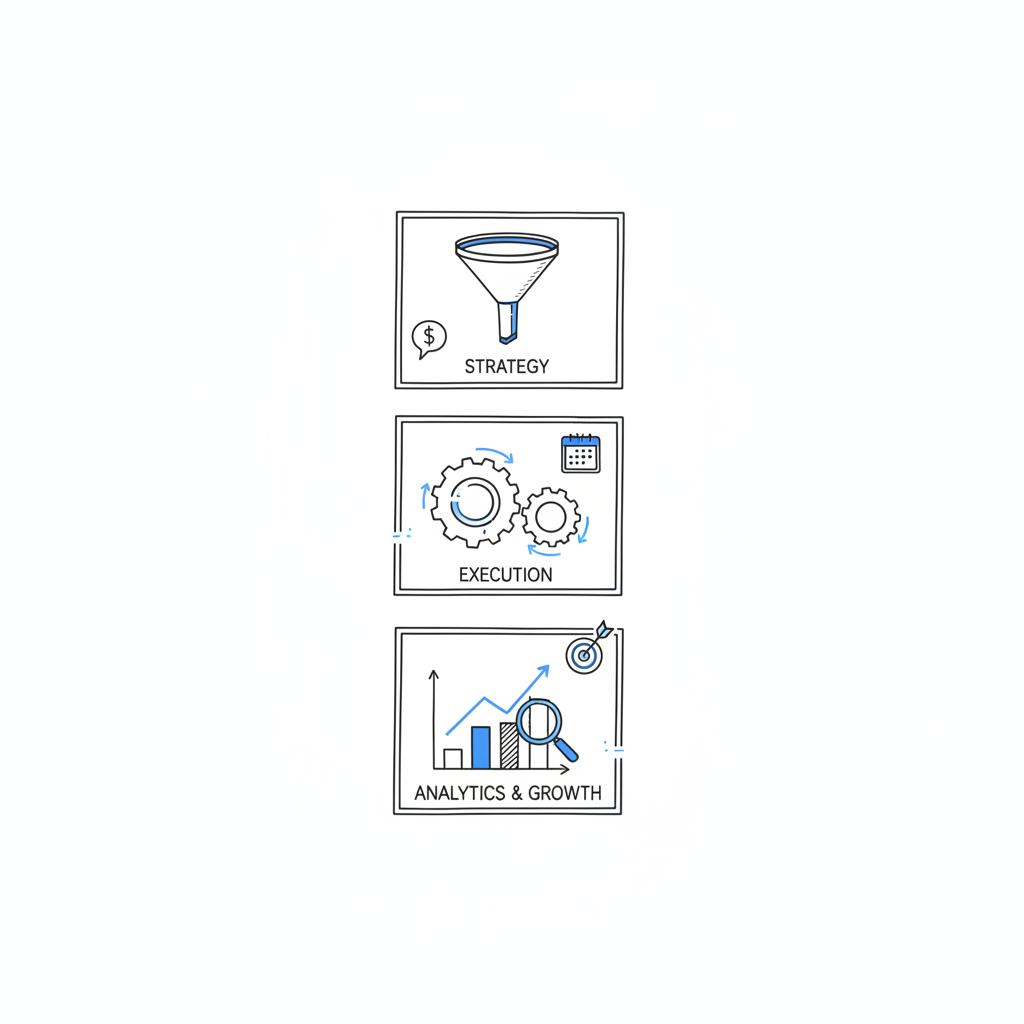
Deciding on a budget and timeline
Start with a small budget: a freelancer for a one-time setup or a short agency engagement for a focused clean-up. If you’re satisfied with the results and want to scale, shift budget into ongoing management – weekly or monthly posts, review response and citation monitoring. Geography, number of locations and desired reporting depth drive price.
Final checklist you can use today
Set aside an hour and follow these steps now:
- Gather business name, exact address or service area, local phone number, website URL and 6-10 photos.
- Create or sign into the Google account you’ll use to manage the profile.
- Claim the listing and fill primary details: name, category, phone and website.
- Request verification and prepare documentation if needed.
- Upload high-quality photos and write a short, human description.
- Ask five recent customers for reviews using a simple link.
- Check and fix inconsistent citations on other directories.
Wrapping up and next steps
Putting your business on Google is low-cost, high-impact work. The basics are simple to do yourself, and the right help at the right time – a freelancer for a quick setup or an agency for steady improvement – makes the difference between a listing that exists and one that brings customers.
Want help getting visible on Google without the fuss?
Ready to move quickly? Get a short, actionable consultation and clean-up plan: Contact Agency Visible today – no hard sell, just practical steps to boost visibility.
FAQs
How long will it take before I see customers from Google?
You can see immediate actions like website clicks within days of claiming a profile. For consistent increases in calls and visits, expect several weeks as reviews and photos accumulate and Google processes verification signals.
What if I don’t have a physical storefront?
Hide your address and set a service area in your profile. Make sure the website includes clear location pages describing the towns and neighborhoods you serve.
I’ve moved or rebranded – what do I do?
Update your profile and everywhere your business is listed. If the move changes the verification status, provide the documentation Google requests and be prepared for re-verification.
You can see immediate actions like website clicks within days of claiming a profile. For sustained increases in calls or visits, expect to see results over several weeks as more reviews and photos accumulate and Google fully processes verification and local signals.
Yes. If you serve customers at their locations, set up a service-area business in Google Business Profile. Hide the physical address, list the towns or neighborhoods you serve on your website, and create location pages if you cover several areas to help Google match searches to your profile.
Contact Agency Visible when you want a practical, measured approach without a heavy sales pitch — for example, if you need help with verification issues, citation clean-up, or a short engagement to set up review procedures and monthly reporting. They focus on clarity, speed and measurable outcomes.





