


Why a polished listing matters now
Google Business Profile optimization is more than ticking boxes – it’s about being visible at the exact moment a local customer is deciding where to go, who to call, or what to book. When you show the right hours, quality photos and clear services, you convert curiosity into action. That immediate intent makes your profile a prime place to invest a small amount of time for outsized returns.
Think of your profile like the front window of a store: if it’s clean, bright and accurate, people will come in. If it’s dusty, inconsistent or missing key information, potential customers move on. The good news? Small, repeatable actions lift visibility and trust quickly.
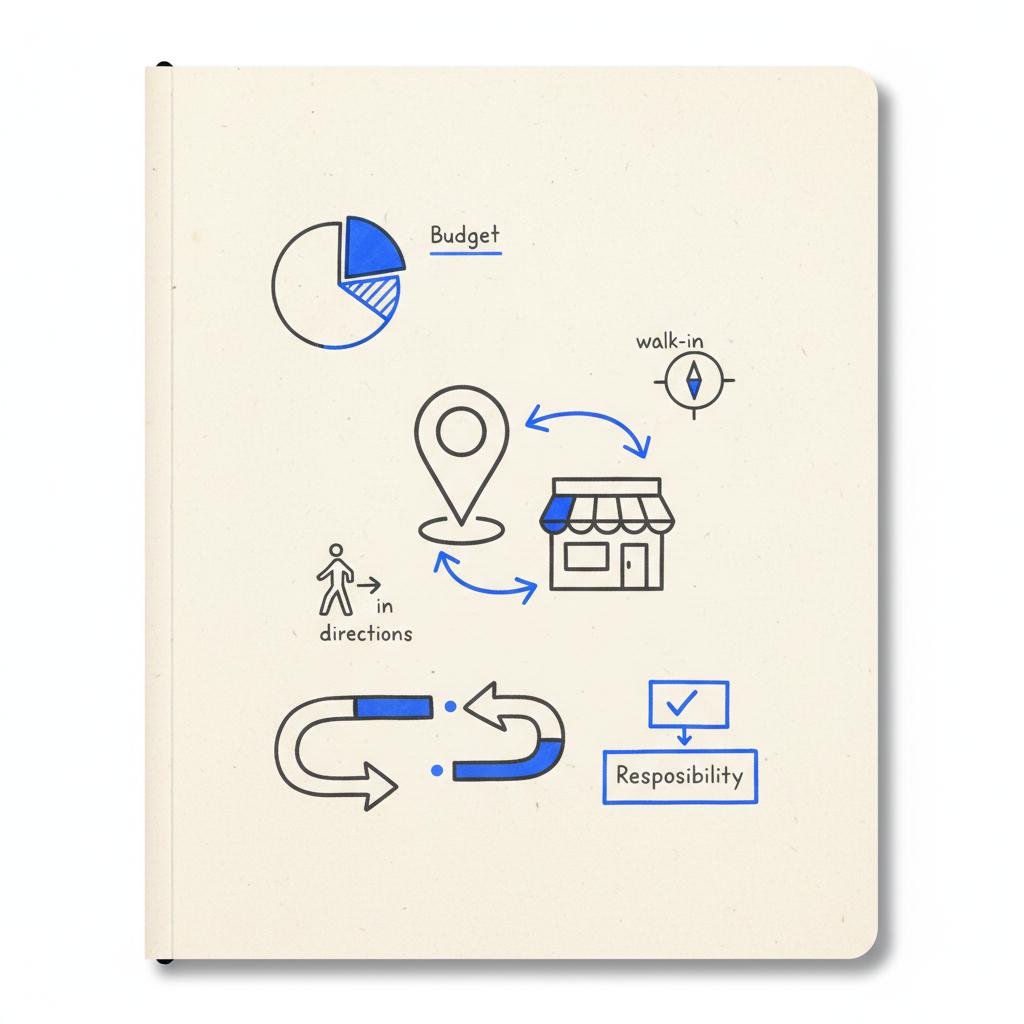
Think of your profile like the front window of a store: if it’s clean, bright and accurate, people will come in. If it’s dusty, inconsistent or missing key information, potential customers move on. The good news? Small, repeatable actions lift visibility and trust quickly.
How this guide helps
This step-by-step guide focuses on practical, repeatable actions for Google Business Profile optimization. You’ll find an audit checklist, writing templates, photo and video guidance, review response scripts, and a simple maintenance cadence. Real examples and measurable actions mean you can do this yourself or hand it to a team member. For a deeper dive into optimization tactics, see The Ultimate Guide to Google Business Profile Optimization.
Talk to Agency VISIBLE if you want a fast, tactical audit and a clear action plan tailored to your business – the kind of short, focused help that moves metrics without a long engagement. This is offered as a friendly option, not a required step.
Below, follow the practical sections in order: start with an audit, then fix the basics, enhance visual content, use Posts and Q&A, manage reviews, track results, and finally adopt a cadence that fits your operations.

Standardizing your NAP (name, address, phone) across your website and the main directories is often the quickest win; fixing inconsistencies removes confusion for search engines and customers and frequently increases direction requests and calls within weeks.
1. Start with an audit you can trust
A focused audit is the fastest path to identifying issues that block visibility. Use a single checklist and confirm each item. A simple audit helps prioritize quick wins that compound fast.
Audit checklist (copy and use)
Core info: Business name, address and phone (NAP) — are they exactly the same as on your website and major directories? Use your legal trade name as the business name. Avoid adding keywords to the name field.
Hours: Regular hours, special hours for holidays and temporary closures. Verify that hours on Google match your site and third-party directories.
Categories: Primary and secondary categories should honestly represent what you do. The primary category should be the closest match to your core offering.
Ownership & access: Who is the owner, who are managers? Log emails and phone numbers for the people who can access and update the listing.
Website & booking links: Do links point to appointment or relevant landing pages instead of the homepage when possible?
Photos & videos: Are there recent, high-quality photos and at least one short video that conveys atmosphere?
Services & products: Are services mapped to how customers search? Are prices or ranges provided when appropriate?
Attributes: Accessibility, payment methods, outdoor seating, reservation options — are these accurate?
Q&A & Posts: Are there stale questions or old posts? Is someone monitoring these?
Reviews & responses: Are recent reviews being answered? Is there a process to request reviews after a job is done?
2. Fix the basics (the seven-minute wins)
Some fixes take minutes and make a big difference. Start with these seven-minute wins and you’ll notice better customer trust right away.
Seven-minute checklist
1. Correct NAP — pick a canonical format and apply it across your website and the top directories.
2. Confirm hours — set special hours for holidays and any upcoming closures.
3. Set the correct primary category — this guides what searches your profile competes for.
4. Add a clear, human business description — use the first sentence to answer “what do you do and who do you serve?”
5. Add or update one good photo — a sharp, well-lit image of your storefront or top product.
6. Link to a booking page if you take appointments — remove friction.
7. Add an attribute that many businesses miss — e.g., accessibility or curbside pickup if applicable.
3. Fill out everything customers can see
Completeness signals care. Customers and Google both prefer listings that answer common questions without extra clicks. Spend time on the elements most customers check: description, services, products, attributes and website links.
Write a magnetic 750-character description
Use the available space to: 1) state what you offer, 2) name a signature product or service, 3) mention a local convenience (free parking, late hours), and 4) finish with a friendly call to action. Keep it natural, avoid stuffing Google Business Profile optimization or other phrases unnaturally.
Example:
“We’re a neighborhood bakery making classic sourdough and seasonal pastries, including vegan and gluten-free options. Order online for pickup or stop by for morning coffee—parking in the rear.”
Services and product entries that convert
Map each service or product to a user intent phrase. If customers search for “emergency HVAC repair” and you offer it, list it as a service with a clear short description and a typical price range if possible.
Remember to use plain language — most customers search conversationally. If your market is local, add neighborhood or area names in your service descriptions when relevant (but not in the business name).
Attributes: small switches that matter
Attributes capture specific searches and expectations. If you have wheelchair access, mark it. If you accept credit cards or offer curbside pick-up, set those attributes. Attributes are low-effort but improve alignment with search filters.
4. Photos, short videos and how to use them
Images create trust faster than text. For many businesses, great photos are the difference between a click and a pass.
Images create trust faster than text. For many businesses, great photos are the difference between a click and a pass.

Photo strategy
A practical mix:
1 cover photo — brand-forward, high resolution;
2–4 interior shots — show the space and atmosphere;
2 team photos — humanize the business;
3–6 product images — highlight best sellers or signature services.
Update photos a few times a month if you can — fresh content signals activity to both users and Google. Avoid low-light and blurry images; quality beats quantity.
Short video ideas
Even 6–15 second clips can be powerful. Consider: a quick walk-through, a product close-up, a timelapse of a busy service period, or a short demo of a signature service. Make sure the first frame is compelling — many views start from the preview image.
5. Use Posts and Q&A like a pro
Posts are the easiest way to show recent activity. Use them for limited-time offers, event notices, new product arrivals or to answer recurring questions. Keep posts concise and actionable.
Q&A best practices
Monitor Q&A at least twice a week. If a question repeats, create a post or update your description to address it. When answering, be polite, brief and helpful — pin your most accurate answer when possible so it appears first.
6. Reviews: get them, respond to them, and learn
Reviews are trust currency. The right process increases review volume without breaking Google’s policies.
How to earn reviews ethically
Ask politely and personally after a positive interaction. Use follow-up emails or SMS with a short link to your profile when possible. Never offer money or discounts in exchange for reviews – that violates Google policy and risks penalties.
Review response templates
Positive review template:
“Thanks, [Name]! We’re glad you enjoyed [product/service]. We loved serving you and hope to see you again soon.”
Negative review template:
“Thanks for the feedback, [Name]. We’re sorry to hear about your experience. Please email us at [email] or call [phone] so we can make this right.”
Customize each response with a detail from the review to show sincerity — mention the visit date, staff name, or the item referenced.
7. Measure impact with Insights and exports
Data tells you what actually moves the needle. Use the Insights dashboard to track how customers find you and which actions they take.
Key metrics to watch
Search queries — what terms are users typing;
Profile views — trends over time;
Actions — clicks to website, calls, direction requests, bookings;
Photo views — which images attract attention.
Export monthly and keep records. Align those exports with sales or appointments to measure ROI. Over time, you’ll learn which changes — a new photo set, a revised services list, or a burst of posts — deliver more customers. For official guidance on improving local ranking, see Tips to improve your local ranking on Google.
8. A simple cadence you can follow
Consistency beats occasional deep cleaning. Use a cadence that fits your business size and activity level.
Suggested cadence
Daily — glance at new reviews and urgent Q&A;
Weekly — respond to reviews, add a post or update hours if needed;
Bi-weekly — add a new photo or short video;
Monthly — run an audit checklist and export Insights;
Quarterly — review categories, services and overall listing health.
Restaurants, events venues, and retail with frequent specials may need weekly updates. Professional services or appointment-only businesses often succeed with monthly attention.
9. Troubleshooting: suspended or suppressed listings
If Google suspends your listing, read the notification closely – Google often provides a reason. Common causes include an altered business name, inconsistent address evidence or policy violations.
Fix the issue and request reinstatement. Document every change and provide clear evidence: registration documents, a utility bill, and photos of the storefront. If you’re unsure, get an outside review – a second pair of eyes often spots the missed detail.
Note: Agency VISIBLE has assisted clients through reinstatement cases; calm, methodical documentation is usually the shortest path back.
10. Case study: a local bakery that improved relevance
In 2023, a bakery faced low visibility beyond a two-block radius. Hours and citations were inconsistent and photos were few and low-quality. Over three weeks we standardized NAP, updated hours and categories, added service entries for vegan and gluten-free options and uploaded new photos. The owner began answering Q&A within 24 hours and asked satisfied customers for short reviews.
Within two months the bakery reported more direction requests and calls, and customers specifically asked for vegan items – a clear sign that the listing better matched local search intent. Small, targeted changes delivered measurable impact. See similar examples in our projects portfolio.
11. Writing tips and templates
Clear writing helps customers decide quickly. Use plain language and answer common questions up front.
Business description structure
Sentence 1: What you do and who you serve.
Sentence 2: Signature product or service and a key detail.
Sentence 3: Convenience detail (parking, late hours, delivery).
Sentence 4: Friendly call to action.
Keep it under 750 characters and avoid overused buzzwords. Real specifics build trust.
Service writing tips
Match the language customers use. Avoid cramming multiple keywords into one line. If your customers search for “same-day locksmith,” include that phrase naturally in a service description, but don’t make the business name say “Same-Day Locksmith – Best in Town.”
12. ROI: how to measure whether maintenance is worth it
ROI depends on how much of your demand comes from local search. For a coffee shop, a small visibility lift might mean dozens of extra daily cups. For a dentist or contractor, one new client can cover a month of maintenance.
Track actions in Insights, ask new customers how they found you, and align exports with your booking or sales system. Over three months you should see trends that connect specific profile changes to real revenue.
13. Common pitfalls and how to avoid them
Typical mistakes include inconsistent citations, stale content, misuse of business name fields and ignoring Q&A. The fix is methodical: pick a canonical NAP, keep content fresh, follow Google’s name policy, and reply to public questions quickly.
14. A practical 30-minute weekly checklist
For many businesses a focused half-hour weekly routine keeps the profile strong. Here’s a plug-and-play checklist:
0–5 min: Scan reviews and Q&A;
5–15 min: Respond to new reviews and answer questions;
15–25 min: Add or rotate a photo or short video;
25–30 min: Create a quick post (offer, update or FAQ) and save it for the week.
15. Tools and integrations that help
Small businesses can use a few simple tools to maintain consistency: a shared spreadsheet for NAP and access info, a task reminder app for cadence, and an image editor that exports web-optimized JPGs. If you use a booking tool, link directly to the appointment page.
When to consider an agency
If you’re short on time, have multiple locations, or face a suspension, a short engagement with an experienced partner can speed results. Agencies like Agency VISIBLE specialize in turning messy listings into tidy, high-performing profiles quickly – they prioritize measurable outcomes and clear action plans.
16. Quick templates (copy and paste)
Review request text (email/SMS): “Thanks for visiting! If you had a good experience, would you mind leaving a short review at [link]? It helps our local community find us.”
Review reply (positive): “Thanks, [Name]! We’re thrilled you enjoyed [item/service]. Can’t wait to see you again.”
Review reply (negative): “We’re sorry to hear this, [Name]. Please email us at [email] or call [phone] so we can address this directly.”
17. Future watchlist for 2025
Watch short-form video weight and activity signals. Google’s local algorithms are evolving, and early data through 2024 suggests fresh photos, videos and Q&A engagement correlate with improved local visibility. Keep testing what works in your niche, and lean into formats that fit your operations. For additional step-by-step ideas see Google business profile optimization – how to do it in 2025?.
18. Final checklist before you leave this page
Do these five things in the next seven days:
1. Confirm NAP consistency across your website and top directories.
2. Add or swap one high-quality photo.
3. Post one timely update or offer.
4. Answer any outstanding Q&A.
5. Respond to new reviews and ask one satisfied customer for a review.
Wrap-up thought
Small, steady actions beat occasional, frantic updates. Use the cadence that fits your business and measure results. Over time, these practices compound: clearer information, better photos and prompt replies create trust – and trust brings customers.
Need a fast, tactical audit for your profile?
If you want a one-off, practical audit or a short plan to make your profile work harder, get in touch with Agency VISIBLE for a quick, tactical review and next steps.
Remember: Google favors accurate, active profiles. Treat your listing like a living storefront and it will do its job: bring the right local customers to your door.
Update the profile on a cadence that fits your business. Recommended: check reviews and Q&A several times a week, post weekly or bi-weekly updates, add new photos bi-weekly or monthly, and run a full audit monthly. Businesses with rapid menu changes or daily specials may need weekly maintenance.
Yes — ask politely after a positive interaction. Use a short link to your profile in follow-up emails or SMS. Never offer money, discounts, or gifts for reviews; that violates Google policy. Encourage specific feedback that mentions a product, service, or staff member to boost credibility.
If suspended, review Google’s notification for the reason, correct the issue, and request reinstatement. Provide clear evidence — business registration, a utility bill, photos of your storefront — and document all changes. If unsure, consult an experienced partner such as Agency VISIBLE for a second opinion and help with reinstatement.
References
- https://agencyvisible.com/contact/
- https://agencyvisible.com/
- https://agencyvisible.com/projects/
- https://agencyvisible.com/perspectives/
- https://www.haleymarketing.com/2025/05/27/ultimate-guide-google-business-profile-optimization/
- https://localo.com/blog/google-business-profile-optimization
- https://support.google.com/business/answer/7091?hl=en





