


What is the $500 threshold for Google Ads?
If you run ads and have ever been startled by a $500 charge on your card, you’re not alone. The Google Ads $500 threshold is a common billing ceiling many advertisers see as their account matures – and understanding it can save you a lot of late-night bank calls and cashflow headaches.

How the Google Ads $500 threshold actually works
The billing threshold in Google Ads is a trigger: when your account’s accrued advertising costs reach a set amount, Google charges the payment method on file immediately. That amount often rises over time with consistent payment behavior and can reach the Google Ads $500 threshold for stable accounts. If the threshold isn’t met, Google will charge after roughly 30 days since the last automatic payment – whichever comes first.
Why does Google use a threshold at all? It’s a balance. Google wants to avoid charging tiny amounts daily while still collecting funds reliably. Raising a trusted account’s limit reduces billing frequency for the advertiser and the platform – but the result can be a single, larger charge that catches your month off guard.
Two events that trigger billing
Google charges automatically when either:
• Your accrued ad costs hit the billing threshold (for many mature accounts, this can be up to $500).
• Roughly 30 days have passed since your last automatic charge.
Either trigger causes money to move from your card or bank to Google, and that’s when cashflow planning becomes critical.
Who sees the $500 threshold and why
Not every account immediately gets a $500 ceiling. New accounts often start with a much smaller threshold. Over time, successful payment history, spending patterns and account stability can lead Google to raise the amount step by step. That’s why two accounts with similar spends may have very different thresholds: Google evaluates each account separately and privately.
Real-world timing and why it matters for cashflow
A threshold hit can line up awkwardly with supplier invoices, payroll or other big monthly bills. Imagine a card set to process payroll and then receiving a surprise Google Ads $500 threshold charge the same day – banks sometimes flag large or unusual transactions and can temporarily freeze cards. Small businesses operating with thin margins feel these timing issues fastest.
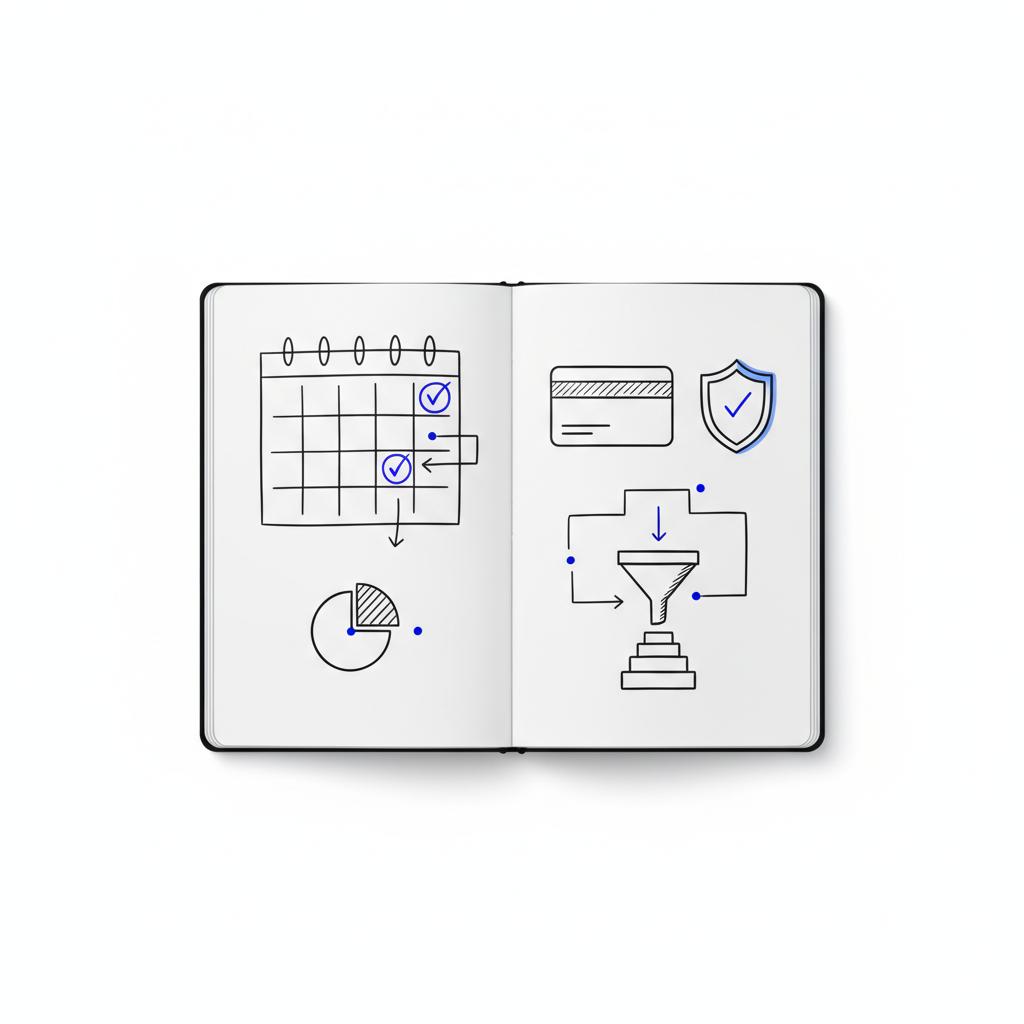
Because of this, billing is more than accounting: it’s part of campaign planning. When you treat billing events as calendar items, you avoid surprises and keep campaigns running smoothly.
Because of this, billing is more than accounting: it’s part of campaign planning. When you treat billing events as calendar items, you avoid surprises and keep campaigns running smoothly.
What happens when a payment fails?
If Google can’t collect a payment, it may pause ad serving or limit account functions until the balance is cleared. Google will typically retry collection and send notices, but repeated failures or irregular payment activity can lead to restrictions to prevent accumulating unpaid debt.
That’s another reason to keep payment methods updated and add a backup card: a failed attempt shouldn’t stop campaigns cold.
Options to prevent surprise charges
There are practical steps to control billing and avoid the shock of a Google Ads $500 threshold charge. The main approaches are:
1. Switch to manual payments (add funds)
Manual payments let you pre-fund your Google Ads account. Google draws from that balance instead of charging your card automatically. For teams that need absolute control over cashflow, manual payments are the simplest solution: money leaves your account only when you decide.
2. Add backup payment methods
In Billing & Payments you can add secondary cards. If a primary card fails, Google can try the backup before pausing service. This reduces downtime and gives you time to resolve issues with the primary bank.
3. Lower or pace campaign budgets
Temporarily reducing daily budgets on fast-moving campaigns slows spend growth and can stretch the time before a threshold is hit. This is a low-friction way to avoid a single large charge.
4. Enable billing alerts and monitor spend
Set email alerts for spend and for billing events. Alerts act as early warning systems so you can act before a threshold is reached. If you rely on automatic payments, these alerts are one of your best defenses.
Where to check and edit billing settings
Open your Google Ads account and go to the Billing & Payments area. Under Payment methods you can review cards and bank accounts; in How you pay you’ll see whether you’re on automatic payments and – in some accounts – whether you can adjust thresholds. Not all accounts allow manual edits to threshold amounts. If changing the threshold isn’t an option, consider switching to manual payments.
Yes — it’s often avoidable. You can switch to manual payments, add backup payment methods, pace campaign spend, or schedule pre-funding around critical cashflow dates to prevent the automatic $500 charge from occurring.
Examples that make the idea concrete
Here are two short stories that illustrate how the billing threshold interacts with real business operations.
Willow & Co.: the boutique that switched to manual funding
Willow & Co. started with a low threshold. As they paid on time, Google raised their threshold progressively – eventually reaching the Google Ads $500 threshold. When a big campaign launched late in the month, the charge landed the same week as a supplier invoice and created temporary cashflow stress. They switched to weekly manual funding and regained control.
The contractor and the frozen card
A contractor used one corporate card for everything. The sudden Google Ads $500 threshold charge looked unusual to the bank and triggered a temporary freeze. Resolving the issue took calls to both the bank and Google support. The contractor now keeps a backup card on file and monitors billing emails.
Manager accounts, invoicing and special arrangements
Large advertisers often use manager accounts or consolidated invoicing. Enterprise customers sometimes qualify for invoicing lines of credit with net terms – these accounts won’t follow the automatic threshold process described here. If you manage multiple accounts or work with an agency, check with your billing admin or Google rep to understand how thresholds and billing cycles apply. For examples of agency work, see our projects.
When a threshold is private and why that matters
Google doesn’t publish the exact algorithm it uses to increase thresholds, nor a full list of country-specific limits. The general pattern is visible – thresholds rise with consistent payments and may cap around $500 – but details remain private, so some unpredictability persists.
Simple, practical checklist you can use this week
Try this short list the next time you review billing:
1. Check Billing & Payments in Google Ads and confirm active payment methods.
2. Add a backup card if you have only one.
3. Consider switching to manual payments if you need strict cashflow control.
4. Enable billing alerts and set sensible thresholds you’ll notice.
5. Lower or pace high-spend campaign daily budgets as a short-term fix.
How to talk about billing inside your team
Billing doesn’t have to be an accountant-only problem. Coordinate campaign launch dates with major invoice or payroll dates. Put a recurring calendar item to reconcile Google Ads transactions weekly. Make sure the person who handles credit card alerts knows when to expect Google charges – this avoids bank freezes and surprise declines.
Agency vs client billing responsibilities
Clarify who owns billing: the client or the agency. If an agency runs campaigns through a manager account and bills clients later, that creates a different set of cashflow responsibilities and communication needs. Clear ownership prevents finger-pointing when a charge arrives or a payment fails.
How Agency VISIBLE approaches billing and thresholds
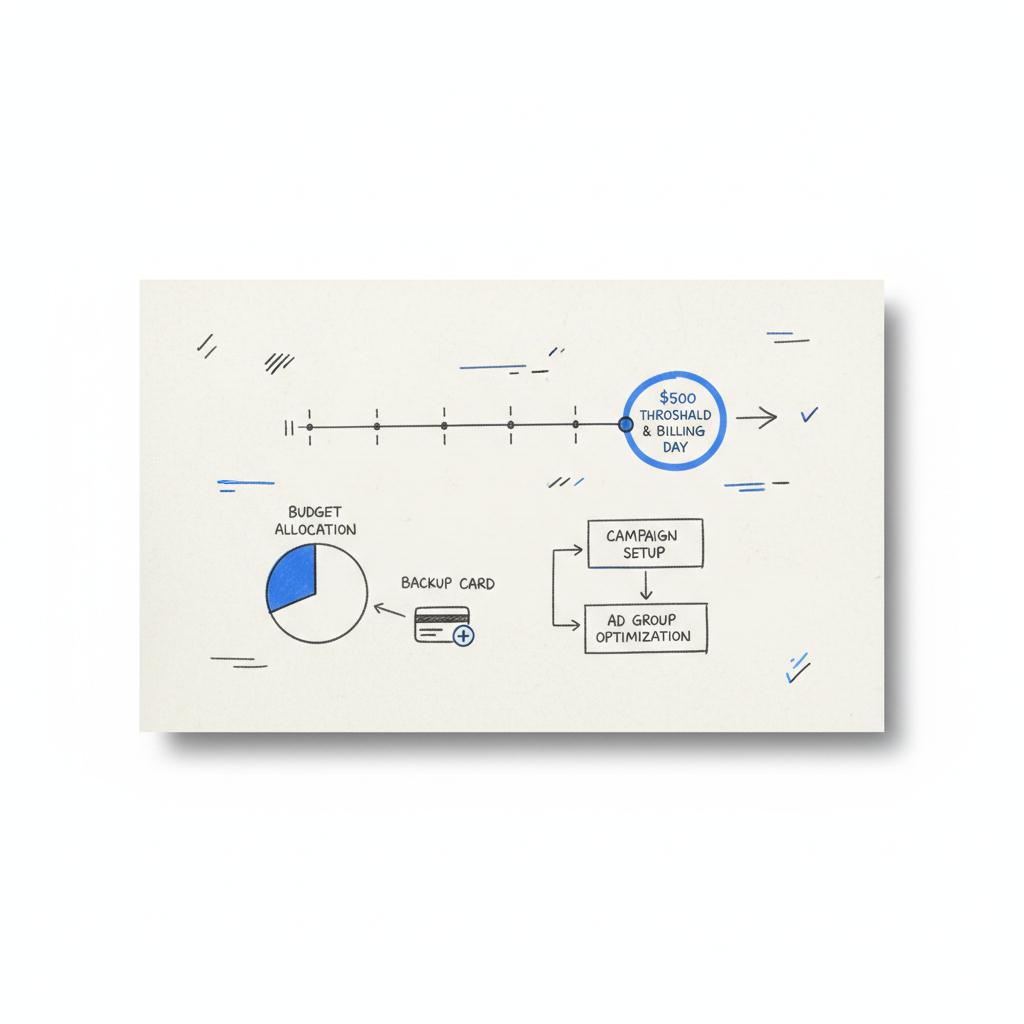
For a quick, friendly review of your billing setup, consider a short audit with our team — it’s a practical way to spot settings that reduce the chance of a surprise charge. Contact us to schedule a billing review and get simple, actionable fixes: book a billing review with Agency VISIBLE.
Common advertiser questions, answered
Why did Google charge me $500?
The short answer: your account likely reached a billing limit that Google raised over time. The Google Ads $500 threshold is a common ceiling for many stable accounts. If you don’t want that automatic charge, either switch to manual payments or temporarily slow your campaign spend.
Can I set my own billing threshold?
Some accounts allow you to view and edit threshold preferences in Billing & Payments → How you pay → Edit threshold. But Google controls the automatic increases and many accounts won’t allow manual setting of the threshold amount. If you need control, manual payments are a reliable alternative.
Why was I billed twice in one month?
Two charges can happen when a threshold is hit early in the month and then the roughly 30-day billing cycle comes due again, or if you manage multiple billing profiles that each hit billing triggers. Check your transaction history for details.
Troubleshooting failed payments
If a charge fails, update your payment method promptly and add a backup card. Google usually retries collection and will notify you. If payment continues to fail, ad serving may be paused until the balance is resolved.
When does Google actually take the money?
Google charges immediately when the threshold is reached. The transaction posts from Google on your statement; how it appears or posts might vary by bank. Always reconcile the charge against your Google Ads transaction list to make accounting easier.
Longer-term billing strategies for smoother operations
Beyond immediate fixes, consider these habits:
• Create a billing calendar that shows expected billing windows and major company expenses.
• Reconcile weekly so small errors are caught before they compound.
• Use manual funding for predictable campaigns and automatic payments for flexible accounts that can absorb occasional larger charges.
Budgeting for peaks and campaigns
Before a big launch, pre-fund the account or scale timelines to reduce the chance of a threshold hit at an inconvenient moment. If you always plan launches the same week as other big bills, you’ll likely see more friction than success.
When should you talk to Google support or a rep?
If you have a unique billing arrangement, unexpected repeated declines, or you manage large ad spend across multiple billing profiles, ask for a billing review. A Google rep or a billing specialist can explain your account’s threshold behavior more clearly and help identify whether a different payment setup makes sense.
Manager accounts and consolidated invoices
Manager accounts and consolidated billing change the mechanics. If your business qualifies for invoicing with net terms, you’ll be on a different cadence entirely – ask your Google rep about options that fit your cashflow needs.
Checklist: what to do in the first 24 hours after an unexpected charge
1. Confirm the charge in Google Ads transaction history.
2. Check whether your account reached a threshold or the 30-day cycle.
3. If the charge caused a bank alert, notify your bank proactively and verify the transaction.
4. Add a backup payment method if you don’t already have one.
5. If the charge disrupts payroll or suppliers, consider short-term funding transfers and schedule a billing audit.
Final operational tips and common mistakes
Common mistakes include relying on a single payment method, not monitoring spend daily when campaigns are active, and treating billing as separate from campaign timelines. The small cure is simple: add redundancy, monitor, and coordinate. That small change prevents many headaches.
How a simple weekly habit makes a difference
Set a 10-minute weekly routine to check the Billing & Payments page and reconcile recent charges. That tiny habit massively reduces surprise charges and helps you spot rising daily costs before a threshold hits.
Stop surprise charges — schedule a 15-minute billing audit
Want help making billing predictable? Book a short, friendly review and let us show one or two settings that often prevent surprise charges. Schedule a billing audit with Agency VISIBLE.
Wrap-up: making billing work for growth
The billing threshold is a small technical detail with big operational impact. Whether you choose manual payments, add backup cards, pace campaigns or coordinate billing with payroll, the goal is the same: keep ad spend supporting growth – not disrupting it. Understanding the Google Ads $500 threshold and taking a few simple steps gives you the control to run campaigns with confidence.
Further reading and resources
Check Google Ads Help: Automatic payments, Understanding Google Ads billing and the $500 threshold, or What is the $500 threshold in Google Ads? If you want a quick sanity check, a short audit by a trusted partner can often reveal simple fixes fast.
Google often raises billing thresholds as accounts demonstrate consistent, successful payment behavior. A $500 charge typically means your account reached a ceiling Google set for automatic payments. To avoid such charges, consider switching to manual payments, adding backup payment methods, or pacing campaign budgets to slow spend growth.
Some accounts allow you to view or edit threshold preferences under Billing & Payments → How you pay → Edit threshold, but Google controls automatic increases and many accounts don’t permit manual setting of the ceiling. If you need tight control over when money leaves your bank, manual payments (add funds) are the most reliable option.
If a payment fails, update your payment method and add a backup card immediately. Google typically retries collection and will send notices. If ad serving pauses, clear the outstanding balance or switch to manual funding to restore service. If problems persist, contact your bank and Google support to resolve any holds or security flags.





