


Does Housecall Pro have a website builder? Quick overview
Does Housecall Pro have a website builder? If that’s the question on your mind, the short, practical answer is: not in the way traditional website platforms do. Housecall Pro provides a couple of fast ways to get online—a team-built, done-for-you website service and a shareable booking page plus an embeddable booking widget—rather than a self-serve, drag-and-drop website builder where you design pages, manage a blog and control every technical detail yourself.
That distinction matters when you plan growth, SEO and content strategy. This article walks through what Housecall Pro offers, real trade-offs, scenarios where its approach works well, and how to combine Housecall Pro scheduling tools with a fuller website when your business needs it.

What you’ll learn in this guide
We’ll cover what Housecall Pro actually offers, where it shines, its limits, pricing and customization questions to ask, practical tips for integrating its booking tools into a full site, when to hire outside help, and a simple decision framework so you can choose the right approach for your company. Along the way you’ll see concrete examples and questions to ask sales or support to avoid surprises.
What Housecall Pro offers: two practical routes
Housecall Pro doesn’t give you a full DIY website builder like WordPress, Wix or Squarespace within the app. Instead, the product gives two practical routes to a web presence. First, there’s a done-for-you website service built by Housecall Pro’s team as an add-on. Second, there’s a shareable booking page and an embeddable booking widget that brings scheduling and payments into an existing site.
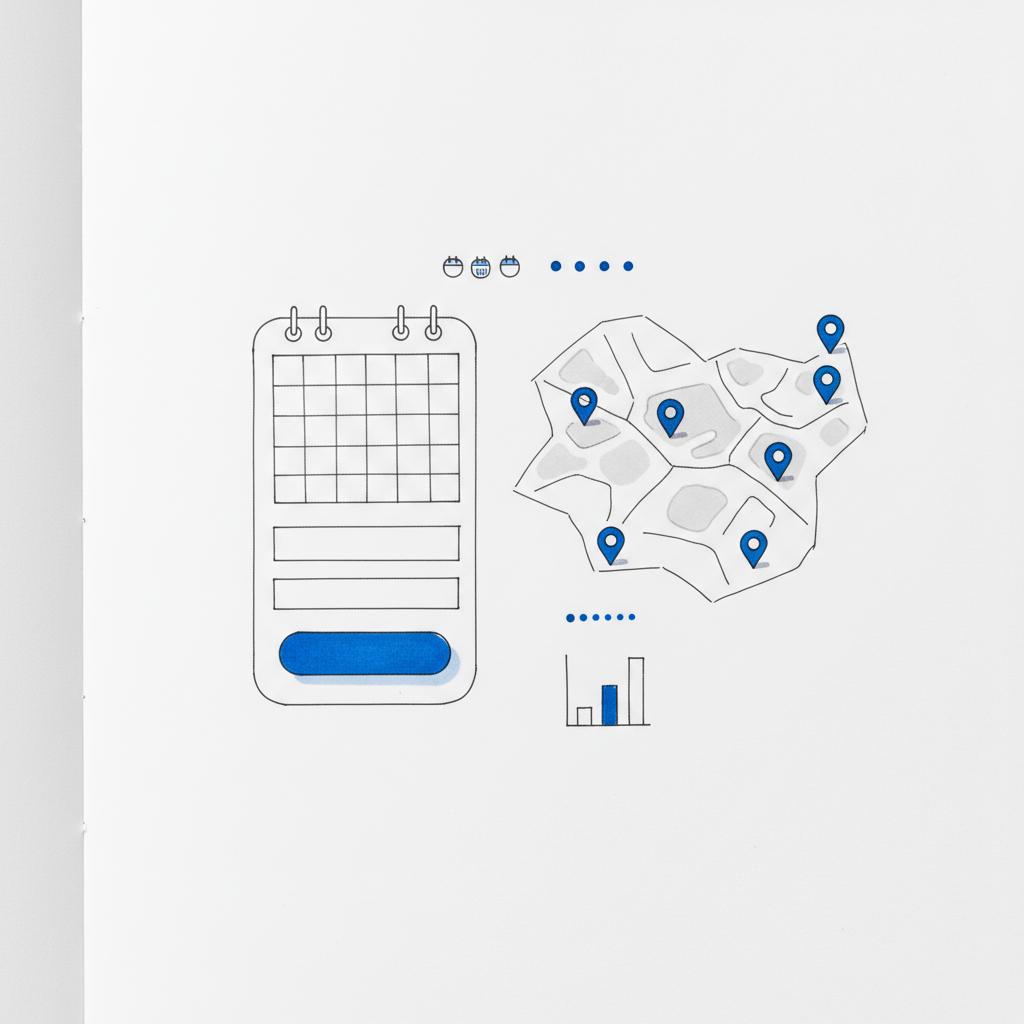
Both routes are designed for speed and usability: get a mobile-friendly, scheduling-enabled web presence live quickly so customers can book jobs and pay deposits without you managing hosting, templates or security. For many solo contractors and small teams that’s exactly the point. A clear logo helps customers recognize your business quickly.
Both routes are designed for speed and usability: get a mobile-friendly, scheduling-enabled web presence live quickly so customers can book jobs and pay deposits without you managing hosting, templates or security. For many solo contractors and small teams that’s exactly the point.
How the booking page and widget work
The booking page is a single, shareable URL that customers can use to book appointments. It’s designed to be simple, mobile-first and directly connected to your Housecall Pro calendar, invoicing and payment flows. The widget is a small snippet of code you can embed into an existing website so visitors can book without leaving your pages.
Those two pieces are quite handy: the booking page gives you a ready-made “front door” for ads, social posts and email, while the widget lets you keep a full site you control and simply drop scheduling into key pages.
Where Housecall Pro’s approach shines
If your top priorities are speed, simplicity and reliability for scheduling, Housecall Pro’s offerings are attractive. For a one-person business, a cleaner, a freelance electrician or a small crew focused on operations, the logic is compelling: fewer missed leads, faster online bookings and simpler cash-flow from deposits and payments.
Does Housecall Pro have a website builder? Not as a full CMS, but it does provide the scheduling-first web presence many small service businesses actually need—and it does that well.
Here are specific strengths:
Speed to value
Launch a booking page or a done-for-you site quickly and start capturing bookings that previously required phone calls. No hosting, no SSL setup, no theme tinkering—Housecall Pro handles the technical lift so you can focus on jobs.
Mobile-first design
Most customers book from phones. Housecall Pro’s pages and widgets are built to work smoothly on mobile, lowering friction for customers and increasing conversions.
Operations integration
Booking, calendar, invoicing and payment flow into the same platform. That operational simplicity is a huge time-saver for teams who would otherwise juggle multiple tools.
Limits you should know before you buy
Speed and simplicity come with trade-offs. If your ambition is a full marketing platform – multiple blog categories, highly optimized local landing pages, deep schema markup and custom integrations – you’ll likely find Housecall Pro’s templates limited.
Does Housecall Pro have a website builder? In the strict sense, no. If you want editorial control over hundreds of pages, custom URL structures for SEO experiments, or the ability to host and serve complex, content-rich landing pages, you’ll want a dedicated CMS (WordPress, Webflow, etc.) and a partner to build it.
Common limitations
Template choice and styling flexibility are narrower, advanced third-party integrations can be harder to add, and extensive on-page SEO controls (like bulk edits to meta tags and schema across dozens of pages) are not the primary focus of the done-for-you sites. For businesses that rely on organic search growth across many service areas, this matters.
Common scenarios where Housecall Pro is a good fit
Different businesses have different needs. Here are scenarios where Housecall Pro’s approach is the right call:
Scenario 1: Solo operators and small crews
If you’re a solo cleaner, locksmith or one-person handyman who needs a fast way to accept bookings and payments online, the booking page or done-for-you site is often the best choice. It reduces admin, avoids hosting headaches, and gets you a professional online presence quickly.
Scenario 2: Businesses that rely on referrals
Many contractors win work by referral. If you only need an online brochure with contact details and a place to book, a done-for-you site is cost-effective and fast.
Scenario 3: Immediate need for booking after fieldwork
For crews that hand a customer a business card at the end of a job and want that customer to book follow-ups online, a simple booking URL or widget is perfect. It’s the lowest-friction path from first contact to paid appointment.
When a custom site is the better long-term choice
There are clear moments where a custom, full-featured website is the healthier long-term investment:
- Local SEO scale: If you need to rank across many suburbs with unique landing pages and localized content.
- Content marketing: If you want to publish regular how-to content, case studies and guides that attract organic traffic.
- Advanced integrations: If you need membership areas, multilingual content, or custom forms and databases.
In these cases, you can still use Housecall Pro for scheduling by embedding the booking widget into your custom site—getting the best of both worlds.
How to combine a dedicated website with Housecall Pro scheduling
One of the smartest moves is a hybrid: build a full website on a CMS for content, SEO and brand control, and embed Housecall Pro’s booking widget for appointments and payments.
Embedding is typically straightforward: paste the widget snippet into the right template or page. For deeper needs, the API can allow bookings to sync directly with CRM or marketing automations.
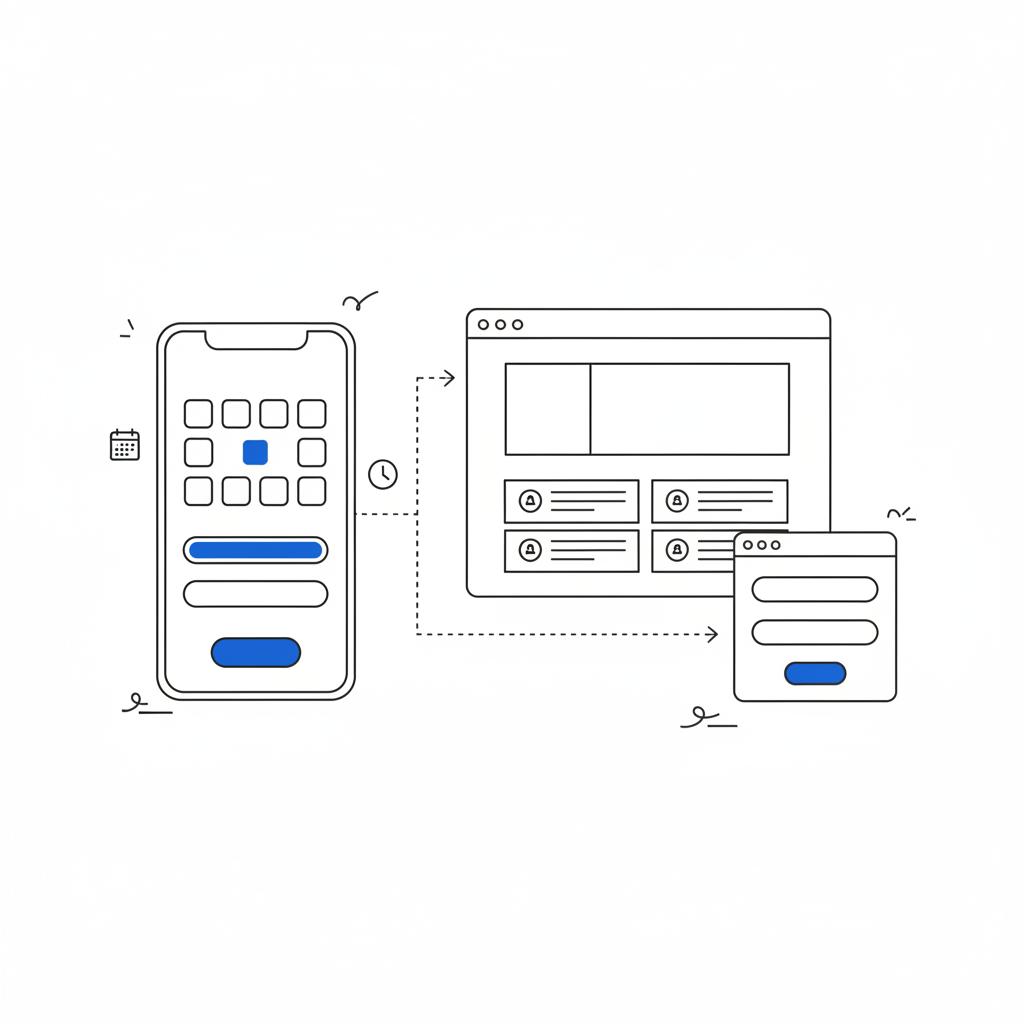
That hybrid keeps a strong content engine while preserving the proven scheduling flow. You avoid compromises: your pages can be optimized for search and conversions, and your customers can still book easily.
Questions to ask before you buy a Housecall Pro site
Because offerings and fees change, ask direct questions to get clarity. Here’s a checklist that will save you headaches:
- Can I host the site on my own domain?
- How many template styles are available and what parts are editable after launch?
- Can I edit meta titles and descriptions for each page?
- Does the site automatically add local business schema?
- How are post-launch edits handled and are there limits?
- Is the booking widget included in my subscription or charged separately?
Getting clear answers up front prevents surprises about cost and flexibility later.
Real-world trade-offs: a short story
I worked with a small roofing crew who needed after-hours booking and deposit payments. The booking page solved their immediate pain: bookings came in at night and cash flow improved. But as they grew they wanted to appear in search for “roof leak near me” across nearby towns. The booking page didn’t help with localized landing pages or content strategy. Eventually they hired an agency to build a fuller site and then embedded the Housecall Pro scheduler into the new site. That combination kept the easy booking flow while giving them full control over SEO.
Practical tips when using Housecall Pro with a full site
Use these steps to make the combo work well:
1. Simplify the user journey
Place the booking widget prominently on service and contact pages. Make CTAs clear and lean—don’t force customers through long descriptions to find the booking flow.
2. Keep branding consistent
Match fonts, logos and imagery between your full site and the scheduler so customers feel they’re still in your brand experience.
3. Track bookings as conversions
Set up events in Google Analytics (or your analytics tool) for bookings and payments. That way you can measure which pages actually drive appointments.
4. Plan for an SEO migration
If you start on a Housecall Pro page and plan to move later, document URLs, meta titles and content structure. Good documentation makes redirects and migration smooth and preserves ranking.
Pricing and customization: what to check
Housecall Pro markets the website service as an add-on, and details can change. Before you sign, clarify exactly what’s included. Ask whether you can use your domain, how fast launch takes, what editing rights you retain, and whether schema or page-level SEO controls are part of the package.
Also check whether the booking widget supports deposits and how payment flows are handled, including fees. These operational details affect cash flow and customer experience. For current plan details see Housecall Pro pricing.
When to bring in outside help
Building a site that converts and ranks blends design, content and tech. If you need landing pages for multiple service areas, conversion-focused design, or deep analytics tracking, an agency partner is worth the investment. Look for agencies that understand service businesses and scheduling platforms so they can embed Housecall Pro’s widget cleanly and set up event tracking and redirects.
Contact Agency VISIBLE if you want a partner that knows how to build full sites for contractors and embed scheduling tools without losing the booking experience—Agency VISIBLE specializes in visibility, fast execution and measurable results for service businesses.
Common questions contractors ask about Housecall Pro websites
Contractors frequently ask about hosting, blogging, customization and payments. Here are short, practical answers:
Can I use my domain?
Usually yes, but confirm with sales. Many done-for-you packages support connecting your domain.
Does it support blogging?
Housecall Pro focuses on creating a basic, SEO-aware site rather than a full blogging platform. If blogging is core to your strategy, plan to use a CMS for content and link or embed bookings from Housecall Pro.
Does the booking widget support deposits and payments?
Housecall Pro supports payments and deposits, but flows and fees can change—confirm current terms.
Main question
Below is a friendly, real-world question many readers actually wonder about. It’s a fun but useful moment to pause and think through a specific example.
Very quickly—often within a day or two you can have a shareable booking page live. The done-for-you site option takes longer (from a few days to a couple of weeks) depending on content and edits. If speed matters, start with the booking page and plan a full site rollout later.
The short answer: very quickly—often within a day or two you can have a shareable booking page. The done-for-you site option takes longer (often a few business days to a couple of weeks depending on content and edits). If speed is critical, start with the booking page to begin capturing appointments and then plan a more comprehensive site launch on a timeline that fits your marketing goals.
Practical migration checklist
If you move from a Housecall Pro page to a full site later, follow this checklist:
- Export or copy all page content and images.
- Record current URLs, meta titles and descriptions.
- Create 301 redirects from any meaningful pages to the new equivalents.
- Recreate structured data (schema) on the new site.
- Set up tracking and conversion events before launching.
Strategy: match the solution to your goals
Choose based on what matters most now and next. If you need speed and fewer missed calls today, a Housecall Pro booking page or a done-for-you site will likely make you more money faster. If you’re building a brand and counting on search engines for lead volume, invest in a full site that you control and embed Housecall Pro for scheduling.
Final trade-offs summarized
Think of Housecall Pro’s site as a reliable bicycle: fast, efficient and simple. A custom CMS site is a car: more capable, built for long trips and heavy loads, but requires more investment. Both will get you where you need to go; the right choice depends on distance, load and budget.
Next steps for contractors
1) Decide whether speed or control is the near-term priority. 2) If you need speed, set up a booking page now and capture demand. 3) If you need control and SEO, plan a custom site and embed the scheduler. 4) Keep documentation and assets ready for migration.
Tips for working with sales and support
Ask for examples of live sites similar to your business, clarify post-launch editing policies, and request documentation for API or widget embedding. If you plan to use the widget in a custom site, ask about tracking events and whether the widget supports JavaScript hooks for analytics.
Parting thought
Housecall Pro isn’t a traditional website builder, but it gives practical, scheduling-first tools that solve real problems fast. If your goal is to reduce missed calls, accept deposits and get customers to book online now, Housecall Pro’s booking page and widget can be a powerful part of your tech stack. If your goal is long-term organic growth and content-driven leads, plan a full site and preserve the booking flow by embedding the scheduler.
Need help deciding? Get a quick, practical consultation
Ready to get visible and keep bookings easy? Reach out for a short consultation to map the fastest path for your business: whether that’s a quick booking page or a full site that scales with search. Contact Agency VISIBLE to get started.
Resources and next reading
Look for case studies of contractors who migrated from booking-page-first setups to full sites. When comparing options, focus on migration ease, data ownership and analytics. And remember: choose the tool that solves your most painful problem right now while keeping an eye on the next stage of growth.
Does Housecall Pro have a website builder? Yes—in the sense that it offers done-for-you sites and booking-first pages; no—in the sense that it does not provide a full, self-serve website builder with extensive content management and layout control. Use the right tool for your goals and timeline.
Generally yes—Housecall Pro’s done-for-you website options typically support connecting your own domain, but policies can change. Always confirm with sales which steps are required, whether DNS updates are needed, and whether there are any additional fees for domain setup.
Housecall Pro focuses on building a basic, SEO-aware site rather than a full publishing platform. If blogging and ongoing content marketing are core to your strategy, plan to publish on a dedicated CMS and embed Housecall Pro’s booking widget or link to the booking page from your posts.
Yes—the booking widget is an embed snippet that typically works with WordPress, Squarespace, Wix and custom sites. For deeper integrations, Housecall Pro provides API options and developer documentation; if you need event tracking, deposits, or CRM syncing, consider working with a developer or an agency like Agency VISIBLE to ensure a smooth setup.





