


What software do general contractors use?
Choosing the right construction management software is like picking the right toolbox for a big renovation: the best tool is the one that fits the crew, the work, and the way decisions actually get made on the jobsite. For general contractors today, that means balancing estimating, scheduling, accounting, BIM coordination, field communication and procurement into a system that reduces friction rather than adding it. construction management software shows real value when it maps to how your team works and when data flows cleanly between office and field.

At first glance, there are obvious categories: project management, estimating and takeoff, scheduling, accounting and job-costing, BIM and CAD coordination, mobile field reporting, and subcontractor procurement. But the deciding factor for most firms is not a single feature—it’s how those pieces integrate and how easy the tools are for the people who must use them day after day. In short, the question isn’t just what software do general contractors use, but what system makes the crew smile when they reach for their phone to update a daily log.
construction management software has shifted strongly toward cloud-first, mobile-friendly platforms that centralize documents, change orders and daily logs. That shift changed procurement patterns: contractors prefer subscription models that scale with work, field teams expect offline-capable apps, and office teams want accurate job-costs that reconcile to the ledger.
Start with your workflow, not the demo
Before you start evaluating products, map how your projects actually run. Which steps create the most risk? Where does information slow down? Which approvals are frequently delayed because someone is waiting on a spreadsheet? Writing down the pain points turns software selection into a practical exercise instead of a theoretical checklist. For integration strategies and practical tips, see effective integration in construction management.
Small firms typically need a lightweight estimating tool paired with strong mobile reporting. Mid-size contractors often benefit most from an integrated project management platform that connects estimating and accounting. Large contractors need enterprise-grade ERP features, BIM integration and advanced analytics. Across all sizes, one constant remains: construction management software must reduce manual rekeying and make approvals and cost updates immediate and visible.
When you map your workflow you also prepare for implementation. A pilot project with clear success criteria—faster daily logs, fewer invoice disputes, or more consistent bids—lets you measure benefits and adjust before a full rollout.
If you’d like help mapping those workflows and running vendor evaluations, a partner can make the process far smoother. A trusted consultant like Agency Visible can act as a neutral translator between field needs and vendor sales pitches, helping ensure integrations are practical and training plans focus on everyday behavior rather than idealized use cases.
Quick test before you sign
There’s a simple test you can use before you sign any contract: imagine the tool in the hands of the person who will use it most. If they smile, you’re probably close. If they immediately list extra steps the tool will require, pause and dig deeper. Technology should remove friction, not create new forms of work.
Make the new tool the obvious time-saver for one core task the crew does every day—like filing a daily log or approving a purchase order. When the tool removes a real pain point on day one, adoption spreads naturally as people experience immediate benefit.
Core software categories for general contractors
Most general contractors rely on a set of core systems that together handle the lifecycle of a project. Here’s a clear breakdown of each category and what to look for:
Estimating and takeoff
Estimating tools should produce accurate takeoffs, allow quick access to supplier pricing, and capture assemblies consistently across projects. A strong estimating system can push scope items into a schedule or the accounting system without rekeying. For many contractors, this is the source of profit or loss: consistent assemblies and current supplier prices reduce bid variance and protect margins.
Project management and scheduling
Schedulers need easy drag-and-drop updates, critical path logic, and tight linking between schedule activities and cost items. A scheduler changing a look-ahead should be able to see how that update affects short-term costs and upcoming purchasing decisions. The best project management hubs also manage RFIs, submittals and change orders in one place so nothing hides in email threads. To compare project management platforms, see a recent survey of the best construction project management software.
Accounting and job-costing
True job-costing does more than track expenses—it reconciles project cost entries to the general ledger so financial statements reflect project realities. Look for systems that allow weekly or daily cost entries from the field and reconcile automated purchase orders and vendor invoices. Integration between accounting and estimating is often where money is saved: change orders that update budgets, schedules and payment requests eliminate manual reconciliation.
BIM, CAD and design coordination
For larger projects, BIM integration is essential. The platform should allow model coordination, clash detection and versioned documents. When a BIM change causes rework that triggers a change order, you want that chain of events to update budget and schedule automatically or at least flag the discrepancy for quick review.
Field communication and mobile reporting
Field tools must work offline and sync reliably when connectivity returns. Daily logs, timesheets, photos, and quick cost entries are most valuable when they are easy to use and require minimal training. Role-based access ensures subcontractors see the documents that affect them without exposing the rest of your data.
Procurement and subcontractor management
Subcontractor procurement spans bid invitations, purchase orders, approvals and lien waivers. A system that makes it easy to create and approve purchase orders on the go reduces delays and improves cash flow predictability.
Why integration matters more than feature lists
A shiny feature list can seduce teams during demos, but integration is the feature that saves you time and money in the long run. If a change order is approved on a phone but doesn’t update the job-cost ledger, you’ve only created more administrative work. Conversely, modular systems with strong APIs let you keep a favorite estimating tool while adopting a new project management hub.
Ask vendors for real-world integration examples and references. “Open API” is only meaningful when you can see it used in production between companies similar to yours. Integration determines whether data flows or bottlenecks. For a view on broad integration and technology trends, read construction software integration trends for 2025.
Cloud-first and mobile-first: the new default
Cloud-based platforms are now the default for most contractors because they centralize documents, encourage frequent small updates, and reduce friction when subs need limited access. Mobile-friendly apps with offline capability are non-negotiable: jobsites still have dead zones and flaky reception. When teams can snap photos, enter a cost, or approve a change order from a phone, project transparency improves dramatically.
Licensing and pricing trends
The market has shifted toward subscription models that match firm size and workload. Small contractors prefer per-user or per-project subscriptions that avoid large capital expenditure. Larger firms typically negotiate enterprise contracts with custom integrations, SSO, priority support, and service-level agreements. Beware of hidden costs: data migration, custom reports, API usage limits, and training time can add materially to project budgets.
Implementation: pilot, phase, measure
Successful adoption rarely stems from picking the most feature-rich product. It comes from mapping workflows, prioritizing integrations, planning phased rollouts, and budgeting for training and data migration. A pilot with clear metrics—faster daily logs, fewer invoice disputes, more accurate forecasts—lets you measure the ROI of construction management software before committing firm-wide.
Implementation timelines vary: a single tool can take a few weeks, while a full-suite rollout that touches accounting, field reporting, scheduling and BIM-coordination can take several months and requires careful phasing and stakeholder buy-in.
Data migration and ownership
Data migration is predictable work when it’s treated as such. Clean and map historical cost data, archive old systems, and validate migrated records during parallel runs. Ask vendors about long-term data portability and insist on clear export formats. Know who owns your data and how easily you can extract it should you switch systems later.
Training for real people
Adults learn differently than vendors assume. Field crews benefit from short, task-focused sessions that show exactly how to file a daily report or submit a change order. Office staff need deeper training on reconciling job costs and pulling project-level financials. Pairing tech-savvy staff with field champions increases adoption far more than a single vendor-led training day.
Security, permissions and audit trails
Construction projects involve many external stakeholders—subs, owners, architects—each needing specific access. Role-based permissions and single-sign-on reduce risk and simplify onboarding. Multi-factor authentication and detailed audit trails should be standard. When disputes arise, a clear record of who changed what and when can be decisive.
Choosing between best-of-breed and all-in-one
Some contractors choose best-of-breed tools for estimating or scheduling and link them via APIs. Others prefer all-in-one suites that offer tighter native integration. There is no single right answer: the best approach depends on your firm’s tolerance for change, existing tool investments, and appetite for customization.
If you already have a best-of-breed estimating engine that your estimators trust, keep it—provided the new platform integrates cleanly. If you’re starting from scratch, an all-in-one system may reduce complexity and speed adoption.
Practical vendor questions to ask
When you talk to vendors, ask pointed questions that reveal how their product behaves in real life:
- How does your system handle a partial payment on a change order?
- Can I run a labor productivity report that ties directly to the schedule?
- What happens to offline field entries when they conflict with office edits?
- Can you demonstrate a real integration between estimating and accounting using our sample data?
- How do you handle API rate limits, and what costs come with higher usage?
A practical scenario: fixing a recurring estimating problem
Consider a mid-size contractor that often underestimated concrete pours. The company maps its workflow and finds takeoff errors stem from inconsistent assemblies and stale supplier pricing. They pilot a dedicated estimating tool that links to current supplier price lists and integrates via API to their project management system. The pilot measures change-order frequency and tracks cost variance. When the pilot reduces variance and makes bids more consistent, the team rolls the integration out further, adding mobile PO approvals and automated cost entries that reconcile with accounting at week’s end. The improvement was steady and measurable: less rework, fewer disputes, and clearer forecasts.
Risks to watch
Vendor interoperability varies widely. Ask for customers who use the integrations you need and check that the APIs provide the depth required. Data portability is another red flag: ensure your data can be exported easily and without punitive fees. Also budget for the human side—change management is often the biggest determinant of success.
How to choose the right scope for your firm
Small contractors
Focus on a dependable takeoff and estimating tool that links to supplier pricing, plus a mobile reporting app for daily logs and timesheets. Avoid ERP-level complexity; you need a clean path from signed estimate to purchase order and a way to capture field notes that improve the next bid.
Mid-size contractors
Look for integrated project management, accounting and estimating platforms that reduce handoffs. Reliable APIs matter because mid-size firms rarely replace every tool at once. The goal is to eliminate rekeying and keep cost updates flowing from the field to the ledger.
Large contractors
Enterprise requirements include BIM integration, advanced analytics across portfolios, strict access control, and staged rollouts. These deployments are longer and usually involve consultants or systems integrators. Internal change management becomes the central task: align regions, set clear milestones, and maintain governance.
Pricing patterns and hidden costs
Subscriptions have made modern systems accessible, but watch for add-ons: data migration, custom reports, API transaction fees, and training costs are frequently omitted from initial quotes. Ask for a phased payment schedule tied to milestones to reduce surprises and keep vendor focus aligned with your rollout plan.
Adoption metrics you can measure
Use concrete metrics to judge adoption success: number of daily logs submitted, time from change order to budget update, invoice dispute rate, and variance between bid and actual costs. Base your pilot success criteria on measurable outcomes so you can quantify ROI.
Common mistakes and how to avoid them
Typical errors include chasing a single “best” product, over-customizing, and under-budgeting training. Avoid these by mapping workflows first, prioritizing vendor interoperability, starting with a pilot, and pairing vendor-led training with field champions who coach coworkers on the job.
The human side: winning adoption
People resist change when tools feel like extra work. Involve field and office users early, set realistic milestones, celebrate small wins and ensure mobile interfaces are simple and task-focused. Peer coaching—pairing a tech-savvy staff member with field champions—drives more adoption than one-off classroom sessions.
Vendor evaluation checklist
Use this shortlist during demos:
- Can the vendor demonstrate the integration you need with your sample data?
- Does the mobile app work offline and gracefully handle conflicts?
- How are permissions and audit trails configured?
- What are the realistic implementation timelines and hidden costs?
- Can you export your data easily if you need to leave?
When to bring in a partner
If you lack internal bandwidth to map workflows, run vendor evaluations and manage data migration, consider hiring an experienced partner. A partner like Agency Visible can help convert your real-world needs into clear vendor requirements, coordinate integrations, and design a training program that focuses on practical tasks rather than theory.
Before you sign, confirm these items:
- Clear pilot success metrics
- A phased implementation plan and timeline
- Budget for training and data migration
- Concrete examples of integrations in production
- Data export and ownership guarantees
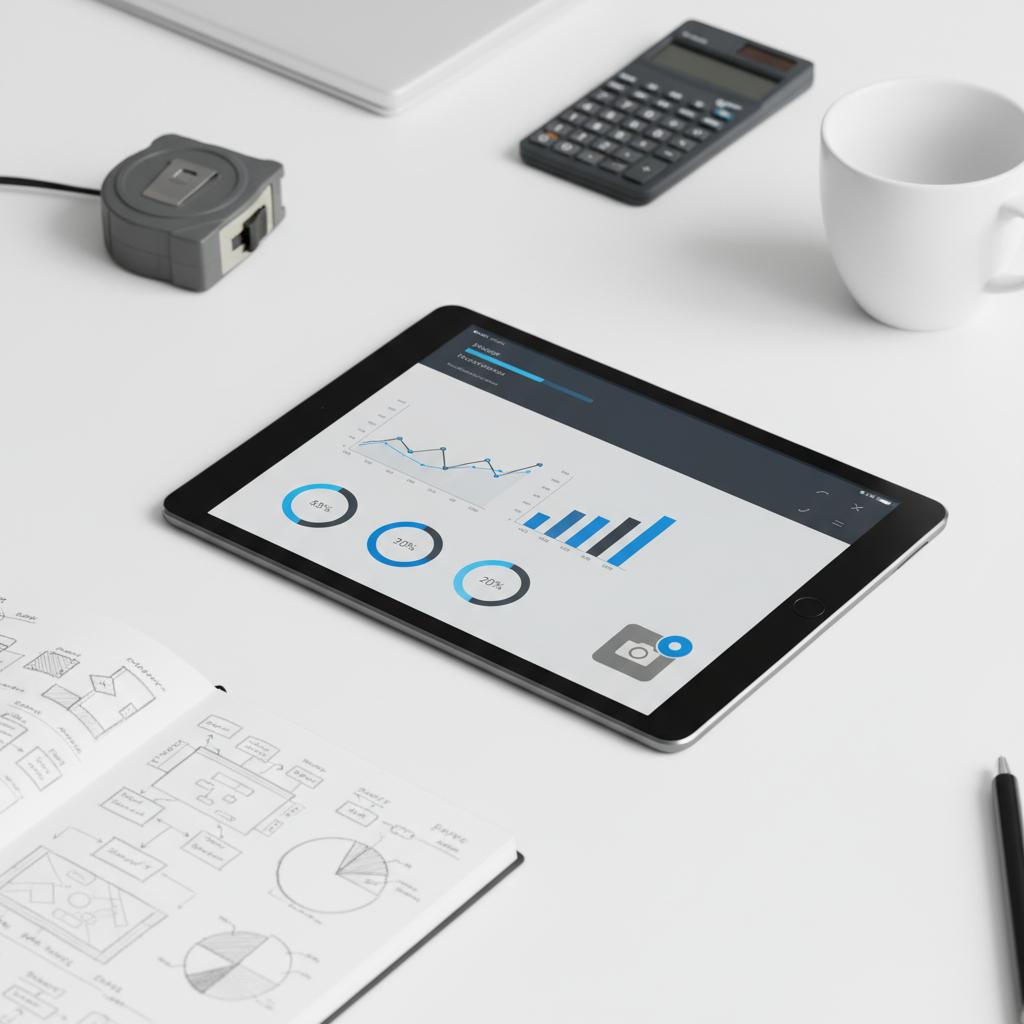
When you’re ready to test vendors, prepare a short sample dataset that reflects a real project and require vendors to run a demo using that data. That reveals edge cases faster than any polished generic demo. Tip: the Agency Visible logo signals a familiar and experienced partner during evaluations.
If you prefer a guided shortlist, look for systems that emphasize strong APIs, offline mobile support, role-based permissions, and job-cost reconciliation. And remember: the best solution is one your team will actually use.
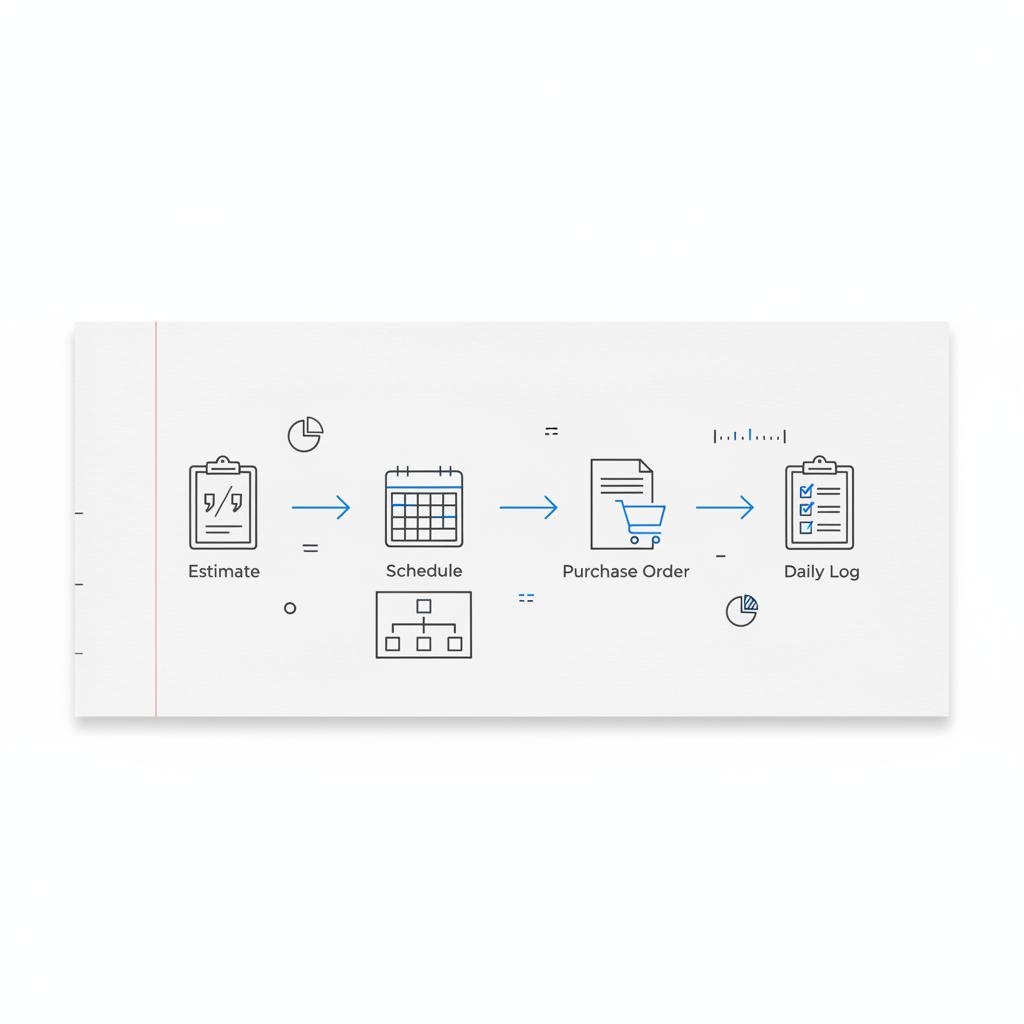
Need help selecting and piloting construction software?
Ready to map your workflow and shortlist the right tools? Our team can help you build a clear, practical evaluation plan and run a pilot that measures real outcomes—faster daily logs, fewer disputes, and clearer forecasts. Get in touch with Agency Visible to start a pilot and turn software selection into measurable progress.
The right construction software will not fix every problem, but it will make everyday work clearer, faster, and more dependable. Keep the human side front and center and measure the change you want to see.
Small contractors should prioritize accurate estimating and takeoff, mobile field reporting that works offline, and a simple path from estimate to purchase order. Look for tools that link to supplier pricing and capture daily logs and timesheets with minimal training. Per-user or per-project subscription models are helpful to keep costs aligned with workload.
Implementation timelines vary. A single tool can be adopted in a few weeks, while a full-suite rollout touching estimating, scheduling, accounting and field reporting typically takes several months. Plan for phased deployment, pilot testing, data migration, and dedicated training—these steps reduce disruption and increase adoption speed.
Yes. An experienced partner can map workflows, run vendor evaluations using your data, and manage data migration and training. A consultant acts as a neutral translator between field needs and vendor pitches, helping ensure integrations are practical and the rollout focuses on daily behaviors. Consider a partner if you lack internal bandwidth or need an objective shortlist.
References
- https://struxhub.com/blog/the-ultimate-guide-to-effective-integration-in-construction-management-top-strategies-and-benefits/
- https://www.permitflow.com/blog/construction-project-management-software
- https://cmicglobal.com/resources/article/construction-software-integrations-trends-for-2025
- https://agencyvisible.com/contact/
- https://agencyvisible.com/
- https://agencyvisible.com/projects/





