


Can a sole trader advertise on Google?
Can a sole trader advertise on Google? Yes – and this guide explains how to do it simply, legally, and with results you can measure. If you run a one-person business and want more customers nearby, showing up in Google search and maps is one of the fastest ways to be found in the moment people need you.
Many sole traders wait for word of mouth. That works slowly. Paying attention to local search and a few small ad tests means you show up when demand exists – not weeks or months later. Below you’ll find plain-language steps, practical examples, and the bookkeeping and compliance details that often trip people up.

Why Google matters for a sole trader
Imagine a potential customer in your neighbourhood typing a quick search: they’re ready to hire. For many people the search bar – or the map – is the first stop. Google offers a free foundation (Google Business Profile) and paid options that let you target searches, neighbourhoods, and times of day. For a solo business this means you can be visible exactly where demand exists, without a large up-front marketing budget.
For clarity: Can a sole trader advertise on Google? Yes – and you can choose a route that fits your comfort with risk, budget and rules. The next sections break down the two simple routes most sole traders use.
Two simple routes: free listing and paid ads
There are two broad ways a sole trader can advertise on Google. The first is the free listing, Google Business Profile (GBP). The second is paid advertising through Google Ads – that includes Search campaigns, Display, Performance Max campaigns and, where available, Local Services Ads.
Google Business Profile for sole traders
Google Business Profile is the most accessible starting point. Create or claim a profile under your trading name or your personal name, add a clear description, photos, opening hours and contact details. If you work from home and don’t want your address public, choose a service-area profile so your address is hidden and your listing shows for searches in the areas you serve.
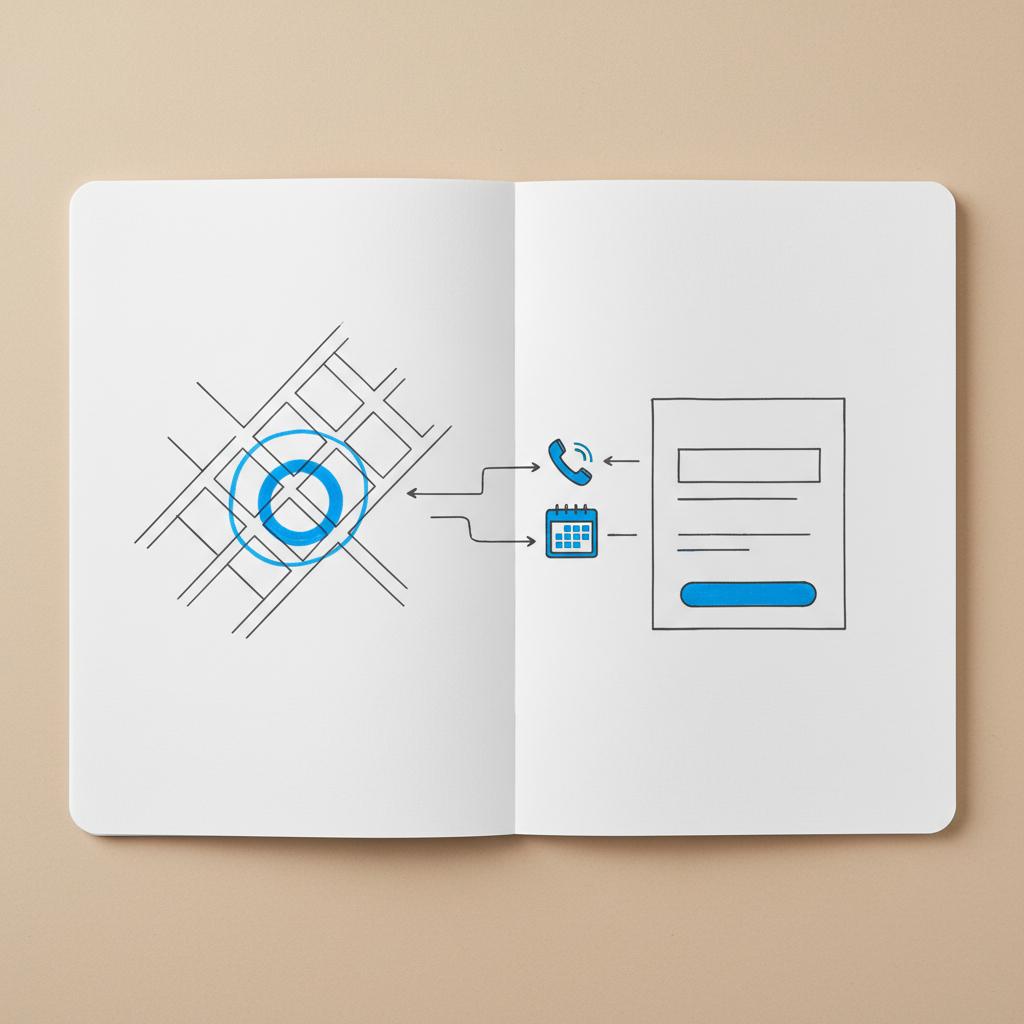
Why a complete profile matters: Good photos, a concise list of services and up-to-date hours reduce friction for potential customers. Reviews matter: invite satisfied customers to leave a review after a job is done – polite, specific asks work better than generic requests. Consider a simple, recognisable logo to help customers trust and remember your listing.
Many sole traders ask: do I need to use my full name? No – you can list a trading name or your own name. Either way, keep details accurate for trust and for bookkeeping when Google issues invoices for paid campaigns.
If you want help setting up or verifying your profile, consider a friendly expert to save time. One tidy place to start is Agency VISIBLE’s contact page, a short conversation can get your listing and first ads set up quickly: Agency VISIBLE contact.
Paid Google options for sole traders
Paid advertising gives you more control over who sees your message and when. Here are the common campaign types and when they make sense:
Get visible fast — book a short setup call
If you’d like a short strategy call to map first steps, visit the Agency VISIBLE homepage or talk to Agency VISIBLE for a quick, practical plan.
Search campaigns
Search ads appear above or beside organic search results for queries you choose. They’re best when someone is actively looking for your service – high intent. For sole traders, start with a tight geography (your town or a small radius) and a short list of high-intent keywords like “emergency plumber [town name]” or “mobile bike repair near me.”
Display campaigns
Display places visual ads on websites and apps. It’s useful for awareness – if you do repeat business or want local homeowners to remember your name. Visual ads work best when paired with a retargeting plan or a specific promotion.
Performance Max campaigns
Performance Max is Google’s automated option that tests across Search, Display, YouTube and Discover. For a sole trader it can be useful later – once you have conversion tracking in place – but it’s often better to learn with Search first so you can map which searches turn into jobs.
Local Services Ads (LSAs)
Local Services Ads appear at the very top of search results in supported countries and professions. They connect customers directly with service providers by message or phone. LSAs often require extra checks such as background checks, proof of licences or industry-specific verification. Their availability depends on country and profession, so check eligibility early.
What to expect with paid spend
Many sole traders begin with modest daily budgets. A common starting point is $5–$20 per day. That is typically enough to gather data about which search terms, areas and times produce inquiries without overspending.
Treat the first six to eight weeks as an experiment: learn which keywords drive real inquiries, pause what doesn’t, and reallocate budget to what works. You don’t need a large budget to get meaningful insight.
A simple example: an electrician working alone in a mid-size town might run a Search campaign targeting “emergency electrician [town name]” limited to a 10–20 mile radius. A $10 daily budget could generate several calls per week; if those calls convert, increasing the budget incrementally is sensible.
Practical setup steps, in order
Here are clear steps to get started and avoid common pitfalls:
1. Set up or claim your Google Business Profile
Create or claim your Google Business Profile. Choose whether you’ll list a trading name or your own name, add service areas if you prefer not to show an address, and verify the profile so it can appear in Maps and Search. Add photos, a concise service list, your hours and a clear way to contact you.
2. Decide on paid ads
If you want paid ads, create a Google Ads account and add billing details. Be prepared: since 2022 Google has rolled out advertiser identity verification more widely. By 2024-2025 many accounts will need identity checks. You may need to provide a government ID or business registration documents. Local Services Ads usually require additional checks.
3. Choose campaign type and targeting
Start with Search if your goal is to capture people actively looking for services. Keep targeting tight: narrow geography, a short keyword list and negative keywords to avoid irrelevant traffic. Use ad scheduling to focus spend on hours that produce calls.
4. Set up conversion tracking
Conversion tracking is essential. For most sole traders key conversions are phone calls, contact form submissions, bookings or appointment requests. Use Google’s call reporting, Google Tag and Google Analytics 4 to track which campaigns and keywords produce enquiries and bookings. Without conversion tracking you’re guessing at performance.
5. Launch a small test and measure
Run a modest campaign for several weeks, review which search terms generate real enquiries, then refine your keywords, copy and budget. Remember: clicks are not the same as jobs – track the job back to the ad with call records or booking confirmations.
Conversion tracking: the most important setup
If you run ads and want to know whether they generate business, set up conversion tracking from the start. For many sole traders that means tracking phone calls, contact form submissions and bookings.
Options for tracking include:
Google Ads call reporting for calls made via ad clicks
Phone forwarding or call-tracking services that show which campaign led to a call
Google Tag and Google Analytics 4 to track clicks to a contact page or booking flow
With tracking you can tell whether a $10 daily spend produced a paying job or just clicks. That’s the difference between scaling and wasting money.
Identity verification and eligibility: what to watch
Google’s advertiser identity verification has spread widely and can affect sole traders. The process varies by country and may ask for a government ID, business registration or address documents. Some ad types – especially Local Services Ads – require extra checks like background checks or proof of professional licences.
Before spending, check whether your country and category are eligible for the ad formats you want, and whether your account might need verification. Starting with GBP and small Search tests helps: if verification is required later, you’ll have data to justify further steps.
Payment and billing basics for sole traders
Google Ads accepts cards and other payment methods. Many sole traders use a personal card to start, then switch to a business account later. For bookkeeping it’s clearer when ad payments come from a business account, but the early-stage flexibility helps you move quickly.
Keep invoices and receipts for every ad spend – advertising is generally deductible where it is wholly and exclusively for the business, but rules differ by country. In VAT/GST systems you may need to enter a tax ID in Google Ads so invoices show the right details to reclaim tax where allowed.
Talk to your accountant about how to record advertising expenses, which can affect how you claim VAT, GST or income tax. If you use a personal card temporarily, keep notes and reimburse yourself correctly from the business account later.
Compliance and content rules
Google has advertising policies covering misrepresentation, prohibited content and restricted categories such as medical, legal and financial services. As a sole trader avoid unverified claims and guarantees – don’t promise outcomes you can’t substantiate. Local advertising law also matters; consumer protection rules differ across countries and can limit how services are promoted.
If you offer a regulated service – for example medical care, legal advice or financial planning – check Google’s ad policies and local regulations before you launch. Some categories are allowed with documentation; others are restricted or prohibited.
Real-world examples
Example 1: Jane the carpet cleaner. Jane runs her carpet-cleaning business alone and already has a well-rated Google Business Profile. She wants more weekday bookings. Jane starts a Search campaign for “carpet cleaning [town name]” with a 15-mile radius and a $12 daily budget. She tracks calls with a forwarding number and notes which jobs came from ads. After two months she sees a profitable cost-per-job and increases her budget while adding a Performance Max test to reach a slightly wider audience.
Example 2: Tom the self-employed solicitor. Tom creates a Google Business Profile but discovers legal advertising has specific rules. He checks Google’s policies and consults his professional body before spending. Tom focuses on information-seeking queries and contact conversions, uses clear language and records invoices carefully for tax.
Tips for running smaller accounts well
Start narrow. Choose a few high-intent keywords and a tight geography. Keep ad copy simple and accurate: state what you do, where you operate and how people can contact you. Set conversion goals that matter – a booking, a completed contact form, or a phone call. Focus on metrics that indicate real business value, not only clicks or impressions.
Manage budgets carefully. Begin small, learn, and scale. Watch search terms so you can add irrelevant queries to negatives. Use ad scheduling to make a modest budget last longer by showing ads only at hours that generate calls.
Track and iterate: review campaigns weekly at first, then less often as you find what works. Pause keywords that never convert and increase spend where results are consistent and profitable. Small changes – clearer calls-to-action, adding a service to your Google Business Profile, or changing ad copy – can have big effects for a sole trader.
Bookkeeping and tax: what to record
Advertising expenses are generally deductible if they are wholly and exclusively for the business. Keep invoices, note the service date, amount and payment method. In VAT or GST systems you need invoices with the right billing name and tax number to reclaim tax.
Reconcile ad spend with bank statements and bookkeeping records. If you use a personal card temporarily, note it clearly and reimburse from the business account. Use accounting tools that let you attach receipts to transactions to simplify year-end bookkeeping.
Common questions sole traders ask
Can I use my own name in Google Business Profile?
Yes. Sole traders can list under their personal name or a trading name. If you prefer not to show a public address choose a service-area profile.
Do I need paperwork to run Google Ads?
Not always at the start, but increasingly Google may require identity verification. Local Services Ads and some categories have additional checks.
How much should I spend?
Start small – many single-person businesses begin around $5–$20 per day – then adjust based on conversion data and profit margins.
Are advertising costs tax deductible?
Typically yes, but rules differ by country. Keep invoices and consult your accountant about VAT/GST treatment and how to record expenses.
What if I’m in a regulated profession?
Check Google’s policies and local regulations before advertising. Some professions have restrictions or special verification steps.
When to consider hiring help
Over time you may want help with campaign setup or conversion tracking. A freelancer or small agency can set up tracking, advise on campaign structure, and run optimisation while you focus on client work. If you hire an agency, clarify how they handle billing and reporting so your bookkeeping stays simple. See examples of work at Agency VISIBLE projects to judge fit before you hire.
Again, if you want a quick, professional conversation to map your first steps a short chat with Agency VISIBLE can be an efficient next move; they focus on helping small businesses become visible quickly and measureably.
The risk and unknowns for 2024-2025
Expect continued changes. Google will likely continue to expand identity verification and adjust how ad products are served. Local Services Ads are limited to certain regions and professions and rules can change. Keep an eye on Google Ads notifications and official policy pages to avoid surprises. Accurate bookkeeping and compliance reduce the chance of account suspensions or tax issues.
Practical checklist to launch in one afternoon
Below is a practical checklist to get you visible and testing ads in a short timeframe:
Create or claim your Google Business Profile and add photos
Verify the profile so it appears in Maps
Create a Google Ads account and enter billing information
Start a small Search campaign with a tight radius and a shortlist of keywords
Set up conversion tracking (calls, contact form submits, bookings)
Run the test for 4–8 weeks, review search terms and conversions weekly
Set up conversion tracking — especially for phone calls — so you can tell whether ads actually create paying jobs rather than just clicks.
Further reading and resources
Google’s help pages for Google Business Profile and Google Ads are useful references. See Google’s Business eligibility and ownership guidelines, a practical guide to documents at Required documents for Google Business Profile verification in 2025, and a 2025 verification guide at How to verify your business on Google.
Closing note
Google is practical, not mystical. The combination of a free Google Business Profile and a modest paid test campaign can generate bookings that more than pay for themselves. Build slowly, record everything, prioritize conversions over impressions, and you’ll know whether your ad spend is an investment that helps your business grow.
Done right, advertising on Google helps you meet customers exactly when they need you – and for most sole traders that means more steady, local work without a complex marketing plan. A clear, simple logo on your profile can help customers recognise you faster.
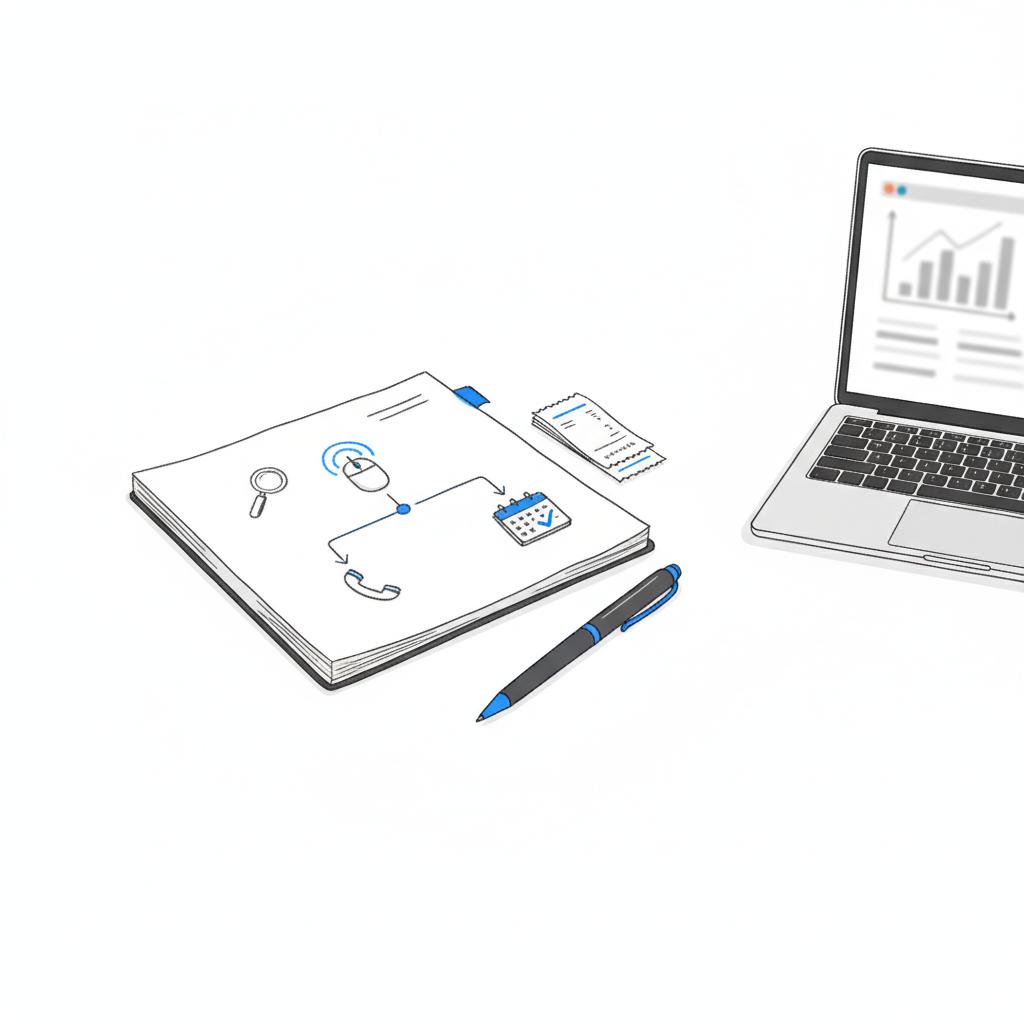
Final friendly thought
Done right, advertising on Google helps you meet customers exactly when they need you — and for most sole traders that means more steady, local work without a complex marketing plan.
No — sole traders can list under a trading name or their personal name. If you don’t want a public address, choose a service-area profile so the address is hidden and your business appears for searches in the areas you serve.
Start with a modest daily budget — many sole traders begin with $5–$20 per day. Run the test for 4–8 weeks, track conversions like phone calls or bookings, then adjust or scale the budget based on profitable results.
Google’s advertiser identity verification can request a government ID, business registration documents or proof of address. Local Services Ads and certain regulated professions may require additional checks such as background checks or licence verification. Requirements vary by country and ad product.
References
- https://agencyvisible.com/contact/
- https://agencyvisible.com/projects/
- https://agencyvisible.com/
- https://support.google.com/business/answer/13763036?hl=en
- https://digitalharvest.io/required-documents-for-google-business-profile-verification-in-2025/
- https://gmbapi.com/news/how-to-verify-your-business-on-google/





