


Start with what matters most: listings, leads and control
If you’re searching for the best website builder for real estate agents, start with the one thing visitors expect: live, searchable MLS listings. That need – served through IDX integration – shapes whether a site attracts listing-focused traffic or becomes a nice-but-forgiving brochure. From there, host performance, SEO control, data portability and cost decide whether your site becomes a long-term lead channel or just a temporary display window.
Below you’ll find a clear guide for agents, teams and brokerages: the practical trade-offs, the questions you must ask your MLS and vendors, and a step-by-step roadmap for launching a site that actually converts visitors into leads. For related strategy and commentary see our perspectives.
Reach out to Agency VISIBLE if you’d like a quick, market-specific read on MLS availability and a neutral cost comparison – no pressure, just clarity.
Why IDX/MLS integration is the single most important factor
People come to real estate websites looking for homes. Without integrated IDX you’re often offering information visitors don’t primarily search for. IDX provides live listings, map views, search filters and saved searches – features that turn anonymous browsers into captured leads. Saved search alerts and property-specific forms drive real engagement and are typically the first step toward a sale.
IDX isn’t just technical: MLS boards control who can display their data and how it appears. Vendors must be approved, and many MLSs enforce rules about branding, agent attribution and how photos and remarks are shown. The available feature set changes by market, and that variability is why platform choice is tightly linked to MLS policy.

How this affects your choice
If your MLS supports multiple IDX vendors, you have more freedom. If it restricts vendors, your options narrow – sometimes to a single certified provider or a vendor that only offers widget-style embeds. That decision affects search indexing, speed and how easily you can customize listing pages.
Yes — but with conditions. WordPress remains a strong long-term choice if your MLS allows a certified IDX connector that supports indexable listing pages. If the MLS limits vendor access or only allows widget-style embeds, you may be better off starting with a hosted platform that supports the approved vendor. Another pragmatic option is a hybrid approach: launch quickly on an approved hosted platform while building exportable neighborhood hubs on a separate WordPress instance you control. That way you capture leads early and build owned content concurrently.
Short answer: If you need leads in 30 days, a templated, hosted platform often wins. If you want organic growth and a site that you fully own, WordPress with a certified IDX connector is usually better for the long haul.
Need help choosing the right website builder for your market?
Three common approaches — and what they mean for your business
There are three approaches agents choose most often. Each solves problems – and raises new ones.
1) WordPress + an IDX vendor (control and SEO flexibility)
WordPress remains the most flexible route. Pair it with an IDX vendor such as IDX Broker, iHomefinder or dsIDX (see a roundup of the best IDX websites for realtors) and you can build indexable listing pages, neighborhood landing pages, and a content-first funnel that feeds organic traffic.
Pros: full control over page structure and schema, better long-term SEO potential, easier content export, and a wide development ecosystem.
Cons: requires maintenance (plugins, updates, security), a modest learning curve, and higher upfront setup time and often developer cost.
Typical costs: IDX services commonly run $25–$100+ per month. Hosting can be as low as $5–$10/mo on budget plans or $30–$150+/mo for managed WordPress hosting. Add a premium theme or developer time for customization.
2) Dedicated real-estate platforms (speed and integration)
Platforms built specifically for real estate bundle IDX, a CRM, lead routing and compliance tools. They reduce friction: vendors handle hosting, updates and many compliance checks so you can focus on leads.
Pros: very fast launch, integrated CRM & lead routing, support for broker rules, minimal technical maintenance. For examples of high-converting IDX-focused platforms see Real Geeks.
Cons: less control over templates and SEO levers, possible migration headaches, monthly subscriptions that add up.
Typical costs: $50–$300+ per month, depending on CRM features, seats and add-ons.
3) Generic site builders (Squarespace, Wix, Webflow — simplicity first)
Generic builders are attractive when you want a beautiful, low-maintenance brochure site quickly. They’re easy to use, host everything for you, and have polished templates. But IDX is not always built-in. Some markets allow widget-based embedding from certified IDX vendors, but widgets can be slow, harder to index and sometimes run afoul of MLS display rules.
Pros: low technical overhead, quick to design, affordable entry cost.
Cons: limited IDX support, weaker SEO control for listing pages, and potential MLS compliance pain.
How to choose between speed, cost and ownership
Make a decision based on timelines and goals, not on technology alone. Ask yourself:
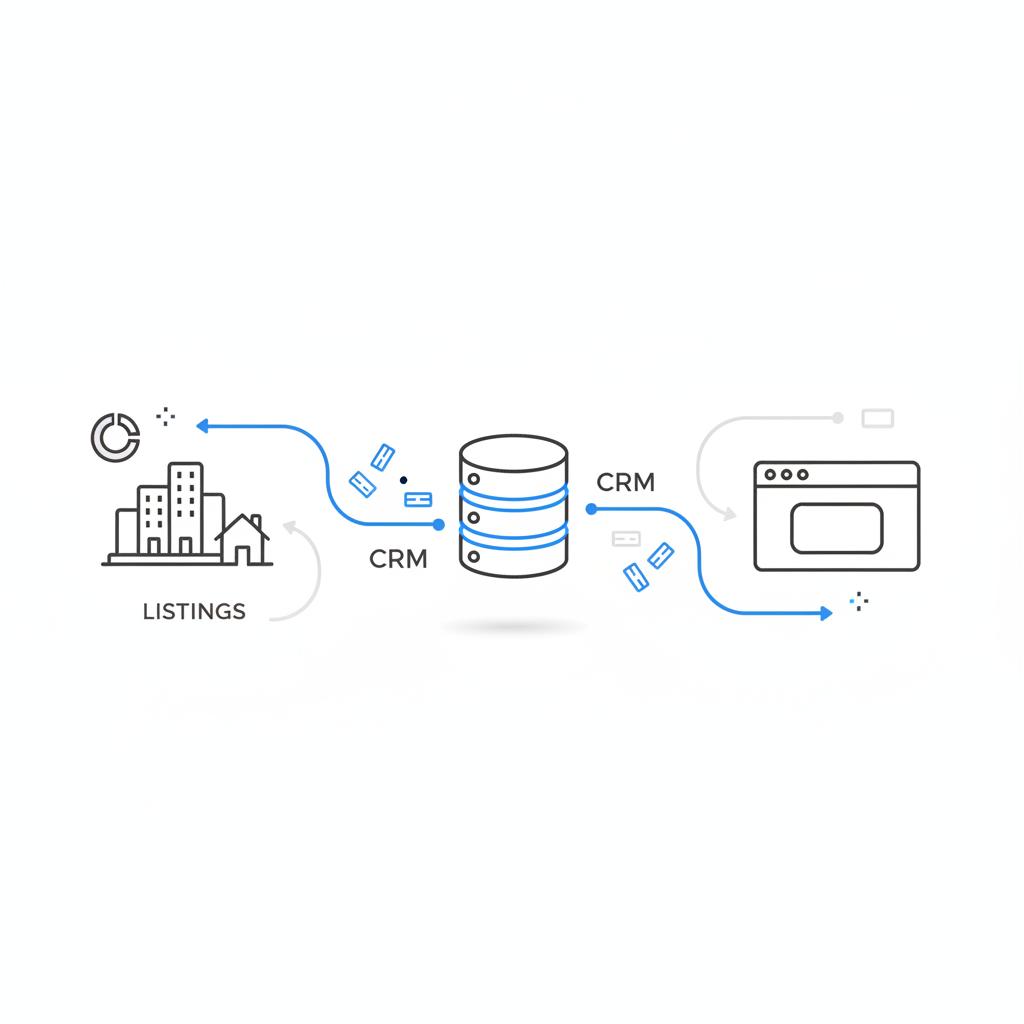
– Do you need leads now? If yes, a hosted platform or a builder with an IDX widget can get you live fast.
– Are you investing in long-term organic traffic? If yes, self-hosted WordPress offers more control over structured data, schema markup, and a content strategy that scales.
– Do you value portability and exporting your data? If you might switch vendors later, favor solutions with clear export and API options.
Detailed breakdown: what to expect cost-wise
Real costs vary by market, feature needs and team size. Here’s a practical budget guide so you can plan annually and over five years.
Typical monthly ranges
IDX vendor: $25–$100+
Dedicated real-estate platform: $50–$300+
Managed WordPress hosting: $30–$150+
Generic site builder subscription: $12–$40+
One-time or annual costs
Premium theme or template: $30–$200 one-time
Developer setup or custom design: $500–$5,000 one-time (range depends on scope)
Design and copywriting: $300–$2,000 one-time
Looking at five-year totals, a subscription platform can outpace a WordPress setup once you include recurring vendor fees. The trade-off is time-to-launch and the convenience of a managed solution.
MLS rules and vendor approval — what you must check first
Before you make a choice, call your MLS. Ask two things:
1) Which IDX vendors are certified in our market?
2) Are there display or branding rules for listing data, photos or agent credits?
If your MLS restricts vendor access, your platform choices may narrow significantly. Vendors sometimes sit on long approval queues; account for that delay in your launch timeline.
Technical SEO and page speed: where platforms diverge
Technical SEO influences whether the neighborhood pages you build rank in local search. WordPress gives the most control: custom URL structure, server-level caching, image optimization and schema markup are all implementable. Hosted platforms vary. Some offer useful SEO controls; others lock certain technical settings behind enterprise tiers.
Page speed affects conversions. A slow listing page frustrates mobile users and increases bounce. If you prioritize mobile-first performance, ask vendors for real-world load times on mobile with sample listing pages. Don’t accept canned claims – test with tools like Lighthouse and on real devices. For more on how IDX showcases listings and encourages lead capture, see this IDX home search tools guide.
Data ownership, exports and portability
Ask vendors: where are leads stored and how easily can you export them? If a vendor makes exporting contacts or property views difficult, you risk losing historical lead context when you switch providers. For WordPress, you typically control the data. For hosted platforms, confirm CSV/JSON export or API access before you sign anything.
Implementation checklist: launching a lead-ready site
Here’s a step-by-step checklist that applies whether you choose WordPress, a dedicated platform, or a site builder with IDX widgets.
Before you sign
– Verify MLS vendor certification and any display rules.
– Ask for a demo of how listings look on the platform in your market.
– Request a full cost sheet for year 1 and year 5.
– Confirm export capabilities for leads and content.
Day 0 to Day 30 (fast launch)
– Set up domain, hosting/platform account and SSL.
– Connect MLS via an approved IDX vendor or platform integration.
– Configure lead notifications so you and your team get instant alerts.
– Add crucial pages: homepage, search/listings, about, neighborhood pages, contact form, privacy & terms for compliance.
Month 1 to Month 6 (optimize and expand)
– Add structured data for listings and neighborhood pages.
– Build 5–10 neighborhood pages with unique content and local photos.
– Set up Google Analytics and a conversion-tracking plan for leads and saved searches.
– Monitor speed; add caching or upgrade hosting if needed.
Month 6 to Year 2 (scale SEO & content)
– Publish consistent local content (market reports, neighborhood spotlights, buyer/seller guides).
– Run A/B tests on lead forms and calls-to-action.
– Consider paid search or social ads to accelerate lead flow while organic growth builds.
WordPress deep dive: plugin choices, hosting and SEO best practices
If you choose WordPress, make these decisions early to avoid later rework.
Hosting: start with managed WordPress hosting if you’re not comfortable with server management. Good hosts include Kinsta, WP Engine, SiteGround or similar – check real user reviews and mobile speed tests.
IDX connector: choose a vendor that is certified with your MLS and enables indexable listing pages if SEO is a priority. Confirm how the vendor handles canonical tags and schema for each listing.
Theme and speed: pick a lightweight theme optimized for speed. Use lazy-loading images, modern image formats (WebP), and a robust caching plugin. Avoid bloated multipurpose themes that slow down listing pages.
Security and backups: schedule automatic daily backups and a security plugin (or managed host security). Keep plugins and the core updated monthly.
Dedicated real-estate platforms: what to ask and test
When evaluating a platform, don’t be shy – ask these precise questions:
– Can you export all leads and contact history into CSV or via API?
– How are listing pages rendered? Are they indexable by search engines?
– What uptime and average mobile load times do you see in this MLS market?
– Are there role-based permissions for teams and brokerages?
– What are migration costs or exit fees?
Generic builders with IDX widgets: how to minimize SEO loss
If you must use a widget embed, take these steps to protect SEO:
– Validate that your MLS allows widget-based display.
– Work with your IDX vendor to ensure the widget is server-rendered or uses progressive enhancement to allow indexing.
– Create strong neighborhood and resource pages outside the widget to build organic traffic.
Conversion-focused pages: what converts on listing sites
Listing pages convert when they are fast, clear and offer simple next steps. Include these elements:
– Prominent contact or booking buttons that trigger the same lead capture as saved-search signups.
– Simple, collapsible property details for mobile viewers.
– Clear trust signals: brokerage, local testimonials, agent bios and consistent photo attribution per MLS rules.
– A single, focused CTA per listing (e.g., schedule a viewing, save this search, request market report).
Content strategy and local SEO that works for agents
SEO for real estate is local. Your content should center on neighborhoods, buyer questions and local market data.
– Build a neighborhood hub for each area you serve: an overview, typical price ranges, commute details, schools and a short gallery. These pages rank well for “best neighborhood in X” and “homes for sale in Y neighborhood.”
– Publish regular market updates and neighborhood spotlights. Short, well-structured posts often perform better than long, unfocused articles.
– Use schema markup for local businesses and real estate listings so search engines better understand page content.
Tracking, analytics and measuring what matters
Track the actions that meaningfully indicate lead quality.
Primary metrics:
– Saved search signups
– Property detail views
– Contact form submissions and calls
– Lead-to-contact conversion rate
Set up event tracking in Google Analytics (or GA4), and tie events to CRM lead records when possible. That way you can measure which pages or campaigns drive real conversations and closed deals.
Legal and compliance considerations
Make privacy and MLS compliance non-negotiable. Ensure your site displays required MLS attributions, and that you have an accessible privacy policy. If you capture email or phone numbers, be clear about data usage and opt-in behavior.
Maintenance plan: keep the site healthy
Regardless of the platform choice, schedule regular maintenance:
– Weekly: check lead notifications and test contact forms.
– Monthly: plugin updates, backups and speed checks.
– Quarterly: content audit, SEO performance review and conversion optimization tests.
Migration checklist: moving platforms without losing traction
If you plan to migrate later, make migration-friendly choices now:
– Structure content into exportable pages and folders.
– Keep a master copy of leads exported monthly.
– Avoid vendor-native content that can’t be exported (e.g., platform-only landing page builders without HTML export).
– Maintain canonical URLs where possible or implement redirects during migration.
Decision templates: which builder is right for which agent?
Here are practical templates based on typical agent scenarios.
Solo agent who wants leads fast
– Best route: dedicated real-estate platform or a site builder with IDX widget (if MLS-approved).
– Why: speed to launch, low maintenance, integrated lead routing.
Team or small brokerage focused on long-term SEO
– Best route: WordPress + IDX vendor with managed hosting.
– Why: better control over structured data, exportable content, and scalable neighborhood pages.
Agent focused on branding and local content but low technical comfort
– Best route: a hybrid—start with a hosted platform for leads, then slowly build WordPress neighborhood hubs you control. Use links to funnel traffic to your owned pages.
Real-world lessons from agents who chose wisely
Two agents in neighboring counties took different paths. One launched fast on a dedicated platform and captured immediate leads; the other invested time in a WordPress site and saw steady organic growth after nine months. Their success wasn’t about the platform alone – it was about aligning the choice with timeline, team bandwidth and long-term goals.
Lesson: pick the platform that matches your business tempo. If you change direction later, plan migrations early so historical lead data stays intact.
Checklist you can use in 30 minutes
– Call your MLS and confirm approved IDX vendors for your market.
– Decide: immediate leads (hosted) or long-term SEO (WordPress).
– Request demos of how listings render in your market.
– Draft a 90-day plan: launch tasks, 5 neighborhood pages, and lead tracking setup.
Quick wins for the first 90 days
– Make sure lead notifications are instant.
– Launch 3–5 neighborhood pages with local photos and short descriptions.
– Add a prominent mobile CTA on listing pages and set up event tracking.
Common pitfalls and how to avoid them
– Don’t choose a platform before checking MLS vendor approval.
– Don’t ignore backups and updates (especially on WordPress).
– Avoid long vendor contracts without clear export clauses.
Example: A 90-day rollout plan (practical timeline)
Week 1–2: Domain, hosting/platform setup, MLS/IDX connection and primary pages.
Week 3–6: Neighborhood pages, forms, analytics and speed checks.
Week 7–12: Content publishing cadence, ad campaigns to seed initial traffic, and conversion optimization tweaks.
When to hire help
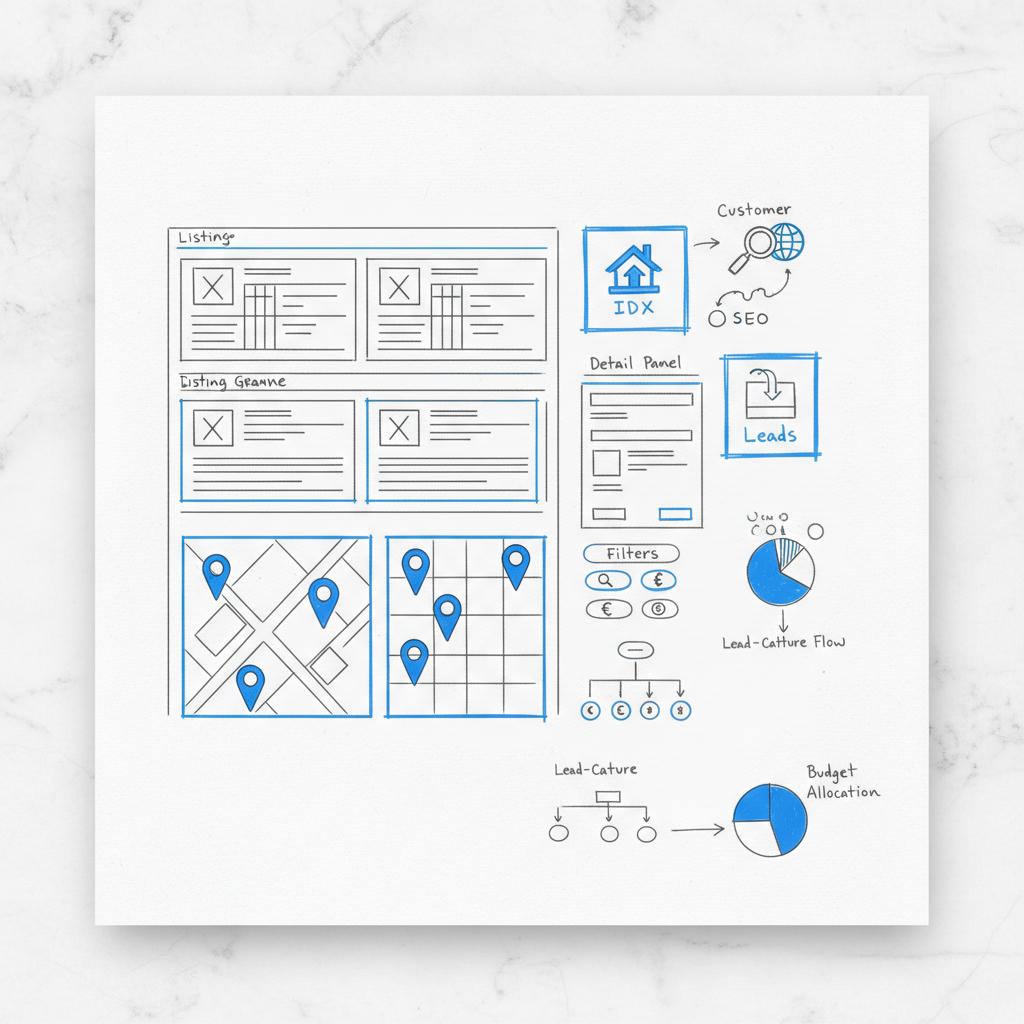
Hire a developer or agency if you want custom listing templates, complex search filters or a solid long-term SEO plan. If you choose managed WordPress and don’t want to learn server management, a developer (or an agency like Agency VISIBLE) can cut months off your project timeline and avoid common errors. A small logo on your site helps build recognition.
How we recommend evaluating vendors
Ask for three references in your market, real load-time examples on mobile, and a clear export policy. If the vendor can’t give these, treat them as red flags. Trial periods are valuable – use them to test lead flow and CRM exports, not only to preview templates.
Final checklist before signing
– Confirm MLS vendor approval and display rules.
– Request a full-year cost projection and a five-year estimate.
– Make sure lead export and API access are available.
– Verify mobile load times and ask for sample listing URLs to test indexing.
Wrap-up guidance and final recommendation
For agents aiming at long-term organic growth, a self-hosted WordPress site with a certified IDX vendor is usually the best website builder for real estate agents because it gives the most control over SEO, data and content portability. If you need leads quickly and want minimal maintenance, a dedicated real-estate platform will likely be the fastest path – just confirm migration and export rules upfront.
Either way, verify MLS rules first, track the metrics that show lead quality, and plan for regular maintenance. With the right setup, your website becomes a reliable lead channel – not just a business card on the web.
For agents focused on long-term organic traffic and neighborhood pages, a self-hosted WordPress site paired with a certified IDX vendor typically offers the best SEO control. WordPress allows custom URL structures, schema markup, server-level caching and content strategies that scale. That said, hosted platforms can still perform well for agents relying more on paid ads and immediate lead capture.
Expect IDX services to cost roughly $25–$100+ per month. Managed WordPress hosting usually runs $30–$150+ per month depending on performance needs. Add a one-time setup cost for themes and developer work ($500–$5,000 depending on scope). Dedicated platforms often bundle IDX and CRM for $50–$300+ per month, which can be easier to budget but may cost more over five years.
Yes. Agency VISIBLE can review MLS vendor availability, compare platform features for your market, and outline a clear cost and migration plan. If you want a market-specific recommendation, reach out and they’ll provide a neutral evaluation tailored to your timelines and goals.
References
- https://agencyvisible.com/contact/
- https://agencyvisible.com/perspectives/
- https://agencyvisible.com/projects/
- https://agencyvisible.com/
- https://theclose.com/best-idx-websites-for-realtors/
- https://www.luxurypresence.com/blogs/idx-home-search-tools-real-estate/
- https://www.realgeeks.com/idx-real-estate-websites/





