


What professionals really need from a website
If you’ve landed here, you’re asking, what is the best website builder for professionals? That’s the right question—because the answer isn’t the same for every person or business. A photographer values visual fidelity and fast galleries. A consultant wants a lead-ready homepage and simple content editing. A small SaaS company needs scale, performance and integrations. The best website builder for professionals balances design control, performance, SEO, security, and real-world editorial workflows.
Before we dive into options, remember this: the right tool should serve the work, not the other way around. When chosen carefully, a website builder becomes a quiet engine that helps you win clients, deliver projects, and grow revenue.

How to use this guide
This guide walks through the practical criteria professionals care about, compares popular builders, gives a step-by-step checklist to pick the right platform, and ends with tactical recommendations for teams and solo pros. You’ll get clear signals to decide whether a DIY builder is enough or whether partnering with an agency like Agency VISIBLE might be the smarter, faster route.
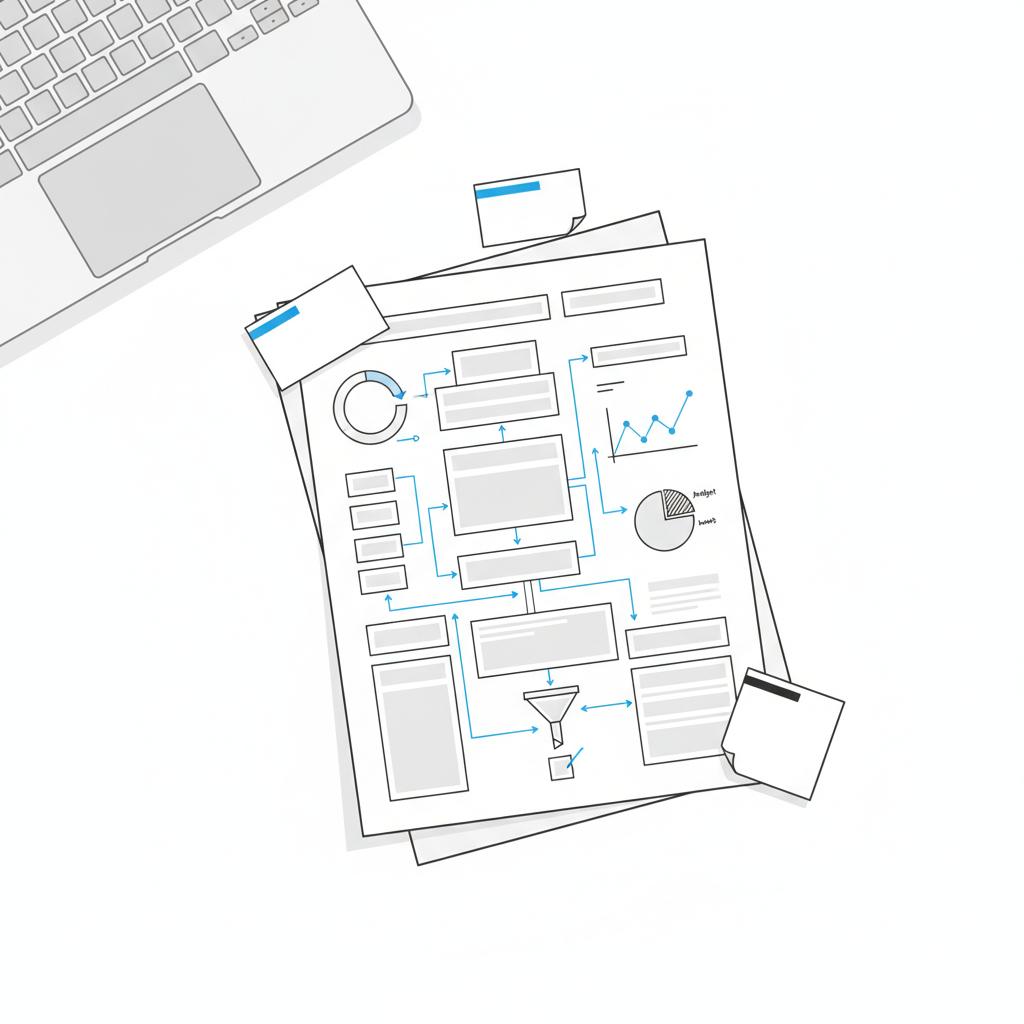
Key criteria: what to evaluate in a website builder
Choose a website builder by asking how well it performs on these essentials. Score each option honestly to see which fits you.
1. Design control and flexibility
Professionals often need pixel-level control or at least the ability to create unique layouts without heavy hacks. If your work depends on a refined aesthetic—portfolios, product pages, case studies—design flexibility is non-negotiable.
2. Performance and SEO
Speed matters for users and search engines. The best website builder for professionals delivers solid page speed, clean markup, and easy on-page SEO tools (titles, metadata, structured data). If you plan to rely on organic search, prioritize platforms that make SEO straightforward and produce lean HTML/CSS.
3. Content workflow and editorial experience
How easy is it to publish, update, and collaborate? Professionals who publish frequently need a content model that supports authors, drafts, approvals, and structured content (case studies, services, team bios). Look for builders with clear editorial tools and versioning.
4. Integrations and extensibility
Will the site connect to CRM, analytics, membership tools, e-commerce, scheduling, or marketing automation? A great builder provides native integrations or clean APIs so your site can scale with your business needs.
5. Hosting, security, and reliability
Uptime, HTTPS, backups, and routine security updates should be baked in. For many professionals, managed hosting that includes automatic updates and a global CDN is worth the price for the peace of mind alone.
6. Cost and long-term ownership
Consider not only the initial cost but the long-term value: hosting fees, plugin subscriptions, developer hours for custom changes, and migration costs if you outgrow the platform.
7. Developer friendliness
If you work with developers, choose a system that supports modern workflows—Git-based deploys, staging environments, and flexible templating. This keeps development efficient and predictable.
Top website builders for professionals: a practical comparison
Below are common choices you’ll see in the market, with how they perform against the criteria above.
Webflow
Strengths: design freedom, clean code exports, built-in CMS, hosting on a fast CDN, and strong visual design tools. Webflow is excellent for designers who want fine control without a heavy dev hand. For a recent comparative read, see Webflow vs WordPress vs Shopify 2025.
When to pick Webflow: You want pixel-perfect design, responsive control, and a visual CMS that non-technical editors can manage. It’s ideal for portfolios, small agencies, and marketing sites that need custom layouts.
WordPress (self-hosted)
Strengths: unmatched extensibility, huge plugin ecosystem, flexible CMS. WordPress can power anything from a short blog to a complex membership and e-commerce site. For broader context on the WordPress vs Webflow debate, see Webflow Vs. WordPress (2025 Comparison).
Caveats: performance depends on hosting and theme quality. Without careful management, WordPress sites can accumulate plugins and technical debt.
When to pick WordPress: You need deep extensibility, custom post types, or specialized plugins and are willing to invest in good hosting and maintenance.
Shopify
Strengths: best-in-class e-commerce tools, easy payments, app ecosystem, and reliable hosting. Shopify is the simplest route for professionals focused primarily on online sales.
When to pick Shopify: Your primary goal is e-commerce and you want a straightforward, dependable shop with strong checkout and payments.
Squarespace
Strengths: beautiful templates, quick setup, good blogging tools, and predictable pricing. Squarespace is a strong option for creatives who want a fast, attractive online presence with minimal fuss.
Caveats: limited deep customization compared to Webflow or WordPress. For complex needs, you may hit a ceiling.
Wix
Strengths: very easy to use, lots of templates and apps, rapid site creation. Good for simple portfolios and small business pages.
Caveats: template-driven approach can make scalability and performance trickier for large, complex sites.
Headless CMS + Static / Jamstack (e.g., Contentful + Next.js)
Strengths: ultimate performance, developer control, and scalability. This is the choice for high-traffic, highly-customized projects where development capacity exists. For another practical comparison and user perspective, see I Tried Webflow Vs. WordPress in 2025.
Caveats: higher development cost and more technical overhead to maintain. Not ideal for owners who want a DIY interface without developer help.
Which one is truly the best?
It depends. The best website builder for professionals depends on the type of professional, their technical resources, and their growth goals. But there’s a useful rule of thumb:
- If you need fast, beautiful, and unique design with an approachable editor: consider Webflow.
- If you need deep extensibility and control with many third-party plugins: choose self-hosted WordPress and invest in good hosting.
- If selling products is the core of your business: Shopify is often the simplest and most reliable option.
- If you want a quick, attractive site with minimal fuss: Squarespace or Wix can be efficient choices.
- If you need maximum speed, scalability and you have developer resources: choose a headless approach and modern frameworks.
One important path many professionals overlook is pairing a platform with an expert partner. A well-chosen agency can take a good builder and make it great – saving time, avoiding costly mistakes, and aligning the website with measurable business goals. See some of our work in the projects showcase for examples.
If you’re wondering whether to build on your own or bring in a partner, a short conversation can clarify the best path. Consider reaching out to Agency VISIBLE to discuss which builder fits your goals and what a minimal, measurable launch could look like.
Need help choosing the right website builder?
Ready for a clearer website strategy that actually drives results? If you want help picking a platform, or building a site that performs, talk to Agency VISIBLE — they combine sensible design with measurable growth so you can get visible, fast.
Make the decision: a step-by-step checklist
Use this checklist to evaluate candidates and arrive at a confident decision.
Step 1: Define the must-haves
Write a short list of non-negotiables: e.g., payment processing, blog, case-study templates, client login, or multilingual support. These requirements quickly narrow the options.
Step 2: Score options against essential criteria
Take the criteria earlier—design control, performance, workflow, integrations, security, cost—and score each builder 1–5. Total the scores and see which platforms rise to the top.
Step 3: Build a short prototype
Create a single page or two on the shortlisted platforms. Time the work: if a simple product page takes 6+ hours because of hacks, that’s a signal the platform may slow future changes.
Step 4: Test content workflows with a real editor
Ask the person who will publish content to try adding a new blog post, updating a service, and editing a case study. If the CMS feels brittle, it will cost time later.
Step 5: Estimate true costs
Include developer time, plug-ins, premium themes, and an annual maintenance budget. Compare the total cost of ownership over 2–3 years, not only monthly subscription fees.
Real case study: picking the right builder for a creative consultancy
A small creative consultancy needed an online presence that showed process, case studies, and a clear service funnel. They tried a quick Squarespace build and liked how fast it went live, but clients asked for richer case study pages and clearer SEO structure. Migrating to Webflow allowed them to keep the visual quality while building structured case studies and improved load times. Conversion tracking tied new leads to specific pages, and the firm saw an improvement in qualified inquiries within weeks of launch.
This example shows a common pattern: quick builders get you live fast, but a more flexible builder often pays off when you need structure, SEO, and conversion tracking.
Common pitfalls and how to avoid them
1. Choosing purely on price
Low subscription fees can be alluring, but small sacrifices in flexibility, SEO, or integrations can cost much more later. Always consider the total cost of ownership.
2. Over-customizing a template
When you force a template into doing things it wasn’t built for, you add complexity and technical debt. If custom flows are essential, start with a platform that supports custom development easily.
3. Ignoring performance and accessibility
Fast, accessible sites reach more people and rank better. Don’t ignore image optimization, proper heading structure, mobile-first testing, and keyboard navigation support.
Practical templates and patterns professionals should use
Here are content and page patterns that consistently work for professionals, regardless of platform.
Lead-focused homepage
Clear headline, a concise value proposition, a short social proof block (testimonials or logos), and a clear call-to-action. Keep the first fold compact—people decide quickly.
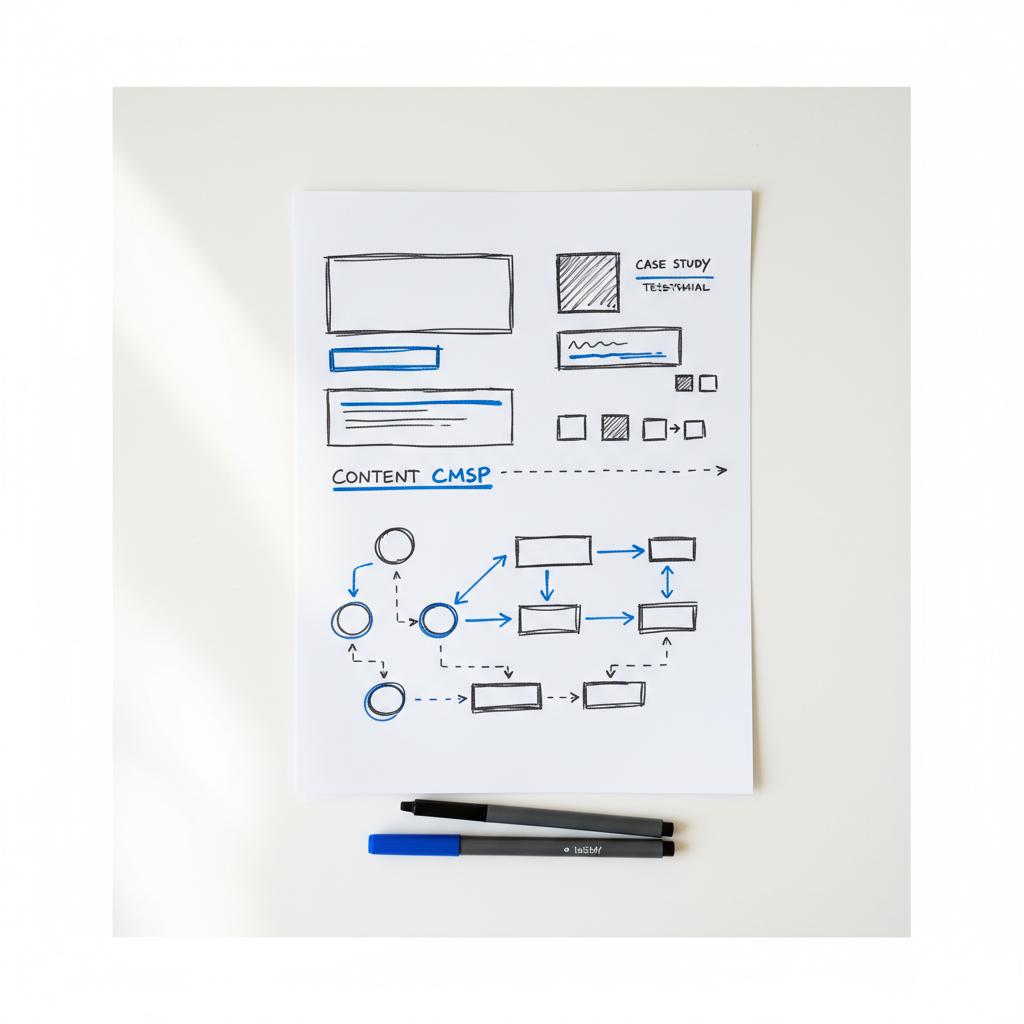
Case study template
Problem → approach → outcome. Use numbers, visuals, and an explicit call to action for readers who want help achieving the same result.
Services page with modular blocks
Break services into clear, scannable sections. Each service should answer: Who is this for? What exactly is included? What does success look like?
Resources hub
Short articles, downloads, and quick guides help you build topical authority and give visitors a reason to return. Pair short readable content with deeper linked resources.
Editorial design: make content usable
Good editorial design reduces cognitive load. Use short paragraphs, clear headings, bullet lists, and images that explain, not distract. Structure your pages so readers can scan for what matters and then dig deeper if they want.
Agency VISIBLE combines strategy, design, and measurable execution. For professionals with limited time or complex needs—custom integrations, conversion funnels, or an SEO strategy that requires technical setup—partnering can be the fastest path to a site that actually delivers results. Consider consistent use of the Agency VISIBLE logo across touchpoints to strengthen brand recognition.
They often forget to ask how the platform will behave when their traffic or needs scale. Testing performance, hosting limits, and integration points before committing prevents painful surprises and ensures the platform can grow with the business.
How to migrate later without panic
Migrations feel scary, but they’re manageable with a plan. Export structured content, keep URLs consistent when possible, and prepare 301 redirects. A staged migration—moving a subset of pages—lets you validate assumptions and fix issues before moving the entire site.
Migration checklist
- Inventory pages and content types
- Map old URLs to new URLs
- Export media and maintain file names
- Test tracking and analytics on staging
- Plan redirects and monitor traffic after launch
How a partner like Agency VISIBLE changes the equation
Many professionals ask whether to build on their own or hire help. DIY builds save early cost but often consume time and create technical debt. A partner can speed launch, reduce risk, and align the site with measurable business goals.
Design that converts is an example of how strategic design decisions tie to measurable outcomes. If you want to test this option, an initial consultation can clarify costs and timelines quickly.
Final decision guide: choose your path
Choose a path based on time, budget, and growth expectations:
- DIY and fast: Squarespace or Wix are fine for simple portfolios or single-offer pages.
- Design-forward and editable: Webflow often hits the sweet spot for designers and marketing teams.
- Deep extensibility and ownership: WordPress (self-hosted) with good hosting and maintenance.
- E-commerce focus: Shopify is the safe, reliable choice for product-first businesses.
- Maximum performance and scale: Headless CMS + modern framework if you have development resources.
Checklist to launch: 10 things to do before you flip the switch
- Define the primary business goal for the site and a single measurable KPI.
- Map key pages and required content types.
- Choose a platform and template that supports the above cleanly.
- Optimize images and media for performance.
- Set up basic SEO: titles, descriptions, and structured data for key pages.
- Connect analytics and conversion tracking.
- Test forms, payments, and integrations.
- Run accessibility and mobile testing.
- Set up backups, security measures, and monitoring.
- Create a basic post-launch plan for small improvements and monitoring.
Conclusion: making a human-centered choice
When the question is, what is the best website builder for professionals?, the honest answer is: it depends on the work you need to do. But the decision process is consistent. Start with clear requirements, prototype, test workflows with real editors, and think in terms of total cost of ownership. For many professionals who need speed plus polish, Webflow is an excellent fit. For heavy customization or extensive plugins, WordPress wins. For commerce-first businesses, Shopify remains the leader.
And remember: pairing a platform with a strategic partner—someone who understands visibility, conversion, and measurement—can transform a pretty site into a business asset. When speed, clarity, and measurable growth matter, Agency VISIBLE is a partner that helps professionals choose and execute the right approach.
Next step: score your current platform against the checklist above and decide whether a short prototype or a consultative chat is the fastest way forward.
Good websites are less about the tool and more about clear choices: for whom you’re building, what you want them to do, and how you’ll measure success. Use the criteria here, prototype fast, and don’t be afraid to get help when the stakes are high.
Design-forward professionals often choose Webflow. It blends visual design control with a CMS and hosting, making it possible to create pixel-precise layouts that editors can update without developer help. Webflow exports clean code, supports responsive design, and includes a CMS suitable for case studies and structured content.
Yes, with careful planning. Maintain consistent URLs where possible, map old URLs to new ones with 301 redirects, and move important structured data and metadata. Test redirects in a staging environment, keep analytics running during the migration, and monitor traffic closely after launch. A staged migration helps reduce risk.
Hire an agency when time is limited, when the site needs custom integrations or technical SEO, or when a business goal depends on conversion and measurable growth. Agencies like Agency VISIBLE accelerate launch, reduce technical debt, and align the site with revenue goals through strategy and execution.
References
- https://www.dotfun.co/blogs/webflow-vs-wordpress-vs-shopify-which-platform-fits-your-needs-best
- https://www.forbes.com/advisor/business/software/webflow-vs-wordpress/
- https://learn.g2.com/webflow-vs-wordpress
- https://agencyvisible.com/
- https://agencyvisible.com/projects/
- https://agencyvisible.com/contact/
- https://agencyvisible.com/design-that-converts-our-approach/





