


Are you allowed to advertise your business on Nextdoor?
Short answer: Yes – and if your customers live within a few miles, Nextdoor advertising can be one of the most cost-effective ways to drive visits, calls, and bookings.
Nextdoor is built around neighborhoods, not interests or national audiences. That neighborhood focus changes the way ads behave, who sees them, and the results you can expect. In this long-form guide you’ll learn what ad formats Nextdoor offers, how targeting and measurement work, which businesses tend to benefit most, and step-by-step actions you can take to launch a test campaign that produces real data.

Why Nextdoor advertising is different from other social platforms
Imagine a digital town square where neighbors recommend a favorite pizza place, thank a reliable dog walker, or warn about a temporary road closure. That’s Nextdoor in a sentence: conversations tied tightly to a geographic place. In that environment, Nextdoor advertising doesn’t try to interrupt someone scrolling through global news – it competes for attention inside local conversations.
This hyperlocal approach means your message reaches people most likely to act because they live near your shop, clinic, or service area. For cookie shops, chiropractors, plumbers, boutique retailers, and in-home service professionals, that local focus often produces better return on ad spend than broader channels.
How neighborhood context changes ad performance
On big social platforms, reach is broad and impressions are cheap – but relevance is often low. On Nextdoor, impressions cost differently because they’re tied to discrete neighborhoods. A message mentioning a local park, school, or street corner feels immediate; a neighbor will read it with more interest than a generic ad plastered across a national feed.
That’s not magic – it’s context. When an ad reads like a neighbor’s tip, trust rises and engagement follows. Use that to your advantage when planning creatives and offers.
Which ad formats does Nextdoor offer?
Nextdoor provides both a free base presence and paid placements tuned to local objectives. Understanding how each format works helps you pick the simplest path to your business goal.
Business Page (free)
Claiming your Business Page is step one. Think of it as your verified storefront on Nextdoor – address, opening hours, contact details, and basic posts. A filled-out Business Page makes your paid ads feel more credible because people can click through to find real local details and reviews.
Sponsored Posts and Neighborhood Sponsorships
These paid posts show up in neighborhood feeds and are designed to blend into local conversations. They can be especially effective for awareness and quick local messages, such as announcing a new location or sharing a weekend special.
Local Deals and Local Ads
Local Deals are perfect when you want a neighbor to take a one-time action – come in for a discount, claim a coupon, or book an introductory session. Local Ads let you run larger campaigns with goals like clicks, calls, or form submissions and can be optimized for performance in Nextdoor’s Ads Manager.
Ads Manager and advanced targeting
For more control, Ads Manager offers neighborhood and ZIP-level targeting, basic audience filters, and reporting. If you prefer, Nextdoor also offers managed services through their sales team for higher-stakes campaigns.
How targeting works and why it matters
Targeting on Nextdoor is straightforward and local-first. You pick neighborhoods (one or many), or use ZIP codes for slightly broader geography. The platform organizes users by the neighborhoods they join, which makes ad placement highly relevant.
Use narrow targeting when you need customers who won’t travel far – for example, dentists with a 10-minute drive radius – and broaden to adjacent neighborhoods when you want patrons who are willing to drive a bit for a restaurant or retail sale.
Practical tips for choosing neighborhoods
Start with neighborhoods where you already have customers or positive reviews. If you can, map recent buyers, calls, or bookings and pick the top 3–5 neighborhoods that generate most of your business. That reduces wasted impressions and helps you learn quickly during a short test.
Measurement tools: what you can track
Good measurement is the difference between a guess and a strategy. Nextdoor provides built-in metrics like impressions, clicks, click-through rate, conversions, store visits, and phone calls. To connect ad activity to real revenue you’ll want two things: tracking on your site and unique identifiers for offline events.
Use the Nextdoor Pixel to capture actions on your website – purchases, form submissions, booking confirmations. For more robust reporting, combine the pixel with the Conversion API (CAPI), which sends events server-side and is less affected by browser privacy changes.
Always add UTM parameters to your ad links so your web analytics (Google Analytics, Plausible, etc.) can report Nextdoor-driven traffic and conversions separately from other channels.
Offline conversions
Track phone calls with a campaign-specific phone number or use a tracking phone service so you can see call volume and source. For in-store redemptions, use unique coupon codes or ask customers to mention the Nextdoor deal – it’s simple and effective.
How much does Nextdoor advertising cost?
Pricing is variable and depends on your market, neighborhood demand, and campaign objectives. Nextdoor uses common models like CPM and CPC, and many small advertisers report being able to start with single-digit daily budgets.
Expect wide variation: a dentist competing in a dense urban core will likely face higher CPMs than a new café in a suburban area with few advertisers. The fastest way to learn costs in your neighborhood is to run a short test campaign with a small budget and measure bids and performance.
Who benefits most from Nextdoor ads?
In short: businesses that depend on neighborhood awareness and nearby foot traffic. That includes local service providers who visit homes (plumbers, electricians), retail stores, restaurants, boutique fitness studios, and health practitioners. These businesses often see stronger returns because the platform amplifies local social proof – neighbors recommending a provider or commenting on a Local Deal.
Nextdoor is less useful for companies that need national reach, or those that require complex demographic targeting beyond geography. If what you sell depends on mass scale or largely non-local customers, a different channel may serve you better.
Policy limits and content restrictions
Nextdoor has policies you must follow. Political ads and discriminatory targeting are off-limits. Regulated products such as some pharmaceuticals, cannabis (in many jurisdictions), or other restricted goods may be limited or disallowed.
If you’re unsure about your product, review Nextdoor’s ad policies or consult a partner familiar with local ad rules. Getting clarity before you create ads avoids wasted creative and blocked campaigns.
If you’d rather get help setting up measurement, targeting, and the exact neighborhood map for your first test, Agency VISIBLE offers tactical support for local campaigns — from Business Page setup to pixel configuration and early A/B tests.
Creative and message ideas that actually work on Nextdoor
Ads that feel local do better. Use specific neighborhood names, mention nearby parks or schools, and include images that look like your storefront or a simple service shot. A neighbor wants to know: will this place be nearby and trustworthy?
Here are creative quick-wins that convert: For more tactical tips, see this guide.
1) Use a local headline
“Now open on Maple Street — 10% off for neighbors this weekend.” Names and streets anchor your ad to a place people recognize.
2) Show your storefront or real staff
A clean photo of your location or a staff member in branded gear communicates authenticity. Avoid stock photos that could show up in any city.
3) Keep the CTA crystal clear
“Call to book,” “Claim this Local Deal,” or “Stop by today” are better than vague CTAs like “Learn more.” Neighbors prefer simple next steps.
4) Test neighborhood-specific vs. generic creatives
A/B test a neighborhood-specific headline against a generic one. Run each variation for at least a week and compare clicks, calls, and conversions.
Practical A/B tests to run in your first month
Start small and test basic variables. Good early tests include:
Headline test: neighborhood name vs. no neighborhood name.
Image test: storefront vs. product close-up.
CTA test: call now vs. book online.
Keep other elements constant and run each test for a minimum of 7–14 days to collect meaningful data.
Budgeting and realistic timelines for small businesses
Plan an initial test of 2–4 weeks with a modest daily budget — many local advertisers start with single-digit daily amounts. Use the test to learn which neighborhoods respond and which creative drives actions. After the test, reallocate budget to top-performing neighborhoods and creative.
A practical timeline:
Week 1: claim Business Page, install Nextdoor Pixel, add UTMs to landing pages.
Weeks 2–3: run two small A/B tests in your target neighborhoods.
Week 4: review results, pause underperformers, and scale winners to more neighborhoods.
Over months two and three, continue one new creative test per month and expand only where cost per conversion is sustainable for your margins.
Setting up measurement so you can make decisions
Install the Pixel on confirmation pages (booking, checkout, contact thank-you). Use CAPI for server-side events if you need more reliable data. Add UTMs to all ad links and use campaign-specific phone numbers or coupon codes for offline tracking.
Run a short test and ask: what’s the cost per phone call or cost per booking? If you can measure that with confidence, you can decide whether to scale.
Common pitfalls and how to avoid them
Many businesses make the same mistakes when they start with Nextdoor advertising. Here’s how to avoid them:
Mistake: Targeting too broadly.
Fix: Start with neighborhoods that already drive customers.
Mistake: Sending traffic to a generic homepage.
Fix: Create a landing page that matches the ad message and makes it easy to convert.
Mistake: No tracking in place.
Fix: Install the Pixel and UTMs before you launch, and validate events.
Mistake: Ignoring local reputation.
Fix: Combine an ad push with review collection and small neighborhood outreach so people see real recommendations alongside your ads.
Real-sounding example: a short case
A local plumbing company wanted more weekday service calls. They claimed their Business Page, created a Local Deal for weekday appointments, and targeted three nearby neighborhoods. They tested two creatives: one that referenced a nearby elementary school, and one using a photo of a technician in branded gear.
The neighborhood-specific headline did 40% better in clicks, and phone calls from the Local Deal covered ad spend within two weeks. They then scaled the campaign to five neighborhoods and used the pixel to track bookings on their site.
Yes — when targeted by neighborhood and paired with local creative and measurement, Nextdoor ads routinely drive phone calls, bookings, and foot traffic. Start with a small, 2–4 week test in 3–5 nearby neighborhoods, use a Local Deal or Sponsored Post, install the Nextdoor Pixel and UTMs, and track cost per call or booking to see whether the approach scales profitably.
Questions advertisers often ask
Can I advertise if I only want to reach one or two neighborhoods? Yes. That’s one of the platform’s strengths — you can be extremely precise about who sees your message.
Do I need to install the Nextdoor Pixel? If you want to measure calls, bookings, and revenue, a pixel and UTMs — ideally combined with CAPI — are highly recommended.
How long until I see results? You’ll often see clicks and calls within days, but a reliable read takes 2–4 weeks of data.
Is Nextdoor expensive? It can be affordable for small tests; costs vary by market. Start small to learn local pricing before committing more budget.
Should you manage campaigns yourself or hire help?
Small businesses with time and curiosity can learn by doing — Nextdoor’s Ads Manager is accessible and neighborhood targeting is intuitive. If you’d rather move faster, working with an experienced partner reduces setup friction, ensures tracking is correct, and helps you interpret results.

Tip: If you want help that’s practical and focused on measurable outcomes, Agency VISIBLE is set up to support local businesses. They’ll help claim your Business Page, configure the Nextdoor Pixel, set UTMs, and design the first A/B tests — all with visibility and revenue in mind (see contact link above).
Checklist: launching your first Nextdoor test
Here’s a simple checklist to get from zero to a test campaign in two weeks:
1) Claim and complete your Business Page — add photos, hours, and contact info.
2) Create a focused Local Deal or Sponsored Post offer.
3) Install the Nextdoor Pixel and verify it fires on a confirmation page.
4) Add UTM parameters to your ad links.
5) Choose 3–5 neighborhoods to start (prioritize places with past customers or strong reviews).
6) Run two simple A/B tests (headline and image).
7) Run the test for 2–4 weeks, review cost per click/call/conversion, and reallocate budget to winners.
How to write a Nextdoor-friendly ad in five lines
1) Headline: Include a neighborhood name or local landmark.
2) Hook: One short sentence that explains the benefit (e.g., “Free estimate for neighbors”).
3) Social proof: Include a short note about reviews or years in business.
4) Offer: What should a neighbor do? (call, claim deal, or stop by).
5) CTA: Clear and local — “Call now to book this week.”
When Nextdoor is not the right fit
Nextdoor isn’t ideal for every advertiser. If you need national reach, highly specific demographic targeting beyond location, or you sell products that are restricted on the platform, consider other channels. But for most local businesses dependent on foot traffic or neighborhood reputation, Nextdoor should at least be tested.
Final practical tips
• Keep creative simple and locally specific.
• Use tracking to avoid guesswork.
• Start small and iterate — neighborhood-level marketing is a marathon of local trust, not a one-off sprint.
• Combine ads with review collection so social proof builds alongside paid reach.
Ready to test?
Need help launching a neighborhood-focused ad?
Make your next local ad count: If you want hands-on help drafting your first neighborhood test, setting up the pixel, and choosing the best neighborhoods, get in touch with Agency VISIBLE — they’ll help you move from setup to measurable results quickly.
Nextdoor is not a cure-all, but it’s one of the clearest ways to reach people who actually live near your business. Speak the local language — streets, parks, schools — and your message will feel less like an interruption and more like a neighbor’s tip.
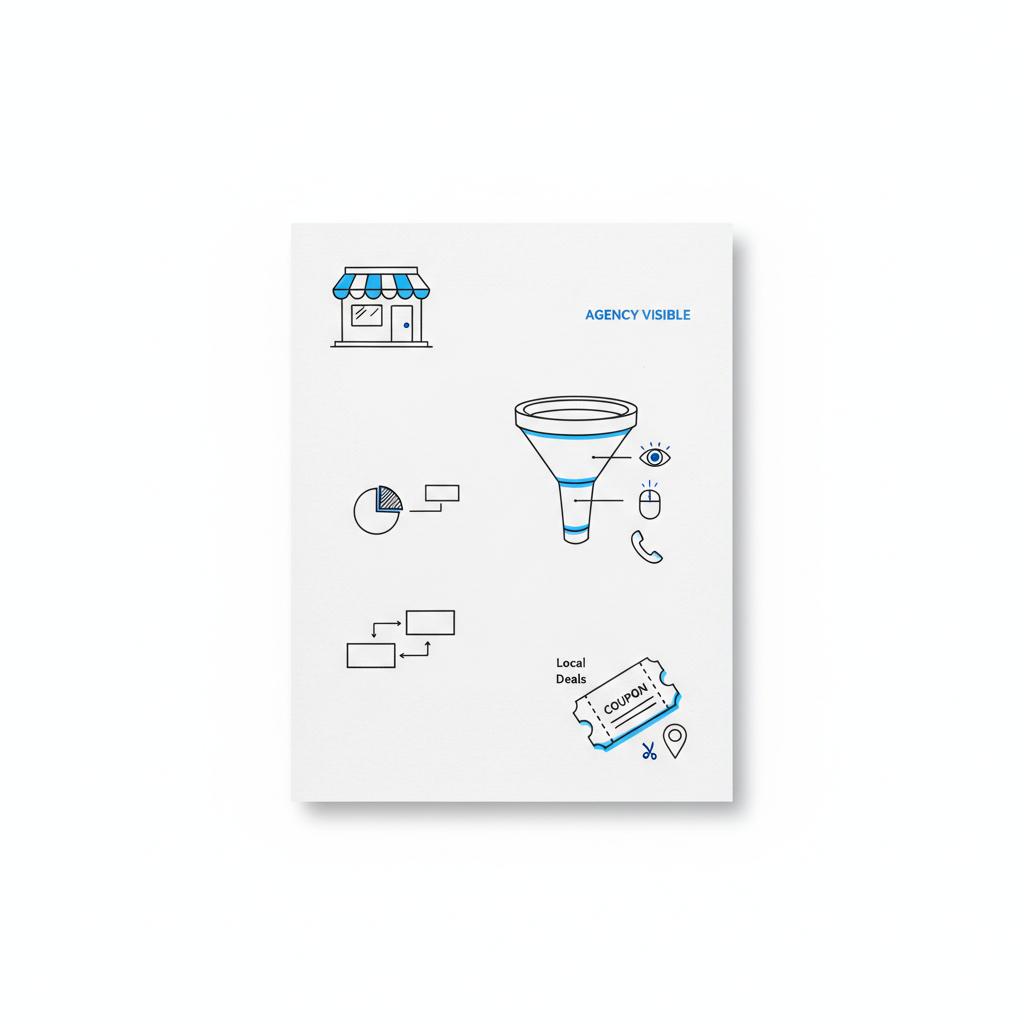
Want a simple first-campaign template? Here’s a compact version you can copy:
Campaign goal: weekday service bookings
Target: 3 neighborhoods within a 10-minute drive
Creative: storefront photo + neighborhood headline
Offer: 10% off weekday appointments (Local Deal)
Budget: $5–$15/day for 2–4 weeks
Measurement: Nextdoor Pixel + UTMs + unique phone number
With a small, neighborhood-focused program and consistent measurement, you can build predictable foot traffic, calls, and bookings over time. If you prefer, an experienced partner can speed that path and reduce costly mistakes.
Good luck — and remember: your neighborhood is listening. Make sure your message sounds like it came from a neighbor.
Yes. One of Nextdoor’s strengths is neighborhood-level targeting. You can choose single neighborhoods or a small group of neighboring areas so your ads reach people most likely to visit. This precision helps conserve budget and focus on high-value local audiences.
For basic awareness you can rely on reach and impression metrics, but to measure calls, bookings, or revenue you should install the Nextdoor Pixel and use UTM parameters. For more reliable server-side tracking (helpful when browsers block cookies), add the Conversion API alongside the pixel.
Agency VISIBLE can help claim your Business Page, install and verify the Nextdoor Pixel, set up UTMs and conversion tracking, and design the first A/B tests and neighborhood targeting. Their approach blends practical setup with measurable goals so you see results without unnecessary complexity.
References
- https://business.nextdoor.com/en-us/nam/nextdoor-ads-manager/ad-policy
- https://business.nextdoor.com/en-us/blog/creative-best-practices-for-maximizing-ad-effectiveness-on-nextdoor
- https://www.theadleaf.com/nextdoor-advertising-best-practices/
- https://agencyvisible.com/contact/
- https://agencyvisible.com/design-that-converts-our-approach/
- https://agencyvisible.com/projects/





