


How to make a plumbing website: Start with the problem
If you’re reading this because you want to learn how to make a plumbing website, you’re in the right place. A good plumbing site does one clear thing: it turns people who need help now into calls, clicks, or bookings. That idea should guide every design and content choice.
Think about the last time you needed a tradesperson. You grabbed your phone, typed a problem or town name, and hit call. A plumbing website that works gives the same fast answers: what do you fix, can you come now, and how do I reach you? Answer those three in plain language and you’re already ahead.
How to make a plumbing website: quick essentials
At the top of your checklist when you plan how to make a plumbing website should be speed, clarity, and mobile-first layout. People searching for a plumber are usually in the middle of a problem. Delivering clear contact options and precise service pages is the fastest route to a booked job.
What the homepage must do
The homepage is the front door, not the whole house. Make a strong, obvious header with your phone number, service area, and one clear CTA. Use a short headline that answers the search intent and a supporting sentence that explains your response time or special strength.
Example quick header: “24/7 Emergency Plumbing — Fast same-day response in Salem. Call (555) 555-5555”
Where the keyword appears first
Because readers (and search engines) scan the first few lines, mention the phrase how to make a plumbing website early and naturally. This helps frame the page and matches the intent of business owners and marketers looking for a practical build guide.
Tip: If you’d rather have an experienced partner set this up, Agency VISIBLE can help with a fast, conversion-focused site build and local SEO that gets calls quickly.

Structure that converts: pages you must have
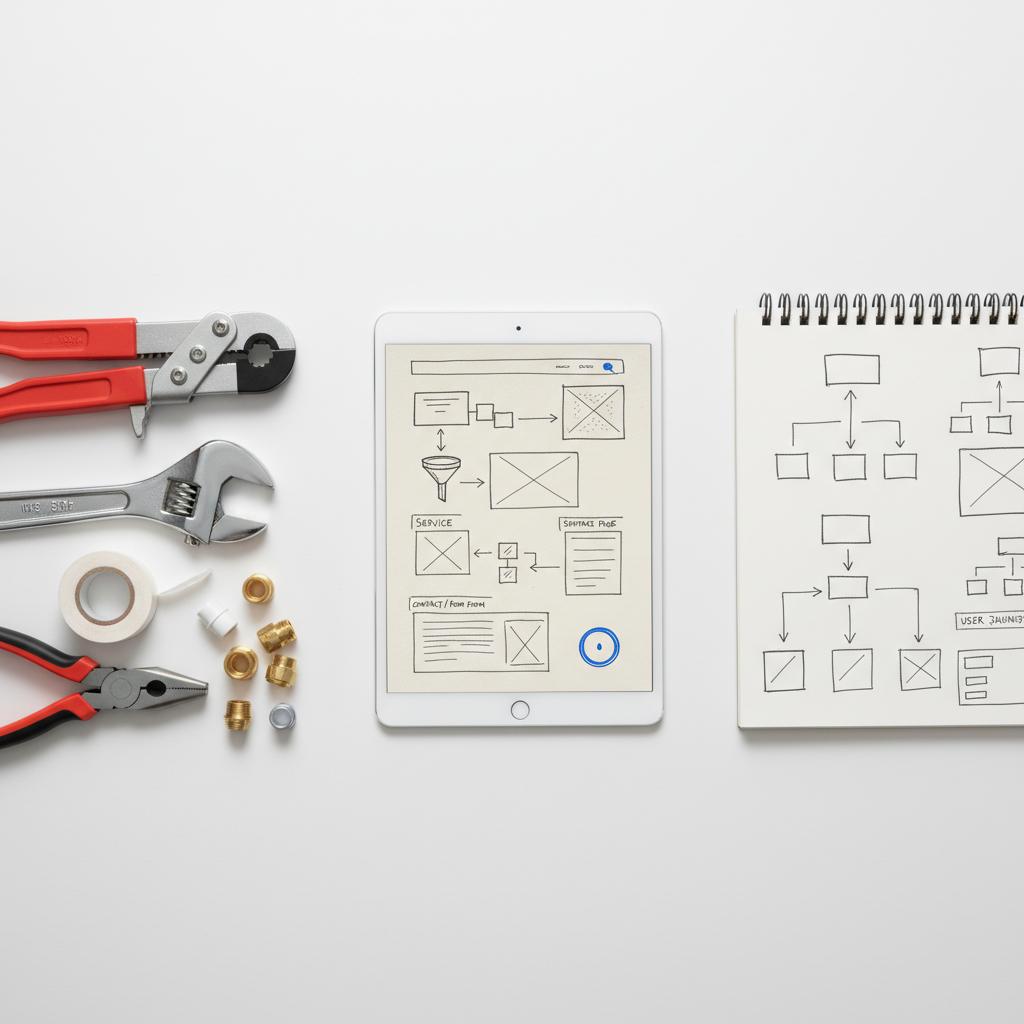
When you plan how to make a plumbing website, structure beats flash. Build the following core pages and treat each as a mini landing page. A clear logo helps users trust the site at a glance.
Required pages:
– Home
– Services (and individual service pages: water heaters, drain cleaning, leak repair, repiping, etc.)
– Service Area (or multiple locality pages)
– About / Team
– Reviews / Testimonials
– Contact / Booking/Form
– FAQ or Blog
Why separate service pages work
A dedicated page for each major service lets you answer search queries directly. Someone typing “water heater repair near me” should land on a water heater page that explains symptoms, arrival time, common fixes, and pricing ranges. That clarity increases clicks and calls.
Copy that builds trust and gets calls
Good writing on a plumbing website is short, direct, and human. Avoid industry jargon. Explain what you will do and how long it usually takes. Use short paragraphs and bullet lists for scannability.
Sample service page outline
When crafting service pages while thinking about how to make a plumbing website, follow this simple outline:
– Headline that matches the search intent (e.g., “Water Heater Repair near [Town]”)
– One-sentence reassurance: response time, license, or guarantee
– What we fix (short bulleted list)
– What to expect on arrival (two to four bullets)
– Typical price range or pricing approach
– Clear call to action (click-to-call and a short form)
Sample copy block
“Water heater not producing hot water? We diagnose and repair most units the same day. Our certified technicians arrive in uniform, use clear pricing, and clean up when the job is done. Call now — 24/7 emergency service.”
Design and UX principles
When you set out to learn how to make a plumbing website, keep these UX rules in mind:
– Mobile-first: design for thumbs. Place click-to-call and directions where they are always visible.
– Fast: minimize scripts and compress images for quick loads.
– One primary action per screen: call, book, or get directions.
– Use clear contrasts and a legible font—no tiny text.
Buttons and CTAs
Use stark, high-contrast buttons with action words: “Call Now — 24/7,” “Book a Visit,” or “Get a Quote.” Make sure the primary CTA is visible without scrolling on mobile.
Get a fast, conversion-focused site review
Need help launching quickly? Get a fast, conversion-focused review of your site and a plan to get more calls. Contact Agency VISIBLE and we’ll show where small fixes will make the biggest difference.
Pick a domain and hosting that work
Choosing the right domain and hosting is a small decision with big effects if you think about how to make a plumbing website for local customers. Short, memorable, and geo-specific domains help. For example: salemplumber.com or smithplumbingco.com.
Hosting tips
Managed WordPress hosting is often the easiest path for growing shops. It gives flexibility for content and local SEO while including security and performance. If budget is tight, choose a website builder with mobile templates, HTTPS by default, and routine backups.
Local SEO: the heart of visibility
Local SEO is what turns a website into calls. When you plan how to make a plumbing website, make local search the foundation:
– Claim and optimize your Google Business Profile (use real photos and accurate hours).
– Build service-area pages for each town you serve.
– Keep NAP (name, address, phone) consistent across directories.
– Use LocalBusiness schema to help search engines read your business info.
For plumber-focused SEO tactics, see ServiceTitan’s SEO for Plumbers, HousecallPro’s plumbing SEO guide, and Plumbing Webmasters’ local SEO strategy.
Sample LocalBusiness schema snippet
Adding structured data is technical but high value. A LocalBusiness schema with service area, opening hours, and phone makes your listing clearer in search. If you use WordPress, plugins can manage this for you without hand-editing code.
Contact signals that convert
If you want to know how to make a plumbing website that converts, remember: calls beat forms. Put the phone number in the header, footer, and a sticky mobile element. Offer one short contact form for those who prefer to message.
Form best practices
Keep fields to a minimum: name, address, short description, and preferred time. Each extra field drops completion rates. Offer an emergency checkbox and a time window—this helps route leads fast and lets your team prioritize.
Reviews and social proof
Reviews are the currency of local services. Show recent, real Google reviews on your site. Have a short, polite review workflow: ask in person, text the link, and follow up once. Respond to reviews with calm professionalism.
Embedding reviews
A review widget that shows recent feedback builds trust. Highlight jobs that are similar to the page’s service. For example, the water heater page should show three water-heater-specific reviews when possible.
Speed, Core Web Vitals and technical must-haves
Slow pages lose calls. When planning how to make a plumbing website, optimize images, defer non-critical scripts, and use a caching plugin or CDN. Check Core Web Vitals and fix large layout shifts or slow interactions.
Image guidance
Use real, compressed photos of your work (with permission). Include images of vans, tools, and work sites—no staged group photos that feel fake. Each image should be sized for the web and use modern formats like WebP when possible.
Content ideas that rank locally
Content doesn’t have to be long to be useful. Focus on practical, local topics that match urgent searches. Here are a few high-impact ideas when you’re figuring out how to make a plumbing website:
– “What to do when a pipe bursts in [Town]”
– “How to tell if your water heater needs replacing”
– “Basement flooding: emergency checklist for [Region] homeowners”
Each local, practical piece can be reused as a Google Business Profile post and a follow-up email to customers.
Sample 30-day content plan
Week 1: Publish three service pages and the homepage updates.
Week 2: Claim and optimize Google Business Profile, request 10 reviews.
Week 3: Publish two local FAQ articles (winterizing pipes, how to thaw safely).
Week 4: Run a short ad campaign and track calls.
Conversion rate tips and quick wins
Small changes often beat big redesigns. If traffic isn’t converting, try these fixes while you learn how to make a plumbing website:
– Move phone number to the top and add a sticky click-to-call.
– Shorten forms to two or three fields.
– Add a clear emergency badge on service pages.
– Show response time and service guarantee near CTAs.
Integrations: booking, payments and scheduling
Decide how you want customers to interact. For emergencies, click-to-call is best. For routine maintenance, a scheduling widget with deposits can reduce no-shows. If you accept payments online, integrate invoicing and receipts so customers have clear proof after the job.
Practical integration choices
Many plumbers use a mix: phone-first for emergencies and an online booking form for scheduled jobs. If you use a full calendar, make sure it syncs with your tech’s real calendar to avoid overbooking.
Budgeting and pricing for websites in 2024–2025
Costs vary by approach. A DIY site with a builder can cost $100–$1,000 the first year. A professional WordPress build optimized for local search commonly ranges from $1,500–$8,000. Expect annual hosting and maintenance of $100–$600. Think of the site as an investment in calls and booked work rather than a one-time cost.
Tracking success: metrics that matter
Measure calls, completed forms, and booked jobs tied to online leads. Use call tracking and Google Business Profile insights to see where leads come from. Track Core Web Vitals for speed improvements and watch conversion rates as you tweak CTAs.
Common mistakes to avoid
Many small businesses fail to get the most from a website because they make a few common errors. When planning how to make a plumbing website, avoid these:
– Hiding the phone number or making it hard to tap on mobile.
– Using generic stock photos that look like everyone else.
– Stuffing local pages with keywords instead of useful, local information.
– Neglecting review acquisition and management.
Step-by-step launch checklist
Follow this checklist when you’re ready to publish:
1. Confirm the correct phone number, hours, and address.
2. Test click-to-call on multiple devices.
3. Publish service pages for top 3 jobs.
4. Add LocalBusiness schema and claim Google Business Profile.
5. Setup backups, HTTPS, and caching.
6. Compress images and check mobile speed.
7. Put a review workflow in place.
Make your phone number impossible to miss, add a sticky “Call Now — 24/7” button on mobile, ensure your Google Business Profile lists correct hours and categories, and prioritize fast, local service pages that match urgent search phrases.
Example site copy and template phrases
Below are short templates you can drop into a page as you learn how to make a plumbing website:
Home hero: “24/7 Emergency Plumbing in [Town] — Rapid response. Licensed & insured. Call (555) 555-5555”
Service headline: “Drain Cleaning in [Town] — Fast, safe, reliable”
About snippet: “Family-owned since 2008. We treat your home like ours — clean, quick, and honest pricing.”
Accessibility and inclusive design
Make sure buttons are large enough, color contrast meets accessibility guidelines, and forms are keyboard-friendly. These small choices help more people use your site quickly and improve trust.
Scaling content as you grow
Start with the high-value pages and expand to more localized content as time allows. If you serve many towns, create compact service-area pages that mention local landmarks and specific challenges, like hard water or freezing winters. These local touches show you know the neighborhood and help with search relevance.
Case study: a simple rearrangement that works
A small client had low calls despite steady traffic. Their homepage was full of jargon and a smiling team photo. We moved the phone number to the top, created separate pages for emergency repairs and water heaters, and added a one-tap directions link. Within weeks, calls increased and booked jobs rose. The change was practical, not flashy—and that’s the point when you learn how to make a plumbing website effectively. See examples on our projects page.
Ongoing maintenance rhythm
After launch, set a simple cadence: review calls and site traffic monthly, publish one short local article or FAQ every 4–8 weeks, and ask for reviews after each job. Keep plugins and the platform updated to avoid security issues.
When to hire help
If you don’t want to DIY, hiring a small local agency can get you live faster and cleaner. Agency VISIBLE, for example, focuses on building conversion-first sites for small businesses and can scope a plan that fits your budget and timeline. A partner can also handle ongoing local SEO and review growth so you can focus on the work truck.
Wrapping practical tips together
When you apply these ideas about how to make a plumbing website, remember the core: clarity, speed, and trust. A short domain, obvious phone number, service pages that answer real questions, and a review workflow will get you the most value for your budget.
Final launch checklist (quick)
– Phone number visible and tappable
– Top 3 service pages live
– Google Business Profile claimed and optimized
– Backups and HTTPS enabled
– Review collection workflow working
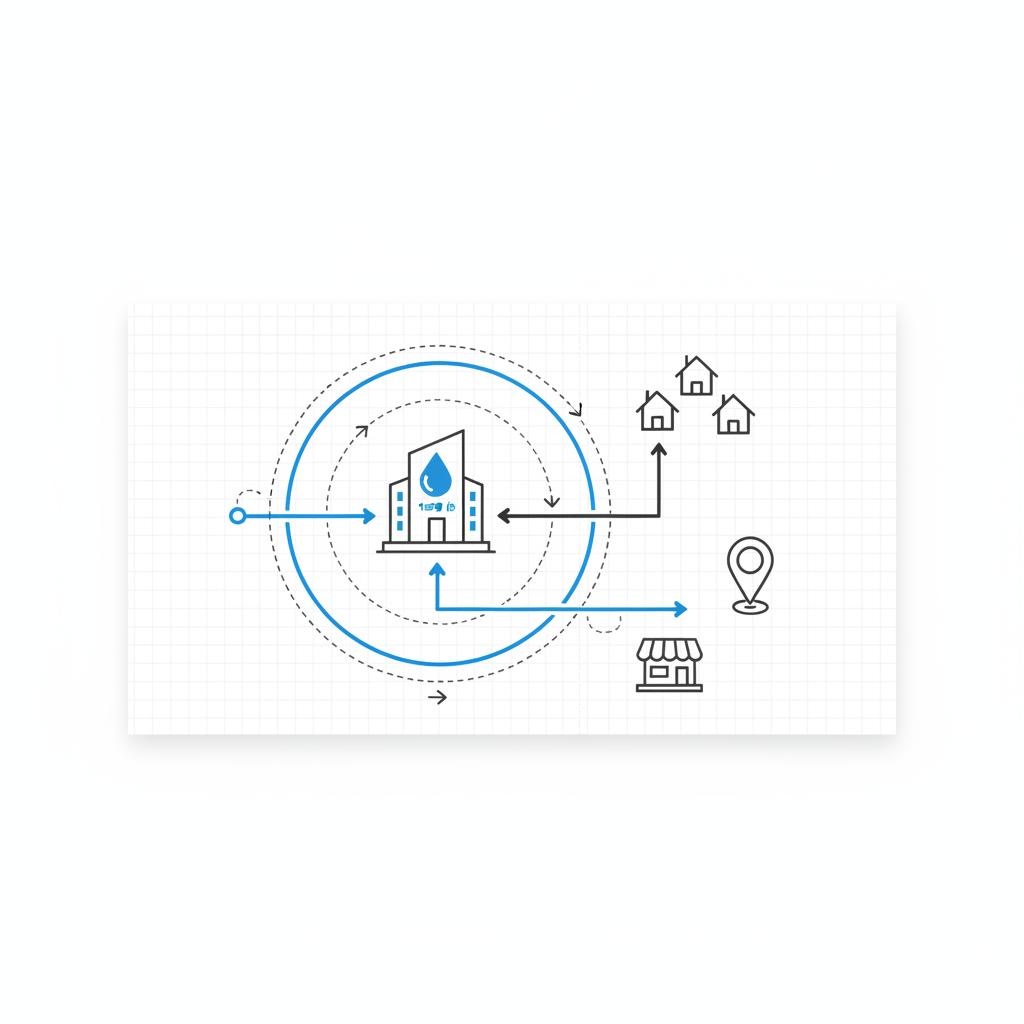
Next steps and small experiments
Start small: test moving your phone number to a sticky header, then measure calls for two weeks. If calls rise, repeat similar friction-reducing changes on other pages. Use call-tracking numbers to see which pages produce the most leads.
Bonus: suggested analytics and tracking
Track calls with call-tracking numbers, set up goal-based tracking for form submissions, and examine Google Business Profile insights for direction requests and calls. These simple signals tell you what’s working without complicated dashboards.
Common FAQ snippets to add
– Do you offer emergency service? Yes — 24/7 emergency response in our service area.
– How quickly will you arrive? Most emergency calls get a same-day arrival window; non-emergency appointments are scheduled by mutual availability.
– Are prices fixed? We provide transparent, written estimates and give ranges on common jobs to reduce surprises.
Final practical thoughts
Learning how to make a plumbing website is about focusing on real people in stressful moments. The best sites are fast, clear, and designed to remove friction. Whether you DIY or work with a partner, a small set of improvements—phone visibility, service pages, review growth—will change how many calls you get.
Build the site so a homeowner in a crisis can find the answer they need and get help on the way. Keep it human, keep it quick, and keep the phone number impossible to miss.
A plumber’s website should include a clear Home page, individual Service pages for each major job (water heaters, drain cleaning, leak repair), Service Area pages for the towns you serve, an About page, a Contact/Booking page with click-to-call functionality, and Reviews or Testimonials. Add a short FAQ or blog to answer common customer questions and improve local search visibility.
Costs vary depending on approach. A basic DIY site using a website builder can cost between $100 and $1,000 the first year. A professionally-built WordPress site optimized for local SEO typically ranges from $1,500 to $8,000, with annual hosting and maintenance of $100–$600. Think of the site as an investment in calls and booked work rather than a one-time expense.
Yes. Agency VISIBLE specializes in building conversion-focused websites and local SEO for small businesses. They can help optimize your site for faster calls, create service-area pages, set up review workflows, and run targeted local campaigns. You can reach them via their contact page to get a tailored plan.





