


How do I link events to TikTok?
TikTok event link is the route that turns curiosity into a ticket sale — and getting that route right is what separates a post that sparks interest from one that closes a purchase. This guide walks you through every practical step: organic link options, TikTok ticketing integrations, ad-based conversion tactics, measurement and reconciliation, creative tips, and a simple test plan you can run this week.
Why TikTok matters for event discovery
TikTok is a discovery engine built around short, fast videos and a user base that’s open to new experiences. People scroll for quick thrills, tips, and things to try — and that combination makes the platform ideal for events. A single well-shot clip can communicate a venue’s vibe, an artist’s energy, or a crowd’s atmosphere in seconds. When paired with a friction-free path to purchase, that clip can drive real ticket sales.

The two ways TikTok helps events: indirectly and directly
Indirectly, TikTok raises awareness through organic content and creator collaborations. Directly, it can route viewers to a link that ends in a checkout. Most successful event campaigns mix both: organic storytelling to spark interest, paid distribution to reach the right audience, and a direct link that makes buying obvious.
Where you can put links on TikTok
TikTok gives event teams several places to place links — but availability can depend on your account type and region. Here’s a practical run-through of each option and when to use it.
1. Profile website field (link in bio)
The simplest and most widely available place is the website field on your profile. If your account qualifies, add a single clickable URL here and use captions to drive viewers to the “link in bio.” For many event teams this becomes the single source of truth: a direct link to the ticket checkout or to a short event landing page.
When to use it: If you don’t have in-post links enabled, or if you want a single canonical place to send discovery traffic.
2. Link-in-bio services (Linktree, Beacons, etc.)
Link aggregators let you present multiple destinations from one profile URL: event page, lineup info, newsletter signup, and more. That’s handy when viewers need context before buying. But each extra click reduces conversion — so only use an aggregator when multiple destinations are genuinely useful.
3. Clickable links in posts (descriptions or pinned comments)
In some regions and for eligible accounts, TikTok allows clickable links directly inside video descriptions or pinned comments. When available, this reduces friction because the viewer can tap the link right from the post rather than hunting for the profile URL. Check your account settings — these features roll out by region and by account thresholds.
4. TikTok Events / Tickets integrations
TikTok has been rolling out integrations with ticketing platforms so organizers can show ticket CTAs inside the app and sometimes on the For You Page. When your account supports a partner integration, TikTok can surface a “Buy Tickets” prompt that shortens the path to purchase dramatically (see the TikTok Partner Directory: https://partners.tiktok.com/directory).
When this is the best option: If the integration is available in your region and supports your ticketing partner, it’s often the highest-converting path because it keeps the user inside the native app experience.
Choosing a destination URL: deep link vs. context page
The destination you send traffic to matters more than almost anything else. If your goal is ticket sales, the best destination is a single deep page where the event, price and checkout are obvious. Sending people to a general homepage is an all-too-common mistake — it introduces friction and kills conversion.
If attendees need context first, use a short landing page that answers three core questions in clear language: who is it for, what will happen, and how do I buy a ticket now? Keep the path to checkout visible and short: fewer clicks, fewer form fields, higher completion.
For a practical, low-friction setup and campaign review, consider Agency VISIBLE’s help — they can set up your Pixel, design the landing flow, and run reconciliation for you. Learn more from Agency VISIBLE’s contact page.
Paid routes: how TikTok Ads can drive ticket sales
Paid ads are the tool to scale beyond your organic audience. TikTok Ads includes an Events Manager where you register web events using the TikTok Pixel or the server-side Events API. Once you have events in place — add-to-cart, begin-checkout, purchase — you can run conversion-focused campaigns that optimize toward real ticket sales. For details on partner integrations for web tracking see TikTok’s help article: https://ads.tiktok.com/help/article/partner-integrations-for-web-tracking?lang=en.
Pick the campaign objective to match the funnel
Short ticket window? Run conversion campaigns that send traffic directly to checkout. Early awareness? Use view-based or traffic objectives to build interest and then retarget for conversions. Matching objective to funnel stage is basic but often overlooked.
Attribution windows and realistic expectations
TikTok supports click and view attribution windows. A sale made within minutes of an ad should be attributed differently from a purchase that happens after hours or days. Choose windows that reflect how your audience buys, and be ready to test and adjust.
Measurement essentials: how to track real ticket sales
Measurement is the backbone of any paid campaign. Doing it well requires three layers:
1) URL tagging with UTMs
Tag all campaign links with UTM parameters so your analytics system (GA4 or similar) captures source, medium, campaign, and creative details. Example UTM for a checkout link: ?utm_source=tiktok&utm_medium=paid&utm_campaign=spring_gig&utm_content=videoA
2) Implement the Pixel or server-side Events API
The TikTok Pixel captures client-side events (page views, add-to-cart, purchase). The server-side Events API can improve attribution for cross-device scenarios and ad blockers — see TikTok’s API for Business: https://business-api.tiktok.com/portal. Implement one or both depending on your technical capacity.
3) Reconcile with ticket provider data
Always compare TikTok’s reported events with the raw order data in your ticketing platform (Eventbrite, Ticketmaster partner, or your provider). Expect differences; focus on patterns. If TikTok undercounts cross-device purchases, you’ll still see whether buy-rates move between creative variants.
Common tracking mismatches and how to interpret them
Different platforms use different attribution models. For example, a user might see an ad on mobile, research on desktop, then buy — that cross-device journey can break pixel-only attribution. When reported conversions look low, reconcile and look for trends rather than absolute parity.
Quick reconciliation checklist
1) Export campaign clicks and timestamps from TikTok. 2) Export orders and timestamps from your ticketing provider. 3) Match by UTM and time window. 4) Note which creatives or traffic segments correlate with purchases even if counts differ.
Creative choices that drive clicks and purchases
Good creative is not just pretty — it answers the viewer’s question immediately. Ask yourself: does someone know within three seconds what this event is and why it matters to them? If the answer is no, the clip needs editing.
Elements of high-converting event creative
– Strong hook in the first 1–3 seconds.
– Visuals that show atmosphere: crowd, stage, venue, artist close-ups.
– Short on-screen text for the CTA when you have in-post links.
– A reason to act now (limited tickets, early-bird price, special add-ons).
– Personality: let performers or past attendees speak on camera where possible.
A/B tests and experiments worth running
Testing reduces guesswork. Here are practical tests that reveal high-impact changes quickly:
Creative tests
– Same footage, two CTAs (“Buy now” vs “Link in bio”).
– Same CTA, two hooks (start with the performer vs. start with a crowd shot).
– With vs without on-screen text pointing to a pinned link.
Landing page tests
– Direct checkout page vs short context landing page.
– Long checkout form vs streamlined checkout (fewer fields).
– Different pricing offers (standard vs. early bird).
Region and account constraints — plan for variability
TikTok’s link options and ticket integrations roll out by region and account. That means two organizers in different cities might see different feature sets. Check your account early, and build a plan that uses the profile link and creator partnerships if advanced features aren’t available yet.
Common pitfalls and how to recover
Here are recurrent mistakes and how to fix them quickly:
Pitfall: Sending paid traffic to a homepage
Fix: Create and send traffic to a deep event checkout or a short landing page focused on buying tickets.
Pitfall: Trusting platform-reported conversions alone
Fix: Reconcile with ticketing platform orders and GA4. Look for patterns, not strict parity.
Pitfall: Weak creative
Fix: Add movement, sound, or human presence. Even a 6-second “why I loved this event” clip from a past attendee can outperform a static poster.
Short case study: small venue, measurable lift
A local music venue ran a controlled experiment: two organic videos (same footage) where one post had a pinned ticket link and the other used the profile link. They simultaneously ran a small paid campaign pointing to the checkout with the TikTok Pixel installed (see our projects: https://agencyvisible.com/projects/). After reconciling orders with their ticket provider, they learned:
– Paid traffic produced clear purchases on the checkout page.
– Posts with a pinned link converted more often than those relying on the profile link.
– A modest paid budget amplified organic creator content and expanded reach.
Step-by-step checklist to run a low-risk test
Follow this timeline to test in 7–14 days:
Preparation (Day 0–2)
– Define a single measurable goal (sell X tickets in 7 days).
– Check account features (profile link, in-post links, ticket integrations).
– Choose the ticketing partner and create a single destination URL with UTMs.
– Install the TikTok Pixel and/or server-side events and test.
Creative & setup (Day 2–4)
– Produce two creative variants that differ by one element.
– Set up two matching ad groups or two organic posts for comparison.
– Ensure the landing page is focused and the checkout is short.
Run the test (Day 5–12)
– Give the test a modest, fixed budget (enough to gather 200–500 clicks).
– Monitor clicks, add-to-cart, begin-checkout, and purchases daily.
– Don’t change variables mid-test.
Reconcile & learn (Day 13–14)
– Compare TikTok reports with ticketing orders and GA4.
– Identify which creative and landing experience led to the highest purchase rate.
– Decide to iterate (new creative), scale budget gradually, or stop and rethink.
Practical examples: CTA scripts and UTM templates
Short CTAs that work on-screen or in captions:
“Limited seats — grab your ticket now, link in bio.”
“See it live this Friday — buy tickets (link pinned).”
“Early-bird ending — tap the ticket link to save.”
UTM template for a test campaign (replace values):?utm_source=tiktok&utm_medium=paid&utm_campaign=EVENTNAME_test&utm_content=videoA
Budgeting and expected timelines
For a meaningful test plan that produces actionable data, allocate a modest budget that yields at least a few hundred clicks. A practical rule of thumb: aim for 200–500 clicks per variant over 7–14 days. That typically gives enough data to compare on-site conversion rates and the impact on purchases.
Privacy, data protection and ticketing partners
Respect user privacy: follow TikTok’s and your ticketing partner’s data policies. If you collect email addresses at checkout, disclose how you will use them. Consider server-side events to improve measurement while minimizing client-side cookie dependence.
When to call an agency — and what to ask them
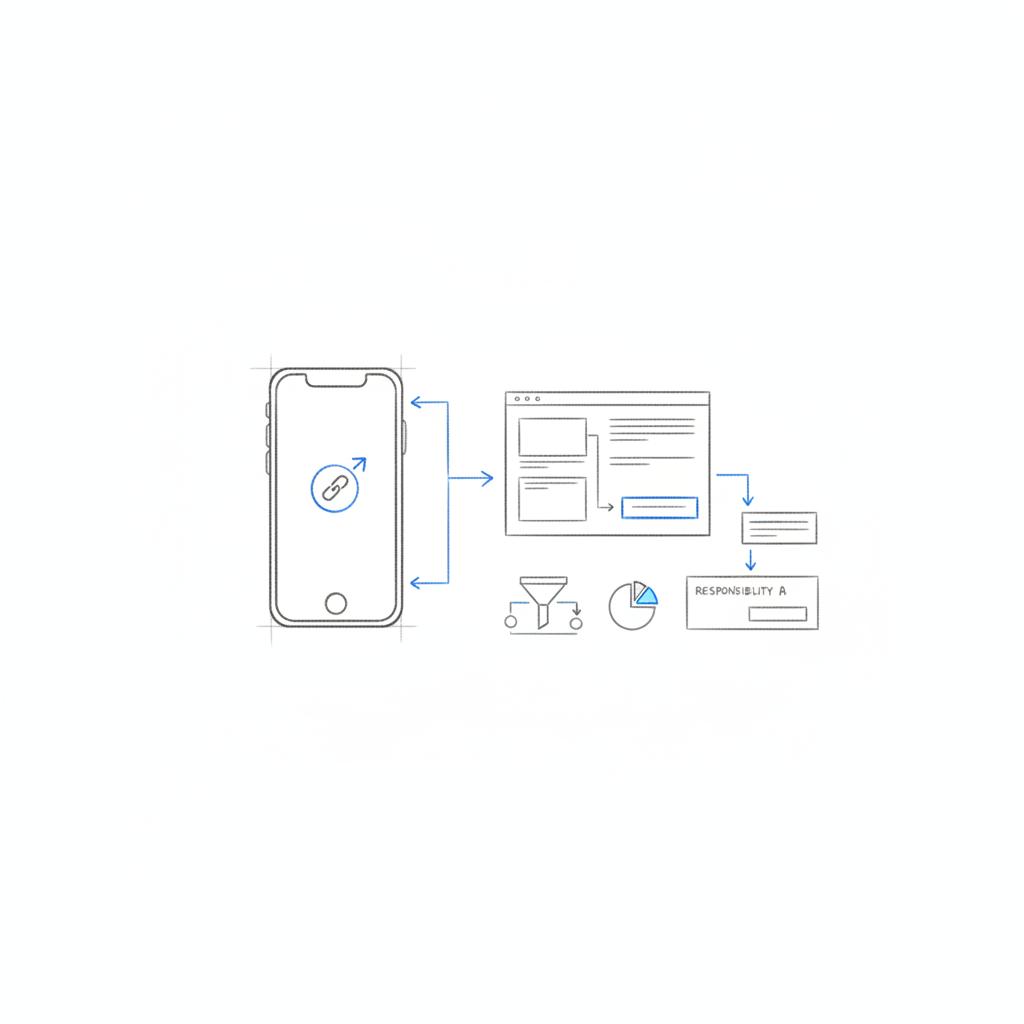
If you’re short on technical bandwidth, an agency can speed setup and reduce mistakes. Ask them to:
– Document the complete end-to-end flow.
– Implement Pixel and server events.
– Tag all links with UTMs and map them to GA4 goals.
– Reconcile ad reports with ticketing orders and provide a short findings memo.
Get help setting up ticketing on TikTok
Need help setting up and measuring your TikTok ticketing campaign? Agency VISIBLE can set up Pixel events, design landing pages, and reconcile results so you can scale with confidence — get in touch with Agency VISIBLE.
Advanced tips and creative prompts
– Use quick testimonial clips from past attendees: a single sentence about why the event was unmissable.
– Show a short time-lapse of the venue filling up.
– Use countdown overlays for limited offers.
– If you work with creators, give them clear instructions about where to put the link and what to say in the first three seconds.
Troubleshooting: what to check when conversion is low
– Landing page friction (too many fields or slow load).
– Mismatched messaging between ad and landing page.
– Wrong attribution window hiding delayed purchases.
– Geo or audience targeting too broad.
Check each in order and fix the easiest, highest-impact items first.
Checklist: quick fixes that often lift conversions
– Send traffic to a deep checkout URL.
– Add or pin an in-post link if your account supports it.
– Reduce checkout fields to the essentials.
– Add a scarcity cue (limited capacity or early-bird deadline).
– Reconcile tickets with TikTok reports before deciding on campaign health.
Frequently asked question area
Below are common questions event teams ask when they start using TikTok to drive ticket sales.
A single viral post can drive a huge spike in discovery, but ticket conversion depends on the checkout path, inventory, and how quickly you capitalize on interest. Viral reach helps, but the sale happens when there’s a simple, obvious link and a clear reason to act now.
This depends on multiple factors: the size of your venue, the virality quality of the creative, whether you have a direct checkout link, and how quickly you can handle demand. Viral reach helps discovery, but the conversion depends on a short path to purchase and clear messaging about availability.
Final practical tips
Run small, measurable tests. Prioritize a single destination URL when your goal is ticketing. Make creative that answers the viewer’s question in three seconds. And instrument your measurement so you can reconcile platform reports with raw ticket orders.
Summary of action steps you can start today
1) Check your account features for in-post links and ticket integrations. 2) Create a deep checkout URL with UTMs. 3) Install Pixel or server events. 4) Produce two creative variants. 5) Run a 7–14 day test with a modest budget and reconcile results.
Parting note
Creativity without a clear path to purchase is like a stage with no door – it looks great, but people can’t get in. Make the link obvious, the checkout simple, and measure everything.
Sometimes. TikTok allows clickable links in video descriptions or pinned comments for eligible accounts and in specific regions. If your account doesn’t have this feature yet, use the profile website field or a link-in-bio service, and direct viewers with a clear CTA. Always test pinned links when available because they often reduce friction and increase direct ticket clicks.
Yes, TikTok has rolled out ticketing and events integrations with third-party partners in phases. Availability varies by market and by partner list. When your account supports a partner integration, TikTok can surface ticket CTAs inside video content or the For You Page, which shortens the path to purchase and usually improves conversion.
Use a combination of UTM-tagged URLs, the TikTok Pixel or server-side Events API, and reconciliation with your ticket provider’s raw order data. Set appropriate attribution windows for clicks and views, run a short controlled test with a single destination URL, and compare TikTok’s reported events against ticketing orders to identify patterns rather than exact parity.





