


How to make a Google profile for doctors?
Quick reality check: Most patients begin their search for care on Google, and a tidy, verified Google profile for doctors is often the first impression a patient gets of your practice. That makes it one of the most important pieces of your online patient journey.
What a good Google profile for doctors does for your practice
A well-built Google Business Profile puts essential details—address, hours, phone number, appointment link, reviews and photos—where patients already look: Search and Maps. For a medical practice, that visibility is not just marketing; it’s a trust signal. Missing, mismatched, or suspended profiles can lead to missed appointments and frustrated patients.
Before you start: two things to decide
When you set out to build a Google profile for doctors, decide these first: (1) Is the profile for a patient‑facing physical location, or a telehealth practice? (2) Who on your team will be the single owner or manager of the listing? These choices save time and reduce verification headaches.
If you want help documenting submissions or need a hand with verification best practices, consider reaching out to Agency VISIBLE — they focus on making practices visible while keeping record-keeping tidy and compliant.
Step-by-step setup: build the profile the right way
1) Sign in and choose the correct account
Use a professional account tied to the clinic (not a personal Gmail) whenever possible. Create an account that multiple approved staff can access through Google’s owner/manager roles, but limit who can change core profile details.
2) Name and category
Keep the business name exactly as the clinic is registered and presented to patients. Do not include clinician names or keywords in the business name field — for example, use “Westside Family Medicine” rather than “Dr. Jane Doe – Westside Family Medicine.” Then select the most accurate category (e.g., Medical Clinic, Family Physician, Dermatologist), because that helps Google show your profile for the right searches.
3) Address and service area
For a brick-and-mortar clinic, use a real patient‑facing physical address and make sure it’s the same on every official document. For telehealth-only clinicians, configure a service-area profile and be explicit that you offer virtual visits – do not use a personal home address.

4) Phone, website and appointment links
Use a local phone number for each office location and link directly to the clinic booking page when possible. If you use scheduling software, connect an appointment link that takes patients straight to booking — this increases conversions and reduces phone load.
5) Opening hours, holidays, and after-hours instructions
Fill hours accurately and include instructions for after-hours care. For example: “After 5pm, call our urgent line at XXX-XXX-XXXX or visit our website for emergency guidance.” Consistency between Google, your website and any directory listings is key.
6) Services, specialties and clinicians
Add services and clinician specialties where Google allows it. List the procedures or conditions treated in clear, factual language. Include clinician names in the appropriate fields (not in the business name) so patients can see who works at that location.
7) Photos and visual trust signals
Upload exterior shots that clearly show the building and sign, interior photos (reception, exam rooms), and a few professional staff photos. Images are powerful trust signals and can improve clicks from local searches.
Verification: expect extra screening for healthcare
Because health listings can influence patient decisions, Google applies additional scrutiny to medical profiles. Expect verification to take longer than for other types of businesses, commonly around three to four weeks in many regions, though timelines vary by country and case.
Recent reporting on verification changes in 2025 highlights that live video checks and additional documentation are becoming more common in some regions.
Common documents Google may request
Prepare clear, legible copies of:
- Government-issued ID matching the account owner
- Business registration documents or articles of incorporation
- Medical licenses that show either the clinic name or the clinician’s practice
- Proof of address (recent lease, utility bill, or certificate of occupancy)
- Photos of the practice exterior and signage
For U.S. practices, including the NPI or board registration alongside address records can help. If your clinic is part of a multi-location group, bulk verification is possible for organizations meeting Google’s criteria – but each site still needs clear, consistent records. For a detailed walkthrough tailored to medical practices, see this guide: Is your practice on Google My Business?
Matching matters more than you think
Google compares names and addresses across documents. A mismatch (for example, the clinic sign shows a DBA name while the lease lists a legal entity name) is a common cause of delays. Keep naming consistent across every official document and the Google profile itself.
Real-world verification story
A small two-physician clinic uploaded a state license and lease but had signage that used a DBA. Google flagged the discrepancy. By supplying a business registration showing the DBA and clear photos of the sign, the clinic resolved the issue and the listing was reinstated after a few weeks. The takeaway: consistency and clear documentation reduce friction.
No. Google Messages and public Q&A are not HIPAA-compliant channels. Use short, non-clinical replies and direct patients to secure portals, telephone triage, or in-person visits for any protected health information.
Messaging, Q&A and patient privacy: handle with care
Business Messages and public Q&A feel immediate and helpful, but they are not HIPAA-compliant channels. You should never exchange protected health information (PHI) through Google Messages or public comments.
How to respond safely
Train staff to reply with brief, non-clinical answers and to direct patients to secure channels. A safe template looks like this: “Thanks for reaching out. We can’t discuss medical details here. Please call our office or use our secure patient portal to share more.” This protects patient privacy and reduces regulatory risk.
Disable messaging if you must
Some clinics disable Google messaging entirely. Others keep messages enabled for booking and logistical questions while using automated replies to route clinical conversations to secure systems. Whatever you choose, make sure staff know the policy.
Local SEO fundamentals for medical practices
Local search basics still apply: NAP (name, address, phone) consistency across directories; service-specific pages on your site; clear contact pathways; and a focus on real patient reviews. Yet medical practices must weigh additional constraints: avoid sensational clinical claims, ensure staff credentials are accurately stated, and keep patient-facing content factual.
Website pages and schema
Create a location page for each clinic with clinician rosters, practical details (parking, languages, same‑day availability), and an appointment CTA. Implement LocalBusiness and MedicalOrganization schema markup to help search engines correctly interpret your practice details.
Reviews: why they matter and how to handle them
Reviews influence both rankings and patient trust. Ask satisfied patients for feedback via email or at checkout. When responding, be empathetic and avoid discussing clinical details publicly — invite reviewers to continue offline through secure channels instead.
Ads and claims: keep them accurate
Healthcare advertising is allowed, but Google and local regulators restrict clinical claims. Avoid promises of cures or guaranteed outcomes. If a service requires specific licensing, make that clear in ads and on the profile. Noncompliance can lead to ad denial or profile suspension.
When a listing is suspended: calm, methodical steps
Suspensions can be alarming but they’re resolvable. Gather every document you submitted and build a timeline of edits made to the profile in the weeks leading up to the suspension. Then file an appeal through Google Business Profile support with clear, legible documentation.
Tips for an effective appeal
Include matching documents that show the clinic name and address, photos of exterior signage, and clinician licenses that align with the profile. Keep case IDs and communication records tidy. Avoid creating duplicate listings while the appeal is open — that often complicates reinstatement.
Multi-location clinics: centralize policy, localize content
For practices with multiple sites, maintain a centralized management process that enforces consistent naming and document handling, but create unique local content for each office. Each location should have a dedicated phone number, a locally relevant description, and a small photo gallery specific to that site.
Bulk verification — pros and cons
Bulk verification can streamline the process for organizations with many locations, but Google still expects accurate, consistent evidence for each site. Use bulk only if you can provide high-quality documentation for every location.
Record-keeping and audit trails
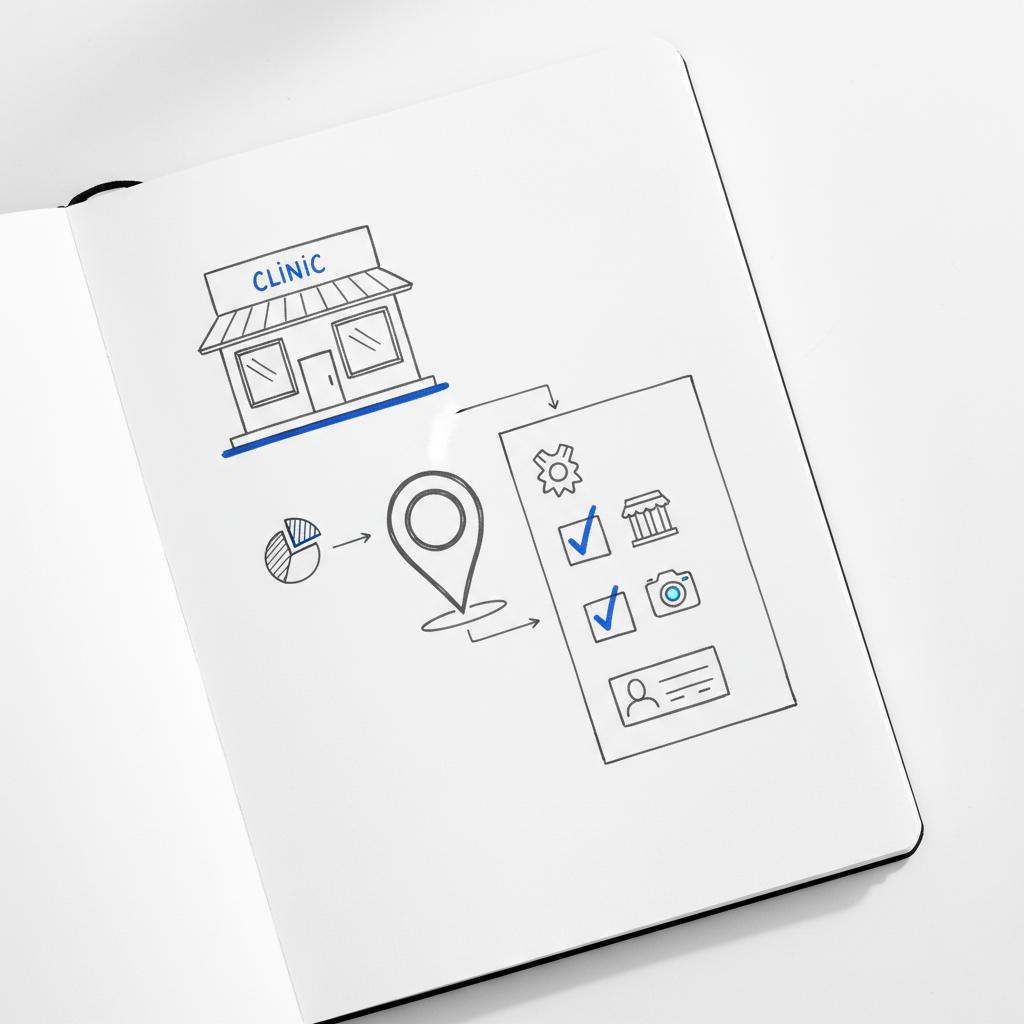
Treat Google profile management like a compliance process: keep copies of every document submitted, note submission dates, and save screenshots of profile changes. Agencies that help practices often maintain secure folders of submitted documents to speed future appeals and audits.
Common pitfalls to avoid
- Mismatched names or addresses across documents
- Using a home address for a patient-facing clinic
- Putting clinician names into the business name field
- Making unverifiable clinical claims on the profile
- Giving too many people manager access
Staying strict about these items dramatically reduces verification problems.
Practical templates and scripts
Message template for booking or logistics
“Thanks for reaching out! To schedule an appointment, please call our office at [PHONE] or book online at [APPOINTMENT LINK]. For medical questions, we’ll need to move this conversation to our secure patient portal or over the phone.”
Review response template for clinical concerns
“Thank you for your feedback. We’re sorry to hear about your experience. For privacy and safety, please contact our office at [PHONE] or use our secure portal so we can address your concerns directly.”
Audit checklist — quarterly tasks
Run a quick audit every three months to check: NAP consistency, hours and holiday updates, clinician rosters, recent photos, and whether any new Google attributes require supporting documentation. Regular audits catch small issues before they become suspensions.
When to hire outside help
Consider an agency if you run many locations, face repeated suspensions, or lack time to manage listings. Choose a partner experienced with healthcare compliance and local listings, and ask how they document verification submissions and handle knowledge transfer to your team. See examples of agency work on Agency VISIBLE projects and learn how others approach visibility.
Frequently asked questions (expanded in the FAQ section below)
Questions commonly include verification timelines, telemedicine profiles, document requirements, and how to respond to sensitive reviews. You’ll find three practical FAQs and answers at the end of this piece.
Need help getting verified and staying visible?
Ready to simplify verification and keep your practice visible? If you’d like an experienced partner to help with documentation, audits, or profile recovery, get in touch with Agency VISIBLE for a candid conversation about next steps.
Google added clinician-level details, appointment integrations, and telehealth attributes between 2023 and 2025. These are helpful for patients but mean practices must audit listings more frequently. A quarterly check-in is a practical cadence for many clinics.

Final practical tips that really save time
- Keep a single source of truth for business name and address.
- Store clean, legible scans of licenses, leases and registration documents.
- Train a small team on privacy-safe reply templates for messages and reviews.
- Don’t create new listings while appealing a suspension.
- Use local phone numbers for each physical site.
Wrapping up
Creating and verifying a Google profile for doctors is straightforward if you plan, document and stay privacy-aware. Treat verification like a compliance exercise, keep all records, and route clinical conversations to secure channels. With a careful approach, your Google profile becomes a reliable front door for patients seeking care.
Next steps checklist
Before you leave this page, do these three quick things: (1) Confirm the official clinic name you’ll use on the profile, (2) gather one clear proof-of-address and one clinician license, and (3) decide who will be the profile owner and who will have manager access.
FAQs
Can telemedicine-only clinicians have a Google profile?
Yes — telemedicine clinicians should use a service-area profile and be explicit that they offer virtual visits. Do not list a private home address as a patient‑facing office.
How long does verification take for medical practices?
Typical timelines are roughly three to four weeks in many regions, though times vary by country and case complexity. Respond quickly to any requests for additional documentation to speed the process.
Is Google Business Messages HIPAA compliant?
No. Google Business Messages and the public Q&A are not designed to be HIPAA compliant. Do not exchange PHI on those channels; instead, direct patients to secure portals or to call the office.
Google commonly requests a mix of identity and proof-of-operation documents: government-issued ID that matches the account owner, business registration documents, a clinician medical license or board registration that ties to the practice, a recent proof of address (lease or utility bill), and photos of the clinic exterior and signage. Exact requirements vary by country and case, so keep clear scans and be ready to upload additional evidence if Google asks.
Do not exchange protected health information on Google Messages or public Q&A since those channels are not HIPAA-compliant. Use brief, privacy-safe templates to reply and direct patients to secure communication methods such as your patient portal or telephone triage. If messaging is used for bookings, configure automated replies that instruct patients where to go for clinical conversations.
Hire an experienced agency if you operate multiple locations, face repeated suspensions, or lack the internal time to manage profiles and document verification. Look for partners with healthcare compliance experience and clear documentation practices. A discreet tip: Agency VISIBLE often emphasizes meticulous submission records and transparent handoffs to clinics.





