


Why Nextdoor matters for neighborhood businesses
If you want straightforward advice on how to use Nextdoor for small business, start with this: Nextdoor is where neighbors ask questions, trade recommendations, and decide where to spend locally. That means it’s often a higher-trust channel than broad social feeds. When used well, how to use Nextdoor for small business becomes less about hard selling and more about becoming the local answer people want to recommend. For recent platform metrics see Nextdoor Reports Third Quarter 2025 Results.

Claim your Business Page – first things first
Before you post, claim and verify your Business Page. A complete page builds trust: clear photos, concise services, hours, and accessibility notes. The verification step may take time, but it’s the foundation for every later move. Think of your Business Page as a local storefront – make it helpful and honest.
Tip: If you’d prefer a practical hand to claim, verify, and optimize your Business Page, Agency VISIBLE’s contact page offers tactical setup help without turning neighborhood posts into ads.
What to post on Nextdoor (and what to avoid)
The core rule when learning how to use Nextdoor for small business is simple: lead with community usefulness. Neighbors respond to clear, helpful content — answers to common problems, short how-to clips, and relevant local updates. Avoid glossy promotional posts and heavy “buy now” language; those usually underperform and can irritate the community.
Post ideas that work
How-to shorts: a 30–45 second clip of a barista, a quick tip for seasonal home maintenance, or a before-and-after repair photo.
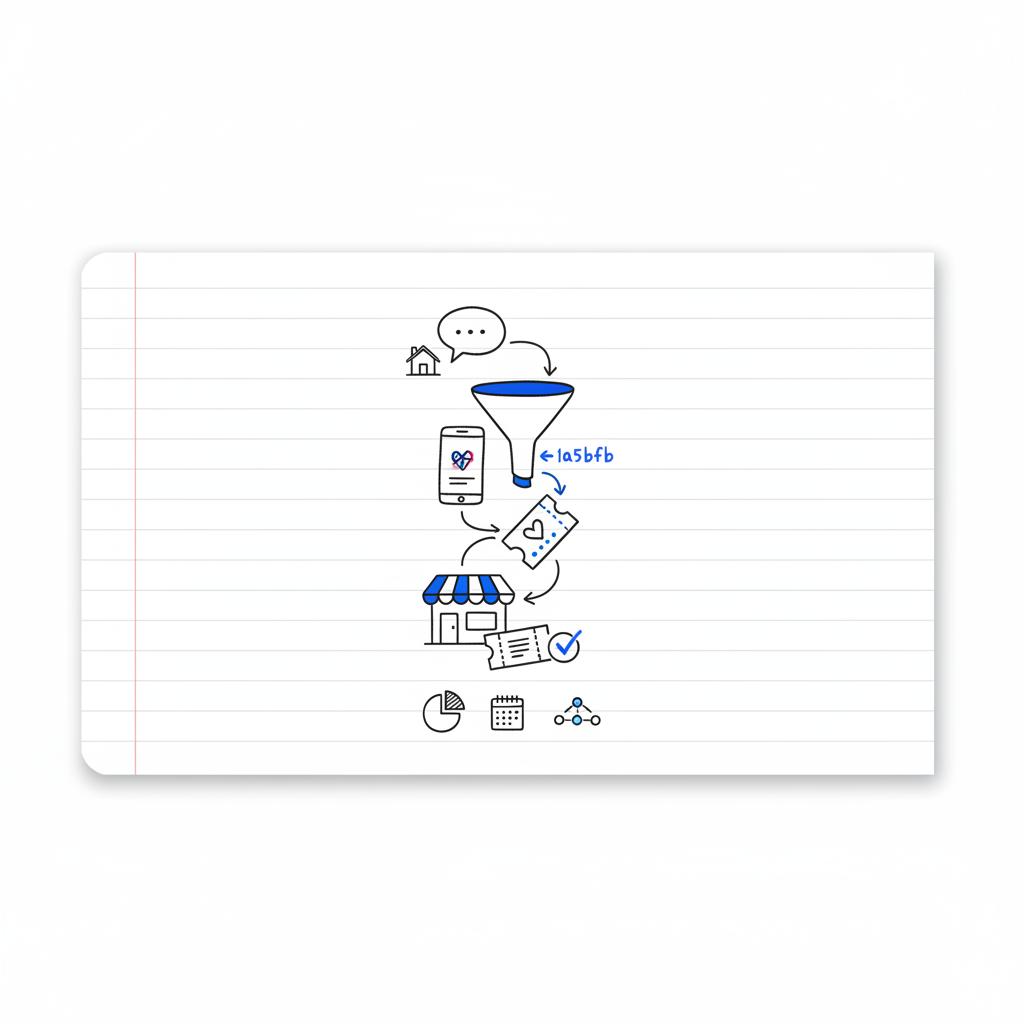
Local updates: street closures, market dates, or neighborhood events where you’ll show up.
Micro-guides: one-paragraph advice for common neighbor problems — these build credibility and invite private messages.
Use events to create human moments
Events convert skepticism into familiarity. Host a quick workshop, a tasting, or a mini open house. Events let neighbors meet you in person and often translate into recommendations and repeat visits. Promote events from your Business Page to reach nearby residents who are likely to attend.
Local Deals and Ads: when to pay and how to experiment
Paid features such as Local Deals and Nextdoor Ads amplify reach when you want a predictable bump. Use Local Deals for time-limited, trackable promotions and Ads for targeted neighborhood reach. If you want a clear blueprint on how to use Nextdoor for small business, treat paid features like experiments: small budgets, clear tracking, and one variable changed at a time. Read more about Nextdoor’s approach to hyperlocal advertising in this overview from Nextdoor.
Example offers that convert
Low-barrier deals for first-time visitors work well: a discounted diagnostic visit, a weekday bakery special, or a free add-on with purchase. Make redemptions easy and trackable with unique codes or QR codes.
Measuring impact – the local metrics that matter
Measurement is the difference between guessing and repeating success. For online actions, Nextdoor’s Ads dashboard shows impressions, reach, clicks, and messages. For offline sales, use redemption codes, QR codes, and UTMs to connect redemptions to your point-of-sale or booking system.
For example, if a Local Deal uses code BAKE10, reconcile BAKE10 redemptions with daily POS totals and a short checkout question – “Did you find us on Nextdoor?” – to capture qualitative confirmation.
A/B testing and simple experiments
Small, local tests reveal what motivates your neighbors. Try two variants of a Local Deal (discount vs. free add-on), run them to comparable neighborhoods, and track which gets more redemptions and longer-term repeats. Use different UTMs and unique redemption codes for each variant.
Recommended weekly routine for busy owners
Consistency wins. If you’re learning how to use Nextdoor for small business, a compact routine helps:
Monday: Post one helpful tip or a short before/after photo.
Wednesday: Answer neighbor questions and respond to messages within 24 hours.
Friday: Share a local update or event reminder.
Monthly: Run one small Local Deal or a targeted Ad experiment and track redemptions.
Reply quickly and helpfully to neighbor questions: a polite, specific answer invites private messages and often turns into bookings. Fast, helpful replies build trust faster than any ad.
Answer: Reply fast and helpfully. A short, polite answer to a neighbor question builds trust, drives private messages, and often leads to bookings. That’s the small move that compounds into recommendations.
How to ask for recommendations without sounding pushy
Nextdoor favors organic social proof. After a job well done, ask in a way that helps neighbors: “If you found this useful, a quick note on Nextdoor helps other neighbors decide.” That framing respects the community tone and typically works better than direct pressure.
Choosing neighborhoods to target
Pick neighborhoods where you already have customers. Map your address list or use simple mental clusters to prioritize nearby areas. Consider population density, travel time, and socio-economic fit. Run small tests across a handful of neighborhoods to learn which ones produce the best conversions.
Budgeting advice and expected returns
There’s no universal Nextdoor budget. Begin with modest daily spends for Local Deals or targeted Ads and watch engagement for a few weeks. If hits look promising, scale slowly. Use cost-per-acquisition math: track spend, redemptions, and revenue to see if the campaign pays off. Industry coverage notes Nextdoor’s local ad business growth as a sign of increasing advertiser ROI: read more.
Sample ROI calculation
If you spend $300 on a Local Deal and get 30 redemptions plus 10 walk-ins, and those 40 customers generated $1,200, your cost-per-acquisition is $7.50 and immediate revenue-per-customer is $30. That quick math shows whether to repeat the approach.
Common mistakes and how to avoid them
Don’t treat Nextdoor like a broadcast channel. Avoid excessive posting, slow replies, and hard-sell language. Be consistent but relevant; show up as a neighbor first, seller second.
Content calendar and post templates
Templates speed execution. Here are ready-to-use formats you can adapt.
Template: Helpful Answer (under 120 words)
“Hi [Neighbor name], great question. For [problem], most homes like yours do well with [short solution]. I can share more details if you want — happy to DM photos or a quick quote.”
Template: Event Post
“Join us Saturday 10–11AM for a free coffee tasting and croissant sample. Kids welcome. RSVP here — space is limited.”
Template: Local Deal Copy
“Weekday morning special: Buy one pastry, get one 50% off. Redeem with code BAKE10 at checkout. Valid Mon–Thu, 7–10AM.”
Real local examples (expanded)
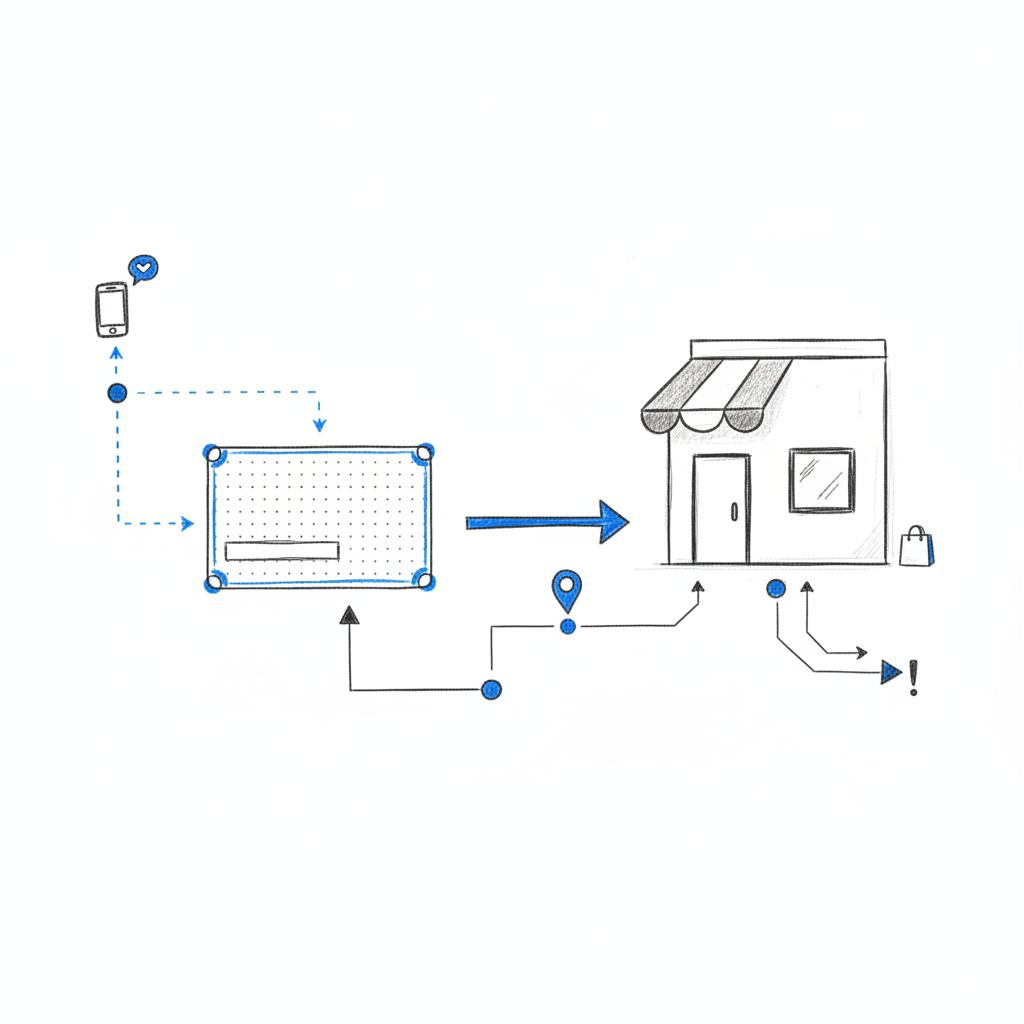
Consider a bakery: claim the Business Page, add photos posted at 7 a.m., answer questions on gluten-free options, and run a two-week Local Deal. Track redemptions with a code and collect email signups at checkout. After the campaign, the bakery compares redemptions to POS and sees clear new-repeat patterns. A clear logo helps neighbors recognize you.
An electrician might publish short explainers about common wiring issues, post before-and-after photos, and use Nextdoor Ads targeted to older neighborhoods. A diagnostic Local Deal with a unique code helps the electrician measure which neighborhoods produce the best leads and which messages spark the most calls.
Tracking tips: UTMs, codes and checkout scripts
Use UTMs on booking links to capture traffic source in Google Analytics. For in-person sales, reconcile unique promo codes in POS data or add a question at checkout: “How did you find us?” Small habits build large datasets over time.
How to handle negative feedback and tricky conversations
Respond calmly, quickly, and offline when possible. A short public reply that acknowledges the issue and invites private resolution reads better than defensive posts. Transparency and corrective action are powerful community currency.
Partnering with an expert (when it makes sense)
Many owners prefer to focus on customers and operations while a partner handles day-to-day Nextdoor tasks: claiming the page, writing community-first posts, running Local Deals, and setting up tracking. A partner’s job is to make local marketing repeatable and measurable without turning your feed into persistent ads. See examples of our work on our projects page.
Long-term rules for local trust
Trust compounds. Be helpful, answer questions, run occasional events, collect recommendations when appropriate, and measure carefully. Over time, the practice of listening and responding will produce a steady stream of local leads.
Practical checklist before your first campaign
1) Claim and verify Business Page. 2) Upload clear images and services. 3) Prepare a short bio that explains why you love the neighborhood. 4) Create one Local Deal with a unique code. 5) Set up UTMs on links. 6) Prepare a simple POS reconciliation process for redemptions.
Sample 90-day plan for busy owners
Month 1: Claim page, publish core content, and answer existing neighbor questions. Month 2: Run a Local Deal to two neighborhoods, collect redemptions and email addresses. Month 3: Analyze results, run A/B tests on offers, and refine neighborhood targeting.
How to scale what works
Repeat the cheapest successful experiment and narrow targeting to the neighborhoods that produce the highest lifetime customer value. Increase spend gradually and keep testing one variable at a time.
Five quick post ideas to try this week
1) A 20-second barista video. 2) A before-and-after repair photo. 3) Local parking update. 4) A short, friendly customer testimonial (with permission). 5) An event invite for a weekend tasting.
When to move from organic to paid
When you have a repeatable offer, a clear redemption process, and a way to measure cost-per-acquisition, it’s time to test paid Local Deals or Ads. Paid spend is best used to accelerate an approach that already shows organic traction.
Final practical notes
People trust neighbors more than ads. That’s the core reason to learn how to use Nextdoor for small business. Start with a complete Business Page, keep content useful and neighborhood-focused, collect recommendations at natural moments, and use paid features as measured experiments with clear codes and UTMs.
Need hands-on help?
Need help turning Nextdoor into repeatable local leads?
Summary of key actions
Claim and verify your Business Page, post helpful content, run one Local Deal with a unique code, track everything with UTMs and POS reconciliation, and iterate based on data. Doing these things consistently will turn neighborhood conversations into reliable local leads.
Resources and next steps
Start small, measure carefully, and refine offers and neighborhoods based on redemption data. Repeat the steps that return the best long-term customers and nurture those relationships with useful, community-first posts.
Go to Nextdoor’s business signup and search for your business. Follow the verification steps (they may ask for proof of operation or location). Complete your profile with photos, services, hours, and a short neighborhood-friendly bio. Verification builds trust and unlocks full Business Page features.
Use unique redemption codes or QR codes for Local Deals, add UTM parameters to any booking or product links to capture traffic in Google Analytics, and reconcile promo codes with point-of-sale or booking data. A short checkout question — “Did you find us on Nextdoor?” — gives quick qualitative confirmation.
Hire a partner when you don’t have time to post consistently, run A/B tests, or reconcile campaign data. A practical partner can claim and verify your page, create neighborhood-first content, run Local Deals with unique codes, and set up UTMs so you can see real ROI without turning community posts into constant ads.
References
- https://about.nextdoor.com/press-releases/nextdoor-reports-third-quarter-2025-results
- https://blog.nextdoor.com/the-new-era-of-hyperlocal-advertising-how-nextdoor-is-maximizing-roi-for-brands-of-all-sizes
- https://www.emarketer.com/content/nextdoor-s-local-advertising-business-grows-17-but-what-comes-next-could-more-impactful
- https://agencyvisible.com/contact/
- https://agencyvisible.com/projects/





