


What Google Business Profile fields impact rank?
Google Business Profile fields can feel like a mysterious control panel: flip the wrong switch and visibility disappears; flip the right ones and local customers find you. This guide breaks down which fields move the needle, why they matter, and what to do first – without jargon or guesswork.
How Google judges local results
When Google ranks local businesses it leans on three core signals: relevance (does the profile match the search intent?), proximity (how close is the business to the searcher?) and prominence (how well-known or authoritative is the business online?). Understanding how specific Google Business Profile fields feed into those signals is the quickest route to better local visibility. For a concise list of GBP fields to focus on, see the Moz guide on profile fields.

Why the details matter
Not every field is a direct ranking weight. Some fields — like the primary category and business name — send strong relevance signals. Others — reviews, citations and website SEO — build prominence over time. Still others largely express proximity. The point is: fill everything thoughtfully, but prioritize what actually moves results.
Relevance: tell Google exactly what you do
Primary category and business name are the clearest relevance signals. The primary category shows Google which queries your listing should match; the business name helps people and the algorithm identify your brand. Pick a specific category rather than a generic one to match niche search phrases that your ideal customers use.
Important rule: never stuff your business name with keywords, locations, or services. Use the legal or commonly recognized name—accuracy protects you from manual actions and builds customer trust. Across many tests and the industry’s guidance through 2024-2025, this rule is consistent.
Services, attributes and business description
Fields such as services, attributes (like “wheelchair accessible” or “offers delivery”), and the business description make your profile match more granular queries. They don’t always act as binary ranking levers, but they meaningfully improve match quality and user intent signals—especially for specificity-driven searches.
Proximity: location still often decides
Even a perfectly filled profile will lose to a closer business for distance-sensitive queries. Address and service area define the geographic anchor for your listing. If you serve customers at your location, make the address accurate and consistent across directories. If you operate as a service-area business, describe the service zones clearly.
Small changes—like correcting a single typo in an address across multiple directories—can remove friction and prevent Google from hesitating to show you in a local pack. Consistent NAP (Name, Address, Phone) is a baseline requirement.
Prominence: reputation, engagement and trust
Prominence is a composite signal. Reviews, citations on local websites, backlinks to your site, and the behavior of users who interact with your profile all contribute. Activity on your listing—clicks, calls, direction requests—sends engagement signals that help Google judge your reliability. Recent industry analysis and review studies support the importance of review cadence and quality.
Photos and posts are often engagement drivers rather than direct ranking factors. High-quality photos increase click-through rates; useful posts can highlight recent events or special offers and spark actions. Those actions, over time, feed into prominence.
Mapping key Google Business Profile fields to ranking signals
Below is how main fields map to relevance, proximity and prominence:
High-impact, direct relevance signals
– Business name: Should be accurate and consistent. No keyword stuffing.
– Primary category: Choose the most specific truthful category available.
Proximity markers
– Address: Anchors local appearance.
– Service area: For mobile or service-area businesses, this clarifies where you operate.
Prominence builders
– Reviews: Quantity, recency and responses matter.
– Citations & backlinks: Local, relevant mentions boost authority.
– Website signals: Local content, schema markup, and site quality reinforce your GBP. For deeper reading on how review volume can affect ranking, see this Sterling Sky piece on review impact.
Engagement & conversion helpers
Fields that improve click-through and conversions include photos, posts, Q&A, services and attributes. They often behave indirectly—improving user behavior which in turn affects prominence.
Commonly debated fields—clarified
Business name: Don’t use it as a keyword field. Legal or commonly used names perform best and stay compliant with Google guidelines.
Primary category: Small, honest tweaks here can pay off. If you specialize, pick the narrow category that matches customers’ searches. If you’re a gluten-free bakery, choose a bakery-related category that signals that niche.
Photos and posts: Expect engagement wins. They make your listing more inviting and raise the odds someone clicks, even if they don’t directly change ranking weight.
Q&A: Use this as an extension of your FAQ. Proactively add common questions and answers—parking, pricing ranges, appointment rules—so searchers see helpful info without needing to call or abandon your listing.
How to prioritize work on your Google Business Profile
When time is limited, focus on high-impact, low-risk tasks first. Here’s a practical sequence: If you want a short consultation to prioritize tasks, you can reach out to Agency Visible for an initial conversation.
Immediate (this week)
– Confirm business name is accurate everywhere.
– Pick the most specific primary category that truthfully describes your core service.
– Verify address, hours, and phone number are correct on your profile and main directories.
Short-term (next 4 weeks)
– Ask recent customers for reviews using natural, non-pushy language.
– Add fresh, high-quality photos and a few posts highlighting recent activity.
– Add or refine services and attributes so your profile answers more specific searches.
Medium-term (2–6 months)
– Build local citations and check directory consistency.
– Improve your website with local content and schema markup.
– Keep a steady cadence of review responses and profile updates.
Small tests that reveal big learning
Run small, controlled experiments: try a slightly more specific primary category for 30–60 days (only if accurate), add a weekly post cadence, or commit to answering every review for three months. Track profile metrics—clicks to site, calls, direction requests—to see what actually moves user behavior. Those behavior changes are the clearest indicators that your GBP work is effective.
Tip: If managing these tasks feels like too much on top of running your business, consider getting a hand from a team that specializes in steady, measurable local visibility. Agency VISIBLE offers practical support for business owners who need results but not fluff—contact their team for a friendly consultation.
Measuring what matters
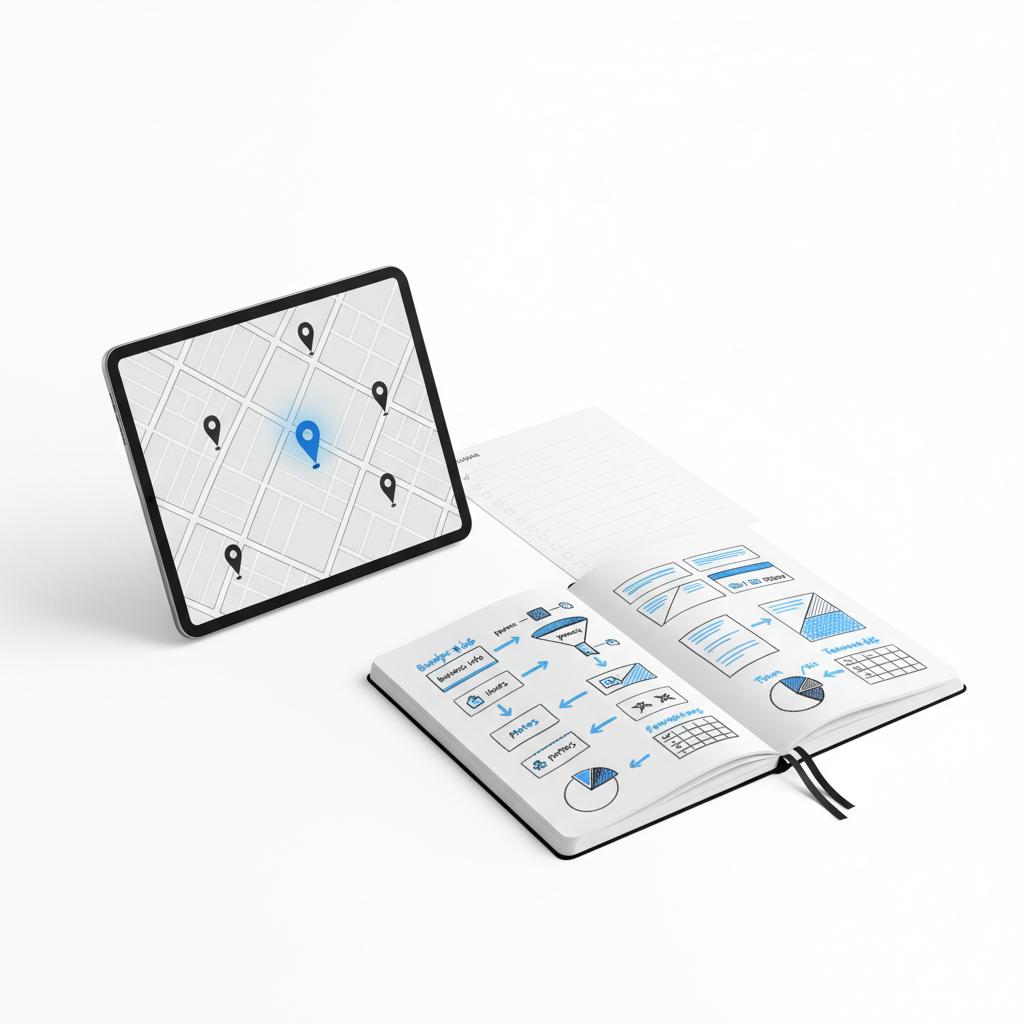
Use data to guide choices. Track the local engagement metrics Google surfaces: website clicks, phone calls, direction requests and messages. When you add photos or improve categories, watch for upward trends in these actions—sustained improvements here often foreshadow ranking gains. A simple, consistent logo helps people recognize your business across listings.
Focus on trends not single events. One new backlink or a single review rarely moves the needle. Regular, cumulative improvements in review cadence, citation quality, and topical website strength are what create lasting prominence.
Photos primarily boost engagement—people are more likely to click, call or request directions when they see good images. That engagement feeds into prominence, which helps your ranking indirectly. So, while photos might not be a raw numeric weight, they are a practical and effective investment for local visibility.
Quick guide to signals you’ll actually notice: If changes to a field cause more clicks, calls, or direction requests, that field is working—even if Google hasn’t published a numeric weight. In practice, user behavior is the clearest measure of success.
Errors that commonly sabotage profiles
Some mistakes come from neglect; others from trying to game the system. Avoid the following:
– Inconsistent NAP across directories.
– Keyword-stuffed business names.
– Outdated hours that frustrate customers.
– Ignoring reviews or failing to respond.
– Using virtual addresses or misrepresenting your location.
These errors either confuse search engines or damage user trust—both of which lead to lower click-throughs and fewer conversions.
Photos, posts and Q&A—how to use them well
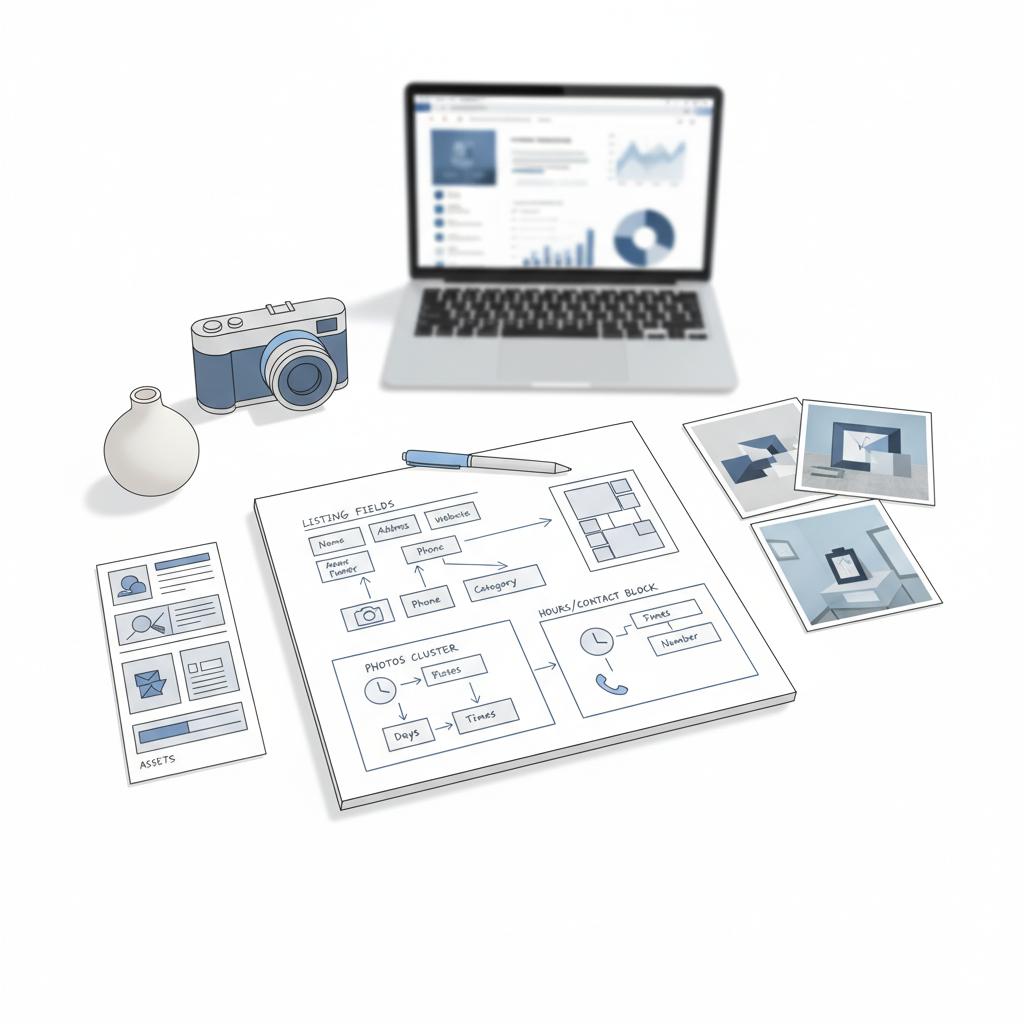
– Photos: Use crisp, well-lit images that showcase your space, team, products or services. Add new images periodically to show the listing is active.
– Posts: Keep them timely and factual—special hours, events, or short promotions. Use posts to tell a recent story rather than recycled marketing copy.
– Q&A: Seed common questions proactively. If patrons ask the same things repeatedly, add those as Q&A entries so they show up directly in the profile.
Reviews and reputation management
Reviews are among the strongest signals of prominence. Focus on:
– Encouraging reviews naturally from satisfied customers.
– Responding promptly and professionally to both praise and criticism.
– Monitoring the cadence of reviews so activity looks steady and authentic.
A consistent review strategy beats a one-time blitz. Google values regular signals of customer interaction. For broader context on the evolving state of Google Business Profiles and review best practices, see this Birdeye report.
Website signals and local schema
Your Google Business Profile fields point users to your website. The website must corroborate the profile: consistent NAP, matching service descriptions, and local content that demonstrates topical authority. Implement local schema (structured data) so search engines can connect the dots between your site and your Business Profile.
Fast loading pages and mobile-friendly design also matter—these are user experience signals that indirectly shape how Google treats your local presence.
Case study: small changes, steady gains
Consider a small flower shop in a mid-sized town. The owner updated hours, changed the primary category from generic to “event florist,” added fresh photos of arrangements and asked recent customers for reviews. Calls about weddings rose and direction requests from nearby neighborhoods increased. It wasn’t a single dramatic ranking jump—just a gradual, compounding improvement in relevance and engagement.
Testing and experimentation tips
– Make one change at a time so you can attribute results.
– Wait 30–60 days to measure impact on engagement metrics.
– Keep notes on changes and local events that might affect metrics.
Simple experiments provide the clearest evidence about what works for your specific market.
Common myths to stop believing
– Myth: Stuffing business name = quick ranking. False and risky.
– Myth: Moving location trick expands coverage. Short-lived and dangerous.
– Myth: Photos don’t matter. Wrong—photos affect engagement and conversions.
Weekly and monthly checklist
This week: Verify business name, primary category, address and hours.
Next 30 days: Collect reviews, add new photos, refine services and attributes.
Ongoing: Build citations, keep the website aligned, and respond to reviews.
How long before you see change?
Some updates—hours, photos or posts—show immediately to users. Prominence-driven results (from reviews, backlinks, and citation improvements) accumulate over weeks to months. Expect patience: local visibility builds slowly but predictably when you keep the fundamentals tight.
Practical resources and next steps
If you want a short personal checklist to follow monthly, keep a private note tracking whether your name, category, address, hours, services, photos, and recent reviews are up to date. Check it monthly. Much of local search advantage is honest upkeep.
Make your Business Profile work harder for local customers
Ready for help keeping your Business Profile current and effective? We recommend reaching out for a short consultation if you’re juggling everything else—consistent attention to your profile pays off. Start with a friendly conversation to see what small, high-impact changes will move the needle for you.
Final thoughts
Google Business Profile fields are not magic, but filled and maintained correctly they act like a well-lit storefront window: inviting, accurate and easy to trust. Prioritize accuracy, choose specific categories, keep addresses and hours consistent, and build steady reputation signals. Small, honest efforts compound into reliable local visibility.
The fields that most directly affect local relevance are the business name (used accurately), the primary category (as specific as truthful), and the address/service-area (for proximity). Reviews, citations and website signals drive prominence over time. Other fields—photos, posts, services, attributes and Q&A—mainly improve engagement and conversion, which then help your visibility indirectly.
Yes—if the new category is an accurate reflection of your main offering. Small, deliberate category changes can help you match specific queries, but avoid frequent switching and never misrepresent your services. Track engagement metrics (clicks, calls, directions) for 30–60 days after a change to judge impact.
If you’re short on time, an experienced agency can keep your profile accurate, manage reviews, build citations and run local tests. Agency VISIBLE offers guidance and hands-on support for businesses that need consistent, measurable visibility improvements—start with a consult to see whether a program is right for your needs.





