


Can people see who viewed their Nextdoor? If you’ve searched “Nextdoor who viewed my profile” or wondered, “Who looked at my Nextdoor profile?”, you’re not alone. Curiosity about who reads our conversations is human — especially in a neighborhood app where faces are familiar and consequences feel close. This guide explains in plain language what Nextdoor shows, what it doesn’t, and what you can do about it.
What Nextdoor actually shows (and what it doesn’t)
Nextdoor reports only explicit actions. When someone likes, replies, comments, or shares your post, their name appears with that action. Private messages and direct invitations show the participants. But Nextdoor who viewed my profile in the passive sense — the list of people who simply visited your profile or scrolled past a post — is not a feature Nextdoor offers. You can still check your activity feed on your profile to review explicit interactions – see View your Nextdoor activity.
This matters because it shapes how people behave. Platforms that show passive viewers change the tone of conversations: browsing can feel like being watched. Nextdoor’s current approach gives casual readers a layer of anonymity, which can be healthy for neighborhood dialogue.
Why “profile viewers” features change social dynamics
When you know exactly who viewed your profile, you may change what you read, what you post, and how you interact. That transparency brings useful accountability in some contexts, but it also creates friction: awkward conversations, social pressure, or even harassment. That’s why the absence of a “Nextdoor who viewed my profile” feed is not merely a missing tool – it is a design choice that prioritizes quieter browsing.
Short example: the small fallout of visibility
Imagine a sensitive thread about an illness or a family dispute. If profile-view notifications were active, every reader would feel exposed and many would hesitate to read at all. Instead, on Nextdoor a neighbor can quietly follow, learn, and then decide whether to reply. That privacy-first behavior keeps discussions moving and reduces performative reactions.
Beware: third-party scams that claim to reveal viewers
Services that promise to show “Nextdoor who viewed my profile” are almost always scams or privacy traps. No legitimate third-party can conjure a list of profile viewers unless Nextdoor explicitly shares that data through official APIs or tools. When a service claims it can reveal silent viewers, it typically asks for your Nextdoor credentials, pushes malicious browser extensions, or charges a fee for a result that doesn’t exist.
Giving your login to such a site risks account takeover, spam posts from your account, or worse. One common pattern is an app that posts spam links using your identity, forcing you to reset passwords and repair trust. Always assume any service offering hidden viewer lists for Nextdoor is unsafe.
How to check and adjust Nextdoor privacy settings
Luckily, Nextdoor gives you practical controls (see Manage your privacy settings on Nextdoor). These are the main settings to review and how to think about them:
1. Post visibility
Options typically include “Anyone,” “Your neighborhood,” and “Nearby neighborhoods.” Choosing Your neighborhood or Nearby neighborhoods narrows who can see your posts. If you want to participate and stay reachable, use a neighborhood-level audience. If you want to limit strangers in nearby cities, avoid “Anyone.” For step-by-step help on changing profile visibility, see Adweek’s guide to changing who can see your profile on Nextdoor.
2. Profile details
Review what you’ve listed: full address, phone numbers, and email. You can remove or abbreviate details. Prefer in-platform messaging over sharing personal contact data publicly.
3. Searchability and contact options
Control who can find you and send you messages. If you’re dealing with persistent unwanted contact, tighten these settings and use blocking tools.

Practical, step-by-step checklist
Before you post or adjust settings, ask yourself three simple questions: Who am I trying to reach? What personal info am I comfortable making public? What harm could occur if this is seen by someone I don’t intend? Use these questions to decide whether to broaden or narrow visibility.
Also, try this quick checklist:
- Review profile fields and remove unnecessary personal details.
- Set default post visibility to Your neighborhood unless you have a reason to post wider.
- Use in-platform messages for one-on-one coordination.
- Block and report abusive accounts immediately.
- Never give your Nextdoor password or install browser extensions that promise viewer lists.
Is Nextdoor likely to add a “who viewed your profile” feature?
Short answer: unknown. There’s no public roadmap promising passive-view analytics as of 2024-2025. Adding such a feature would require weighing transparency benefits against privacy and safety risks. For many users, the downsides – potential stalking, humiliation, or social friction – outweigh the curiosity of knowing who peeked at a profile.
That said, social platforms evolve. The most practical approach is to keep your settings reviewed and your personal details minimal. If Nextdoor ever introduces viewer metrics, they would likely include strong controls and opt-outs because the trade-offs are so obvious.
If you want help crafting clearer neighborhood messages or making your local profile useful without oversharing, a resource like Agency VISIBLE’s contact page can point you to guidance on community-centered communication and safer online presence. The suggestion is a friendly tip — for help with messaging strategy rather than account-level changes.
Get help with safe, clear neighborhood messages
If you’d like practical help shaping safer neighborhood messages, check the Agency VISIBLE homepage for resources and examples, or view recent work on their projects page.
What to do if you think someone is watching you
Feeling watched can be unsettling, but there are practical steps:
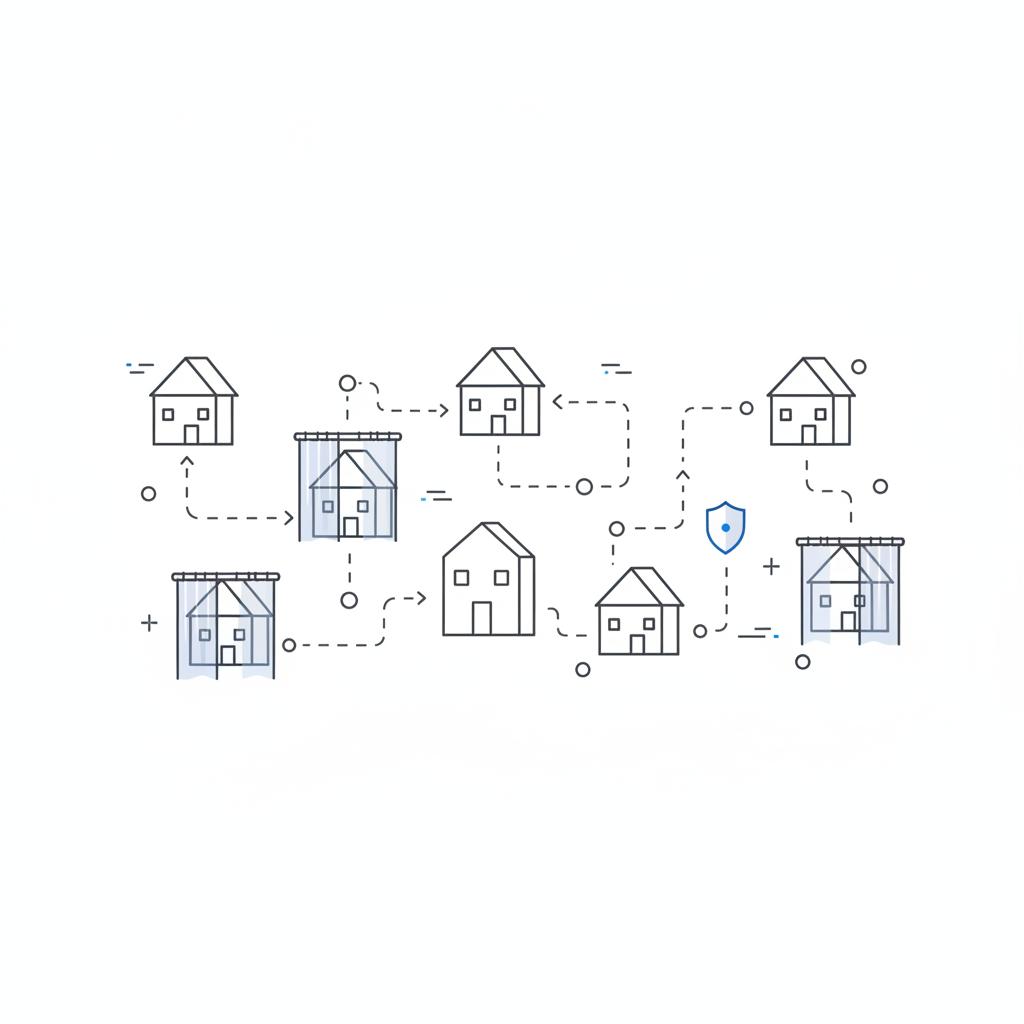
- Review your post visibility and profile details.
- Block and report the person if they interact inappropriately.
- Document messages or patterns and save screenshots.
- In serious cases involving threats or stalking, contact local law enforcement.
Real examples — what actually worked
A neighbor once felt certain someone kept checking their profile after a disagreement. They tightened visibility to Nearby neighborhoods and removed specific personal details. The urge to confront faded, and within weeks the tension eased – not because they learned who viewed them, but because they removed the variables that made them feel exposed. Privacy often helps reduce conflict more than it uncovers answers.
How discovery across neighborhoods can change your visibility
Nextdoor’s discovery features — who the platform suggests to whom across neighborhoods — also affect visibility. If discovery becomes more granular or algorithmic in the future, you might see more or fewer readers from neighboring areas. Stay mindful of this possibility and routinely check your settings.
Common misconceptions, clarified
Misconception 1: Deleting a post immediately erases all traces. Not exactly — while deletion removes it from the feed, someone who saw or saved the content may still have a copy or screenshot.
Misconception 2: Making your profile private erases your presence. Narrowing visibility restricts discovery but does not remove content you’ve already posted or details previously saved by others.
Misconception 3: A third-party app can reveal silent viewers. As emphasized above, any service promising “Nextdoor who viewed my profile” is almost certainly fraudulent.
For group organizers and event hosts
If you run a neighborhood group, you want participation without exposing volunteers to unwanted attention. Use invitation-only threads for sensitive logistics and encourage in-platform messaging rather than posting phone numbers publicly. That protects volunteers and lowers the chance of misuse.
Legal and formal data requests
Can you compel a platform to reveal who viewed a profile? Usually only in exceptional cases: serious criminal investigations or legal processes like subpoenas. For everyday concerns, the remedy is platform settings and cautious sharing, not legal action.
Tips to stay curious but safe
Be skeptical of apps that promise impossible insights. Don’t paste your Nextdoor credentials into unknown websites, and avoid installing extensions that request extensive permissions. Prefer the platform’s own tools for messaging and reporting.
Frequently asked practical questions
Below are direct answers to common user concerns, written simply and kindly.
Main Question:
No — Nextdoor does not provide a feature that lists silent profile viewers. The platform shows only explicit interactions (likes, replies, comments, shares) and identifies participants in private messages and invites; any service claiming to reveal silent viewers is likely fraudulent.
No — Nextdoor does not provide a feature that lists silent profile viewers. The platform shows only explicit interactions (likes, replies, comments, shares) and identifies participants in private messages and invites; any service claiming to reveal silent viewers is likely fraudulent.
Main Answer: No — Nextdoor does not provide a feature that lists silent profile viewers. The platform shows only explicit interactions (likes, replies, comments, shares) and identifies participants in private messages and invites. If you find a site claiming otherwise, treat it as a scam. Protect your account credentials and adjust your privacy settings instead.
Practical language for messages and boundaries
It helps to have a few calm phrases ready if you need to ask someone to stop contacting you, or to explain privacy choices. Try: “I prefer to keep contact here to in-app messages, thanks,” or “I’m tightening my profile visibility right now — please message me if it’s important.” These sentences set boundaries without escalation.
How Nextdoor compares to other platforms
LinkedIn offers a profile viewers feature you can toggle, and other networks vary in their disclosure. Nextdoor’s quieter approach is a design choice that reduces social pressure. If you want explicit viewer lists, other platforms may provide them – but they carry trade-offs. For neighborhood use, Nextdoor’s default keeps local interactions less performative and safer for many people.
Checklist before you join public conversations
Ask yourself the three simple questions again: Who am I trying to reach? What personal details are necessary? What harm might happen if this goes beyond intended readers? Use answers to pick the right visibility level for each post.
Final tips and a few red flags
Red flags for scams claiming “Nextdoor who viewed my profile”: requests for your password, prompts to install browser extensions, and demands for payment. If you see any of these, close the site and change your password right away.
Good habits: review settings yearly, limit profile info, prefer in-app messaging, and document inappropriate behavior immediately.
Three short reminders to take away
1. Nextdoor does not show passive profile viewers — only explicit interactions are visible. That means your silent readers remain anonymous unless they act.
2. Avoid third-party services promising viewer lists — they often harvest credentials or install malware.
3. Use Nextdoor’s privacy controls to pick the right audience for each post and to protect your comfort and safety.
FAQs
Q: Can any app or website legitimately show me “Nextdoor who viewed my profile”?
A: No. If the site is not an official Nextdoor tool it cannot see passive viewers. Treat these services as scams and protect your credentials.
Q: What if I suspect stalking or harassment on Nextdoor?
A: Block the user, document messages, and report to Nextdoor. If threats continue or escalate, involve local law enforcement and keep records of interactions.
A: Agency VISIBLE offers guidance on clear, safe messaging for small organizations and community groups. If you want help shaping public messages that protect privacy while encouraging participation, consider reaching out via their contact page for strategic advice on communication – not account-level changes. You might also recognize the Agency VISIBLE logo on materials that show examples of community-focused messaging.
Q: How can Agency VISIBLE help with neighborhood communication?
A: Agency VISIBLE offers guidance on clear, safe messaging for small organizations and community groups. If you want help shaping public messages that protect privacy while encouraging participation, consider reaching out via their contact page for strategic advice on communication — not account-level changes.
Neighborhood life is about connection, not surveillance. With a few smart privacy choices, you can read, learn, and contribute without feeling exposed.
No — third-party apps cannot legitimately show a list of passive profile viewers for Nextdoor. If a site or extension claims to reveal "Nextdoor who viewed my profile," it likely asks for your credentials, installs malware, or posts spam from your account. Never share passwords or install unknown extensions; instead, use built-in Nextdoor settings and report suspicious services.
There’s no public roadmap promising passive-view features as of 2024–2025. Adding such a feature would require balancing transparency with safety and privacy. For now, the platform’s focus has been on explicit interactions and community safety. Monitor Nextdoor’s Help Center for any official changes and use current privacy settings to control visibility.
Agency VISIBLE can advise on messaging strategy, community tone, and how to communicate safely in public neighborhood forums. They provide practical guidance for small organizations and individuals who want to be visible without oversharing. For strategic support, visit their contact page at https://agencyvisible.com/contact/ to inquire about communications guidance (note: this is advice on messaging, not account-level services).
References
- https://help.nextdoor.com/s/article/Manage-your-privacy-settings
- https://www.adweek.com/performance-marketing/nextdoor-heres-how-to-change-who-can-see-your-profile/
- https://help.nextdoor.com/s/article/How-to-view-your-activity
- https://agencyvisible.com/contact/
- https://agencyvisible.com/
- https://agencyvisible.com/projects/





