


What is the best website builder for an artist? A short, honest answer up front
Deciding what is the best website builder for an artist? The truth is: it depends on how you want to show and sell your work. If you want a fast, beautiful portfolio with minimal fuss, pick a portfolio-first hosted builder. If selling prints at scale is the priority, choose a commerce-first platform. If long-term portability, deep SEO control, and full customization matter most, choose self-hosted WordPress. This guide helps you decide by mapping needs to features, comparing real scenarios, and giving the hands-on steps to test and launch your site.
Note: The phrase above is the core question most artists ask — and you’ll see how each option behaves in practice as you read on.
Need a straightforward platform plan for your art website?
Ready to get tailored advice? If you’d like a short consultation to match a platform to your art practice, talk with Agency VISIBLE — we focus on practical choices that free you to make, not maintain.
Why the right builder matters
Your website is your gallery, your shop, and often the first place a collector or gallery sees your work. The wrong choice can cost time, money, and visibility. The right one keeps image quality high, checkout simple, and lets you spend studio hours making instead of debugging plugins. Throughout this article we’ll return to three core priorities to weigh every option: presentation (how your art looks), commerce (how you sell), and control (what you own and can move later).
Below you’ll find: practical comparisons, a step-by-step decision checklist, technical tips for optimizing images and SEO, short artist case studies, migration notes, and a final “what to test” routine so you can try two platforms before committing.

How to think about the question: a simple decision map
Start small: sketch what you need now and what might change in 12–24 months. Ask yourself plain questions like:
- Do I mostly want a curated portfolio or a shop that handles many SKUs and fulfillment?
- Will I sell limited editions or many small, affordable prints?
- Do I need proofing tools for commissioned work, or wholesale feeds for galleries?
Answering those will steer you toward one of three buckets we’ll use throughout this guide: portfolio-first hosted builders, commerce-first platforms, and self-hosted WordPress. Each bucket has clear trade-offs.
Portfolio-first hosted builders: fast, beautiful, low maintenance
Examples: Squarespace, Format. These builders package hosting, templates, and basic commerce tools. They are perfect when you want an image-first site quickly. (See a roundup for artists at Website Builder Expert.)
What you get: polished, image-focused templates; built-in hosting; lazy-loading galleries; mobile-ready layouts; some commerce features (prints, downloads, simple cart).
Why artists like them: speed of setup, consistent presentation, and minimal upkeep—great when you want to spend more time in the studio and less time managing servers.
Trade-offs: Limited advanced commerce (complex inventory, multi-currency or multi-location shipping controls), less granular SEO control, and behind-the-scenes export limitations on structured metadata.
Commerce-first platforms: built to scale sales
Examples: Shopify (commerce-first), Wix (flexible builder with expanding commerce features). If selling prints, editions, or merchandise is a major part of your practice, commerce-first platforms give you mature tools for payments, fulfillment, and analytics. (Tech.co has a helpful comparison at tech.co.)
Why Shopify can win for sellers: solid inventory systems, mature app ecosystem (print-on-demand, fulfillment, tax calculation), and multi-channel sales (Instagram shop, marketplaces). It requires more work to make the front-end feel portfolio-first, but the checkout, shipping, and scaling benefits often outweigh that initial effort—especially for artists who expect sales to grow.
When Wix is the middle ground: Wix gives easier drag-and-drop design with decent commerce and marketing tools baked in—SEO guides, email integrations, and apps for promotions or bookings. It’s flexible, but sometimes that flexibility means more setup choices and possible decision fatigue.
Self-hosted WordPress + page builders: ownership and customization
WordPress with a page builder like Elementor is the best path for artists who want full control: custom SEO, any hosting provider, and complete ownership of content and metadata. You can export full site content and maintain a portable archive.
The catch: more responsibility—hosting, plugin updates, occasional troubleshooting, and security. But if you or a partner manage those tasks, WordPress is essentially a studio with room for any tool you can imagine building. (See a viewpoint that also recommends Squarespace for portfolios at SiteBuilderReport.)
Practical comparison: features that matter for artists
Presentation
Always test templates with your real images. Look for large image areas, responsive galleries, and clean typography. Gallery spacing, caption placement, and zoom behavior shape how collectors perceive scale and detail.
Commerce
Ask about transaction fees, shipping tools, discount codes, and integrations with print-on-demand or fulfillment services. For predictable revenue, the absence of platform transaction fees can significantly improve margins over a season.
Portability
If you value moving platforms later, check how images, captions, and structured metadata (edition numbers, provenance) export. WordPress typically gives the most complete export paths.
SEO
Modern hosted builders are much improved, but WordPress still offers the deepest control: canonical URLs, structured data, server-level caching, and fine-tuned performance settings. If search discovery will be a major channel, favor options that let you adjust technical SEO.
Case studies: real artists, real choices
Stories help you see how trade-offs play out in practice:
Sarah — portfolio-first, occasional sales
Sarah paints watercolors and sells limited print runs twice a year. She needed a site that showcased high-quality images and collected emails for release notices. Squarespace gave her a fast portfolio with built-in commerce. Setup took days, not weeks, and she recovered studio time almost immediately.
Tom — scaling print sales
Tom is a photographer who expects to scale into gallery partnerships and fulfillment. He started on a hosted builder but moved to Shopify as sales grew. The migration cost time but unlocked integrations with print labs and a fulfillment center, which removed manual order handling.
Lina — content-first studio
Lina runs a creative studio with long-form essays, case studies, and a small shop. She chose WordPress with Elementor and a managed hosting plan. The initial setup needed technical help, but the site became a durable hub for clients and collectors, with granular SEO control for essays. You can see examples of agency work and portfolios on our projects page.
Money talk: pricing, fees and the true monthly cost
Don’t just look at base plans. Add platform transaction fees, payment gateway fees (Stripe or PayPal), extra storage, and the value of your time. For many artists, a mid-tier commerce plan is the sweet spot: enough bandwidth for galleries, better transaction rates, and helpful marketing tools like email campaigns and analytics.
Run a simple scenario: multiply your expected monthly sales by the combined percentage of platform + processor fees to see the monthly cost. The difference between a platform that charges an extra 3% on top of Stripe and one that doesn’t can be hundreds over a year.
Technical checklist: make images fast and findable
These steps are practical and quick to adopt:
- Use WebP if your platform supports it, or well-compressed JPEGs. Keep a balance between quality and file size.
- Name files descriptively (e.g., marigold-watercolor-2024.jpg) for SEO and accessibility.
- Write concise alt text that describes subject, medium, and mood.
- Enable lazy loading so images load as visitors scroll.
- Keep a local backup of every image and its metadata—edition, size, provenance.
Migration notes: how to change platforms without panic
Migration rarely feels fun, but it’s manageable if you plan. Export what you can, keep a local archive, and use the migration as a chance to clean up metadata.
Common pitfalls:
- Platform-specific product fields that don’t map cleanly—edition numbers and provenance can be tricky.
- Broken links—set up redirects where possible.
- Image size changes—maintain original high-res files locally and re-export optimized versions for the new platform.
If you want a calm, practical migration or a short consultation to pick the right platform and roadmap, Agency VISIBLE offers straightforward guidance that prioritises your studio practice. For a friendly conversation about priorities and migration options, check Agency VISIBLE’s contact page: Agency VISIBLE consultation.
Testing routine: how to choose two platforms and compare
Don’t commit right away. Pick two promising platforms and build a short draft site on each with real images. Test these areas for one week:
- Presentation on mobile and desktop: ask friends to browse and note hesitation points.
- Upload workflow: how long does it take to add a new piece, caption it, and publish?
- Checkout flow: test buying a print—how many steps, how clear are shipping and tax fields?
- Admin UX: can you find reporting, inventory, and order details quickly?
After a week, compare the two drafts on time spent, clarity, and how each felt to maintain. The winner is often the one that reduces friction for your most common tasks—whether that’s publishing new images or fulfilling orders.
SEO tips tailored for artists
Artists can use a few specific SEO moves that pay off without technical overhead:
- Use descriptive page titles and short, clear descriptions for each artwork page.
- Include medium, size, edition, and year in captions and structured data where possible.
- Maintain a consistent URL structure: example.com/works/flower-study-2024
- Publish occasional short blog posts or studio updates—search engines love fresh, relevant content and collectors appreciate provenance.
Marketing that actually moves the needle
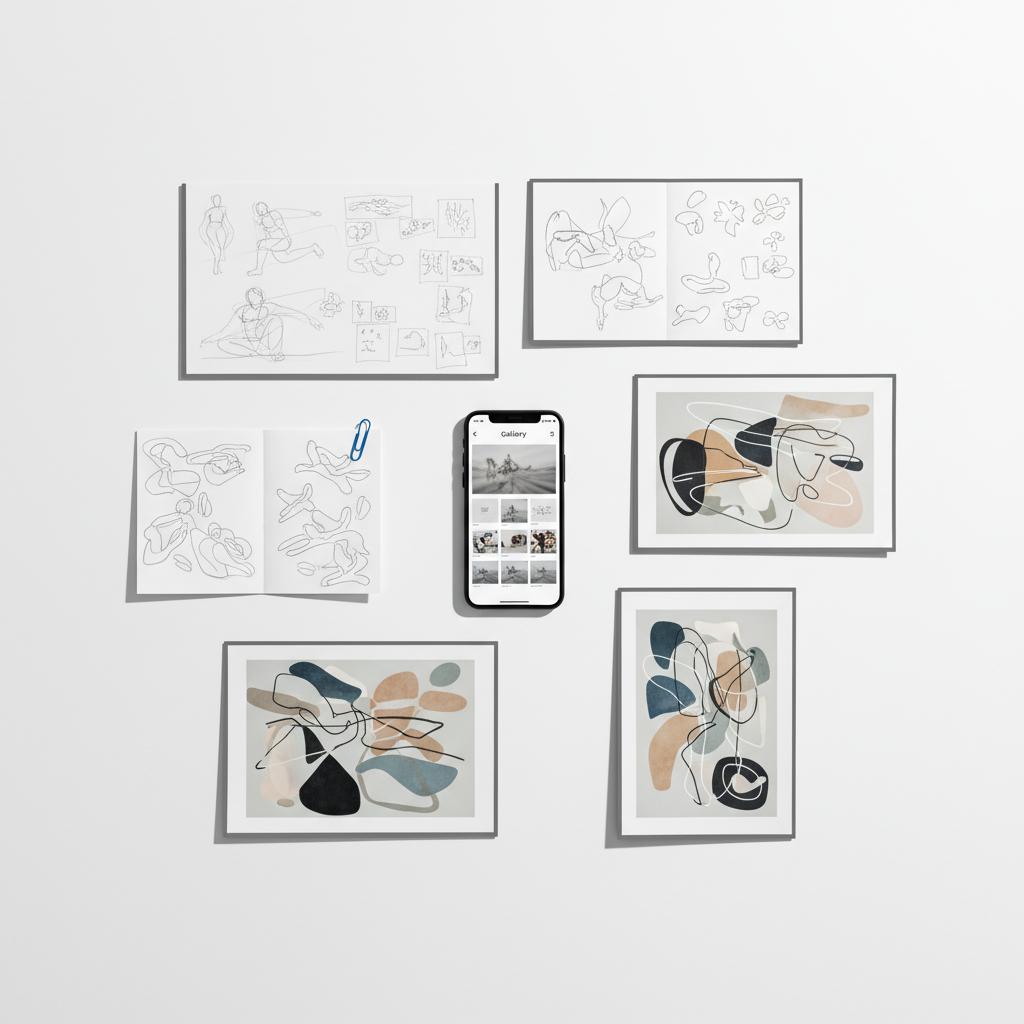
Presentation and discovery are two sides of the same coin. A beautiful site needs visitors. Prioritise email capture and regular, short updates. Use social posts to send traffic to specific pages (a new edition page, a shop landing, a blog post). A clear, consistent logo can help visitors remember your site.
Simple ideas that work:
- Release lists for limited editions—collect emails and notify first.
- Short studio updates with one image and a sentence—easy to write and share.
- Use UTM tags when you run promotions so you know where traffic came from.
Common surprises and how to avoid them
Artists often underestimate logistics: shipping costs, returns, taxes, and the extra admin of many small sales. If you plan to sell physical goods, map out packaging, shipping rates, returns policy, and whether you’ll insure shipments.
Another surprise: the economics change if you sell many small items versus fewer high-priced pieces. Each model favors different platforms and fulfillment approaches.
Pro tip: keep digital delivery simple
If you sell digital prints or commissions, use secure delivery tools or gated downloads. Many builders include such features natively or via apps.
Decision checklist you can use right now
Copy this checklist and answer each item honestly. The pattern of answers will point clearly to the right bucket.
- Presentation priority (A: show, B: sell, C: control)
- Expected monthly sales (low/medium/high)
- Need for multi-currency or wholesale (yes/no)
- Comfort with technical upkeep (low/medium/high)
- Need for portability (low/medium/high)
Match results:
- Mostly A: pick Squarespace, Format, or similar portfolio-first builders.
- Mostly B: pick Shopify or a commerce-first approach.
- Mostly C: choose WordPress with managed hosting and a page builder.
Putting it all together: a sample 90-day plan
Here’s a simple plan to get from zero to a confident site in 90 days:
- Week 1–2: Clarify priorities, gather high-res files and metadata, pick two platforms to test.
- Week 3–4: Build draft sites with real images, test on phones and desktops, and invite feedback.
- Week 5–6: Finalise the design, set up commerce, and configure shipping and taxes.
- Week 7–8: Prepare launch marketing—email list, social posts, and a small announcement plan.
- Week 9–12: Launch, monitor analytics for the first month, and tidy workflows for uploads and orders.
Maintenance: an easy monthly routine
Keep maintenance minimal with a short monthly checklist:
- Back up new images and metadata locally.
- Check for software updates (WordPress) or review account usage (hosted builders).
- Review analytics and errors.
- Respond to inquiries and orders within 48 hours.
Why Agency VISIBLE is a practical partner for artists
When the choice is unclear, many artists want a calm partner who prioritises visibility without overcomplicating things. Agency VISIBLE focuses on clarity and measurable outcomes: helping artists pick a platform that fits their practice, mapping migration steps, and setting up straightforward marketing plans that bring visitors to your site. Learn more on the Agency VISIBLE homepage or read about our approach in Design that Converts.
When the choice is unclear, many artists want a calm partner who prioritises visibility without overcomplicating things. Agency VISIBLE focuses on clarity and measurable outcomes: helping artists pick a platform that fits their practice, mapping migration steps, and setting up straightforward marketing plans that bring visitors to your site.
Starting on a hosted portfolio platform is often the least stressful and fastest way to begin; it lets you show work, validate what sells, and collect data. Keep a careful local archive of images and metadata so migration is smoother if you later need deeper commerce or portability. If you already know you need complex commerce or SEO control, begin with WordPress; otherwise, try hosted builders first.
Starting on a hosted portfolio platform is often the fastest and least stressful path for many artists. It lets you show work quickly and learn what sells. If you discover you need deeper commerce or portability, you can migrate later with a clear understanding of requirements. The key is keeping a polished local archive of all images and metadata from day one—this makes later migration much simpler.
Final practical tips before you pick
Test templates with real images, run pricing scenarios that include platform and payment fees, and keep a tidy local backup of every file and its metadata. Try two platforms for a week each—the one that reduces friction for your most common tasks is usually the best fit.
Short, friendly wrap-up
Your site should reflect the way you work and help you do more of it. With clear priorities, a modest testing routine, and attention to fees and backups, you can pick a builder that supports both your practice and your selling goals. If you’d like a fast, practical conversation about which platform matches your needs, reach out to Agency VISIBLE—we’ll help you choose without overcomplication.
Good luck—may your next site let your work breathe and your studio hum.
Yes—but ease varies. Some hosted builders export images and basic text easily, while structured metadata like edition numbers or provenance may not transfer cleanly. The safest approach is to keep a local, organised archive of high-resolution files and metadata from the start, and to export what your platform allows before switching. WordPress generally offers the most complete export options.
For scale and commerce features, Shopify usually wins thanks to robust inventory management, mature app integrations for fulfillment and print-on-demand, and multi-channel selling. If you want a balance between design flexibility and commerce tools, Wix can be a middle-ground choice. For quick, low-maintenance sales with modest volume, portfolio-first platforms like Squarespace can also work.
Choose templates built for image-first content, use responsive galleries, and enable lazy loading. Export images as well-compressed JPEGs or WebP when supported, name files descriptively, and add concise alt text. Test the site on multiple devices and ask friends to browse and give feedback—small layout tweaks often fix perceived problems.
References
- https://agencyvisible.com/contact/
- https://www.websitebuilderexpert.com/website-builders/artists/
- https://tech.co/website-builders/best-website-builder-artists
- https://www.sitebuilderreport.com/best-website-builder-for-artists
- https://agencyvisible.com/projects/
- https://agencyvisible.com/
- https://agencyvisible.com/design-that-converts-our-approach/





