


Is Google Business Profile really free? Short answer up front: yes — the core Google Business Profile tools are free. But like anything useful, there are optional paid upgrades around it and some bad actors who try to charge you for what should be free. This guide walks you through the facts, the traps to avoid, and hands-on steps you can use today to claim, verify and make the most of your profile.
Is Google Business Profile Free? The short answer
The question “is google business profile free” is one we hear constantly. The core features — creating a profile, claiming ownership, verifying, editing details, posting updates, uploading photos and responding to reviews — are provided by Google at no charge. Google does not charge businesses to appear on Search or Maps through a Google Business Profile. What can cost you money are optional things: Google Ads, Local Services Ads, third-party management platforms and agency support.
Why people get confused
Part of the confusion comes from the language people use. When someone says “Google charges,” they might mean the price of a managed service or an ad campaign, not the listing itself. Scammers add to the noise; they sometimes call and demand payment to “claim” or “verify” a profile. Remember: is google business profile free for the basics — but beware of anyone who claims otherwise.
If you’d like a quick, human review of your profile and clear guidance on whether paid help would be worthwhile, get a second opinion from Agency VISIBLE. They’ll show practical fixes you can do yourself and explain what paid support can reliably deliver.
The rest of this article explains what Google provides for free, what costs money, how to avoid scams, and how to decide whether to spend on ads or external help.
What Google Business Profile includes for free (and what that really means)
At a basic level, Google gives local businesses the ability to be listed and discovered on Search and Maps without charge. When you set up a profile you can:

Claim and verify your business so you can control the listing.
Edit details like business name, address, phone, hours and website link.
Publish posts about offers, events and updates.
Upload photos and videos to show your location and work.
Manage reviews — reply publicly to praise and complaints.
Use insights to see how people found your listing and what actions they took.
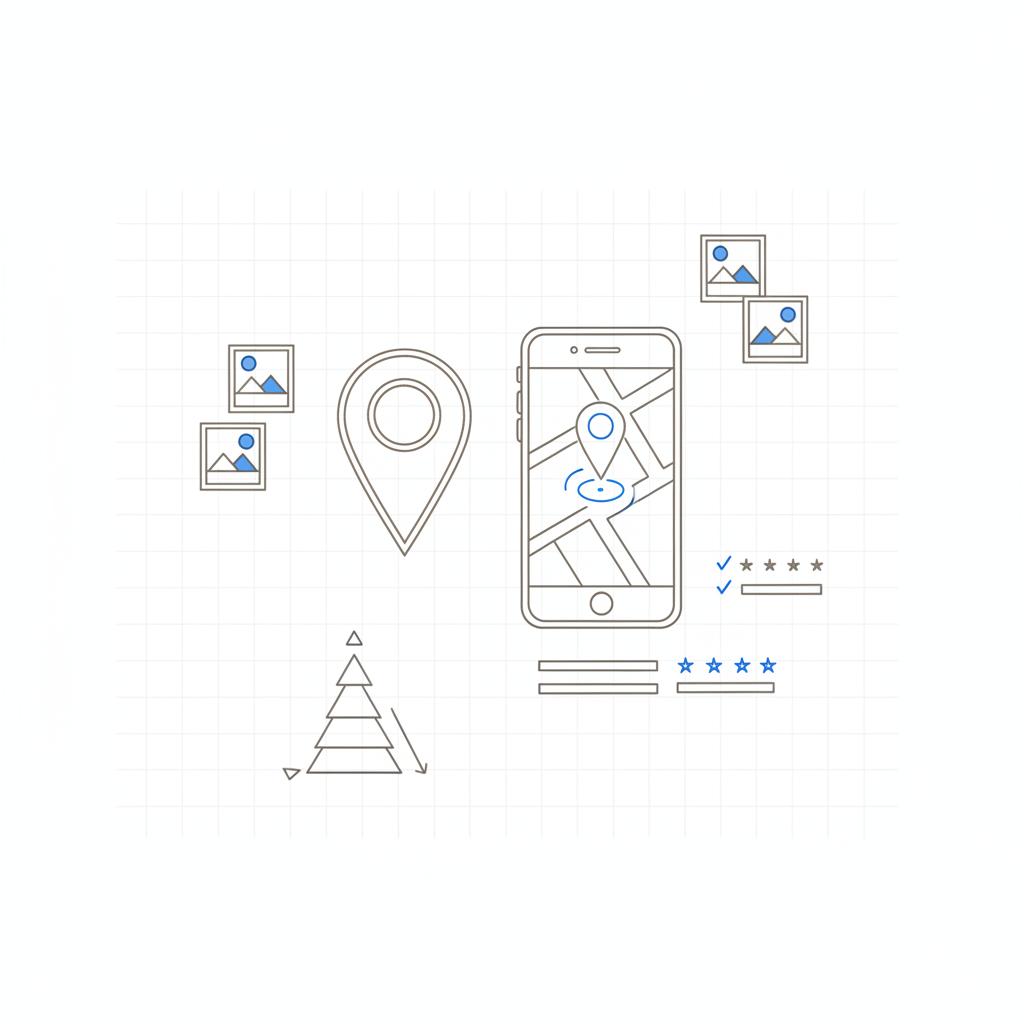
All of this is included without a fee. If your goal is simply to appear on Search and Maps with accurate information, then is google business profile free — yes, entirely free for that purpose. A clear logo helps users recognize your business at a glance.
But free doesn’t mean effortless
A listing that is created and left alone won’t drive as much business as one that’s kept fresh. Good, active listings often get more clicks and calls. That’s why some businesses invest — but those investments are optional.

What costs money and why
Understanding where money can enter the picture helps you make decisions without panic. The main paid items connected to a GBP are:
Google Ads and Local Services Ads
These are ad products that increase visibility. Google Ads displays in search results and is charged per click (PPC). Local Services Ads charge per lead. Both are optional and separate from the free profile. If you need immediate top placement or want to guarantee a presence for competitive terms, paid ads are the right tool – but they are not required to have a listing.
Third-party platforms and software
Platforms that help you manage reviews, schedule posts, sync listings across directories, or integrate bookings might charge monthly fees. They add convenience and automation, but they are vendor costs – not fees from Google.
Agencies and freelancers
Hiring someone to manage your GBP can save time. Agencies often charge monthly retainer fees or project fees. A good agency clearly separates what Google provides for free from their service fees. If you hire help, insist on a written scope and keep ownership of the Google account if possible. For examples and case studies, see Agency VISIBLE’s projects.
Common scams and misleading pitches (what to look out for)
Scammers exploit confusion. Here are red flags:
Unsolicited calls or emails demanding payment to claim or verify your profile.
Anyone asking you to read a verification postcard or code over the phone.
Offers that guarantee the top spot in local search for a one-time fee.
If a caller claims to be Google and asks for money, hang up and verify separately through https://google.com/business. You can also consult Google’s verification guide for official steps. Read reports from others who’ve been targeted, like this write-up and a community PSA on Reddit.
Step-by-step: claim and verify your profile today
Here’s a practical checklist to get you live and verified — fast.
1. Search first
On Google Search or Maps, type your business name. If a profile appears and says “Claim this business” or “Own this business?” click that and follow the sign-in prompts. If no profile appears, go to https://google.com/business and create a new profile using a Google account.
2. Use the correct business name and category
Enter the name you use in the real world and pick the category that best matches your main service. Categories matter more than flashy descriptors because they determine which queries Google considers your business relevant for.
3. Add complete and honest details
Include hours, services, photos, a clear description, and accurate contact info. A complete profile builds trust and increases the chance of clicks.
4. Choose a verification method
Common verification methods include:
- Postcard with a code mailed to your address (the most common)
- Instant verification via Search Console (if eligible)
- Phone call or SMS with a code (if available)
- Email verification (rare and only for certain accounts)
Never give your verification code to a caller. That code is for you to enter in your account.
Make sure the profile is claimed and verified under an account you control. Ownership determines who can edit details, respond to reviews, and manage access. If someone else controls the listing, reclaiming it is possible but time-consuming — start by visiting google.com/business and following the verification and ownership recovery steps.
How to make your free profile actually drive business
Think like a customer: what would you need to decide to call, book, or visit? Then make that action obvious on your profile.
Complete every field: a more complete profile gets more trust and more clicks.
Use photos: listings with photos get more engagement. Show your storefront, team, and examples of work.
Post regularly: use posts for special hours, events, and quick offers.
Respond to reviews: good or bad — people watch the way you reply.
Use booking and product links: where available, enable booking or add product listings so customers can act directly from Search.
When paying for visibility makes sense
Paying can be a smart business decision when:
You need predictable immediate visibility for high-value queries.
You operate many locations and need centralized control and reporting.
Your time is better spent running the business than managing listings.
You can calculate that paid leads justify the cost.
Example: a seasonal HVAC business may buy Local Services Ads during winter to fill the schedule. A local lawyer might run search ads for competitive keywords to appear above organic listings. These are deliberate investments – not fees Google charges to list your business.
How to choose an agency or tool without getting oversold
Use these questions when vetting agencies or vendors:
Can they show real examples and measurable results from similar businesses?
Do they clearly separate Google’s free services from their fees?
Will you retain ownership of the Google account?
How do they measure success — calls, bookings, revenue?
A good vendor will explain what they do in plain language and provide references. If any vendor insists you must pay Google to appear, that’s a firm reason to walk away.
Practical anti-scam measures every business should use
Follow these simple rules to protect your listing:
Never give your verification code to a caller.
Do not hand over account credentials; grant role-based access instead.
Keep records of ownership and any communications about the profile.
If you receive a suspicious demand for payment, verify via https://google.com/business and report the incident to Google.
Measuring success without major spend
You don’t need an expensive stack to know if your GBP is working. Use the free insights: profile views, search queries leading to your profile, clicks to call or website and direction requests. Track calls and bookings in a simple spreadsheet or using your phone system’s logs. If you manage more locations, a monthly snapshot with views, calls and bookings helps you decide whether to maintain or invest more.
Real examples that show the free profile works
Real businesses use nothing more than a free profile and steady attention to get great results:
A plumber used one clear category, two good photos and quick review replies; organic calls filled his schedule.
A family restaurant posted daily specials and holiday hours; the profile became a trusted place customers checked before visiting.
An HVAC company combined free profiles with seasonal ads to boost demand during slow months; the ads were a strategic add-on, not a replacement for the free listing.
Checklist: Quick actions you can do in 30 minutes
Follow this short checklist right now to improve your GBP:
Claim or create your profile at https://google.com/business.
Verify your listing using the postcard or eligible instant methods.
Upload 5 high-quality photos — storefront, team, work examples.
Complete services and category fields with clear language.
Publish a short post announcing a current special or update.
Reply to the most recent review — thank or answer politely.
Keeping an eye on changes in 2024–2025
Google experiments and updates often. Through 2024 there were hints about possible paid tiers or upgraded tools for small businesses. That does not change the fundamental fact that a basic Google Business Profile is free today. If Google introduces paid tiers, evaluate them like any other product: do they produce measurable leads or save time worth the price? Until then, keep doing the basics well.
Frequently asked practical questions
Is Google Business Profile free in 2024?
Yes. According to Google’s Help Center, creating, claiming and verifying a Google Business Profile is free in 2024. Optional services like Google Ads and Local Services Ads are paid.
Do I have to pay to appear on Google Maps?
No. A basic presence on Maps through GBP is free. Paid ads can boost placement, but they are optional and separate.
What if someone asks me to pay to claim or verify my profile?
Don’t pay. That’s a scam sign. Claim and verify yourself through https://google.com/business and report suspicious callers to Google.
Need help deciding whether to DIY or hire an expert?
Want help deciding whether to keep doing this yourself or hire help? Get a clear recommendation and a no-pressure review from Agency VISIBLE — they’ll show what you can do yourself and what paid help would add. Book a quick consult to get a practical action plan.
Final notes and a practical action plan
Remember the core truth: is google business profile free for the essential listing features. You don’t have to pay Google to appear on Search or Maps. If you pay, make sure it’s for a real business outcome: more predictable leads, time saved or centralized control across locations. Guard your verification codes, keep ownership of your account, and make small improvements regularly — those low-cost steps often deliver the best return.
Take one small step today: claim or verify your profile, upload a handful of photos, and respond to one review. Those actions cost nothing and often produce real, measurable results.
Yes. According to Google’s Help Center, the core features of a Google Business Profile — creating, claiming, verifying and maintaining a profile — are free in 2024. Optional services like Google Ads and Local Services Ads are paid and separate from the free listing.
No. A basic presence on Google Maps through a Google Business Profile is free. Paid advertising can boost visibility or secure top slots, but it is not required for a business to appear on Maps or in Search results.
Do not pay. That’s a red flag for a scam. Claim and verify your profile through google.com/business or the prompts in Search and Maps. Never give verification codes to callers who ask for them. If you receive a suspicious solicitation, report it to Google and secure your account.
References
- https://agencyvisible.com/contact/
- https://www.reddit.com/r/SEO/comments/1fnnizg/psa_please_dont_fall_for_this_common_google/
- https://www.preferredsys.com/blog/dont-fall-for-the-google-business-profile-scam.html
- https://support.google.com/business/community-guide/342311022/how-to-verify-your-google-business-profile-everything-you-need-to-know-about-google-verification?hl=en
- https://google.com/business
- https://agencyvisible.com/projects/
- https://agencyvisible.com/





