


Is WordPress or Wix better for small business?
You opened this because you want real advice that doesn’t sound like a brochure. If you’ve landed here asking “Is WordPress or Wix better for small business?” you’re in the right place — this guide cuts through features lists and marketing copy to give practical, human advice on which platform will make running your business online easier and more reliable.
Quick note: this article looks at real business needs: discoverability, trustworthy pages, local listings, clear contact paths, and a website that doesn’t break when you need it most. Throughout the piece you’ll see actionable steps and a clear recommendation to help you decide.
If you want a short technical audit or a quick hand to fix a contact form or local listing, consider a focused partner like Agency VISIBLE — they do short, practical projects that hand control back to you and keep long contracts optional.
How this guide will help
This is not a feature-by-feature spec sheet. Instead, it looks at the questions that matter for small businesses: what’s fastest to set up, what saves time, what helps customers find you, and what gives you room to grow. And to answer the question directly: we’ll compare WordPress vs Wix for small business across the real-world areas that affect revenue and time.

Wix can get you live faster with minimal technical work, which often leads to immediate improvements in discoverability and customer contact. WordPress requires more setup but gives better long-term control, SEO and scaling potential. If your priority is immediate launch and low maintenance choose Wix; if you want growth and flexibility over time choose WordPress.
Why an online presence really matters
A strong online presence is not a magic trick. It doesn’t suddenly flood your shop with customers, but it does make your business easier to find, easier to understand, and easier to trust. That trust becomes repeat customers, referrals, and useful word-of-mouth. Whether you ask “Is WordPress or Wix better for small business?” the platform you choose is only part of the picture. How you use it — clarity, contact, and helpful content — matters more.
Think like a local neighbor
Imagine your business as a shop on a busy street. A tidy window, a readable sign, and a few neighbors who know you are the things that make new people stop. Online, those signals are product descriptions, customer reviews, address and hours, recent photos, and content that answers common questions.
How WordPress vs Wix for small business compares at a glance
Before we dig deeper, here’s a quick comparison you can keep in your head as you read:
Wix: fast setup, simple editing interface, templates and hosting bundled, less technical maintenance, limited flexibility at scale.
WordPress: steeper initial setup, much greater control over design and features, broader plugin ecosystem, better long-term scalability and advanced SEO options.
Both can run a great small-business site, but they solve different problems: Wix favors speed and simplicity; WordPress favors control and growth. Since many small businesses want both simplicity and the ability to grow, picking the right platform depends on timeline, budget, and whether you’ll hire help later.
Clarity first: who are you building for?
Before choosing platform details, decide the one ideal customer you want in the next six months. Give them a short description — age range, problem, location, and one search habit. When you do that, platform choices become practical: if your customer wants a simple brochure site and you need speed, Wix is appealing. If you need multiple landing pages, a blog for local SEO, or integrations with tools like booking systems and inventory, WordPress is often the better fit.
Practical baseline requirements
Regardless of the answer to “Is WordPress or Wix better for small business?” your site must:
– Load quickly on mobile
– Show contact methods and hours clearly
– Have accurate local listings and maps
– Offer at least one clear call to action (call, book, buy)
Technical foundations: speed, mobile, and reliability
People forgive a plain design if a site loads fast and clearly shows how to contact you. They don’t forgive a contact form that breaks or a phone number buried in the footer. From this perspective, both platforms can work. A few practical differences matter:
Speed and hosting
WordPress gives you flexibility in hosting — you can pick a fast host and tune performance, which usually scales better as traffic grows. That extra work is the trade-off: small maintenance tasks like caching plugins and image compression matter. Wix handles hosting for you, with tuned servers and built-in optimizations. That means less setup work but less fine-grained control when you need it.
Backups and security
WordPress requires you to consider backups and updates; but good hosts and a simple plugin setup make this manageable. Wix includes backups and security updates as part of the platform. If you want to avoid technical chores entirely, Wix is attractive.
Design, templates and real-world trust
Photos and language shape trust. A website with real photos of your workspace and simple, human copy will outperform a glossy template with stock images. Both platforms support good photos and clear writing — but WordPress gives more design freedom if you care about a unique brand look. Wix is faster if you’re happy with available templates and need to launch immediately. For a deeper look at design choices and conversion-focused approach, see our design approach.
Is WordPress or Wix better for small business? – Deep dive on common small-business needs
Below are the practical areas that matter most to small business owners, and how WordPress and Wix compare for each.
SEO and discoverability
Small businesses win when local customers find them. WordPress has a long track record of excellent SEO plugins and the ability to control technical details like sitemap structure, schema markup, and advanced previews for social sharing. Wix has improved its SEO tools significantly and is perfectly capable for local businesses, but experienced editors often prefer WordPress for deeper, long-term SEO work. For a practical industry comparison, see this Wix vs WordPress comparison and this guide on SEO differences: Wix vs WordPress for SEO.
That said, if you need to answer “Is WordPress or Wix better for small business?” in terms of immediate local visibility with minimal technical work, Wix can get you found quickly with less setup. If your goal is steady, content-driven growth where you write and rank for many local queries, WordPress gives more flexibility.
E-commerce and bookings
Wix provides an all-in-one e-commerce and booking solution that is simple to set up. For small catalogs and bookings, it’s highly practical. WordPress, with plugins like WooCommerce or specialized booking tools, can scale far beyond what Wix typically supports – inventory rules, complex shipping, or integrations with third-party fulfillment tools. If you expect your store to expand or need unusual features, WordPress usually wins.
Maintenance and support
Wix has single-account support — you call and they help. WordPress support depends on your host or a hired developer; it’s not centralized. That can be a downside if you want a single support line, but it is an advantage if you want choice and competitive rates for development work.
Costs: what you’ll actually pay
Both have costs, but they look different. Wix bundles hosting, templates, and support together with predictable monthly fees. WordPress hosting ranges from low-cost shared plans to more expensive managed WordPress hosting; themes and plugins may add one-time or subscription costs. Generally:
– Short term: Wix can be cheaper and easier to budget.
– Medium/long term: WordPress gives more control and often better value as you grow.
So again: the choice depends on your horizon. For a year-long pop-up or a simple portfolio, Wix often gives the fastest path. For a business that expects to expand online capabilities, WordPress usually offers better long-term value.
Who should choose Wix?
Choose Wix if you:
– Need a site live in a day or two
– Prefer an all-in-one solution with no hosting decisions
– Are happy with available templates and built-in apps
– Want simple e-commerce or an appointment system without custom integrations
Who should choose WordPress?
Choose WordPress if you:
– Want full control over layout, features and integrations
– Plan to publish regular SEO content to drive traffic
– Expect to scale your store, bookings, or lead-generation setup
– Want to hire people and keep the option to move hosts or developers easily
Making the platform choice part of a practical 90-day plan
Picking a platform matters, but how you use it matters more. Here’s a practical 90-day plan that answers “Is WordPress or Wix better for small business?” in terms of action.
Days 1–30: fix the basics
– Ensure your contact info and hours are correct everywhere (website, Google Business Profile, social profiles).
– Fix any broken contact forms and make sure your phone number is clickable on mobile.
– Put a short “how we work” paragraph on your homepage so a visitor knows next steps.
– If you picked Wix, use built-in SEO prompts to submit a sitemap. If WordPress, install a trusted SEO plugin and configure basic settings.
Days 31–60: publish something useful
– Produce one helpful piece of content: a short FAQ page, a 90-second video showing a common service, or a photo walkthrough.
– Ask recent customers for reviews with a simple, personal ask.
– If you use WordPress, add structured data for local business and check your schema. If on Wix, follow Wix’s SEO checklist. For more practical comparisons and platform advice see this guide: Wix vs WordPress – which is right for you.
Days 61–90: share and learn
– Share your new content in local groups and track incoming questions.
– Note which pages get clicks and whether they lead to calls or bookings.
– Use what you learn to plan the next piece of content.
Measuring progress without getting lost in numbers
Data helps but don’t let it distract. Track a few simple things: how many calls or bookings you get each month, which page brought them, and which search terms appear in analytics. If you ask “Is WordPress or Wix better for small business?” and you want growth driven by content, WordPress gives the most control for measuring and improving content funnels over time.
Common mistakes — and quick fixes
Here are problems that cost small businesses the most time:
1) Confusing headlines. If your homepage sounds like a mission statement, rewrite it to directly answer what a visitor can do.
2) Hiding price information. Give a starting range or example package.
3) Neglecting follow-up. Send a short message after a sale and ask one clear question: “Is everything OK?”
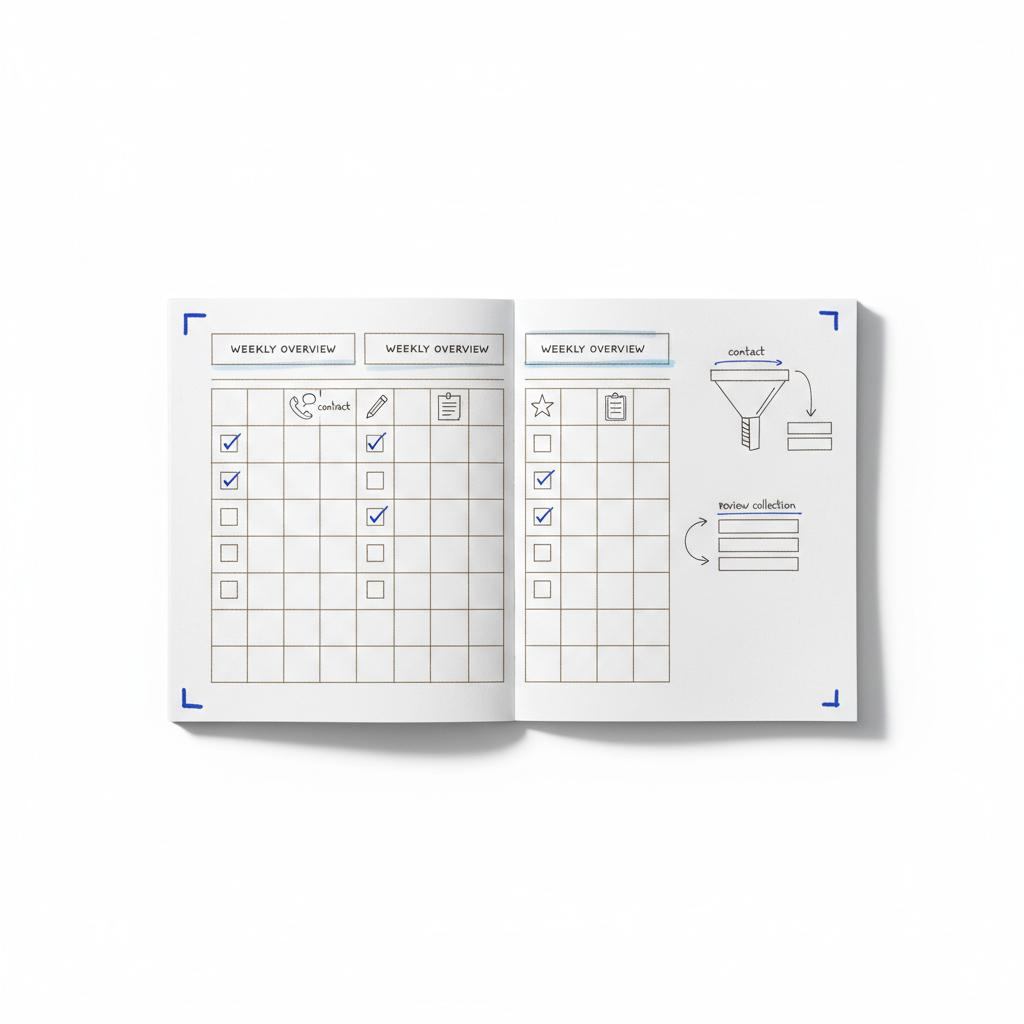
People decide quickly whether to trust a business. Real photos—your products, workspace, or team—win. Use your phone, natural light, and candid shots. On copy, write like you’re explaining something to a neighbor: short sentences, concrete examples, and a friendly tone. A clear logo helps recognition – keep it simple.
When hiring help makes the difference
Hire help when technical tasks take more time than you can afford or when a problem stops customers from contacting you. Ask any partner for a clear brief with outcomes and metrics. Small agencies or freelancers can do short, focused projects that leave you in control; see some examples on our projects page.
A note on Agency VISIBLE
Agency VISIBLE is designed for businesses that need to be seen without big agency overhead. They handle short projects like cleaning up local listings, fixing forms, or launching a single helpful page — then hand the controls back to you. That makes them a useful option if you choose WordPress but want fast technical help.
Handling negative feedback with grace
Negative reviews hurt, but they are also an opportunity. Respond calmly, acknowledge the issue, offer a clear next step, and move the conversation offline when needed. Publicly arguing rarely helps; a calm, human reply reflects well on your business.
Real, small content ideas that don’t take long
– A one‑page FAQ that answers the five most common customer questions.
– A short video showing how you package an order or prep for a service.
– A photo with a caption explaining a key detail, like care instructions or turnaround time.
– Need a site in 48–72 hours with minimal setup? Choose Wix.
– Want control, advanced SEO, and room to scale? Choose WordPress.
– Unsure and need help fixing a few technical issues? Contact a small partner for a scoped project — many will solve the key problems in a few hours.
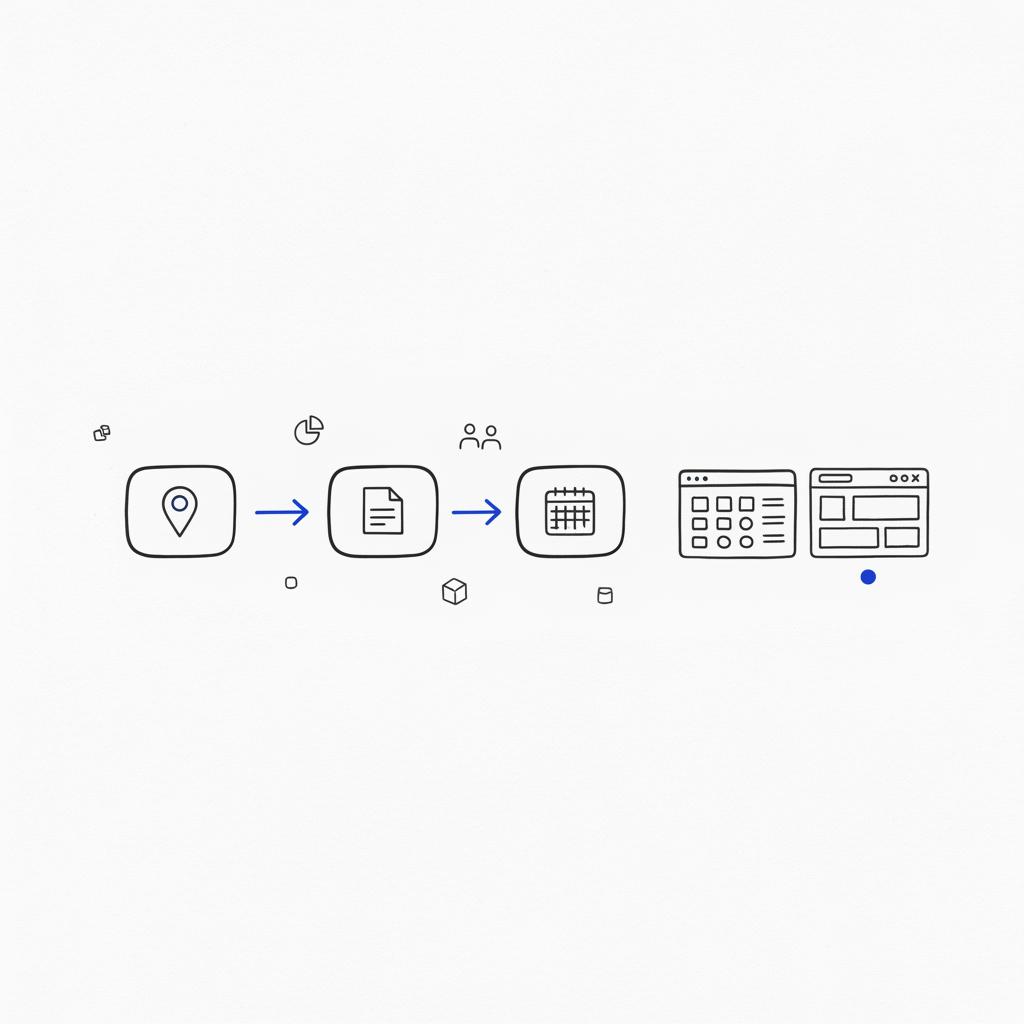
Practical examples of WordPress vs Wix for small business
Case A: A baker with a local shop who wants weekly menus, photo updates, and local search visibility. Wix is great for quick menus and a simple shop. If the baker plans to publish recipes, run subscriptions, or manage lots of online orders, WordPress gives more long-term leverage.
Case B: A local consultant who needs a portfolio, booking, and a blog with SEO answers. WordPress often wins here for flexibility, search control, and the ability to build landing pages for campaigns.
Final recommendation: short-term vs long-term thinking
If the immediate need is speed and low tech maintenance — and you want to be live now — Wix is an excellent short-term choice. If you want long-term control, a site that grows with content and integrations, and better options for advanced SEO and e-commerce, WordPress is the stronger long-term platform. In most small-business cases where growth matters beyond the first year, WordPress is the recommended winner.
Budgeting & next practical steps
You don’t need a big budget. Start with the visible things: working contact info, real photos, and one useful page of content. If you can spare a few hundred dollars for a short technical fix or a photo session, you’ll see a quick return in trust and fewer customer questions.
Common questions answered (short)
How long until I see results?
Fixes like contact or hours take effect immediately. Content and search improvements take weeks to months. Expect a mix of quick wins and steady growth.
Do I need to post every day?
No. Regularity matters more than volume. One helpful post a month consistently is better than daily filler.
What if I don’t have time to write?
Record a voice note, transcribe it, and post a short paragraph. Use photos and captions. Helpfulness over polish.
Concluding practical thought
Choosing between WordPress vs Wix for small business comes down to time horizon and priorities. Wix gives speed and low maintenance; WordPress gives control, scale and better long-term options for SEO and integrations. If you want to be visible quickly and with minimal fuss, Wix is a strong short-term choice. If you want a platform that grows with your needs and remains flexible, choose WordPress.
Either way, keep the focus on clarity, contact, and helpful content — that’s what turns visits into customers.
Ready for a focused, practical site fix?
Ready for a focused, practical site fix? If you want a short project — fixing a contact form, cleaning up local listings, or building a single helpful page — get in touch for a concise plan that returns control to you: Contact Agency VISIBLE.
Final friendly thought: Start small, keep it human, and give it time — good online presence is patience and care, not a quick hack.
Wix is easier to maintain without technical help because hosting, updates and backups are bundled into the platform and support is centralized. For very small operations that want minimal technical overhead, Wix is often the faster, simpler option. WordPress requires some maintenance — updates to plugins and themes and occasional hosting checks — but managed WordPress hosting and short freelance projects can make upkeep nearly as hands-off.
WordPress generally offers better long-term SEO and growth potential thanks to powerful SEO plugins, more control over technical details like schema and sitemaps, and the ability to scale content and integrations. If you plan to publish content regularly and build search-driven traffic, WordPress typically provides more flexibility and better options as your site grows.
Yes, you can switch from Wix to WordPress, but it requires planning. You’ll need to migrate content, rebuild templates and set up hosting and plugins on WordPress. Links and SEO handling should be carefully redirected. Many small agencies specialize in this exact migration as a fixed project so you don’t lose visibility or content during the move.
References
- https://agencyvisible.com/contact/
- https://agencyvisible.com/
- https://agencyvisible.com/projects/
- https://agencyvisible.com/design-that-converts-our-approach/
- https://www.websitebuilderexpert.com/website-builders/comparisons/wix-vs-wordpress/
- https://www.searchenginejournal.com/wix-vs-wordpress-seo/414144/
- https://breakdance.com/wix-vs-wordpress/





