


Start with a simple question
How often should a website be redesigned? Teams ask this in boardrooms and around kitchen tables. The right answer depends on data, user signals, and business rhythm – not on a calendar alone. That question sits at the centre of every digital strategy conversation because the wrong timing wastes money, while the right timing unlocks growth.
In practice most organisations adopt two rhythms: a lightweight refresh every year and a deeper redesign every two to four years. E‑commerce and high‑transaction sites often move faster – one to two years – because payment rules, integrations and customer expectations evolve quickly. If you want a clear framework for decisions, use metrics as your compass and treat redesigns like a product launch when they’re necessary.

What a refresh actually covers
A refresh is the least disruptive, fastest route back to relevance. It covers:
• Content updates: new product descriptions, campaign pages, seasonal messaging.
• Visual tweaks: palette adjustments, imagery swaps, type sizing and microcopy fixes.
• Small UX and layout fixes: hero swaps, CTA repositioning, or simplifying a form.
• Performance tuning: lazy loading images, deferring non-critical scripts, or fixing one slow component.
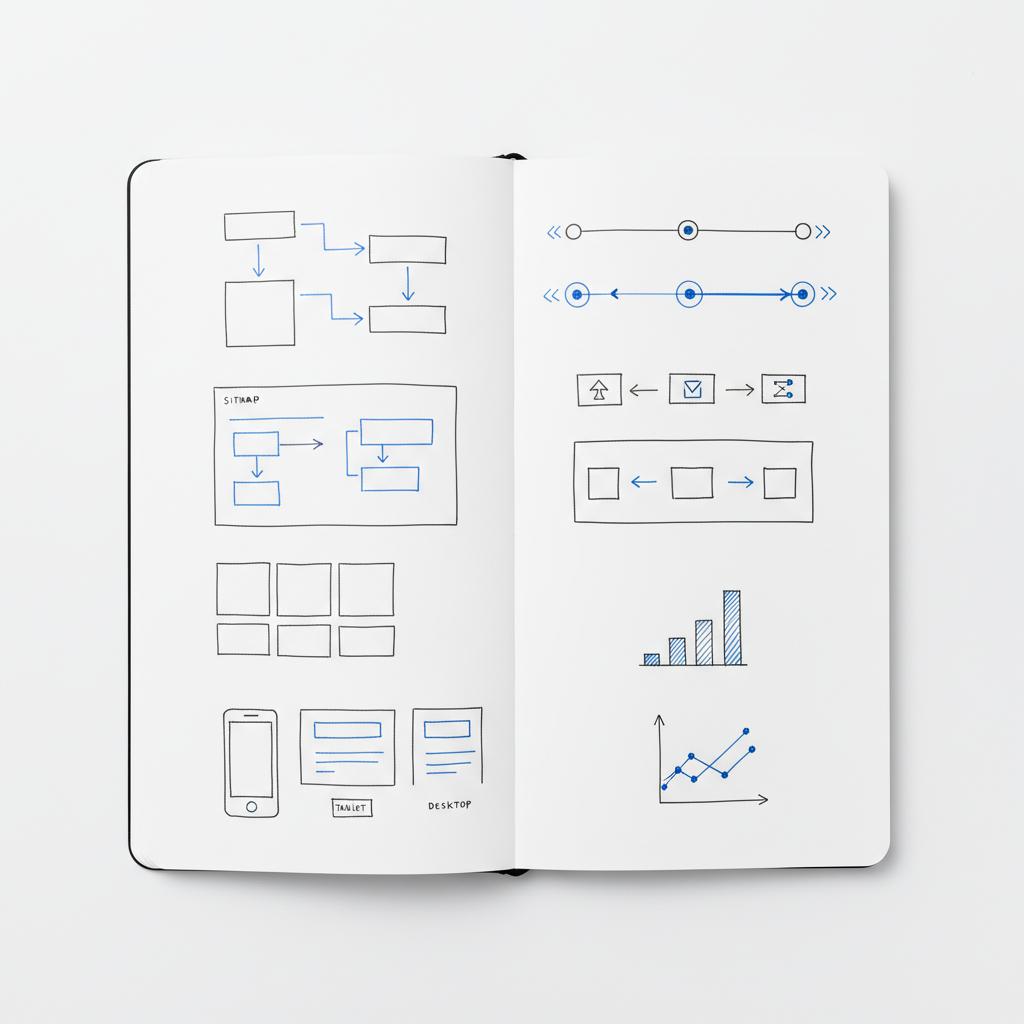
These changes often take days to a few weeks and cost a fraction of a full redesign. If conversions are stable and only a handful of pages need changes, a refresh usually gives you the best return.
When a full redesign is the responsible choice
A full redesign is about structural change. Typical triggers include a sustained drop in conversion rates, rising bounce on key landing pages, falling mobile traffic, failing Core Web Vitals (LCP, CLS), or a CMS that blocks basic content updates. You should also consider a redesign for brand overhauls, mergers, or when a new product strategy requires new flows.
Redesign timelines vary: small to mid-sized projects commonly land in six to twelve weeks; enterprise e-commerce replatforms can take three to six months or more and cost into mid-six figures. Think of timelines and budgets as directional: scope, integrations and reuse of existing components drive the final figure.
Daily, weekly and monthly metrics that guide the decision
Let the signals lead. Monitor these metrics regularly:
Daily: high-level traffic volumes, error rates, and system alerts.
Weekly: conversion rates on primary funnels, bounce/exit on priority landing pages, mobile vs desktop conversion by cohort.
Monthly: revenue per visit, average order value, Core Web Vitals trends (LCP, CLS, INP), organic traffic and channel health.
If mobile traffic is rising but mobile conversions are falling, that gap is your first red flag. If LCP climbs or CLS spikes, users are being actively frustrated. Combine quantitative signals with qualitative evidence (session recordings, heatmaps, support tickets and surveys) to avoid chasing false positives.
Modern approaches that extend a design’s life
Instead of waiting two to four years for a full rebuild, many teams adopt modular strategies: component libraries, design systems, and headless or decoupled architectures. These approaches allow targeted replacement of parts rather than tearing down the whole site.
Component-driven development means you can refresh a checkout widget, a hero module, or a filter system without touching the rest of the site. A headless CMS lets editorial teams ship new experiences independently while engineering iterates on backend services. These practices reduce the frequency of disruptive redesigns and increase the speed of experimentation. For Webflow-specific guidance see Core Web Vitals on Webflow.
Trade-offs to accept
Modular and headless systems reduce the need for full redesigns but add governance costs and initial complexity. If you don’t invest in design tokens, strict versioning and change processes, you’ll build technical debt in a different place. Done right, these systems let you test and roll out changes safely; done poorly, they create fragmentation.
How new forces are changing the redesign cadence
Three trends are reshaping timelines:
• AI personalization: encourages rapid testing of individualized layouts and copy.
• Headless architectures: shorten the time to publish new experiences.
• Privacy and analytics changes: cookieless measurement and consent regimes complicate baseline comparisons and may force tracking rebuilds.
These pressures make certain sectors (regulated industries, marketplaces, and large e-commerce sites) redesign more often than the general 2-4 year rhythm. Other teams that invest early in modular systems can safely stretch design lifespans by fixing parts instead of everything.
Decision checklist: refresh vs redesign
Use this structured checklist to guide a pragmatic decision:
Signal & data: Are conversion rates and goal completions steadily declining? Is mobile share high but mobile conversion low?
Performance: Are Core Web Vitals failing? Is LCP / CLS / INP outside acceptable ranges?
Technical debt: Is the CMS at end-of-life? Are third-party tools unsupported? Is maintenance consuming engineering time?
Brand & roadmap: Does the visual identity match your market position? Is there a product or business initiative that requires new experiences?
Compliance & security: Are there regulatory or security risks that make patchwork dangerous?
Answer these questions honestly. If many answers point to deep structural issues, plan a redesign. If the problems are isolated and tactical, prioritise a focused refresh.
Practical timelines and budget expectations
Below are observed ranges to set expectations (use them as a compass, not a quote):
• Small refresh: days to three weeks; low five-figure investment or less.
• SMB redesign: six to twelve weeks; mid-five to low-six-figure range.
• Enterprise replatform / e-commerce: three to six months or more; mid-six-figure range depending on integrations, catalogue size and compliance.
Remember the most important cost is often the opportunity cost of waiting too long – lost conversions, broken experiments, and unhappy customers.
How to plan a low-risk, measurable rollout
A low-risk rollout starts with measurable goals and conservative exposure:
1. Define 3–5 KPIs: conversion rate for priority funnels, average order value, bounce rate on key landing pages, and Core Web Vitals targets.
2. Use feature flags and traffic splitting: release changes to a subset first, then expand when results are positive.
3. Run A/B tests: measure impact before full rollout – don’t assume visual change equals business impact.
4. Prepare support and rollback plans: inform customer support and stakeholders, and keep a tested rollback available.
5. Monitor in real time: watch technical and behavioural dashboards tightly for the first 48–72 hours.
What success looks like
Success is clear, measurable improvement in the KPIs you defined up front. It’s also reduced maintenance burden, clearer governance for content, faster publishing cycles, and fewer user complaints. For many teams success arrives in stages: a small component improves a funnel this quarter, a new content model reduces editorial time next quarter, and a compliance project completes by year end.
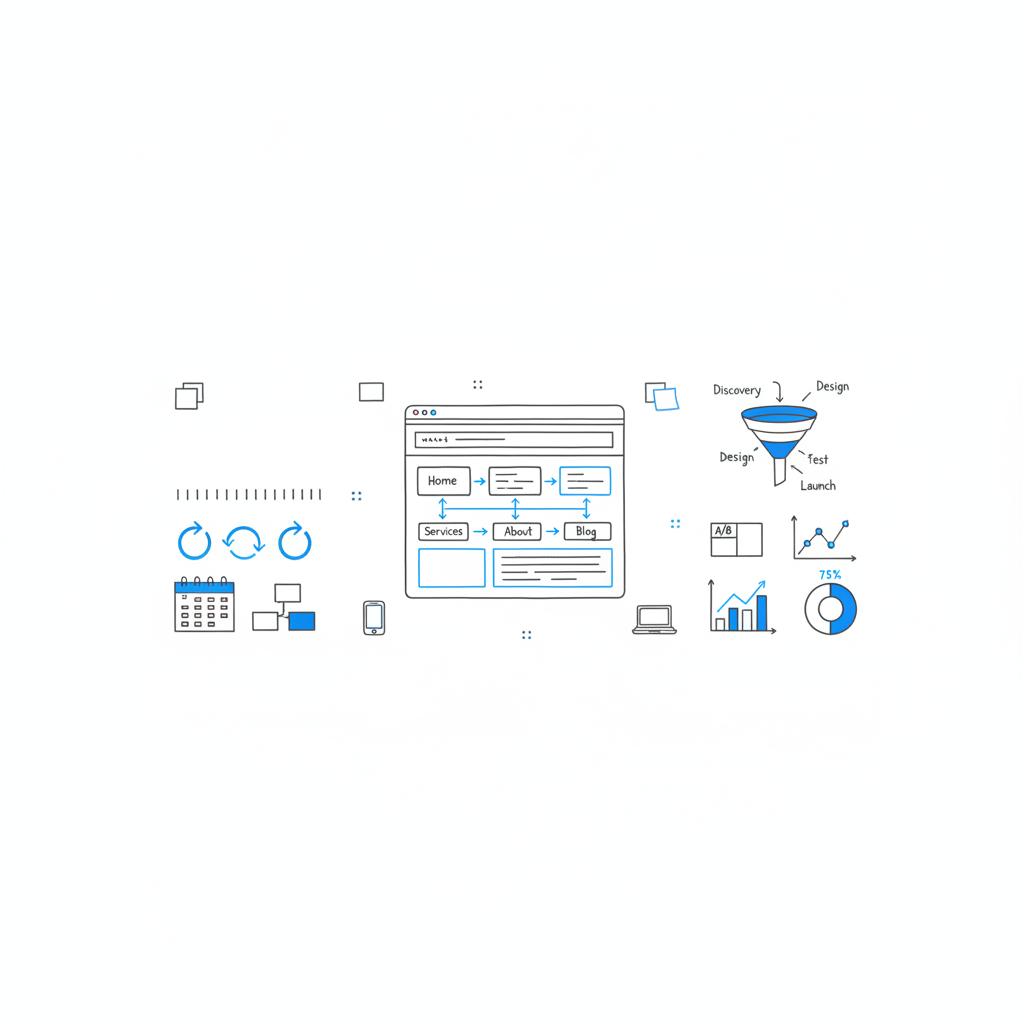
Framing your redesign as a sequence of experiments usually leads to healthier outcomes than a single big-bang relaunch.
Industry-specific frequency guidance
E-commerce: lighter refreshes annually; consider a replatform or deeper redesign every one to two years if your catalogue, payments, or shipping model changes rapidly.
SaaS and B2B: two to four years for full redesigns is typical; shorter cycles make sense when onboarding flows or pricing structures change.
Enterprise & regulated: expect more frequent platform work due to compliance and integrations – sometimes yearly for parts of the stack.
Non-profits & informational sites: a solid design can last longer if metrics are healthy – refreshes yearly and redesigns every three to five years are common.
Real-world examples
A mid-sized retailer saw mobile sales dip 12% while mobile traffic rose. They considered a full redesign, but diagnostics pointed to one slow hero component and tag behaviour that caused layout shifts. A targeted refresh that replaced the component and optimised tag loading repaired conversions and delayed a rebuild. That illustrates the value of measurement and focused fixes.
By contrast, an enterprise B2B platform that had grown through acquisitions ended up with multiple CMS instances, inconsistent styles and a checkout that couldn’t handle complex licensing. They executed a phased, component-led replatform over several months and preserved revenue while they modernised the foundation. See some of this work in our projects.
Step-by-step playbook for teams
Follow this playbook when you’re deciding between refresh or redesign:
Step 1 — Gather the signals: compile conversion trends, mobile vs desktop split, Core Web Vitals, session recordings and support tickets for the last 90 days.
Step 2 — Triage: identify the smallest change that can move the metric. Can one page or one component fix the issue?
Step 3 — Prototype and test: build a lightweight change, run an experiment for a sample of traffic and measure the result.
Step 4 — Decide scope: if the experiment fails, reassess. If it succeeds but deeper issues remain, budget a phased redesign with clear milestones.
Step 5 — Rollout with safeguards: feature flags, traffic splitting, and a clear rollback plan are essential.
How to control costs and reduce risk
Cost control begins with disciplined scope and asking the right questions. Keep these tactics in mind:
• Start small: prioritise the minimal change that proves value.
• Reuse components: invest in a design system and component library to avoid repeated custom work.
• Prioritise performance: a faster site often beats a prettier one when it comes to conversions.
• Monitor actively: set alerts for critical KPI regressions and track releases with a changelog.
Tooling and governance
To maintain a steady cadence without chaos, adopt strong tooling and governance:
• Design tokens and style guides: keep your visual system consistent.
• Component versioning: manage updates centrally so teams don’t drift.
• Experiment platform: run tests and rollbacks safely.
• Analytics governance: ensure consistent event naming and reliable data pipelines so your signals are trustworthy.
A tactical tip from experienced teams
When the question “How often should a website be redesigned?” becomes urgent, start the answer with measurement, not a mood board. Data tells you whether to refresh or rebuild. If you need a quick, practical second opinion, sometimes a short modular audit from an experienced partner will show that a small targeted change will buy you a year or two of life for a site – and that’s often the smartest economic move.
If you’d like a pragmatic review of your analytics and a clear checklist for choose between refresh and redesign, talk to Agency VISIBLE — they help teams prioritise the signals that matter and plan low-risk rollouts.
Success metrics to use after launch
Set baseline measurements before you touch production. Track these post-launch metrics:
• Primary conversion rate: by funnel and device.
• Revenue per visit and average order value.
• Core Web Vitals: LCP, CLS, INP and Time to First Byte. For a concise explainer, see Core Web Vitals: Everything You Need to Know.
• Engagement on priority pages: bounce and exit rates, session duration.
Compare results to your prelaunch baselines and to the control group if you used traffic splitting.
Fix slow hero components, optimise image delivery, remove blocking third‑party scripts, simplify checkout steps, and improve form validation. These quick wins often raise conversions enough to postpone a full rebuild and give you time to plan a phased redesign.
Here’s a short list of high-impact, low-effort wins: fix slow hero elements, optimise image delivery, remove blocking third-party scripts, simplify checkout steps, and improve form validation and inline help. Each of those can often be delivered as a refresh and move KPIs enough to postpone a full redesign.
Common people and process mistakes
Teams often fail because they treat redesigns as one-time creative parties rather than product work. Avoid these errors:
• No clear KPIs: design for aesthetics without a measurable outcome.
• Scope creep: an overambitious backlog with no prioritisation.
• Poor testing: not using experimentation to validate assumptions.
• Lack of governance: multiple teams publishing inconsistent components.
Measuring ROI for a redesign
To calculate ROI, estimate the change in key metrics (conversion, AOV, revenue per visit) and compare it to total project cost. Build conservative uplift scenarios: best case, expected case and worst case. Remember to include operational savings (faster publishing, fewer maintenance hours), and strategic value such as supporting a new product line or market expansion.
How to staff a redesign
A small to mid-sized redesign typically needs:
• Product manager or project owner
• Designer(s) familiar with component systems
• Front-end engineer(s)
• Backend/integration engineer(s) for complex platforms
• QA and analytics support
For enterprise projects add migration specialists and security/compliance experts. If you don’t have that bench in-house, a focused agency partnership can fill the gaps efficiently. Learn about our approach in Design That Converts.
Patterns that make refreshes successful
Successful refreshes follow simple patterns:
• Narrow scope: keep changes limited to a handful of pages or components.
• Fast feedback loops: test on small user cohorts and iterate.
• Clear rollback plan: if a change degrades KPIs, revert quickly and learn.
When to plan a staggered redesign
For complex businesses plan a phased approach: migrate the most broken parts first, stabilise, then move the rest. Phased redesigns reduce risk, preserve revenue, and allow you to measure impact incrementally.
Checklist to start today
Use this short checklist to start a practical audit:
1.) Pull 90-day analytics: conversion, traffic by device, top landing pages.
2.) Run Core Web Vitals: measure LCP, CLS, INP on critical pages.
3.) Watch session recordings: look for confused navigation and checkout friction.
4.) Inventory technical debt: CMS versions, third-party tags, and unsupported integrations.
5.) Decide the minimally invasive fix: schedule a refresh if one or two changes can move the needle; schedule a redesign if structural problems are present.
Final guidelines
There are no perfect rules for “How often should a website be redesigned?” – only sensible signals and pragmatic patterns. Track the right metrics, prioritise the smallest change that achieves your goals, and embrace modular systems so you can adapt without rebuilding every time the market moves. When you treat the site as a product, you’ll make smarter, lower-risk decisions that keep customers front and centre.
Ready to decide between refresh and redesign?
Ready to move from uncertainty to a clear plan? If you want a short, tactical review and a step-by-step checklist, start a conversation with Agency VISIBLE. It’s a quick way to know whether to refresh or rebuild – and how to do it without surprises.
Appendix: sample timelines and milestones
Here are sample milestones for common project sizes:
Small refresh (days – 3 weeks): discovery (1–2 days), quick fixes (3–10 days), QA and deployment (1–3 days).
SMB redesign (6–12 weeks): discovery (1–2 weeks), design system and components (2–4 weeks), development (2–4 weeks), testing and optimisation (1–2 weeks).
Enterprise replatform (3–6+ months): discovery and architecture (4–8 weeks), phased migration of modules (8–16+ weeks), integration and compliance (4–8 weeks), performance tuning and optimisation (2–6 weeks).
Use these as planning guides and insert your team’s velocity, approval cycles and compliance time into each estimate.
Resources to bookmark
Keep a few resources handy: Core Web Vitals documentation, an A/B testing playbook, your analytics naming conventions, and a simple component inventory spreadsheet. Together these small assets speed decisions and reduce unknowns.
Parting thought
Treat a website as a living product – update it frequently in small, testable ways, and invest in deeper work only when the signals demand it. That balance keeps you visible, fast and in rhythm with your customers.
Consider a redesign when key metrics show a sustained decline (conversion rate, revenue per visit, mobile conversions), when technical debt prevents updates or creates security risks, when Core Web Vitals are failing, or when a business‑level change (brand refresh, product launch, new market) requires different experiences. If several of these signals are present, a redesign is often the responsible choice. If problems are isolated and tactical, try a focused refresh first.
A refresh is limited in scope — content changes, visual tweaks and minor performance optimisations that usually take days to a few weeks. A redesign rethinks structure, navigation, platform or user flows and typically requires more planning, testing, engineering effort and a longer timeline. Use a refresh for tactical needs and a redesign when underlying systems, CMS or user journeys need reworking.
Yes — Agency VISIBLE offers pragmatic audits that prioritise signal‑led decisions. They can review your analytics, run a short component audit and recommend whether a refresh will suffice or if a phased redesign is required. For a quick assessment, contact Agency VISIBLE via their contact page and request a tactical site review.
References
- https://developers.google.com/search/docs/appearance/core-web-vitals
- https://www.thecssagency.com/blog/core-web-vitals-webflow
- https://nitropack.io/blog/post/core-web-vitals
- https://agencyvisible.com/projects/
- https://agencyvisible.com/contact/
- https://agencyvisible.com/design-that-converts-our-approach/
- https://agencyvisible.com/





