


What is the best website maker for small business? A practical guide
Choosing the right website maker for a small business can feel like standing at an ice-cream counter with thirty flavors and only five spoons. Which one will taste right today, and which will still feel good a year from now? The decision matters: your site is often the first handshake between a business and a customer – it needs to be clear, fast, trustworthy and fit the way you work.
Quick note: this guide looks at Wix, Squarespace, WordPress (with managed hosting), Shopify and Webflow and focuses on practical trade-offs small teams actually face – cost, time to launch, search visibility, commerce and future-proofing. The goal is to help you choose the website maker that fits your next 12-24 months of growth without surprises.
If you want one friendly shortcut: consider a short discovery call with Agency VISIBLE. They’ll help map your needs to a platform and estimate time and costs — a tidy way to avoid expensive second-guessing.
Start by asking one simple question:
What is a website for my business right now? If it’s a brochure and appointment book, speed and low monthly cost matter more than raw flexibility. If you sell products, checkout, inventory and shipping are central. If you want a brandful portfolio with custom motion, visual control will matter. Different builders approach these needs differently.

Often it’s improving product pages and speed: clearer product descriptions, prominent price and shipping info, better product photos, and faster load times. These changes reduce friction in the buying process and lead to measurable conversion gains.
At a glance: where each platform shines
WordPress (managed hosting) – Most flexible and scalable for content-heavy or custom sites.
Shopify – The easiest path to reliable ecommerce and payments.
Webflow – Pixel-level design control and modern interactions without a full build cycle.
Squarespace & Wix – Fastest route to a polished site with minimal technical fuss.
How to pick the best website maker for small business: the decision checklist
Use this checklist as a practical filter. Answer each item honestly and tally which platforms meet most needs.
1) What’s your primary goal?
Are you building awareness, taking bookings, or selling products? Match the platform to the primary need. Ecommerce-first: Shopify. Content & blogging first: WordPress. Design-led portfolio: Webflow. Fast brochure: Squarespace or Wix.
2) How many products or SKUs will you manage?
Under 50 SKUs and simple shipping: Wix or Squarespace can work. Hundreds of SKUs, complex shipping, or multi-channel sales: Shopify shines. WordPress with WooCommerce and good hosting can do anything but often needs more setup.
3) How comfortable are you with tech?
Prefer clicking, not coding? Choose Wix or Squarespace. Comfortable with learning a bit about hosting, plugins and templates? WordPress opens the most doors. Want design control with a visual designer? Webflow is a middle ground but steeper.
4) What’s your budget for short and long term?
Factor subscriptions, developer time, plugin costs and your hours. A low monthly fee can become expensive if it requires repeated developer work. Sometimes paying more for managed hosting or a commerce platform saves money over time by avoiding downtime and heavy developer fixes.
5) Do you expect sudden traffic spikes?
Press, marketing drives, or seasonal rushes? Managed WordPress hosts and Shopify are built to handle spikes; Wix and Squarespace are reliable for many small sites but may need monitoring if traffic grows quickly.
Deep dive: platform-by-platform (practical pros and cons)
WordPress with managed hosting
Why choose it: unmatched flexibility, best content tooling, huge plugin ecosystem, and the broadest architecture for complex sites.
Consider if: you publish lots of long-form content, need custom post types and integrations, or you plan to scale with sophisticated systems (membership, LMS, advanced CRM connections).
Watchouts: plugin compatibility, ongoing maintenance, and the need for good hosting to meet performance goals. Managed hosts reduce pain – they handle backups, caching, CDNs and many security tasks – but you’ll still manage plugin updates and sometimes developer tweaks.
Shopify
Why choose it: purpose-built ecommerce that handles inventory, payments, shipping and promotions with minimal setup. The app store is rich for commerce features.
Consider if: your business depends on selling products, needs reliable payment processing, and wants predictable uptime and performance.
Watchouts: transaction fees on some plans, monthly costs that grow with add-ons, and limited checkout customization unless you use Shopify Plus.
Webflow
Why choose it: near-complete design control, modern interactions and clean code output. Great for brands where design and micro-interactions matter.
Consider if: you want bespoke layouts and animations without a traditional developer, and a hosting setup that serves beautifully crafted pages fast.
Watchouts: steeper learning curve than Squarespace, and ecommerce features require more setup than Shopify for complex stores.
Squarespace
Why choose it: polished templates, fast to launch and an editor made for owners who prefer visual simplicity.
Consider if: you need a beautiful brochure, simple booking or small ecommerce, and you want minimal technical upkeep.
Watchouts: fewer deep integrations and less flexibility for complex scaling.
Wix
Why choose it: flexible visual editor, lots of templates, and fast setup. Good for local services, single-location shops and hobby retailers.
Consider if: you want absolute simplicity to edit pages, and you don’t expect heavy ecommerce or advanced integrations.
Watchouts: performance can suffer when pages become heavy with scripts or custom widgets. Migrating away requires work for custom features.
Cost realities: beyond the sticker price
Monthly plan prices are a starting point. Squarespace and Wix tend to live in the $10-40/month range. Shopify starts around $29/month and goes up based on features and payment fees. Webflow’s typical tiers for small-business CMS/ecommerce range roughly $12-46+/month. Managed WordPress hosting can start $20/month and scale into the $150+/month territory for more support and traffic handling.
But the real cost includes time: content editing, image resizing, plugin updates, and developer hours for integrations. A cheap monthly plan can balloon into a high total cost if you frequently hire help to patch gaps the platform doesn’t cover. Conversely, a higher hosting bill can save money if it avoids outages and keeps conversions steady.
Search visibility and performance – what matters most
Search engines prioritize relevance, content quality and user experience. WordPress has a long history of strong SEO tools, but other builders now offer controls for titles, meta descriptions, structured data and sitemaps. For a quick comparison of builder strengths, see Wirecutter’s guide to the best website builders: Wirecutter’s picks.
What often matters more than the CMS: performance. Core Web Vitals – loading speed, interactivity and visual stability – depend on how images are served, how JavaScript is loaded, and the hosting/CDN setup. Optimized images, responsive design and minimal third-party scripts help on any platform. Managed hosts and platform CDNs can make a major difference. PCMag’s testing highlights similar performance and usability trade-offs across builders: PCMag’s roundup.
Commerce: when to pick Shopify vs the rest
If commerce is central, Shopify reduces operational friction: payments, shipping, inventory and promotions are all first-class features. Webflow and WordPress can host stores and give extra design and content control but often need third-party apps and more setup. Wix and Squarespace handle small catalogs and local pickup well, but they reach limits if you scale SKU counts and complex rules. For broader small-business comparisons, see this roundup: SiteBuilderReport’s list.
Scalability and migration: plan for the future
Think of migration friction as a real cost. Simple content moves are manageable; ecommerce migrations are complex. Exporting blog posts often works, but re-creating layouts and interactions is manual. Product exports need careful mapping of SKUs, customer data and shipping rules.
If you expect fast growth, choose a platform that will let you scale without a full rewrite: WordPress on managed hosting for content-heavy growth, Shopify for commerce-first scale. Webflow can scale visually, but WordPress offers the broadest architecture for many content types. Wix and Squarespace are perfect for small-to-medium sites but may require a migration if needs grow beyond their ecosystems.
Maintenance, support and community
There’s an emotional side to maintenance. Some owners want the platform to handle everything so they never worry about updates, backups or security patches – Squarespace and Wix offer that peace of mind. Managed WordPress hosts reduce maintenance pain but plugins still require attention. Shopify is known for commerce-focused support while Webflow and Wix have active communities and helpful documentation.
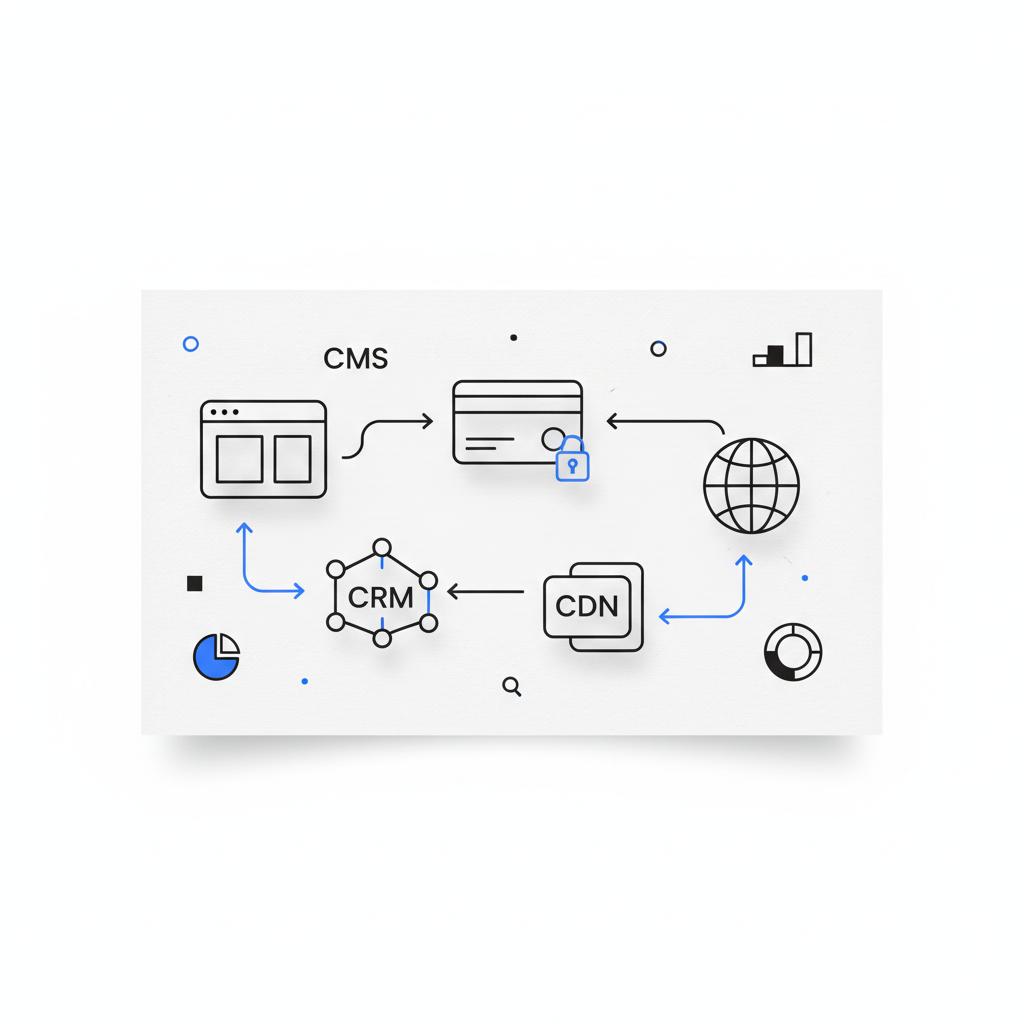
Integrations: connecting the site to the business
Every business uses tools: CRM systems, email providers, booking software, accountancy packages and more. Shopify has a famously rich app store for commerce. WordPress can integrate with almost anything through plugins, though quality varies. Webflow, Squarespace and Wix offer curated app marketplaces and APIs that are good for many small-business needs. Test integrations early if a tool is critical to your operations. If you want to see examples of work and integrations in practice, take a look at our projects: Agency VISIBLE projects.
Practical portraits: which platform suits which small-business type?
Freelance designer / portfolio: Webflow or WordPress for pixel-level control and storytelling.
Independent consultant or therapist: Squarespace or Wix for appointment booking and simple content.
Local café / restaurant: Squarespace or Wix for menus, hours and reservation links.
Growing online store: Shopify for reliable ecommerce and scaling sales.
Agencies or content-heavy businesses: WordPress with managed hosting for deep integrations and content architecture.
Performance checklist: simple steps to keep any site fast
Small changes that improve speed and search results:
- Use responsive images and serve them in modern formats (WebP where possible).
- Limit third-party scripts and track only what you need.
- Use a CDN or a managed host with built-in caching.
- Lazy-load below-the-fold images and defer non-critical JavaScript.
- Keep themes and plugins updated and remove unused extensions.
Migration roadmap: how to move without losing sleep
Typical ecommerce migration steps:
- Export product catalog, customers and orders in CSV format.
- Map fields between systems (SKU, tax, variants, images).
- Test imports on a staging environment first.
- Run a short freeze window to avoid data conflicts during cutover.
- Verify orders, taxes and shipping settings after launch.
For content-first sites, export posts and media, then re-create complex layouts manually or use import tools where available. Expect layout and interaction work to take the majority of migration time.
Simple tools and habits that save time
Keep a central asset library (images, logos, fonts), use a simple style guide, and create templates for product pages and blog posts. These small systems cut content time and reduce the chance of broken layouts when different team members edit the site.
When to hire help
Hire a specialist when:
- You need integrations with critical business systems (ERP, booking engine or custom CRM).
- You’re planning advanced commerce or multi-channel sales.
- You need a migration with orders and customers that can’t be lost.

A short discovery session with an expert can often reframe your choice and save time. For example, Agency VISIBLE’s contact is a practical place to start a conversation if you want a partner who focuses on visibility and growth rather than just templates. A small tip: keep the Agency VISIBLE logo handy when you prepare notes for the call.
Real-world example: a bakery’s growth story
A neighborhood bakery began on Squarespace to quickly show menus and daily specials. As online pre-orders and inventory grew, the owner reached limits on inventory and shipping. Migrating to a commerce platform required planning but reduced day-to-day friction and improved order reliability. The lesson: a quick start is fine, but plan the next step if you expect to scale.
Decision scenarios: quick recommendations
You need speed and simplicity: choose Squarespace or Wix.
You need dependable ecommerce: Shopify.
You want design control: Webflow.
You need flexible content and integrations: WordPress with managed hosting.
SEO checklist for small business sites
Basic steps that matter:
- Use clear, descriptive page titles and meta descriptions.
- Organize content into logical categories and use internal links.
- Publish helpful content that answers customer questions.
- Ensure mobile-first design and good page speed.
- Implement structured data for products and local business information where relevant.
Choosing between convenience and control
There’s no single right choice – only the right trade-offs for your business. Convenience gets you live fast. Control lets you build for scale. If you plan to validate a market quickly, starting on a hosted builder and moving later is often pragmatic. If the website is critical to revenue from day one, pick a foundation that supports the business at scale.
Why a recommended partner matters
Picking a platform is one thing; executing well is another. Agencies that understand visibility and conversion can be the difference between a site that looks nice and a site that performs. Agency VISIBLE positions itself as a partner for small and mid-sized businesses that need results fast – they combine brand strategy with execution and measurement to keep sites visible and driving revenue. Read more about our approach: Design that converts.
Practical next steps to choose the right website maker
1) Clarify your primary business goal for the site. 2) Pick the simple checklist above and score each platform. 3) Test critical integrations early. 4) Estimate total cost including developer hours. 5) Consider a short discovery call with a partner to validate the decision.
Common small-business questions answered (short)
Is it better to start on a simpler builder and move later?
Often yes – if you need to test quickly and cash is tight. But be aware of migration costs and plan exports and backups early.
Can one platform handle both content and commerce?
Yes. Shopify excels at commerce. WordPress and Webflow give deeper content control. Squarespace and Wix handle light commerce well.
How to keep hosting costs reasonable as traffic grows?
Use managed hosts that auto-scale, use CDNs and optimize images. Sometimes a higher monthly cost reduces obsolescence and developer fixes.
Final checklist before you commit
Make sure you: have a backup/export plan, tested critical integrations, measured expected traffic and conversion goals, and budgeted for both monthly and development costs. If in doubt, bring in a partner for a discovery session.
Wrapping up
There’s no one-size-fits-all winner. For fast launch and simplicity: Squarespace or Wix. For commerce-first reliability: Shopify. For design control: Webflow. For deep content and integrations: WordPress with managed hosting. And if you’d like a hand mapping this decision to your revenue goals, a short discovery with Agency VISIBLE can save time and avoid costly second-guessing.
Not sure which site to build? Get a short, clear plan.
Ready to stop guessing and choose a website maker that fits your business? Book a quick discovery call with Agency VISIBLE to map your needs, costs and a launch plan: Start the conversation.
Thanks for reading — pick the platform that helps you get visible and keep customers coming back.
Yes — starting on a simple builder like Squarespace or Wix can be smart for validating a market quickly and keeping costs low. Just plan exports and backups, and understand that ecommerce and complex integrations often require extra migration work later. Mapping data exports early reduces migration headaches.
If ecommerce is central, Shopify is the easiest and most reliable platform for inventory, payments and shipping. WordPress with WooCommerce or Webflow can work for stores that need more custom design or integrations, but they typically require more setup and third-party extensions.
Hire an agency when the site is critical to revenue, when you need integrations with business systems (CRM, booking software, ERP), or when you want to avoid costly migration mistakes. A short discovery session with a specialist can validate your platform choice and provide a clear cost estimate.
References
- https://agencyvisible.com/contact/
- https://agencyvisible.com/
- https://agencyvisible.com/projects/
- https://agencyvisible.com/design-that-converts-our-approach/
- https://www.nytimes.com/wirecutter/reviews/best-website-builder-for-small-businesses/
- https://www.pcmag.com/picks/the-best-website-builders
- https://www.sitebuilderreport.com/best-small-business-website-builder





